What should you check?
For dark-room local battles, begin with visibility across the seats you use, then check the gaming signal your console or PC can actually send. Treat a refresh-rate figure as a compatibility question, not a promise about every game.
| Concern |
What to check |
Who this matters to |
| Dark-room shared viewing |
Compare dark scenes in a gaming picture mode and inspect the image from the likely side seats; choose a screen size that fits the seating layout. |
When opponents appear against dark backgrounds and friends sit around the room, I want the action readable from each seat; around 42% of consumers put shared dark-room viewing first. |
| Console responsiveness |
Confirm 4K/120Hz, VRR and ALLM for the exact model and intended HDMI input, then check what the console and game support. |
If fast console play is my priority, I want the TV to accept the modes my games can output. Around 33% of consumers put console-facing gaming support first. |
| PC refresh above 120Hz |
Check the exact TV variant’s refresh mode, adaptive-sync compatibility and the signal your graphics hardware and game can deliver. |
With a gaming PC capable of higher frame rates, I would rather check whether I can use that capability than choose by the panel label alone; around 25% of consumers put above-120Hz PC support first. |
Joybuy product choices for dark-room local play
These TVs offer different screen sizes and display types for a shared gaming setup. Compare each one against your seating arrangement and intended console or PC signal rather than treating the list as a ranking of dark-scene or gaming performance.
 No image available
Samsung S90F 55-inch 4K OLED TV (2025)
Consider this 55-inch OLED model if dark-room viewing is central to your shared setup. Check which HDMI input accepts the resolution and refresh mode you intend to use, and assess the picture from your side seats.
View on Joybuy
 No image available
Hisense 65U7QTUK Pro 65-inch 4K Mini-LED TV
Consider the 65-inch screen if it fits the room and your group’s seating positions. The product title specifies a 165Hz Game Mode Ultra; confirm which signal modes your source and games can use, and assess dark scenes and side-seat viewing for yourself.
View on Joybuy
 No image available
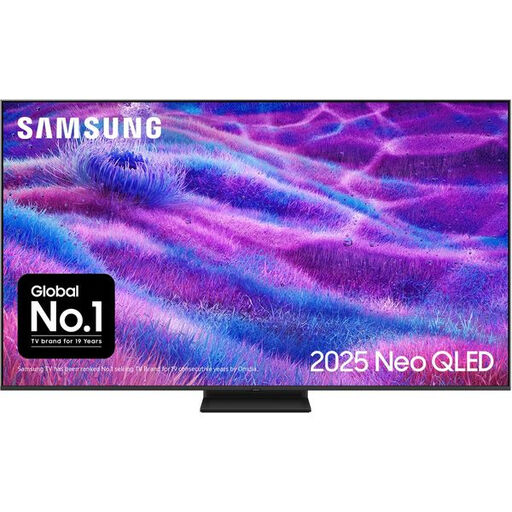
Samsung QE65QN80FAU 65-inch 4K TV
The 65-inch size makes this a model to assess for a room with several players. Check the exact HDMI input against your intended gaming signal, and judge dark-scene clarity and side-seat viewing rather than assuming screen size settles either question.
View on Joybuy
 No image available
Hisense 55U7QTUK Pro 55-inch 4K Mini-LED TV
This 55-inch variant offers a different size choice for the same local-play decision. Its title specifies a 165Hz Game Mode Ultra; verify the mode with your source and game, and check how the picture looks from the seats to either side.
View on Joybuy
 No image available
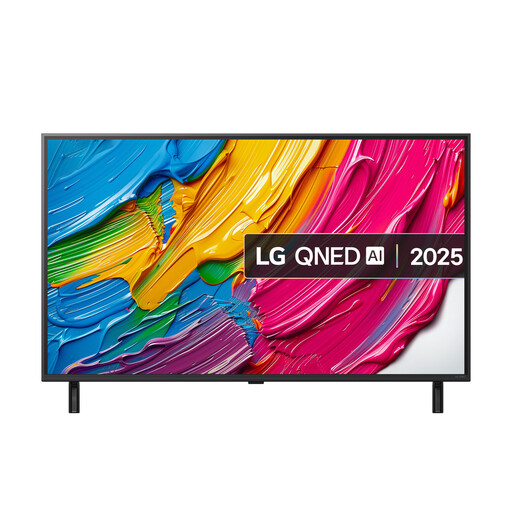
LG 43QNED80A6A 43-inch 4K QNED TV
Consider this 43-inch model for a more compact seating arrangement, while checking that everyone can follow the action from their seat. Its title lists VRR, ALLM and eARC; the stated native refresh rate and VRR limit are 60Hz, so it does not meet a need for above-60Hz refresh. Confirm the intended console signal on the selected HDMI input.
View on Joybuy
Frequently asked questions
Do I need a 120Hz TV for local arena battles?
Choose verified 4K/120Hz support if your console or PC and the games you play can output 120Hz. PlayStation UK says PS5’s 120Hz output depends on support from the connected TV and game, so a 120Hz panel alone cannot guarantee 120fps play.
How do I check a gaming TV’s PS5 connection?
Connect the PS5 to an HDMI input specified for the features you need, then check its detected video-output capabilities in Screen and Video settings. Enable the relevant TV gaming or enhanced-input setting where required, and use 120Hz output or VRR only when the connected TV and game support them.
Does console gaming on a TV require a TV Licence?
Console gaming by itself does not require a TV Licence under TV Licensing’s UK guidance. A licence is required if you watch or record live TV on any channel or streaming service, or use BBC iPlayer; the applicable activity matters, not whether the screen is mainly used for games.
What should I do if the TV arrives faulty or differs from the listing?
Keep the order confirmation, listing and evidence of the problem, then contact the seller. GOV.UK provides consumer-rights guidance for problems with goods and directs consumers towards further advice; check that separately from any retailer change-of-mind policy.


