Hosts with wide seating
If players sit across sofas, chairs and side seats, check that everyone can read prompts and scores. RTINGS notes that viewing angle matters when people watch from different positions in a room.


Choose a screen size that fits the measured viewing distance, then judge how clearly people at the side can see quiz questions and whether reflections obscure the screen. An OLED model with a wide viewing angle is worth considering for spread-out seating; a TV with strong reflection handling may suit a brighter room, provided its side-seat picture also works for your group. Treat high refresh rates as a further consideration if the TV will serve fast console games too.
If players sit across sofas, chairs and side seats, check that everyone can read prompts and scores. RTINGS notes that viewing angle matters when people watch from different positions in a room.
If quizzes happen in daylight or with lamps on, look at what reflects in the planned screen position. Glare across question text can matter more to your group than a gaming specification you rarely use.
If the same screen will handle quizzes and console games, check how many suitable HDMI ports remain after connecting other devices, as well as the gaming features of the exact TV model.
Consider when: Players occupy seats far to either side; RTINGS reports a very wide viewing angle for the LG C5 series.
Trade-off: Check reflections at the intended screen position if the room is bright during play.
Consider when: Windows or lamps face the screen. Samsung describes its QN90F as Glare Free, while RTINGS reports strong reflection handling for the series.
Trade-off: RTINGS reports a less accommodating viewing angle for the QN90F than the LG C5, so check the widest seats too.
Consider when: Most players face the screen fairly directly and console gaming is also important.
Trade-off: AVForums reported off-axis picture loss and blooming on the reviewed UK 55C6K; check whether that seating limitation works for your group.
| Concern | What to check | Who this matters to |
|---|---|---|
| Side seats and size | Measure viewing distance and check picture consistency from the widest occupied seats. | I need people at the edges of the group to read questions and timers without moving closer; around 42% of consumers put side-seat visibility and screen size first. |
| Bright-room visibility | Check reflections at your usual playing time and look for evidence of reflection handling. | Daytime light falls across my planned screen position, and I do not want it to obscure answer options. For around 33% of consumers, bright-room visibility is the primary concern. |
| Console connections | Confirm the exact model's HDMI port map and the gaming modes needed by your console. | We use the TV for quizzes and console games, so I need the right connections for both; console connectivity comes first for around 25% of consumers. |
A high refresh-rate figure does not tell you whether players at the side can read the quiz screen. RTINGS identifies viewing angle as an important consideration for widely spread seating.
Mark where people will sit, then check viewing-angle evidence for the exact TV series or model before weighing up console-focused specifications.
Reflections across prompts can interrupt a daytime quiz, even when a screen looks appealing under different lighting.
Look at the proposed TV position when you usually play. If light falls directly on the screen, compare reflection handling as well as the picture from side seats.
Advanced console modes can depend on the port and connection used. Samsung's guidance for 4K/120Hz Game Mode specifies the correct HDMI port and a suitable cable.
Check the selected model's port map, including the connections you need for a soundbar and other devices.
A screen that suits the viewing distance still has to pass through the room access points and fit its stand or mounting position.
Measure the route into the room, furniture clearance and intended screen position; check the exact model's mounting requirements before arranging installation.
Wall mounting also requires a suitable mount and space for connections behind the TV.
The C5 OLED series is a reference point when quiz players sit well off-centre.
The QN90F Mini LED series is worth examining for family games in a bright lounge.
The C6K-UK QD-Mini LED line offers another route for a large screen used for quizzes and console play.
The BRAVIA 5 is a Mini LED and Google TV line to examine if those features matter alongside family gaming.
These large-screen 4K TVs are choices to assess for shared quiz play and, where the exact model's connections suit your setup, console gaming. Measure the room and check visibility from your side seats before choosing by screen size or gaming features.
 No image available
Consider this size if the measured viewing distance and available space accommodate a 75-inch screen. The product title specifies 4K, Google TV and a 144Hz native refresh rate; check side-seat picture quality, reflections and the HDMI port map for your setup.
 No image available
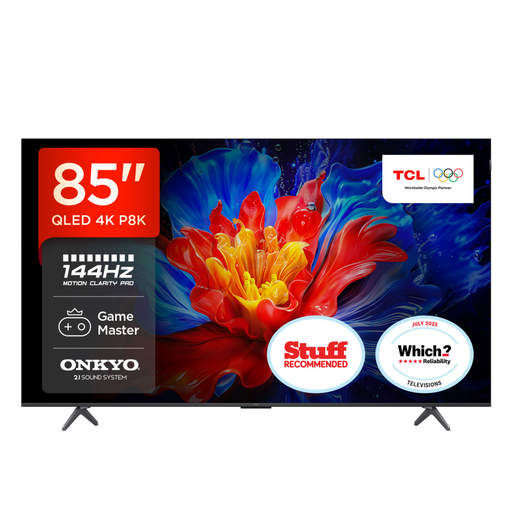
An 85-inch screen is an option only if the viewing distance, room access and installation space work for your group. The product title specifies 4K, HDR PRO and a 144Hz native refresh rate; assess reflections and the picture from side seats before deciding.
 No image available
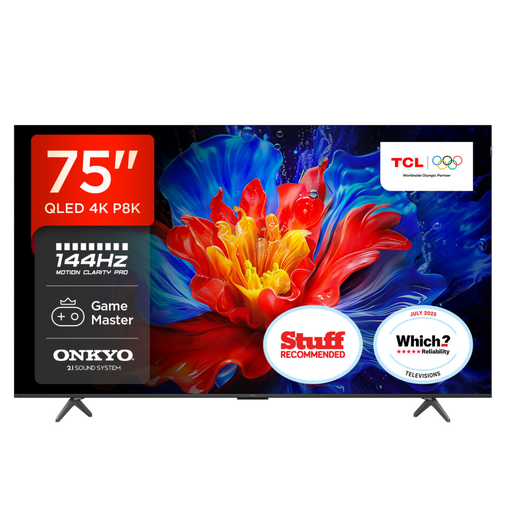
Consider this 75-inch variant where it fits the seating distance and screen position. Its title specifies 4K, HDR PRO and Google TV; confirm the exact HDMI capabilities needed for your console and check visibility from the widest seats.
 No image available
The 65-inch size may suit a room where a larger screen would not fit comfortably, subject to the measured viewing distance. The title specifies 4K, VIDAA OS and 165Hz Game Mode Ultra; check off-centre viewing and reflections for your quiz group.
 No image available
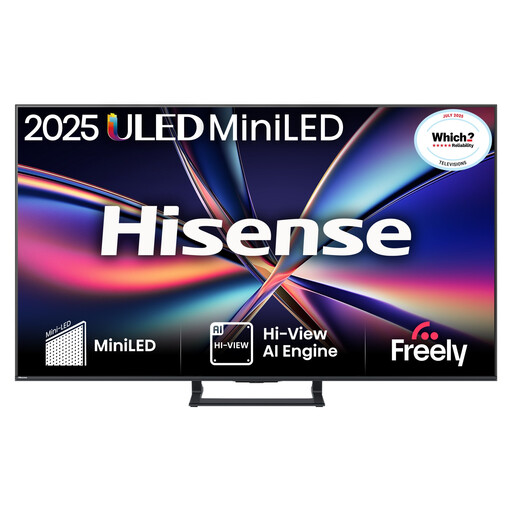
This 75-inch model is worth considering where the room and viewing distance suit that size. Its title specifies 4K, VIDAA OS and 144Hz Game Mode Pro; check the exact HDMI features your console needs and how the picture looks from side seats. Plan secure anti-tip anchoring, as the product information calls for it.
Measure from the main seating area to the planned screen position, then check whether people in the farthest and most off-centre seats can read typical game text. Which? advises using measured viewing distance to choose a TV size rather than selecting a diagonal in isolation.
Not necessarily for quizzes alone; give more weight to readable text across the seating area. If the TV will also run compatible fast console games, check the exact model and port: Samsung's 4K/120Hz Game Mode guidance calls for the correct HDMI port and a suitable cable.
Check the exact model's mount pattern, weight, wall suitability and cable clearance before choosing a mount or arranging installation. Measure room access and the intended screen position as well as the viewing distance.
In the UK, the Consumer Rights Act 2015 provides remedies for faulty goods that can include repair or replacement. The Act's explanatory notes say the trader bears the costs of a repair or replacement remedy, including applicable removal and reinstallation costs for an installed item; keep your order and installation records. Fault remedies are distinct from a change-of-mind return.
Use an appropriate electrical-equipment collection or recycling route, checking the options offered by your retailer or local council. UK government guidance identifies TVs as electrical equipment covered by waste-electrical regulations; follow your council's instructions rather than putting a TV in an ordinary household bin.