Small-desk decorators
You want to keep room for a keyboard, mouse and other essentials while making virtual-room menus comfortable to view. The monitor’s base and viewing position matter alongside its screen size.


For virtual house decorating at a genuinely small desk, start by checking the complete stand dimensions of a compact 23.8- or 24.5-inch Full HD monitor, not just its screen size. A 27-inch QHD model is worth considering if you have room for it and value finer in-game objects and menus; a particularly high refresh rate matters more if you also play fast games.
You want to keep room for a keyboard, mouse and other essentials while making virtual-room menus comfortable to view. The monitor’s base and viewing position matter alongside its screen size.
You spend time examining furnishings, colours, inventories and placement details. Native resolution and the exact model’s stated colour specification may matter more to you than its highest refresh-rate setting.
You decorate virtual homes but also play fast games. You need to balance desk fit and image detail against the refresh rate and connection features you will use in those other games.
Decide whether the monitor and its stand fit your working space, then weigh the value of QHD detail against the larger screen. Check high-refresh features in the context of the other games you play and the device you will connect.
| Concern | What to check | Who this matters to |
|---|---|---|
| Desk fit and viewing position | Measure the available width and depth against the exact monitor’s dimensions with its stand. Check its height adjustment or mounting options separately. | If my keyboard and mouse already fill the desk, I need a stand that leaves usable space and lets me position the screen comfortably. Around 42% of consumers would put desk fit first. |
| Decorating detail and colour | Compare native resolution, panel type and the exact model’s stated sRGB coverage. Allow for the physical space a 27-inch QHD screen needs. | When I inspect small furnishings and read build menus, I want enough image detail to make those tasks comfortable. Roughly 33% of consumers would make detail and colour their primary concern. |
| Motion in other games | Check refresh-rate limits for the input you will use and whether your gaming device supports the intended resolution and adaptive-sync feature. | I also play fast games, so I care about the refresh rate my monitor and device can actually use together. About 25% of consumers would prioritise mixed-game smoothness. |
A compact screen still needs space for its stand. ASUS lists the 24.5-inch VG259QM5A at 55.9 × 40.1 × 17.4 cm with its stand, so its depth matters on a shallow desk.
Measure the complete footprint and the space left for your keyboard and mouse. Check whether the stand can put the screen at a comfortable height; the Health and Safety Executive’s display-screen work guidance advises placing the screen directly in front of you, about an arm’s length away.
An arm or riser may be needed if the supplied stand cannot achieve a comfortable position; check that any arm suits both the monitor and the desk.
A 240Hz Full HD specification does not provide the extra pixels of a 2560 × 1440 QHD display. Equally, a larger QHD screen is a poor practical choice if it takes too much space or sits uncomfortably close.
Choose between compact Full HD and larger QHD for your desk and decorating needs first. Give unusually high refresh rates more weight if fast games are a regular part of your use.
Dell lists up to QHD 180Hz over DisplayPort 1.4 for the G2725D, but up to QHD 144Hz over its HDMI 2.1 ports. The monitor’s headline maximum therefore does not describe every connection.
Match the exact monitor input to your PC or console output at the resolution you intend to use, and check which cable the setup requires.
Returns and warranty wording on one product page should not be treated as the terms for a different monitor or seller.
Before checkout, read the terms on the exact product listing and keep a copy of the information relevant to your purchase.
These manufacturer-listed models illustrate different ways to balance screen size, detail and gaming features; the specifications apply to the named models, not every monitor from each brand.
The TUF Gaming VG259QM5A is a 24.5-inch Full HD Fast IPS example for a compact-screen setup.
The UltraGear examples span a compact 23.8-inch Full HD IPS model and a larger 27-inch curved QHD model.
The G2725D is a 27-inch QHD Fast IPS example for a buyer who can give a larger screen enough room.
These choices include smaller Full HD monitors and larger QHD gaming displays for virtual-house decorating. A smaller diagonal is a starting point for a tight desk, not a substitute for measuring the complete stand.
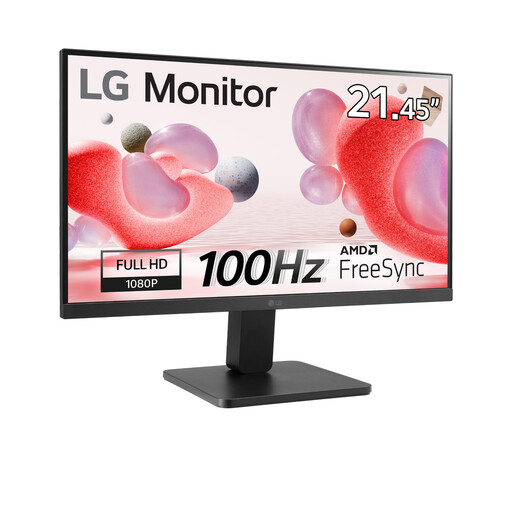 No image available
Consider this smaller-screen option if available desk space is your main constraint.
 No image available
Consider this larger format when QHD detail and high-refresh gaming matter enough to justify giving the monitor more desk space.
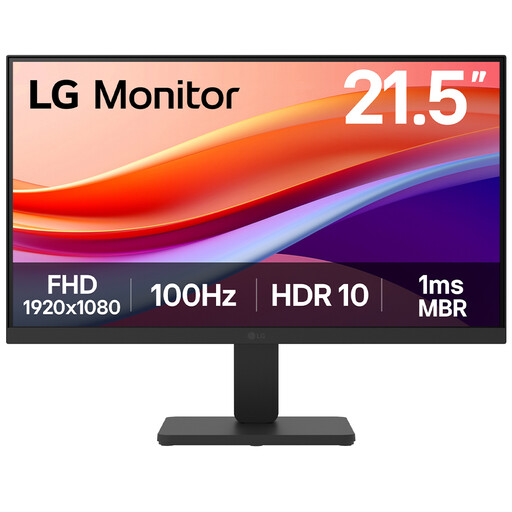 No image available
This is another smaller-screen option to assess if keeping the setup compact takes priority over moving to a 27-inch display.
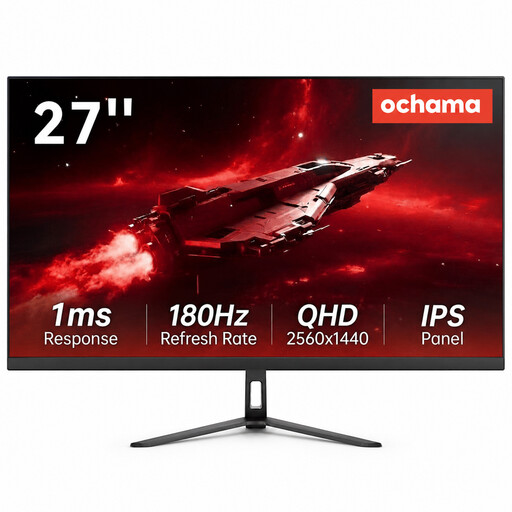 No image available
Consider this 27-inch option if you can accommodate a larger screen and want QHD resolution for decorating details.
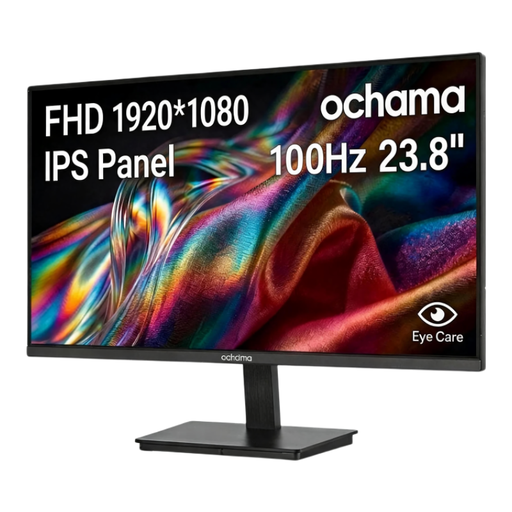 No image available
The 23.8-inch screen size makes this a compact-format option to measure against a small desk.
Measure usable desk width and depth while allowing room for your keyboard, mouse and cables. Compare those measurements with the exact monitor’s dimensions including its stand: ASUS, for example, lists the VG259QM5A at 55.9 × 40.1 × 17.4 cm with its stand.
Choose a compact Full HD screen when preserving desk space is the overriding need; consider 27-inch QHD when you have measured enough room and want more pixels for small objects and menus. Dell lists its 27-inch G2725D at 2560 × 1440, but you should check both the larger monitor’s stand dimensions and your device’s QHD support.
Not necessarily: give desk fit, viewing position and resolution priority if decorating is your main activity. A higher refresh rate becomes a more relevant choice if you regularly play fast games and your device and connection can make use of it.
Place it directly in front of you at a comfortable viewing distance. The Health and Safety Executive’s guidance for display-screen work advises putting the top of the screen level with your eyes and sitting about an arm’s length away; if the supplied stand cannot achieve a comfortable position, check the monitor’s mounting options and your desk’s suitability for an arm or riser.
Read the exact product listing’s returns and warranty terms before checkout, including who is responsible for fulfilment and support. Terms shown for another model or seller should not be assumed to apply to the monitor you choose.