Headsets and controller for this setup
These accessories are for households that have chosen their gaming platform and are deciding whether a child needs voice-chat equipment or an additional controller. Set up account and communication permissions separately, and check each accessory against the intended device.
 No image available
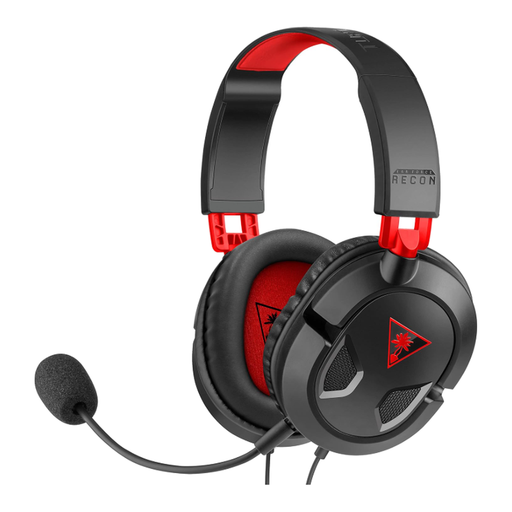
Turtle Beach Recon 50 wired gaming headset
Consider this headset if voice chat is part of the child’s agreed setup. The listing names PC, Xbox Series X or S, Xbox One, PS5 and PS4; check the connection required by the intended controller or device, as well as fit for the child. Chat permissions still need configuring on the child’s account.
View on Joybuy
 No image available
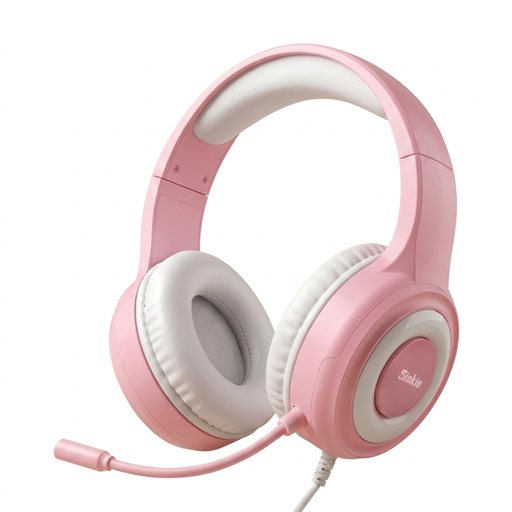
Siukie CH25 wired over-ear gaming headset
Consider this microphone headset for planned voice chat after checking the child’s account settings. Its title specifies USB and 3.5 mm connections, a 50 mm driver and PS5, PS4, Xbox, Switch and PC; confirm which connection works with the intended device, whether microphone mute is needed and how it fits the child.
View on Joybuy
 No image available
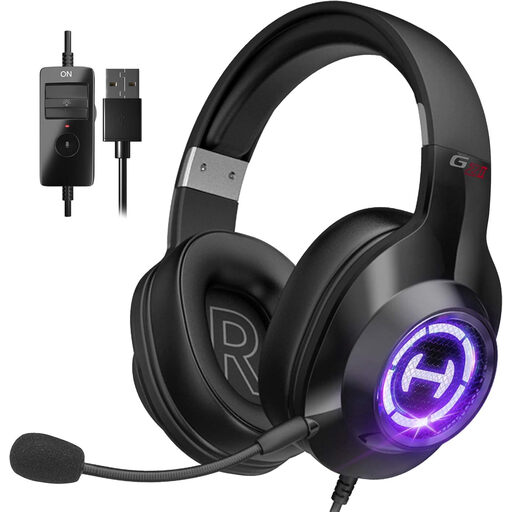
Edifier G2II USB wired gaming headset, black
Consider this microphone headset for a child playing on a listed PC, PS4 or Mac setup. The title specifies USB wiring and a 50 mm driver; check the intended device, child-specific fit and any need for a microphone mute control. The listing says it is not for Xbox, and headset hardware does not set chat permissions.
View on Joybuy
 No image available
Turtle Beach Rematch wireless controller for Nintendo Switch – Invincible Mario
Consider an extra controller when the household’s planned play calls for one. This wireless model is described for Switch, Switch Lite, Switch OLED and Switch 2, but it has no C Button; check whether an intended Switch 2 game or function requires that button. Parental controls remain a console and account setup decision.
View on Joybuy
Questions about online play
Are parental controls set on the console or the child’s account?
That depends on the platform: PlayStation uses child-account controls, Xbox lets an organiser manage a family member’s settings, and Nintendo says Switch 2 console parental controls apply to everyone using that console. Check the relevant account and device settings before relying on them for the child’s play.
Does a gaming headset control who can talk to a child?
No. A headset provides audio and a microphone, while communication permissions are set through the relevant platform account and game. Choose a headset only after deciding whether voice chat is needed and checking those settings.
What if several children share a Nintendo Switch 2?
Nintendo says Switch 2 console parental-control restrictions apply to every user, rather than separately to each child. Set shared-console restrictions with the youngest user in mind, then check whether the household needs additional account or device arrangements.
Do UK game age ratings matter when choosing hardware?
Yes, but a game’s age rating does not establish whether a console, PC or headset suits a child. UK Government Kids Online Safety guidance says games rated PEGI 12, 16 or 18 cannot be sold or hired to someone below the stated age; check intended games and their requirements separately from the hardware.
What does a child need to use Switch 2 GameChat?
Nintendo says GameChat requires persistent internet and a Nintendo Switch Online membership. For a user under 16, a parent must set up the Nintendo Switch Parental Controls smart-device app before GameChat can be used; video chat also requires a separately sold USB camera.


