Who needs to plan the connection?
The route depends on where the camera will sit, whether you can get power or Ethernet there, and how much a recording gap would matter.
Households watching a distant boundary or shed
Exterior walls and the route across a garden can complicate a camera’s connection. If you need dependable recording at that position, compare a cable run with a dedicated link to the outbuilding rather than choosing by a quoted wireless range.
Homeowners who cannot readily run a camera cable
A mesh node or outdoor access point may help a Wi-Fi camera, but the camera still needs a usable connection at its mounting point. Check its power source and upload requirements alongside the network layout.
Households with neighbours close to the camera view
Plan the viewing angle before choosing a mounting position. The Information Commissioner’s Office advises aiming home CCTV at your own property where possible and avoiding routine recording of public conversations.
Which connection route should you choose?
Choose the network route before the camera: a different lens or power option cannot fix an unreliable connection at the intended position.
Wired PoE and local recorder
Consider it: For a distant camera where you can route Ethernet and want recording without a camera-to-router Wi-Fi link.
Plan for: The cable run, compatible PoE equipment and a suitable recorder location. Reolink describes PoE as carrying power and data on one cable.
Mesh or outdoor access point
Consider it: When you cannot cable the camera but can improve coverage close enough for its own Wi-Fi connection.
Plan for: A mesh node with a workable connection back to the home network, or a suitably supplied and mounted outdoor access point. Neither guarantees reception at the camera.
Bridge to an outbuilding
Consider it: For a separate shed or garage when a direct cable is difficult and paired bridge units have a practical transmission path.
Plan for: Mounting, alignment and power at both ends. TP-Link says obstacles, interference and weather affect its EAP211 bridge kit’s actual range and throughput.
Standalone Wi-Fi camera
Consider it: Where the final camera position has a tested connection and a suitable battery, solar or plug-in power arrangement.
Plan for: Charging or power access, the camera’s upload requirement and its recording terms; a convenient installation does not resolve weak Wi-Fi.
| Priority |
What to check |
Your needs |
| Connection |
Test the camera’s connection at its final height during normal network use. Check walls, obstacles and interference, not just router distance; Ofcom identifies these as Wi-Fi factors, and Ubiquiti says weak camera Wi-Fi can create footage gaps. |
I need footage from the garden end, not merely a camera that connects briefly during setup. |
| Installation and power |
Check the cable path and compatible power equipment for PoE, or the supply and mounting position for an access point or bridge. For a battery or solar camera, check how its power source will be maintained at that location. |
Getting power to the shed is difficult, so I need to know what the chosen route requires at each end. |
| Recording |
Compare local storage, continuous or event recording, clip access and retention for the exact system. Ring says a subscription is needed to review recorded events on its cameras; Reolink describes local NVR recording for its cited NVR+Duo 3V PoE bundle. |
I want to know whether I can review the footage I need and what equipment or service that requires. |
| Outdoor exposure |
Check the exact camera and network device’s stated weather rating, operating conditions and installation instructions. Plan cable entries and power connections for their exposure. |
My mounting point is exposed, so an indoor network device or an unprotected connection will not suit the position. |
| Field of view |
Check whether the mounting angle and available privacy controls can limit capture beyond your property. The Information Commissioner’s Office advises positioning home CCTV to capture only your own property where possible and cautions against recording public conversations. |
I want to see my gate or garden boundary without unnecessarily capturing neighbours or passers-by. |
Which brands offer relevant approaches?
These brand examples illustrate different camera and networking arrangements; the requirements described for one model or system do not apply to every product bearing that brand.
Reolink
A reference for a wired PoE camera with a local network video recorder (NVR) when a cable run is feasible.
- Reolink says PoE carries power and data over one Ethernet cable. Its cited NVR+Duo 3V PoE bundle includes a 2 TB drive and supports continuous local recording without a monthly fee.
- Plan the cable route, compatible PoE equipment and storage retention for the installation you choose.
TP-Link Omada
A reference for extending the network towards a garden camera or linking a separate outbuilding.
- TP-Link specifies its EAP110-Outdoor access point as IP65 with passive PoE; its EAP211 bridge kit is designed for a paired link to a remote building.
- TP-Link qualifies published range by environment and receiving device. Check the mounting path, required power and the camera’s connection on site.
Ring
A reference for comparing outdoor Wi-Fi camera power options with selected wired-power variants.
- Ring lists battery, plug-in and solar options for its cited Outdoor Cam. Its Outdoor Cam 4K Pro documentation describes Wi-Fi and PoE+ arrangements with different installation requirements.
- Ring specifies a 2.4 GHz Wi-Fi connection and a minimum 2 Mbps upload speed for optimal Outdoor Cam performance. It says a subscription is required to review recorded events.
Ubiquiti UniFi Protect
A reference for households prepared to assemble a local camera and networking system.
- Ubiquiti describes on-premise video storage and remote management without licensing fees for UniFi Protect.
- The described setup needs a compatible UniFi console, cameras and PoE switching. Ubiquiti also warns that weak Wi-Fi at a camera can create recording gaps.
Joybuy camera options for garden placement
These are outdoor camera options to assess where power, local recording or the camera’s connection affects garden placement. A camera’s listed features do not establish reliable Wi-Fi at a distant mounting point; test that link and check the installation requirements before choosing.
 No image available
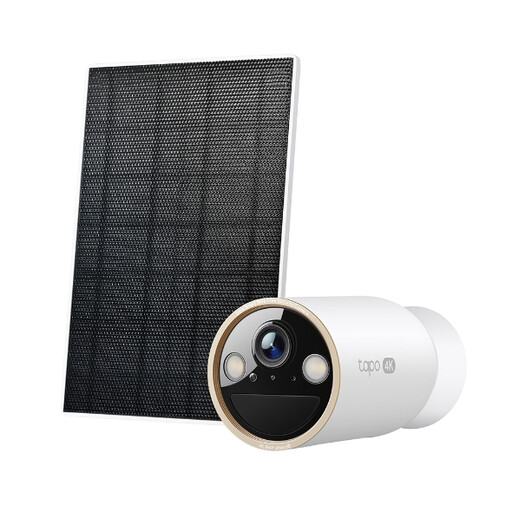
Tapo C460 KIT solar-powered security camera kit
The solar-powered kit is worth considering where supplying power at the camera is difficult, provided the panel can be positioned for suitable sunlight. Test the camera’s Wi-Fi at the intended mounting point, and check its recording behaviour and whether the storage card you need is included.
View on Joybuy
 No image available
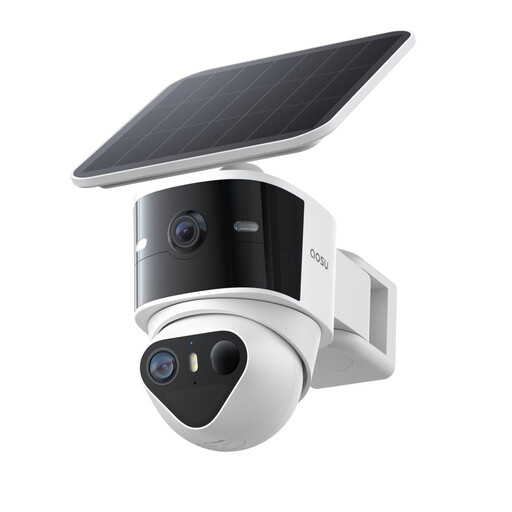
aosu T2 Pro 3K outdoor solar dual camera
This solar camera offers the dual-camera, 3K, 360° PTZ and 170° wide-angle features named in its listing. Its wireless connection still needs testing at the intended position; plan the solar-panel placement and obtain a compatible microSD card if you want local storage, as a card is not included.
View on Joybuy
 No image available
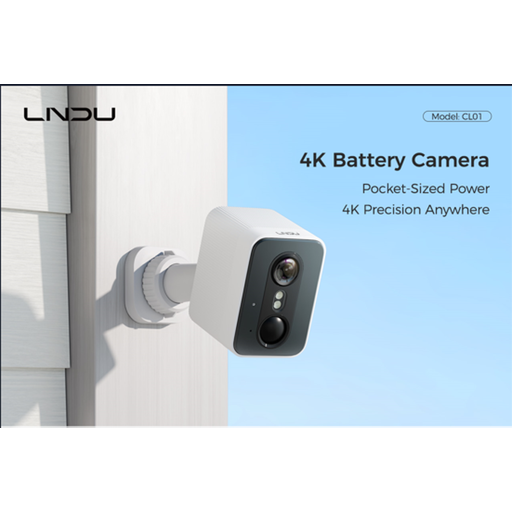
LNDU 4K wireless outdoor security camera
The listing identifies a 2.4 GHz Wi-Fi connection and a 143° field of view, so check both reception and what that view captures from the planned mount. It advertises 128 GB of local storage; confirm how recordings are stored and retrieved, and check battery runtime for your intended use.
View on Joybuy
 No image available
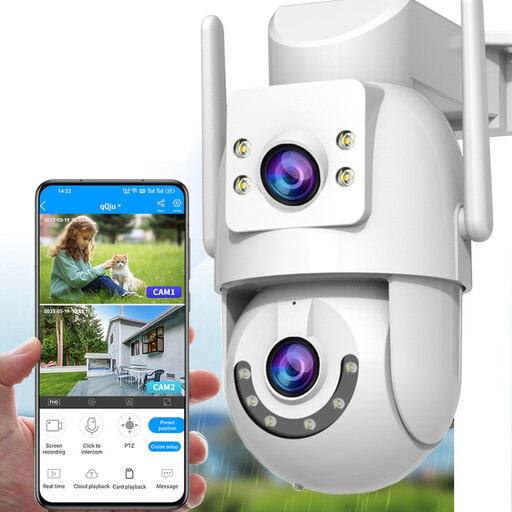
JOOAN HD 2K dual-lens outdoor security camera
The title lists 2.4 GHz and 5 GHz Wi-Fi alongside a wired connection option, which makes the connection method worth investigating for a weak-signal position. Confirm the wired interface and required power equipment before planning a cable run; if using Wi-Fi, test it at the mount. Check storage-card compatibility and inclusion for local recording.
View on Joybuy
 No image available
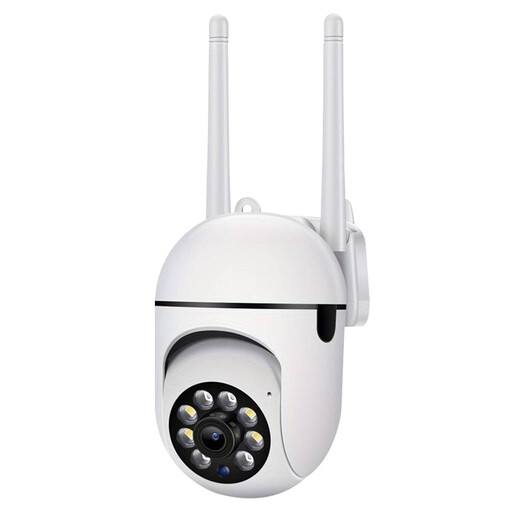
Jooan 2.4G WiFi outdoor security camera
This 2.4 GHz Wi-Fi camera needs a usable connection and a suitable power supply at the planned location. Its installation instructions call for sealed interfaces in wet conditions; check the exact weather-resistance information and how connections will be protected. Confirm the storage arrangement and any cloud-recording terms before relying on saved clips.
View on Joybuy
Garden camera questions
Does a strong signal reading guarantee reliable garden-camera recording?
No. Ofcom identifies distance, walls and interference as factors in Wi-Fi performance, and Ubiquiti says weak Wi-Fi at a camera can affect recording quality and create gaps. Test the intended camera at its final mounting position during normal network use; consider a wired connection if missed footage would matter.
When should I consider a bridge instead of mesh for a shed?
Consider a paired wireless bridge when you need to take the network to a separate building, cannot readily run Ethernet between buildings and have a practical path for the two units. Mesh is a way to improve home Wi-Fi coverage; TP-Link describes its EAP211 bridge kit as a link for remote buildings, while cautioning that obstacles, interference and weather affect its performance.
Will I need a subscription to review recordings?
That depends on the system. Ring says reviewing recorded events on its cameras requires a subscription, while Reolink describes local recording to the included drive in its cited NVR+Duo 3V PoE bundle without a monthly fee. Check the exact camera’s recording mode, storage capacity and retention terms.
How should I aim a camera near a neighbour’s garden or the street?
Aim it to capture your own property where possible, as the Information Commissioner’s Office advises for home CCTV. Check the field of view and any privacy masking before mounting; the ICO also advises against routinely recording conversations between members of the public.
Is an “outdoor” label enough for an exposed camera position?
No. Check the exact camera and networking equipment’s declared weather rating, operating conditions and mounting instructions. TP-Link specifies IP65 for its cited EAP110-Outdoor access point, and Ring lists IP65 for its cited Outdoor Cam 4K Pro; those model-specific ratings do not describe every connected power supply or cable entry.


