Desktop drives on Joybuy
These desktop HDDs are choices for a genealogy archive that usually stays at a home workstation. Compare the listed capacities with your expected file growth, and plan separate copies rather than relying on any one drive.
 No image available
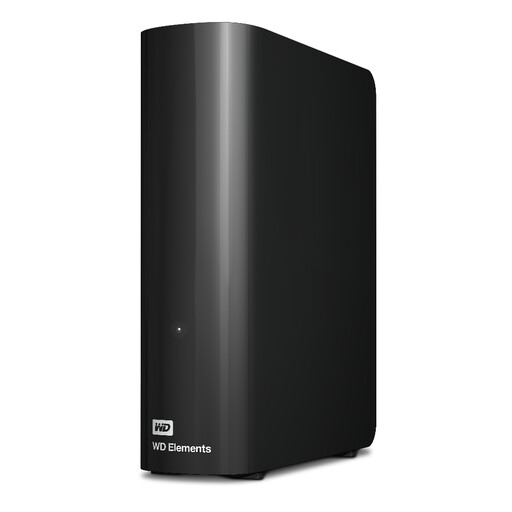
Western Digital WD Elements Desktop 16TB
Consider this desktop HDD if a growing, desk-based genealogy archive calls for 16TB of listed capacity. If you will use a Mac, confirm the intended file system before copying records; keep another checked copy before reformatting.
View on Joybuy
 No image available
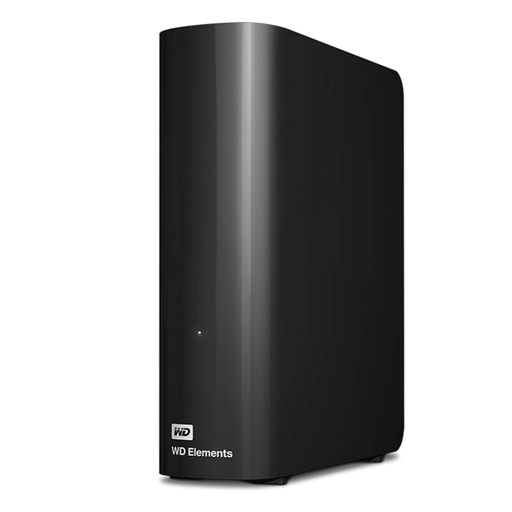
Western Digital Elements Desktop 10TB
This 10TB desktop HDD is a stationary option when you expect the archive to grow. Check the file-system requirements of any Mac that will update it, and preserve another checked copy before changing its format.
View on Joybuy
 No image available
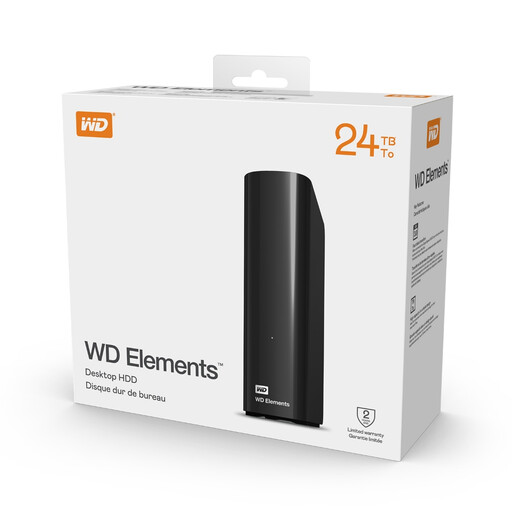
Western Digital Elements Desktop 24TB
Consider this 24TB desktop HDD for a large archive kept at one workstation. Before choosing this variant, confirm its Windows and macOS read/write requirements and that the supplied power adapter suits your setup.
View on Joybuy
 No image available
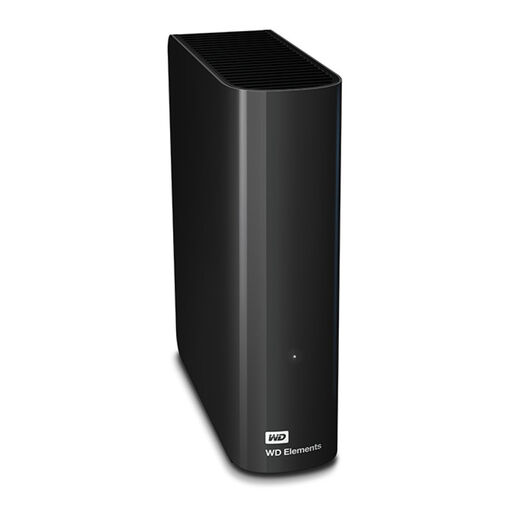
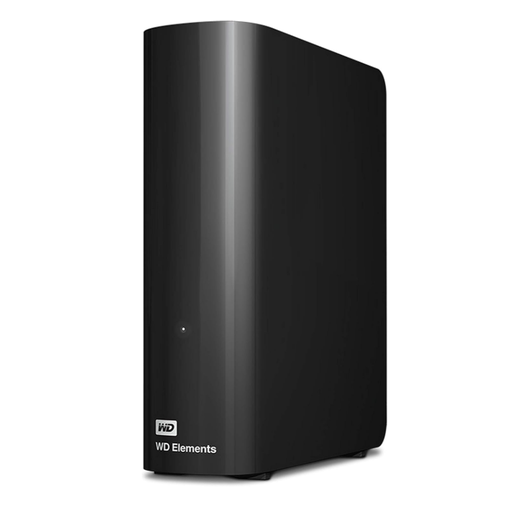
WD Elements 8TB External Hard Drive, Black
This 8TB external hard drive is a choice for records kept mainly at home. Confirm the exact model and its compatibility with every computer that will update your archive before buying.
View on Joybuy
 No image available
Western Digital Elements Desktop 6TB
This 6TB desktop HDD suits a workstation archive when that listed capacity leaves enough room for your records to grow. If a Mac needs to write to the drive, decide on its format before loading files and retain another checked copy.
View on Joybuy
Questions about archiving records
Is one external drive enough for a genealogy archive?
No: treat the external drive as one copy, not the only home for irreplaceable records. The Library of Congress recommends copies on different storage media in separate locations, and the National Cyber Security Centre advises keeping at least one backup offline so an incident cannot affect every connected copy.
Which format works if Windows and Mac computers both need to update the archive?
exFAT supports read/write access on both Windows and macOS, according to Western Digital’s compatibility guidance. Check the requirements of any backup software you also intend to use, and copy and check your files elsewhere before reformatting: formatting erases data on the drive.
Should genealogy records be encrypted?
Consider encryption when the records contain sensitive personal information or the drive could be lost or taken, while keeping a way to retain the password or recovery key. For organisational processing of personal data, the Information Commissioner’s Office identifies encryption as an example of a security measure whose suitability depends on the risks; it does not replace backups.
What should I do with an old external drive in the UK?
Choose an appropriate electrical-equipment recycling or take-back route and address the personal files on the drive before handing it over. GOV.UK describes the UK’s waste electrical and electronic equipment rules as supporting recovery, reuse and recycling; check the local route’s instructions and how to remove your archive data securely.


