What matters when choosing?
Confirm submission and employer requirements before comparing models; then check security, desk connections and the complete workstation. The percentages below describe consumers by the need that takes priority in this shared-office grant-writing decision.
| Concern |
What to check |
Who this matters to |
| Submission compatibility |
Check the funder’s browser, template and upload requirements, plus any employer-managed software or Windows-only tools. |
If my application depends on particular templates or software, I need to know the laptop can handle submission before anything else; around 36% of consumers put workflow compatibility first. |
| Shared-office security |
Confirm approved encryption, sign-in and automatic-lock settings on the exact device. Check who manages recovery keys. |
When I handle applicant details at a shared desk, I want documents protected if the laptop is left unattended or lost; roughly 29% of consumers prioritise secure handling. |
| Desk flexibility |
Check the connections required by your monitor, dock and charger, and whether necessary accessories are included. |
Moving between desks and meetings makes a workable connection to office equipment important to me; about 21% of consumers place desk flexibility first. |
| Writing comfort |
Assess screen and keyboard comfort alongside desk, chair, lighting and any external display. |
For long drafting and budget-review sessions, I need a workstation I can use comfortably; around 14% of consumers make sustained-writing comfort their primary concern. |
The Health and Safety Executive says employers should assess the whole workstation for employees who use display-screen equipment daily for continuous periods of an hour or more. A larger laptop screen alone does not address the desk, furniture and working conditions.
Joybuy product choices
These laptops cover compact Windows options, a larger-screen Windows option and a MacBook Air for a macOS-compatible workflow. Check each exact configuration against your submission requirements and shared-office setup; the products are not all 14-inch business laptops.
 No image available
ASUS Vivobook 14 X1407QA-LY003W, Snapdragon X, 16 GB, 512 GB SSD
A compact option to consider for moving between shared desks while working on application documents.
The listed variant has 16 GB RAM and a 512 GB SSD. Confirm that required software works with its Snapdragon X configuration, and check the approved encryption setup and whether Windows 11 Home meets your organisation’s requirements.
View on Joybuy
 No image available
HP OmniBook Ultra Flip 14-fh0006na, 16 GB, 1 TB SSD
Consider this 2-in-1 for document work when a 14-inch convertible format fits the desks you use.
The named variant has 16 GB RAM, a 1 TB SSD and Windows 11 Home. Check your organisation’s encryption and Windows-edition requirements; confirm the graphics configuration if it affects other work you plan to do.
View on Joybuy
 No image available
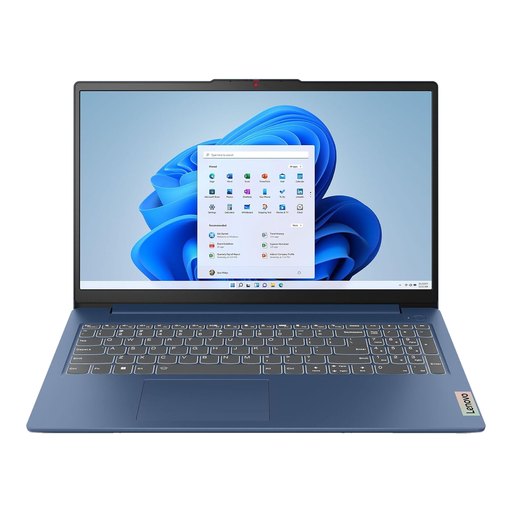
Lenovo IdeaPad 3 15IAU7, 82RK0177UK, 15.6-inch, 16 GB, 512 GB SSD
The 15.6-inch format is an option to assess if you usually review application documents at a desk rather than carry a smaller laptop between rooms.
The product name specifies 16 GB RAM and a 512 GB SSD. Confirm the exact model line and processor before ordering, along with the required encryption setup and office connections.
View on Joybuy
 No image available
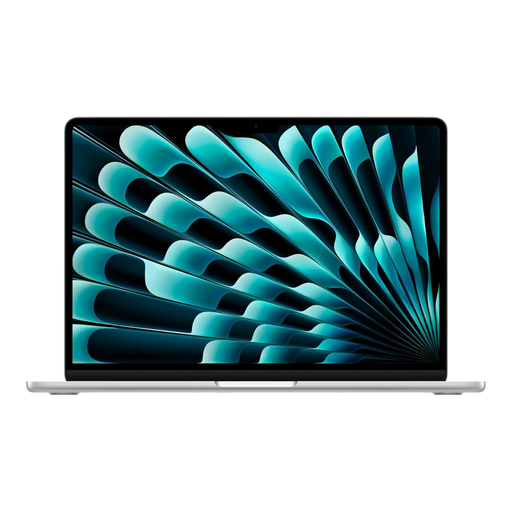
Apple 13-inch MacBook Air (2026), M5, 16 GB, 512 GB SSD, Silver
This compact option makes sense only after you confirm that the funder’s portal, templates and your organisation’s tools work on macOS.
The named variant has an M5 chip, 16 GB memory and a 512 GB SSD. Check peripheral connections and the organisation-approved encryption setup before storing application material.
View on Joybuy
 No image available
HP OmniBook X Flip 16-as0004na, 16-inch, 16 GB, 512 GB SSD
Consider the larger 16-inch touchscreen format if you will usually work at a desk with application forms and reference documents open.
The named 2-in-1 variant has an Intel Core Ultra 5 226V, 16 GB RAM, a 512 GB SSD and Windows 11 Home. Check its weight and exact ports for your desk setup, as well as approved encryption and Windows-edition requirements.
View on Joybuy
Frequently asked questions
Do I need Windows to submit a grant application?
Not necessarily: choose Windows if the funder or your organisation requires Windows-only software, macros or a managed Windows setup. Otherwise, macOS is an option once you have confirmed the portal, templates, uploads and peripherals you need.
Is a fingerprint reader or privacy screen required in a shared office?
Neither feature alone establishes that a laptop is suitable for handling personal data. GOV.UK says personal data must be handled with appropriate security; choose controls for the information and workplace involved, and follow your organisation’s policy. The National Cyber Security Centre advises using a PIN or password on shared devices even where biometric sign-in is available.
Should application documents be stored on an encrypted laptop?
Use your organisation’s approved encryption setup before storing application documents locally. The National Cyber Security Centre recommends encryption at rest to protect data if a device is lost or stolen; on Windows, check the exact device’s encryption availability, enabled state and recovery-key arrangements.
Does daily laptop work call for a workstation assessment?
For employees who use display-screen equipment daily as part of normal work for continuous periods of an hour or more, the Health and Safety Executive says employers must assess the workstation. That assessment covers the whole setup and working conditions, not just the laptop.
What should I check about warranty and support?
Check the terms for the exact laptop and seller, including the stated warranty period, what it covers and whom to contact about a fault. Do not assume that a warranty described for one configuration applies to another.


