Frequent callers in noisy shared spaces
If other people are talking or working nearby during your calls, focus on how the microphone picks up your speech and handles surrounding sound—not just on how much noise the headphones block for you.


For frequent calls in a noisy shared space, start with a headset designed around its microphone and call controls rather than choosing on music features alone. Wired and wireless headsets suit different needs for movement and device switching; earbuds and conventional over-ear headphones can also work, but check how their microphones perform with your calling setup. Active noise cancellation (ANC) reduces sound for the wearer and does not, by itself, establish what people on the call will hear.
If other people are talking or working nearby during your calls, focus on how the microphone picks up your speech and handles surrounding sound—not just on how much noise the headphones block for you.
For extended meetings or classes, fit and accessible mute controls matter alongside audio connection. Headband pressure, ear cushions and control placement are worth assessing over a realistic session.
If calls move between your computer and phone, check the exact model's connection options and whether its buttons work with the apps and devices you use.
Choose around the calls you take most often: a wired headset keeps a regular computer setup straightforward, while a wireless headset allows more movement if its connection and controls suit your devices. Compact earbuds prioritise portability; over-ear headphones may suit mixed listening and calls, but neither form alone establishes microphone performance in a busy room.
| Concern | What to check | Who this matters to |
|---|---|---|
| Voice clarity in shared rooms | Look for a stated call-microphone design and microphone noise handling. Assess speech pickup with your usual calling app. | If people nearby may be talking while I call, I need the other person to understand my voice without repeated explanations; around 36% of consumers put transmitted-voice clarity first. |
| Comfort during long calls | Consider wearing style and cushion design, then check mute access and fit over a realistic call. | When meetings or classes run for long stretches, I want a fit I can tolerate and controls I can reach quickly. For around 29% of consumers, sustained comfort and practical control are the primary need. |
| Device switching and controls | Check the exact version's computer and phone connections, receiver arrangement and app-specific button support. | I move between a laptop and phone and do not want to discover that the headset connects for audio but its mute button does not work in my calling app; around 21% of consumers prioritise connection and control compatibility. |
| Portability and mixed use | Check the carrying format, fit and call microphone separately from listening features such as ANC. | If calls are occasional and I carry my headphones between places, I value a less cumbersome option for both calls and everyday listening. Portability and mixed use come first for around 14% of consumers. |
ANC concerns the sound you hear. Microsoft Teams also offers software background-noise suppression, but neither feature alone establishes how a particular headset microphone handles nearby voices.
Check microphone voice-pickup and noise-handling information separately; treat ANC as a feature for your own listening and concentration.
A headset can provide speaker and microphone audio without synchronising its physical mute or answer controls. Microsoft Teams and Zoom describe controls that depend on the device and calling setup.
Decide which physical controls you need, then check the exact headset, connection method, operating system and desktop app or browser combination.
Receiver, native-Bluetooth and wired variants within a product range can have different connection and compatibility requirements.
Match the exact version and any included receiver to the ports and devices you use for calls.
An incompatible connector may mean using an adapter before you can join calls.
Padded headbands and soft cushions describe construction, but pressure and warmth will vary with the wearer and length of use.
Check the seller's return terms before ordering and assess the fit during a call of a realistic length.
Jabra positions its Evolve office-headset range for calls and hybrid work, with wired and wireless formats.
Logitech's Zone business-headset range includes versions intended for collaboration apps.
EPOS offers wired and wireless communication headsets, including its call-focused IMPACT range.
Microsoft's Modern USB Headset is a Teams-certified wired option documented for Windows PC calls.
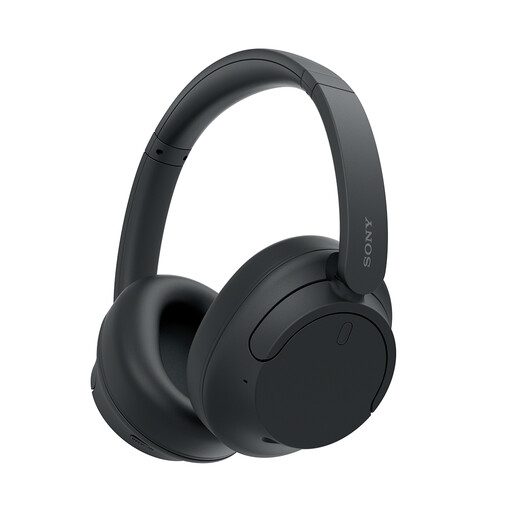
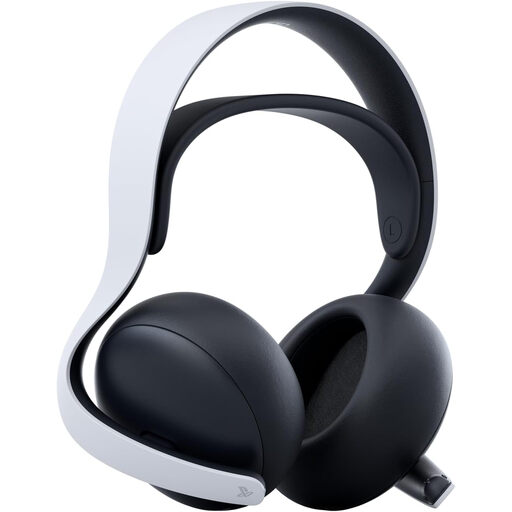
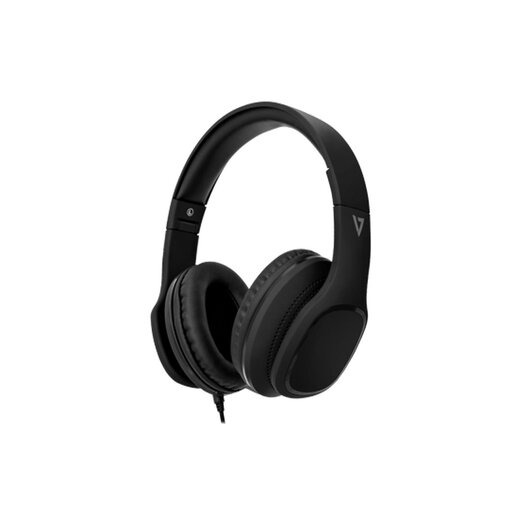
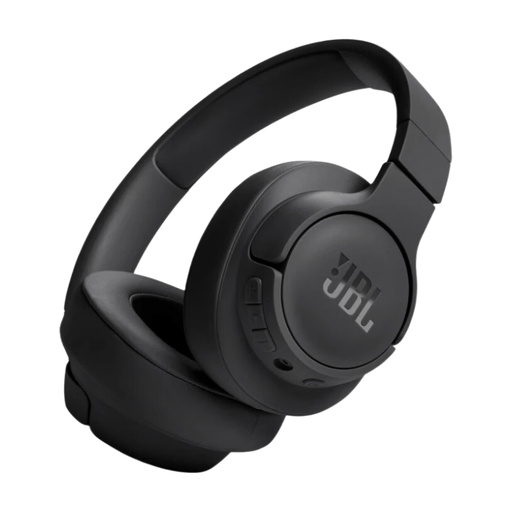
These choices include over-ear headphones, a wired call-capable model, a wireless gaming headset and neckband in-ears. If calls in a shared room are your priority, weigh each one against your microphone, connection and calling-app requirements rather than assuming its listening features answer those needs.
 No image available
Consider this over-ear option if you divide your time between calls and listening, provided its microphone suits your shared room.
Noise cancellation concerns your listening experience; check voice pickup and call-control compatibility with your app separately.
 No image available
If you want to use a gaming-oriented wireless headset for other calls too, assess this model with your usual calling app.
Check its microphone and physical controls in that setup, as well as fit for longer work or study calls.
 No image available
For calls at one computer, this wired model is worth considering if its connector and in-line controls suit your setup.
The product name specifies 40 mm drivers and an in-line MEMS microphone. Its stated passive noise cancellation does not establish suppression of noise transmitted to callers.
 No image available
This wireless over-ear model is an option for mixed listening and calls if its microphone meets your shared-room needs.
Before choosing it for regular meetings, check how its call controls work with your devices and app and how your voice comes through near other conversations.
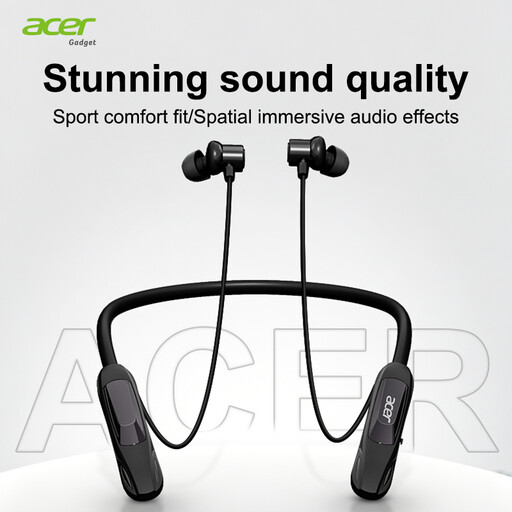 No image available
If you prefer a neckband for occasional calls, check this model's microphone in the shared space where you will use it.
The product name specifies Bluetooth 5.4 and a Type-C charging port; confirm call controls and compatibility with your chosen app separately.
Not necessarily if you only need speaker and microphone audio. Certification is more relevant when you rely on physical call controls: Microsoft documents button functions for certified Teams devices, while Zoom identifies supported USB devices and functions. Check the exact model, app, operating system and connection.
No. Zoom distinguishes using Bluetooth headphones for audio from support for full call controls, which depends on the headset and computer setup. Zoom also warns that other meeting participants may experience lower microphone quality, so check both control compatibility and voice quality for your calls.
It does not establish that every headphone microphone will handle a noisy shared room equally well. Microsoft Teams offers background-noise suppression, including a setting for sounds that are not speech; assess the headset's microphone design and your actual calling setup as separate factors.
For a qualifying faulty consumer purchase from a trader, statutory remedies are distinct from a seller's change-of-mind return policy. The Consumer Rights Act 2015 provides a short-term right to reject non-conforming goods subject to its conditions; its minimum 30-day period starts after the relevant ownership, delivery and any required installation events. Keep your purchase details and contact the seller about the fault.