Frequent seminar contributors
If you answer questions, present or work in groups, check the microphone as carefully as the headphones. Microsoft Support and Zoom Support both explain how to select or test audio devices for meetings.


Choose a wired headset with a microphone if regular seminars make a direct connection your priority, provided its plug suits your study device. A wireless headset gives you more freedom to move but adds charging and connection checks. If household noise makes lectures hard to follow, consider isolation or active noise cancellation separately from how clearly your microphone picks up your voice.
If you answer questions, present or work in groups, check the microphone as carefully as the headphones. Microsoft Support and Zoom Support both explain how to select or test audio devices for meetings.
If sound from flatmates or nearby rooms interrupts study, consider how the headphones fit and limit what you hear. The University of Edinburgh’s accommodation guidance recognises that noise can affect study and sleep; quieter listening does not, by itself, improve your outgoing voice.
If you move between a laptop and a phone or tablet, check each device’s available connection and select the intended speaker and microphone before class. Zoom Support documents USB and Bluetooth headset setups, while individual wireless models may differ by variant.
For live classes, settle the connection and microphone question before choosing features for quieter listening. If most teaching is recorded, fit and isolation may matter more than call controls.
Choose it when: You regularly speak in seminars and want a direct connection to a device with a suitable USB or microphone-capable 3.5 mm port.
Trade-off: Check the exact plug and any adapter you need; the cable also limits movement.
Choose it when: You want to move between study spaces without a cable and your device supports the model’s connection method.
Trade-off: Allow for charging, pairing and any differences between Bluetooth-only and receiver-equipped variants.
| Concern | What to check | Who this matters to |
|---|---|---|
| Clear speech in live classes | Look for a microphone you can select and test in the teaching app; check microphone permission if joining through a browser. | If I contribute to seminars, classmates need to hear my answers without my laptop choosing the wrong microphone. Around 42% of consumers would put clear outgoing speech first. |
| Quieter listening at home | Assess fit and passive isolation; if considering active noise cancellation, check whether you can adjust it when you need to hear your surroundings. | When household sounds break my concentration, I want to follow teaching without playing it through shared-room speakers. About 33% of consumers would prioritise quieter, less disruptive listening. |
| Connection and compatibility | Match the exact USB, supported 3.5 mm or wireless connection to your study device; check whether a receiver or adapter is needed. | If I change devices before class, I need both audio output and microphone input to connect without a last-minute fix. Roughly 25% of consumers would make connection simplicity their main concern. |
Isolation and active noise cancellation address what you hear; they do not establish which microphone your classmates will hear. Microsoft Support and Zoom Support describe separate speaker and microphone selection in their meeting settings.
Test your selected microphone in the teaching platform, then assess the headphones for your listening environment.
Jabra and Logitech describe different connectors, receivers and platform-oriented versions across their headset ranges. A family name alone is not enough to establish which one suits your device.
Check the exact model, plug and included accessories against the device you use for classes.
A mismatched connection may require a suitable adapter before you can use the headset.
In a shared room, playback can disturb other people and may be picked up during a call. The University of Edinburgh’s accommodation guidance treats noise that affects study or sleep as a concern.
Use headphones for playback and test the call for echo before a group session.
A figure measured under laboratory conditions does not establish how headphones will handle the particular voices and intermittent sounds around your study space. Anker UK identifies laboratory conditions for soundcore Space One’s stated claim.
Consider fit and adjustable listening modes, and test the microphone separately if you attend live seminars.
Its wired Evolve headset lines are relevant if live participation and a straightforward connection come before freedom to move.
The Zone Vibe Wireless line is worth considering if you want a headset for moving between study locations or devices.
The Voyager Focus 2 line combines call-oriented features with listening-side noise controls for students who speak frequently in noisy surroundings.
The Space One line is relevant when listening during recorded lectures and independent study is the main priority.
These wired headsets and listening-focused headphones address different parts of studying around other people. Match the connection to your device, and test the microphone in your class platform if you will speak live.
 No image available
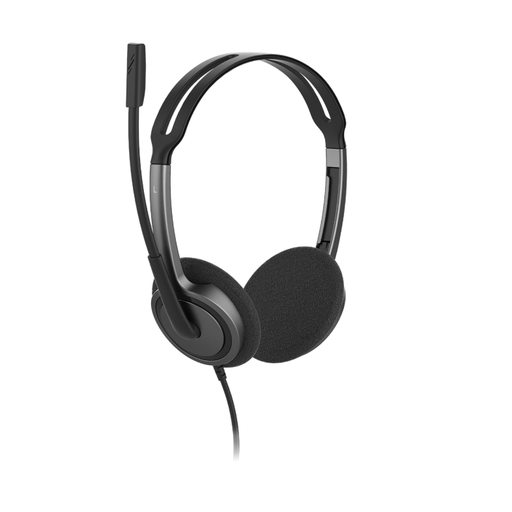
Consider this wired headset if you need a microphone for live classes and your device supports its 3.5 mm connection.
The product title specifies a rotating microphone and adjustable headband; check that the connection carries microphone input on your device, then test it in your teaching app.
 No image available
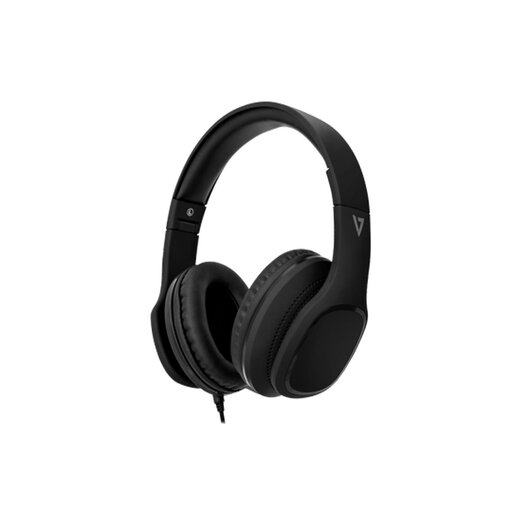
Consider these if you favour over-ear listening during recorded teaching but also need a microphone for occasional calls.
The product title specifies 40 mm drivers and an inline MEMS microphone. Its passive isolation is a product claim, not a measure of how much household sound you will hear; confirm the connector suits your device.
 No image available
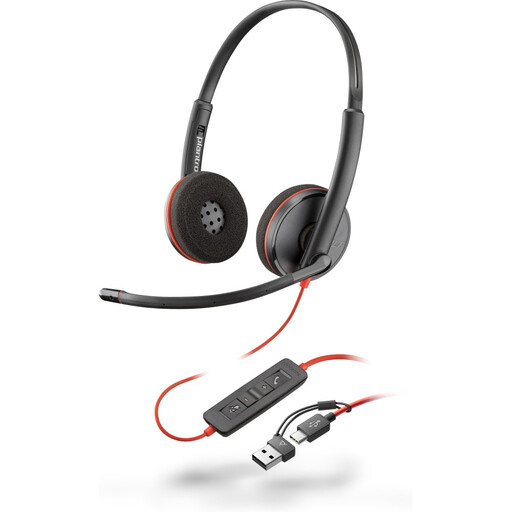
This wired headset is an option for regular seminars if your study device supports its USB connection.
The product title identifies a USB-C headset and USB-A adapter. Confirm the adapter suits your device and test the selected microphone before class.
 No image available
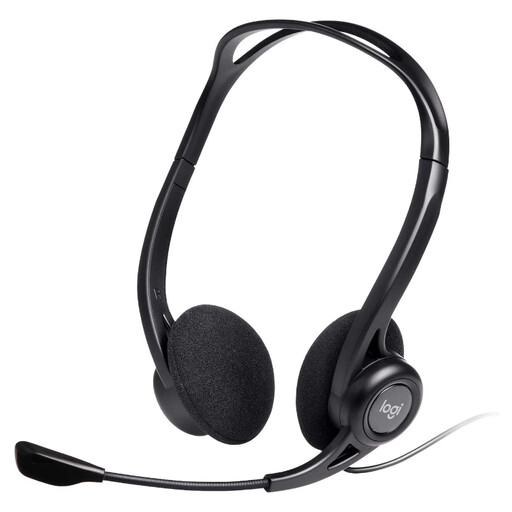
Consider this for live classes if you want a wired headset with a microphone and your laptop has the required USB connection.
The product title identifies inline controls and a noise-cancelling microphone. That wording does not establish listening-side noise cancellation or how the microphone will perform in your room.
 No image available
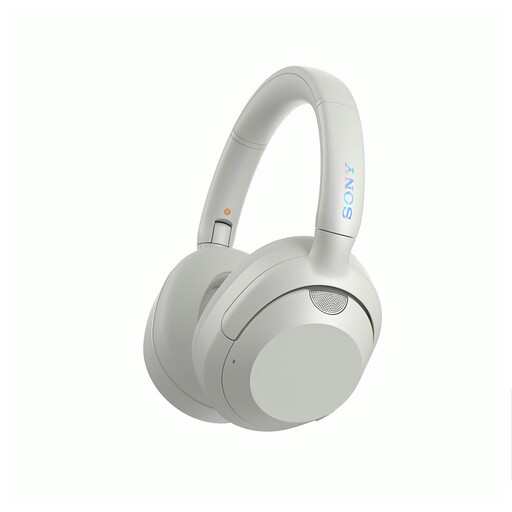
Consider these when household noise makes listening to teaching difficult, rather than assuming noise cancellation will improve your voice in seminars.
The product title specifies noise cancellation. Check the connection, charging requirements and microphone behaviour against your study device and class platform; keep awareness of your surroundings when it matters.
Headphones may cover listening, but speaking in a live class also requires an available, permitted and selected microphone. Zoom Support describes testing built-in, USB and inline headphone microphones, while Microsoft Support explains speaker and microphone selection in Teams.
Choose a connection supported by the device you actually use for classes. Zoom Support documents USB and Bluetooth headsets and inline microphones on supported 3.5 mm connections; for a wireless model, also check charging, pairing and whether the exact variant needs a receiver.
Not on the strength of listening-side noise cancellation alone. Select and test the microphone your classmates will hear, and check the meeting platform’s available noise controls separately.
Connect it and select its speaker and microphone in the meeting app, then run the available audio test. If you join through a browser, check microphone permission too; Microsoft Support and Zoom Support provide device-setting and testing guidance for their respective platforms.