What matters when choosing?
Start with voice capture in your room, then check the computer connection and whether the headset suits the way you study.
| Concern | What to check | Who this matters to |
|---|
| Voice capture amid noise |
Look for a positionable microphone and a stated microphone-side noise-reduction feature, not ANC alone. |
If household sounds or nearby speech compete with my voice, I need the app to capture my words rather than the room. Around 50% of consumers put voice capture first. |
| Dependable setup |
Check the computer connector and select the headset as the active microphone in your operating system and app. |
When I sit down to dictate, I want to know the right microphone is in use without sorting out a connection each time. Dependable setup comes first for around 30% of consumers. |
| Comfort and mobility |
Consider fit for your session length and, for wireless use, charging and pairing requirements. |
If I study for long stretches or change locations, I need a headset I can keep using and carrying comfortably. Around 20% of consumers prioritise comfort and mobility. |
Headsets for study-note dictation
These Joybuy choices include wired headsets for desk use and a wireless option for moving between study spaces. Check the active microphone and your dictation app with any model you consider.
 No image available
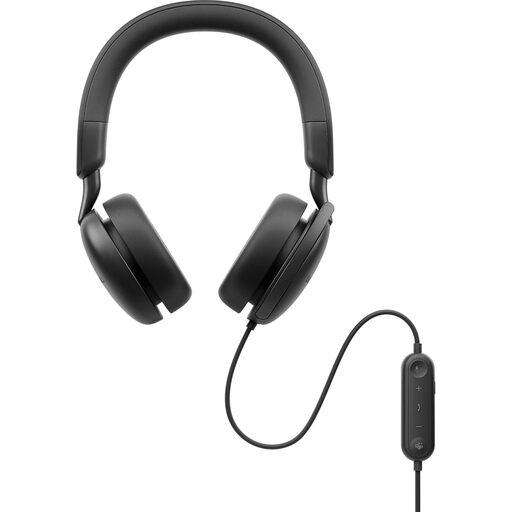
DELL Pro Plus WH5024 Wired ANC Headset
Consider this wired model for dictating at a desk without charging between sessions. Its ANC designation does not establish microphone performance, so test what your app records.
View on Joybuy
 No image available
Poly Blackwire 3220 Stereo USB-C Headset with USB-C/A Adapter
This is a desk-use option if you want to connect a headset by USB-C or use the named USB-C/A adapter. Confirm that your computer selects its microphone before assessing dictation.
View on Joybuy
 No image available
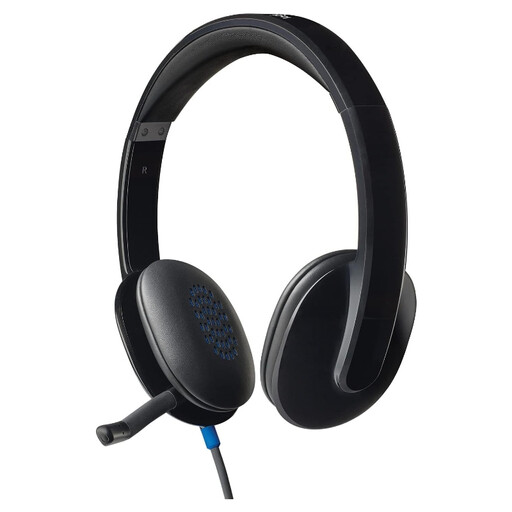
Logitech H540 Wired Headset
Its wired format suits study sessions at a computer where movement is less important. Check the connection required by your device and try its microphone with your usual dictation app.
View on Joybuy
 No image available
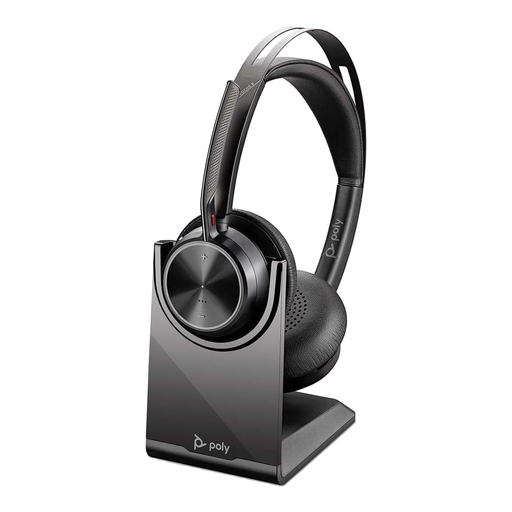
Poly Voyager Focus 2-M USB-C-C Headset with USB-C/A Adapter and Charging Stand
This wireless option suits moving between study locations if you are prepared to manage charging and connection setup. Check how the named adapter fits your computer and test voice capture in your room.
View on Joybuy
 No image available
Edifier G2II USB Gaming Headset, 7.1 Surround Sound, 50 mm, Black
For stationary dictation, assess its stated noise-cancelling microphone in your own app. The 7.1 surround-sound and 50 mm driver specifications concern playback, not transcription accuracy.
View on Joybuy
Questions about dictation headsets
Does active noise cancellation make dictation more accurate?
Not by itself: ANC for listening does not establish what the headset microphone sends to a speech-recognition app. Check microphone-specific features separately and test a recording in your usual room.
How do I set up a headset for Windows dictation?
Connect it, select it as the microphone in Windows and complete the relevant microphone setup. Microsoft lists English–UK among the available languages for Voice access; also check the settings of the particular dictation tool you intend to use.
Should I choose wired or wireless for study-note dictation?
Choose wired USB if you mainly work at one desk and want to avoid charging and pairing; choose wireless if moving between locations or devices matters more. For either choice, confirm the computer connection and active microphone before testing speech recognition.
What if a headset does not work as described?
For a UK purchase, GOV.UK says a faulty, misdescribed item, or one that does not do what it is supposed to do, requires a refund. Keep your order details and describe the fault to the seller; a change-of-mind return is a separate question, so check its applicable terms before buying.
How should I dispose of an unwanted wireless headset in the UK?
Use an appropriate electrical-waste collection route rather than household rubbish. GOV.UK advises keeping unwanted electrical products and batteries out of ordinary household waste.


