Online or recorded reading hosts
If you speak into a computer for a call, recording or stream, a headset with headphones and accessible mute controls may fit your setup. Check its connection against your computer before choosing.


Choose the connection before the microphone style. A USB headset suits a reading hosted through a compatible computer, while a dedicated headset microphone needs an input or bodypack that matches its connector and power requirements. Consider a cardioid microphone when a nearby loudspeaker makes spill or feedback a concern, and wireless when freedom to move justifies the additional setup and frequency checks.
If you speak into a computer for a call, recording or stream, a headset with headphones and accessible mute controls may fit your setup. Check its connection against your computer before choosing.
If your voice goes through a mixer or nearby speaker, match the headset microphone’s connector and power requirements to that equipment. Speaker position and microphone pickup pattern also matter when managing spill or feedback.
If you need to stand or move around the table without a cable, consider a wireless system only after checking its battery requirements, exact operating band and suitability for the intended location.
Start with where the microphone audio must go: a computer, a mixer or PA, or a wireless receiver. That decision narrows the useful connection types before details such as cable reach and microphone placement.
| Concern | What to check | Who this matters to |
|---|---|---|
| Computer connection and monitoring | Check the computer’s ports and software compatibility, then whether the cable reaches your seat. | If I am recording or sharing the reading from my computer, I want to hear the session and mute my microphone without changing equipment. Around 40% of consumers put that computer-first need ahead of the other setup choices. |
| Speech through a nearby speaker | Match the exact microphone connector and required power to the mixer or interface; consider speaker position and pickup pattern. | With a small PA beside the table, I need a workable connection and want to manage sound entering the microphone from the speaker. That is the leading concern for around 30% of consumers. |
| Movement without a cable | Check the exact wireless frequency variant, battery runtime and headset-to-bodypack compatibility. | If I will stand or move between readers, I want my microphone to follow me without a trailing cable. Around 30% of consumers make that freedom of movement their main priority. |
A computer USB connection is not a direct XLR or wireless-bodypack connection. Logitech specifies the H390 as a USB-A computer headset, for example.
Identify the input that will receive your voice before ordering: a computer port, powered 3.5 mm microphone input, XLR input or compatible bodypack.
If the reading uses an analogue PA instead of a computer, you may need a different microphone or additional compatible equipment.
RØDE specifies plug-in power for the HS2’s compatible 3.5 mm microphone input, while Shure states that the SM35’s XLR preamp requires phantom power. The socket shape alone does not establish compatibility.
Compare the precise microphone version, connector and power requirement with your mixer, interface, recorder or transmitter.
A compatible preamp, powered adapter or transmitter may be an additional part of the setup.
Ofcom identifies specific UK licence-exempt ranges, but shared spectrum can still experience interference. A system’s frequency variant therefore matters as much as its model name.
Check the sold variant’s exact operating range and the conditions for using it at your intended UK location before purchase or use.
Boom position affects how speech and breath reach the capsule. Sennheiser’s ME 3 instructions place its microphone 2 to 3 cm from the corner of the mouth.
Use that position as a starting point for an ME 3, fit its windshield as instructed and test your speaking level before the reading.
A computer-headset reference for a reading hosted through a laptop or desktop.
A performance-headset reference when the reading uses compatible live-sound equipment.
A low-profile wired-headset reference for a compatible powered 3.5 mm microphone input or wireless transmitter.
A wireless-system reference when movement is important and the host can manage a transmitter and receiver.
These headsets relate to computer-based hosting at the table. Check how each one carries microphone audio to your computer; do not assume that a computer headset will connect directly to a PA or mixer.
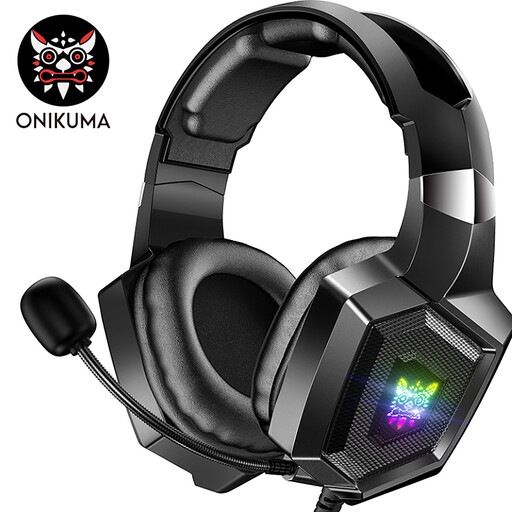 No image available
Consider this for a seated, computer-hosted reading if its microphone and headphone connections match your device. Confirm the port arrangement and any adapter needed before ordering.
The product title specifies a flexible microphone and an over-ear, wired design.
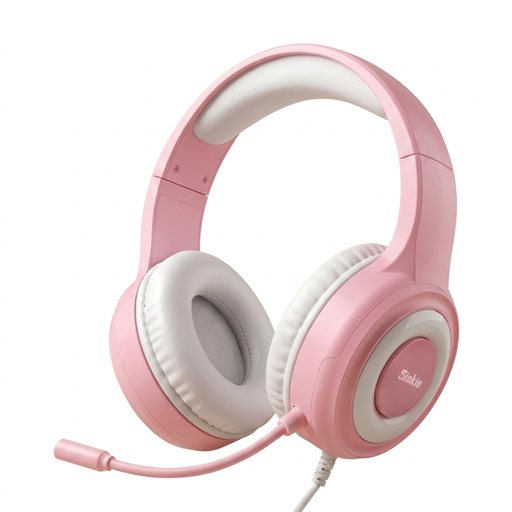 No image available
This is another computer-headset option for a seated host. Its title lists USB and 3.5 mm connections; confirm which connection carries microphone audio and whether your device has matching ports.
The named variant is wired and over-ear, with a 50 mm driver.
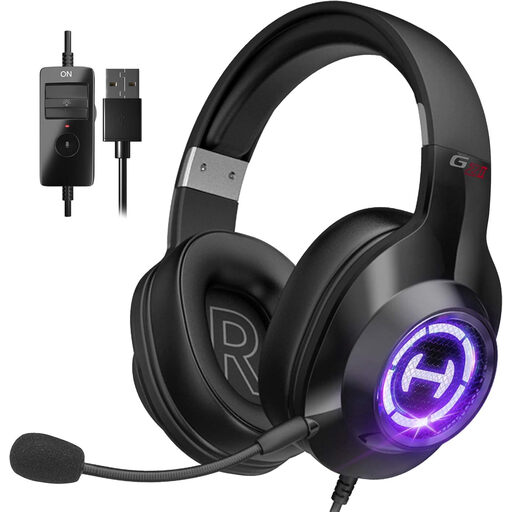 No image available
Its USB-wired format is relevant when the reading is hosted on a computer. Check the connection against your computer and confirm compatibility with the calling or recording software you intend to use.
The product title specifies a 50 mm driver and identifies the black variant.
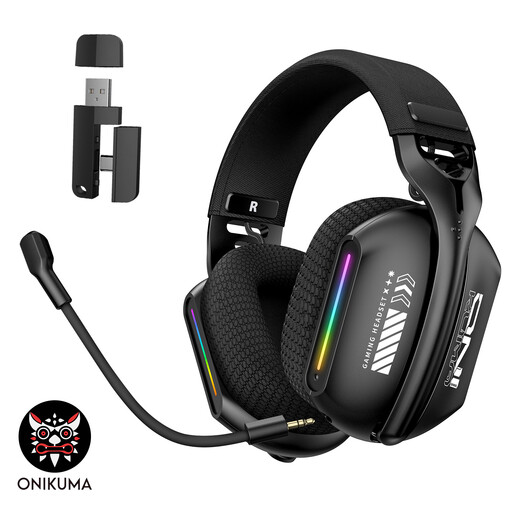 No image available
Consider its connection choices if you want more flexibility around a computer-hosted reading. Confirm which mode carries microphone audio to your computer and whether that mode requires a receiver.
The product title identifies an over-ear, rechargeable headset and a 2.4 GHz wireless mode.
Choose a USB headset for a reading hosted through a compatible computer when you also want headphones. For a mixer, PA, audio interface or wireless bodypack, choose a dedicated microphone only after matching its connector and power requirements to that equipment.
No: the socket must provide the connection and power required by the exact microphone version. RØDE specifies plug-in power for the HS2’s compatible 3.5 mm input, while Shure says the SM35’s XLR preamp requires phantom power.
Place the capsule near, rather than directly in front of, your mouth and test it at your intended speaking level. For the ME 3 specifically, Sennheiser instructs users to position it 2 to 3 cm from the corner of the mouth and fit its windshield.
It depends on the exact operating band and applicable conditions. Ofcom lists 173.8–175 MHz, 863–865 MHz and 2400–2483.5 MHz as ranges that can be used without a licence; check the requirements for your particular system and location before use. Licence-exempt spectrum is shared, so interference remains possible.