What matters when choosing?
Start with the microphone and a connection your computer accepts. Then decide whether longer wear or freedom of movement justifies a different headset design; a quiet booth does not replace a check with your actual dictation software.
| Concern |
What to check |
Who this matters to |
| Clear voice capture |
Check boom positioning and the stated microphone design. Try a short dictated passage with the booth’s usual background sounds. |
If ventilation or nearby speech reaches my booth, I want the software to capture my voice without repeated corrections. Around 42% of consumers put voice capture first. |
| Compatibility and setup |
Match the exact connector to the computer and check the intended dictation application. Confirm that the headset can be selected as its microphone input. |
When I use a particular work computer or speech-to-text application, I need the headset to connect and be recognised before I can start a report. Compatibility comes first for around 33% of consumers. |
| Long-session usability |
Assess fit, accessible controls and whether a cable restricts your work. For wireless models, check the charging and connection routine. |
During a lengthy report, I need a headset I can keep wearing and controls I can reach without breaking my flow. Around 25% of consumers prioritise long-session usability. |
Wired headset options on Joybuy
These wired headsets are options for desk-based report dictation. They have different connections and headset designs, so match the exact model to your computer and try your chosen dictation software before depending on it for a report.
 No image available
Poly Blackwire 3220 Stereo USB-C Headset with USB-C/A Adapter
For a fixed desk, consider this model if its USB-C connection or named adapter fits your computer. Check that your dictation software selects the headset microphone, then test a passage in the booth.
View on Joybuy
 No image available
Logitech 960 Wired USB Headset with Inline Remote and Noise-Cancelling Microphone
For desk-based dictation, the named inline remote may suit you if you want controls close at hand. Check that the USB connection fits your computer; the microphone’s noise-cancelling description is not a measure of transcription accuracy.
View on Joybuy
 No image available
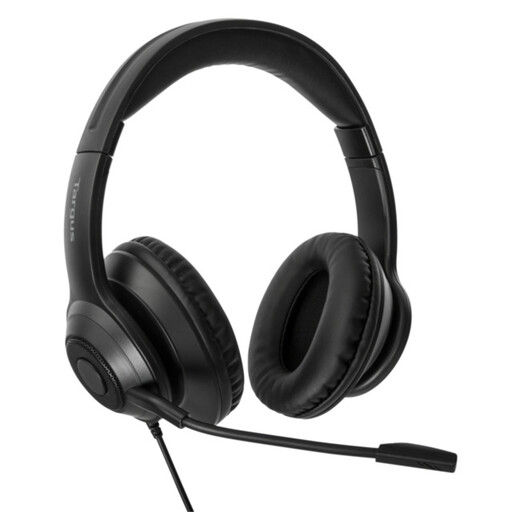
Targus Wired Stereo Headset
If you expect to wear a headset through longer reports, assess this wired stereo model’s fit. Confirm that its connector works with your computer’s microphone input and test a dictated paragraph before relying on it.
View on Joybuy
 No image available
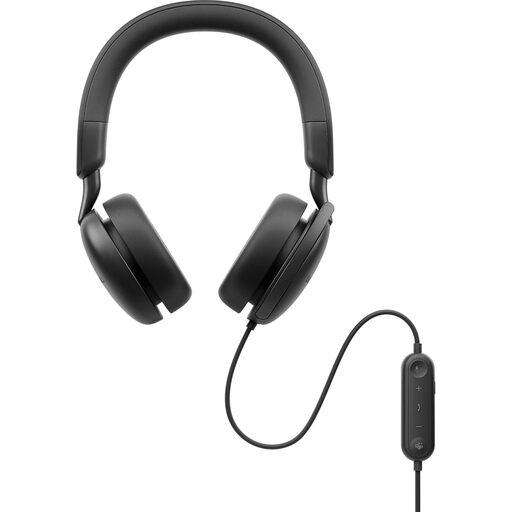
DELL Pro Plus Wired ANC Headset WH5024
For longer desk-based sessions, assess the WH5024’s fit and confirm compatibility with your computer and dictation application. Its named active noise cancellation should not be taken as a measure of microphone capture or transcription accuracy.
View on Joybuy
 No image available
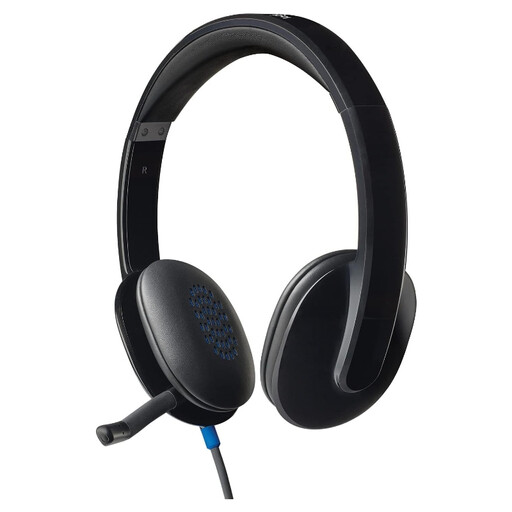
Logitech H540 Wired Headset
For dictating at one desk, check that the H540’s connection suits your computer and that you can position its microphone appropriately. Try a short report passage with the input settings you intend to use.
View on Joybuy
Common questions
Do I need a special headset for Windows voice typing?
No special headset is required: Microsoft Support says Windows voice typing needs an internet connection, a working microphone and a text field. If your built-in microphone is inadequate, a headset or external microphone is worth trying; select the intended input and allow microphone access.
Should I use USB or wireless for dictating in one booth?
A wired USB headset is a practical starting point when you stay at the computer and want to avoid charging and pairing. Choose wireless when movement matters enough to justify those steps, and check its connection method and microphone position with your dictation application.
Will active noise cancellation improve my dictated text?
Not necessarily: active noise cancellation concerns what you hear, rather than proving what the microphone captures. Check the microphone design and placement separately, and judge transcription by testing a passage in your booth.
What if speech-to-text does not hear my headset?
Check that the headset is connected, selected as the microphone input and permitted in your computer’s settings. Microsoft Support also advises checking input level and, when words are inaccurate, trying a quieter location and confirming the selected voice-typing language.


