
24/7 Customer Support

Free returns

Same-day & Next-day Delivery

Quality Guaranteed

Unlock Your Welcome Offers: FREE Delivery | Up to 80% OFF | Free 30-day JoyPlus trial
Download the APP
A high-speed memory card can make a noticeable difference when you are shooting burst photos, recording 4K footage or transferring large files. However, speed claims on packaging can be confusing, and choosing the wrong format may lead to dropped frames, slow transfers or a card that does not work with your device.
Before buying, UK shoppers should look beyond the headline read-speed figure. The most useful card depends on your camera or device, recording format, storage requirements and whether you need a full-size SD card or a microSDXC card.
A card advertised with a read speed of 205MB/s may transfer files quickly, but read speed does not determine how quickly a camera saves new images or video. Write speed is more relevant for burst photography and continuous recording.
For example, the Lexar Silver SD card range lists read speeds of up to 205MB/s, but the maximum write speed varies by capacity. Always compare both figures rather than selecting a card based only on the larger number.
Maximum speeds may also require a compatible card reader. The Lexar Silver SD cards specify that up to 205MB/s read performance requires the Lexar RW310X card reader, which is sold separately.
“4K-ready” is not a universal performance standard. For smooth recording, check the card’s Video Speed Class and UHS Speed Class.
A U3 V30 memory card is a practical specification for many 4K cameras and action cameras, but your device’s manual remains the final compatibility check.
An SDXC memory card generally covers capacities above 32GB, while a microSDXC card uses the smaller microSD form factor. Some cameras, drones, tablets and gaming consoles support only a specific maximum capacity.
For instance, the SJCAM C300 supports microSD cards up to 128GB, while the SJCAM SJ10 Pro supports cards up to 256GB and the SJCAM C400 supports up to 512GB. A 1TB card may provide useful space in a compatible DSLR or mirrorless camera, but it is not automatically suitable for every action camera, drone or handheld console.
For photography, a higher write speed can help clear the camera buffer during burst shooting. For video, sustained performance is more important than a short-lived peak figure. V30, U3 and Class 10 markings provide useful minimum classifications, although actual results depend on the host device, file type and recording settings.
Choose a full-size SD card for compatible DSLR and mirrorless cameras. Choose a microSD card for many smartphones, tablets, drones, action cameras and handheld gaming consoles. A microSD card with an SD adapter can fit a standard SD slot, but the adapter does not increase the card’s speed.
Check:
A high-capacity memory card reduces the need to swap cards during a shoot, but capacity should match your backup routine. Approximate storage needs vary according to resolution, bitrate, file format and camera settings.
Format the card in the camera or device before first use, and back up important files before formatting.
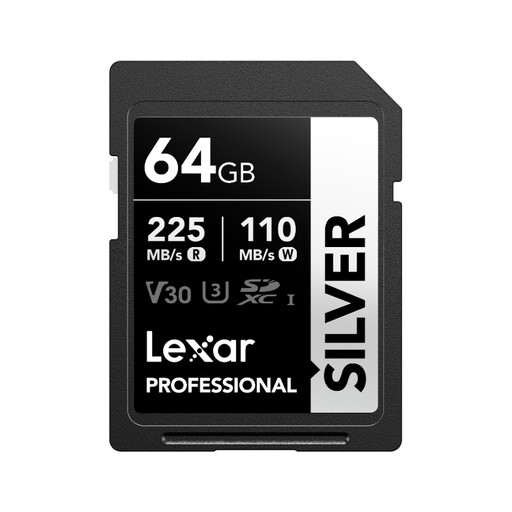
Why This Fits Their Persona: A practical starting point for photographers and videographers who need a full-size SD card for compatible cameras without immediately paying for very large capacity.
Its stated Class 10, U3 and V30 ratings provide clearer video-performance information than a read-speed figure alone.
Up to 90MB/s write speed; supports 4K 60fps recording according to the supplied product specifications.
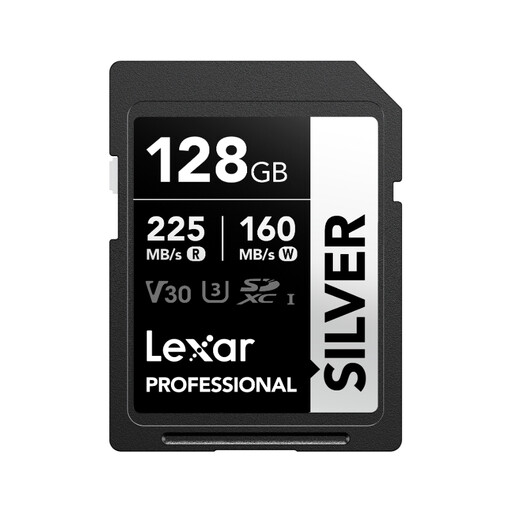
Why This Fits Their Persona: Suitable for content creators and photographers wanting more shooting space while retaining a full-size SDXC UHS-I format for compatible equipment.
The 140MB/s stated write speed is easier to assess for burst photography than an unspecified “fast” label.
128GB capacity; Class 10, U3 and V30 ratings; supplied specifications list up to 205MB/s read speed with the specified reader.
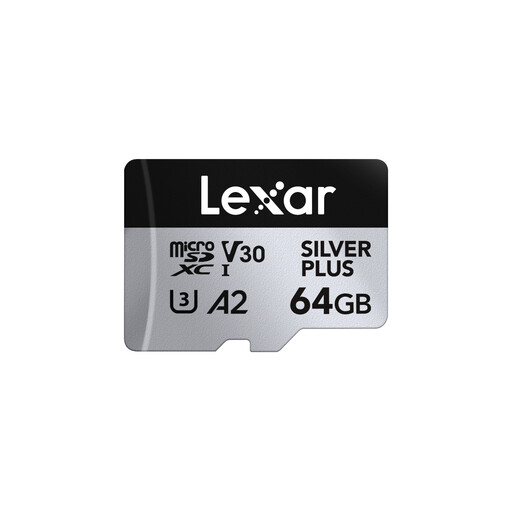
Why This Fits Their Persona: Designed for users moving between drones, action cameras, smartphones and handheld consoles that require the smaller microSD format.
It clearly identifies A2, U3, V30 and Class 10 ratings, rather than relying on a generic high-speed description.
Up to 100MB/s write speed; includes an SD adapter; stated support for 4K 60fps recording.
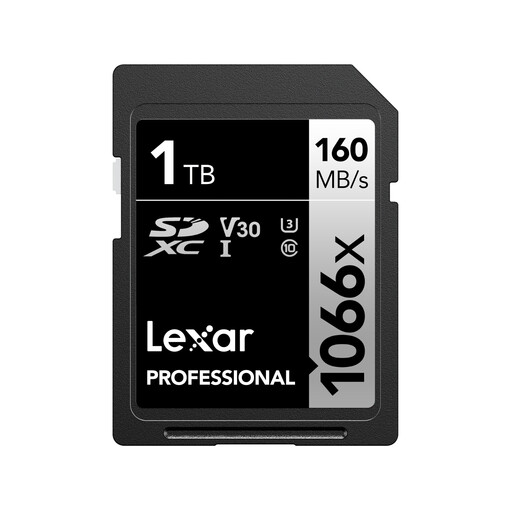
Why This Fits Their Persona: A capacity-focused option for compatible DSLR and mirrorless camera users recording long sessions or managing large image files.
The product specifies both capacity and interface, helping buyers check SDXC and UHS-I compatibility before purchase.
1TB capacity; up to 120MB/s write speed; Class 10, U3 and V30 ratings.
We have compiled a complete, real-time list of products that fully satisfy these strict selection criteria and UK safety regulations.
A V30 card has a stated minimum sustained write speed of 30MB/s, making it suitable for many 4K recording modes. The camera’s bitrate, frame rate and codec still matter, so check the device manual before buying.
There is no single lifespan for every card. Service life depends on write volume, recording frequency, temperature, storage conditions and how safely the card is removed. Regular backups reduce the impact of unexpected failure. A warranty or recovery software may provide additional support, but neither replaces a backup.
The card itself has no separate running cost. A faster card may reduce transfer or buffer waiting time, but overall battery use is mainly affected by the camera, screen, wireless connections, autofocus and recording settings. Use a compatible card and avoid repeatedly re-recording or transferring files unnecessarily.