For a room, consider an indoor Wi-Fi camera with a privacy control; for an entrance or garden, check that an outdoor model suits the mounting position, power supply and Wi-Fi coverage. A wired Power over Ethernet (PoE) system with a network video recorder (NVR) is worth considering when several cameras or continuous local recording matter more than straightforward installation. Decide how you need to review recordings before buying, and plan the view around your property boundary: the Information Commissioner's Office (ICO) says UK data-protection law applies if a domestic system captures someone else's property, a public area or communal space.
Who is each setup for?
Households checking an indoor room
An indoor Wi-Fi camera suits a room or internal entrance where power and a suitable connection are available. If people use the room while at home, consider how they can stop observation; TP-Link describes a physical privacy control on selected Tapo models.
Households watching an entrance or garden
Check outdoor suitability, the proposed camera view, power and connectivity together. The ICO advises positioning domestic cameras to capture only your own property where possible; UK data-protection law applies if the system captures someone else's property, a public area or communal space.
Households planning several cameras
A wired PoE and NVR route may suit centralised or continuous local recording if cable runs and recorder placement are practical. Reolink describes PoE as carrying power and data through one Ethernet cable and its NVR systems as managing footage from multiple cameras.
What should you check before buying?
Indoor Wi-Fi camera
Consider it: For checking a room where a power outlet and home Wi-Fi are available, especially if occupants want a clear way to pause observation.
Allow for: Remote monitoring depends on the connection and power; recording options and privacy controls differ by model.
Outdoor Wi-Fi camera
Consider it: For an entrance or garden with a suitable mounting position and adequate wireless coverage.
Allow for: Weather protection, power arrangements and local-storage support must be checked for the exact model.
Wired PoE and NVR
Consider it: For several cameras or continuous local recording; Reolink describes compatible NVR systems for centralised footage management.
Allow for: Ethernet cable runs, space for the recorder and any permission needed for the installation.
| Priority | What to check | Your needs |
|---|
| Camera view and privacy |
Plan the field of view before mounting. Check adjustable positioning and any masking or physical lens control; the ICO says blockers can reduce intrusion but advises capturing only your own property where possible. |
I want to see the relevant room or entrance without needlessly including neighbours or shared spaces. If a UK domestic system captures someone else's property, a public area or communal space, the ICO says data-protection law applies. |
| Recorded footage |
Check whether the exact camera uses compatible local media, a hub or an NVR, or needs a cloud plan for the history you want. Confirm how recorded events can be reviewed. |
Will I need to look back at an alert while away, or is live viewing enough? I want to know what recording arrangement that requires before choosing a camera. |
| Power and connection |
Check power at the mounting point and Wi-Fi coverage there. For a PoE system, check Ethernet routing and compatible recording equipment; Reolink says PoE carries power and data in one cable. |
A room camera can use a nearby outlet, but my proposed outdoor position may call for a different power or connection arrangement. |
| Outdoor placement |
Check the exact model's environmental specification and mounting instructions, as well as the proposed camera angle. Do not treat an outdoor category label as a rating for every location. |
I need an entrance or garden view that works at its intended mounting point without unnecessarily looking beyond my boundary. |
| Installation permission |
Read the tenancy agreement or housing-provider conditions before external fixing, drilling or electrical work. South and North Lanarkshire councils describe permission conditions for their own tenants. |
If I rent, I want to settle what changes I am allowed to make before choosing a fixed or wired setup. |
What can be easy to overlook?
-
Assuming an alert means you can replay the event
Live viewing, notifications and recorded-video review are different functions. Ring says reviewing recorded video on its cameras and doorbells requires a subscription; TP-Link describes separate local-storage and Tapo Care cloud options for supported Tapo cameras.
Decide how you need to review footage, then check the exact camera's storage requirements, compatible equipment and current plan terms.
-
Choosing an outdoor position before checking the connection
An exposed mounting point brings together weather suitability, power and connectivity; a camera's outdoor description alone does not establish that the proposed position will work.
Check wireless coverage at that position, the model's mounting instructions and power requirements. If considering PoE, plan the cable route before buying.
-
Relying on masking instead of planning the view
The ICO identifies privacy blockers as a way to reduce intrusion, but advises owners to capture only their own property where possible. UK data-protection law applies if a domestic system captures someone else's property, a public area or communal space.
Set the camera angle first, use masking as an additional measure where appropriate, and check the ICO's current guidance before installation; its home-CCTV guidance is under review.
-
Fixing equipment to a rented home without checking permission
Installation conditions depend on the tenancy and housing provider. South Lanarkshire Council requires its tenants to seek permission for specified external fixings or electrical work; North Lanarkshire Council describes conditions involving penetration of the building's exterior or electrical work.
Check the agreement and ask the relevant landlord or provider before drilling, wiring or attaching external equipment. Confirm conditions for a non-permanent setup too.
Which brands offer relevant routes?
TP-Link Tapo
An indoor and outdoor Wi-Fi camera range with model-dependent local recording and optional Tapo Care cloud recording.
- TP-Link states that the Tapo C225 has a physical privacy shield and supports a separately purchased microSD card up to 512 GB.
- Check storage capacity, compatible media and cloud features for the exact model, hardware version and plan.
Eufy Security
Eufy presents local-storage routes using microSD, HomeBase or NVR equipment across selected camera products.
- The brand's UK catalogue includes outdoor cameras in its local-storage range.
- Check the selected camera's storage arrangement and compatibility with any hub or recorder.
Reolink
An outdoor-camera and wired PoE/NVR range covering standalone and multi-camera arrangements.
- Reolink describes PoE power and data over one Ethernet cable and compatible NVR systems for centralised recording.
- A wired system requires practical cable routing, recorder placement and installation planning.
Ring
An app-based camera and doorbell range with subscription-enabled recorded-video review.
- Ring describes recorded video and smart-alert features in its Protect plans.
- Ring says a subscription is required to review recorded video on its cameras and doorbells; check the plan for the devices you intend to use.
Joybuy camera options
These options cover indoor Wi-Fi room cameras and outdoor Wi-Fi cameras for an entrance or garden. Choose between them according to placement, power, connection and recording needs; they are not a substitute for planning a wired multi-camera system.
 No image available
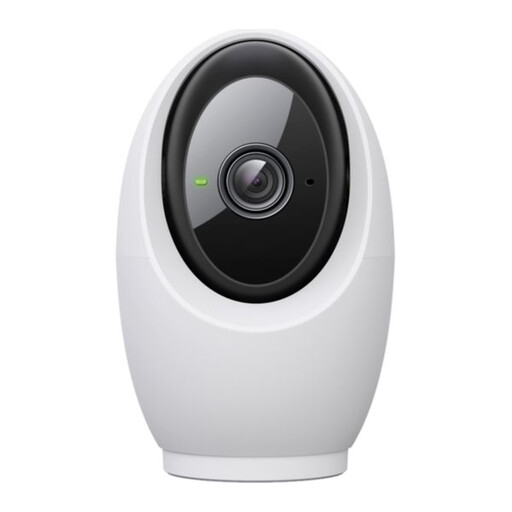
Tapo C260 Pan/Tilt AI Home Security Wi-Fi Camera
A pan-and-tilt Wi-Fi option for checking an indoor room. If pausing observation or keeping recordings locally matters, confirm the C260's privacy control, compatible storage and any cloud-plan terms before choosing it.
 No image available
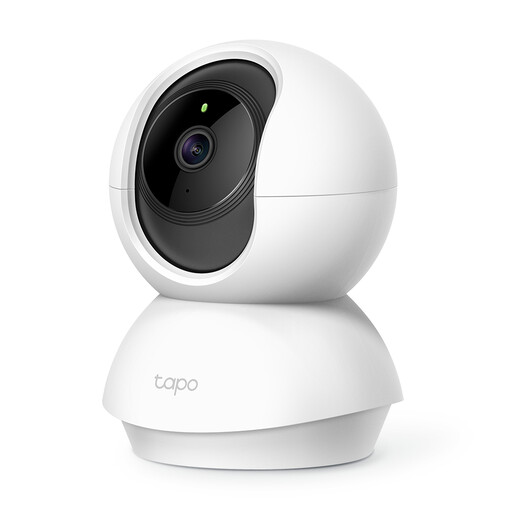
Tapo C200 Pan/Tilt Home Security Wi-Fi Camera
A pan-and-tilt Wi-Fi camera for an indoor room, not an outdoor mounting position. Check the planned power outlet, recording arrangement and way to pause observation.
 No image available
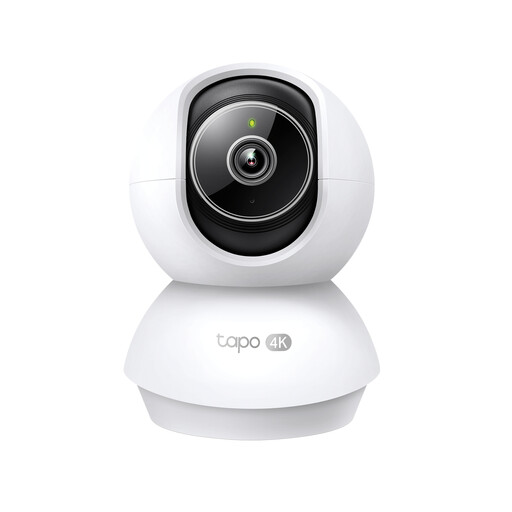
Tapo TC71 Pan/Tilt Home Security Wi-Fi Camera
A pan-and-tilt Wi-Fi choice for room monitoring. Check compatibility with the network at its intended position and whether its recording and privacy-zone settings meet your needs; do not assume it has a physical shutter.
 No image available
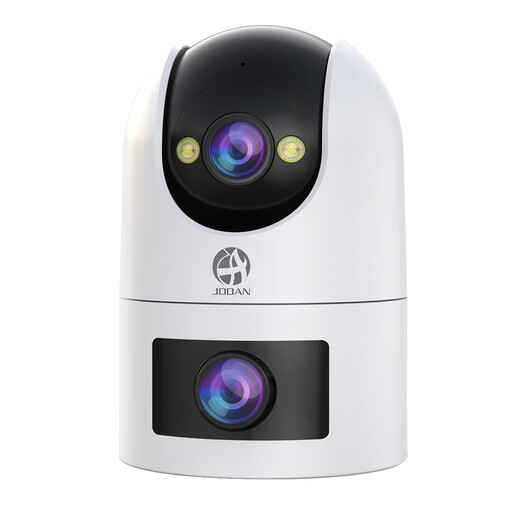
JOOAN Dual Lens Security Camera, 5G 2.4G Dual WiFi, IP66
An outdoor camera option with IP66 stated in its product name. Before placing it by an entrance or garden, check power connections and wireless coverage at the mounting point, plus the exact app playback setup and whether compatible recording media is supplied.
 No image available
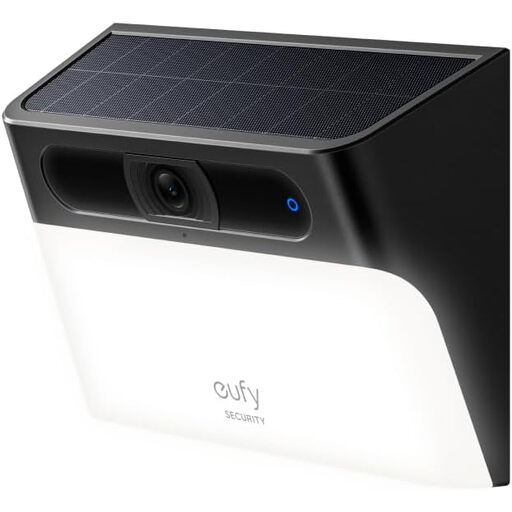
eufy Security Solar Wall Light Cam S120, IP65
A solar wall-light camera for an outdoor mounting position; consider the available sunlight, suitable wall fixing and Wi-Fi coverage. Confirm the exact video specification and recording arrangement before buying.
Common questions
Can a UK home camera include a pavement, shared entrance or neighbour's garden?
Position it to capture only your own property where possible. The ICO says UK data-protection law applies if a domestic system captures someone else's property, a public area or communal space; check its current home-CCTV guidance before installing or changing the view.
Why check the ICO guidance again before installation?
The ICO says its home-CCTV guidance is under review following changes made by the Data (Use and Access) Act and may change. Check the current guidance when you plan the camera's position.
Does recording video require a subscription?
Not for every camera or recording method. TP-Link describes local storage on supported Tapo cameras and separate Tapo Care cloud history; Ring says a subscription is required to review recorded video on its cameras and doorbells. Check the exact model's storage and review options.
What should a renter check before fitting a camera?
Check the tenancy agreement and ask the landlord or housing provider about the proposed fixing or electrical work. South and North Lanarkshire councils set out permission conditions for their own tenants involving external work; those conditions are not a single rule for every UK tenancy.
Can local recording still be useful when checking the camera remotely?
Yes, on a model that supports the remote viewing or playback you need. Check its required storage medium, power, network connection and app functions rather than assuming that local recording automatically makes past footage available while you are away.


