What matters when choosing?
A doorbell and a fixed camera answer different coverage needs, but either can capture beyond a property boundary. Decide what must be in frame before comparing recording and connected-service options.
Video doorbell
Consider it when: Seeing and speaking with callers or checking deliveries is the main task.
Trade-off: A doorstep view can still include a public path or neighbouring frontage; check its installed frame and recording controls.
Fixed home camera
Consider it when: You need a stable view of a driveway, gate, garden or side access rather than doorstep conversation.
Trade-off: A wider scene may include more space beyond your property. The ICO advises positioning domestic cameras to capture only your own property where possible.
| Concern |
What to check |
Who this matters to |
| Capture beyond your boundary |
Assess the view from the proposed mounting point. Check whether privacy controls prevent recording of selected areas or only change alerts. |
I need to see my entrance without routinely filming the shared path; around 33% of consumers put limiting capture beyond their boundary first. |
| Recording and retention |
Check the exact model's recording medium, included storage and retention terms, including which functions require a plan. |
I want to review an event later without relying on an ongoing cloud plan. For around 27% of consumers, control over stored footage is the primary need. |
| Front-door interaction |
Check the installed view of callers and deliveries, plus live view and two-way talk on the chosen doorbell. |
If callers and parcels are my focus, I need doorstep interaction more than a broad garden view; roughly 20% of consumers prioritise that need. |
| Ongoing device support |
Check the manufacturer's declared security-update support period and which functions depend on its app, account or subscription. |
I expect to keep using connected alerts over time, so service and update terms matter to me; around 20% of consumers put long-term support first. |
Joybuy camera options
These window and outdoor camera options suit households considering a defined property view rather than a visitor-focused video doorbell. For any position facing a boundary, check the installed frame and whether the exact device can block unwanted recording.
 No image available
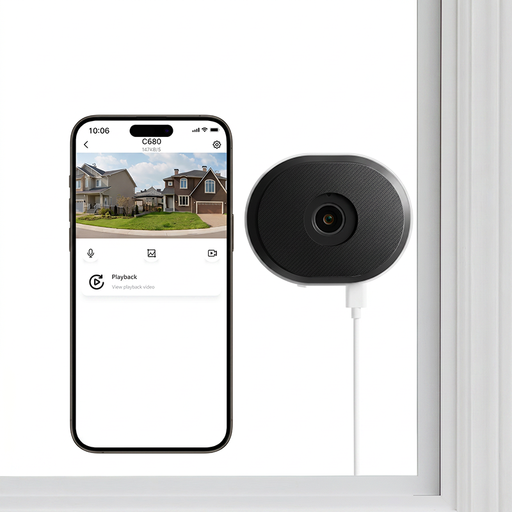
ZOSI C680 3MP 2K window security camera, 1 PCS
Consider this indoor, plug-in window camera if the proposed view through the glass covers the area you intend to monitor. Its title specifies 2.4/5GHz WiFi and two-way talk; check the actual frame, audio settings and whether selected areas can be excluded from recording.
Joybuy
 No image available
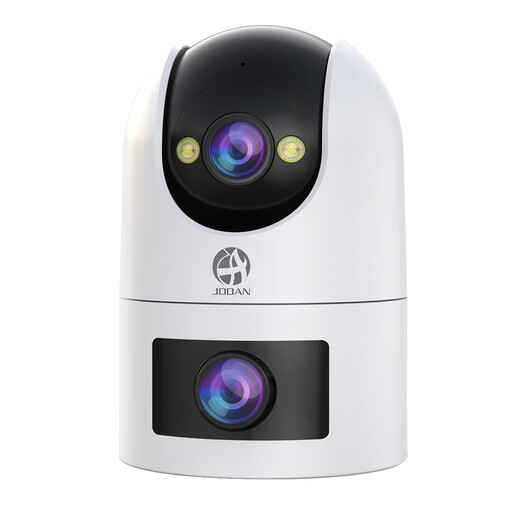
JOOAN dual-lens security camera, IP66
Consider the dual-lens format for a defined outdoor monitoring area, but check what both lenses would record from the mounting point. The title lists card and cloud storage; confirm the card requirements, cloud terms and whether unwanted areas can be blocked from recording.
Joybuy
 No image available
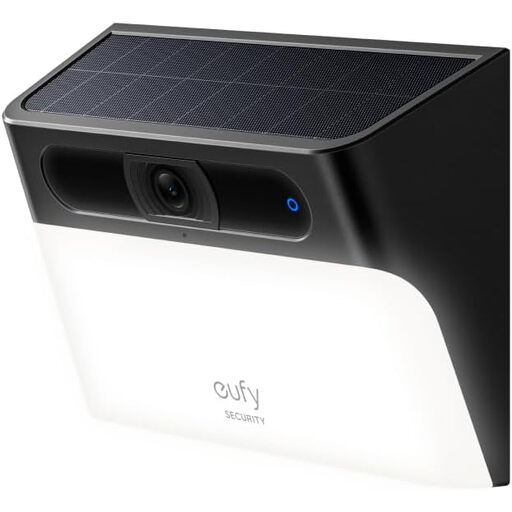
eufy Security Solar Wall Light Cam S120
Consider this wall-light camera where its proposed outdoor position receives suitable sunlight and covers the intended area. The title lists solar charging, a motion-activated light and an IP65 rating; check the storage and retention terms, exact resolution and recording-blocking controls before choosing it.
Joybuy
 No image available
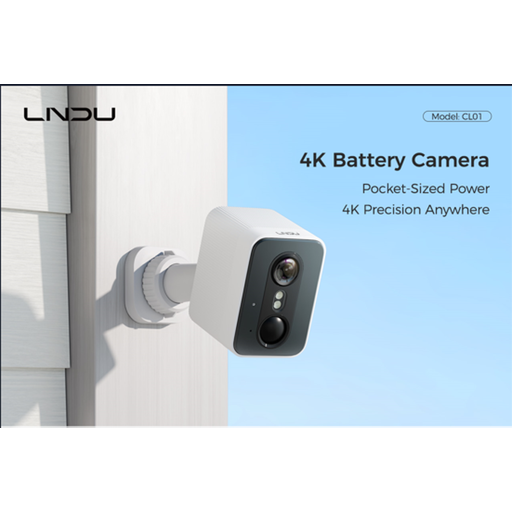
LNDU 4K wireless outdoor security camera, 128GB
Consider wireless placement where a cable would be inconvenient, provided the mounted view stays appropriate for the area you intend to monitor. The title lists 128GB local storage, 2.4GHz WiFi and a 143° field of view; check recording retention, charging needs and whether unwanted areas can be excluded.
Joybuy
Frequently asked questions
When does UK data protection law apply to home CCTV or a video doorbell?
The ICO says it applies if domestic CCTV captures someone else's property, a public area or communal space. Position the camera to capture only your own property where possible; assess the actual view and audio settings for your planned installation rather than treating a product feature as proof of compliance. The ICO's home-CCTV guidance is under review.
Can I use an Activity Zone instead of a privacy mask?
No, not if you need to prevent part of the scene being recorded. Google says Nest Activity Zones tailor notifications but do not change the camera's detected, streamed or stored view. Check whether the exact product offers a control that blocks recording.
Does local storage change the rules for footage beyond my property?
The ICO's stated trigger concerns what domestic CCTV captures, not whether footage is stored locally or in the cloud. Local storage changes where recordings are held, but you still need to assess a view that includes someone else's property, public space or communal space.
How long will a cloud camera keep recordings?
Retention depends on the camera and plan, so do not assume footage remains available indefinitely. Google describes rolling deletion of cloud video history; Ring says eligible Ring Protect plans offer up to 180 days of event history. Check the exact product's terms.
What software support should I check before buying?
Check the exact camera's declared security-update support period and which features need the maker's app, account or continuing service. Which? identifies support-period information as a connected-device purchase consideration; do not assume every model receives updates for the same length of time.


