What should you check before buying?
Start with the view and property boundary, then decide whether one doorstep view is enough and how you want to retain recordings.
| Concern |
What to check |
Who this matters to |
| Boundary capture |
Check the view from the intended position and whether the exact model can mask areas in live and recorded video; an activity zone may only change detection. |
If my camera faces a shared path, I want it to capture as little unrelated activity as possible. Around 33% of consumers put limiting capture beyond their boundary first. |
| Recording and storage |
Check what footage you can replay, the retention period, subscription conditions and any compatible local storage needed. |
I need to retrieve an event later without committing to a recording arrangement I cannot maintain. For around 27% of consumers, control over retained footage and its ongoing requirements is the primary concern. |
| One-entrance view |
Assess the doorbell’s framing from the mounting height and whether its power and recorded-history options meet your needs. |
When someone comes to the door, I mainly want to see the visitor and be able to review a missed event. Around 20% of consumers place entrance monitoring first. |
| Broader coverage |
Identify each approach that needs a camera, then assess its position, power and recording arrangement separately. |
A doorstep view would leave another approach to my home uncovered. For around 20% of consumers, monitoring more than one outdoor area is the primary need. |
Joybuy products for entrance and outdoor monitoring
These choices include a video doorbell for one entrance and outdoor cameras for other approaches. For any position overlooking a shared area, check the installed view and the exact model’s image-masking controls before deciding.
 No image available
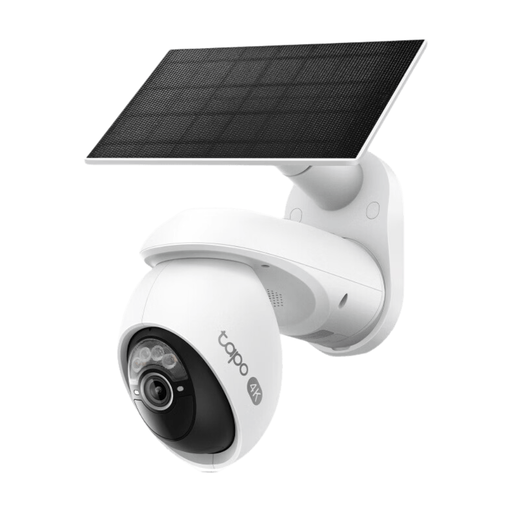
Tapo C660 KIT Solar-Powered Pan/Tilt Security Camera Kit
Consider this outdoor camera kit if you need to monitor an approach rather than only your doorstep. Check its view from the planned position and whether this exact model can mask any shared area you need to exclude.
View on Joybuy
 No image available
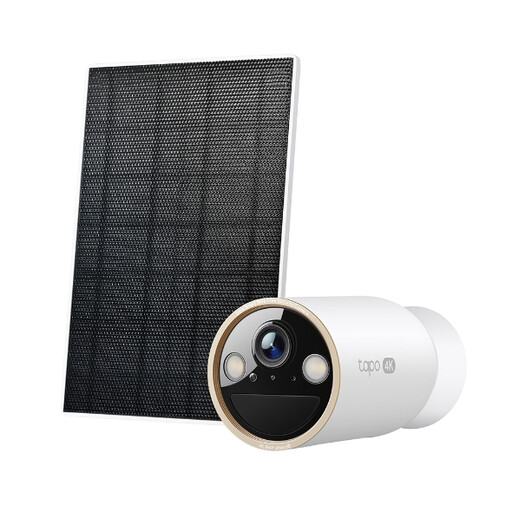
Tapo C460 KIT Solar-Powered Security Camera Kit
Consider this kit for an outdoor position where you want a solar-powered camera. Assess the available sunlight and intended view, and check whether this model can mask areas outside the view you need.
View on Joybuy
 No image available
BOTSLAB R810 5MP Video Doorbell with 32GB SD Card
Consider this doorbell if your main concern is activity at one entrance. Its title specifies 5MP video and a 32GB SD card; check the view from your door and how recordings and masking work on this model.
View on Joybuy
 No image available
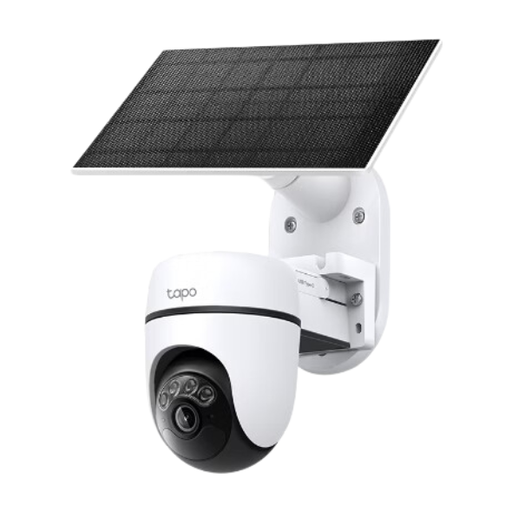
Tapo C610 KIT Solar-Powered Pan/Tilt Security Camera Kit
Consider this kit for an outdoor approach where pan-and-tilt positioning is relevant. Plan the solar panel’s position, inspect the camera’s view and check for model-specific image masking rather than relying on detection-zone controls.
View on Joybuy
 No image available
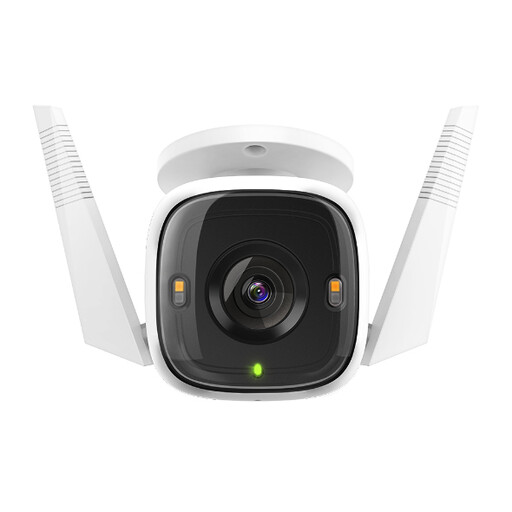
Tapo C320WS Outdoor Security Wi-Fi Camera
Consider this camera for an outdoor position where Wi-Fi access is practical. Check power access, the view from its intended mount and whether this exact model can exclude shared areas from the image.
View on Joybuy
Common questions
Does UK data-protection law apply to my home camera or video doorbell?
Yes, if it captures people outside the boundary of your private domestic property. GOV.UK says GDPR and the Data Protection Act 2018 apply in that situation, including where the view takes in shared space or neighbouring property; assess what the installed camera actually captures.
Does a privacy zone make a shared-area view acceptable?
A privacy-zone setting alone cannot establish that an installation meets its obligations. Ring and TP-Link describe image-blocking zones on supported devices, but you still need to assess the installed view, model-specific behaviour and any audio capture.
What should I check about signs and stored footage?
If your system records beyond your private boundary, consult the Information Commissioner’s Office’s current home CCTV guidance before installation. Its public guidance addresses signs, secure access to footage, regular deletion and requests from people recorded; the ICO says this guidance is under review following changes made by the Data (Use and Access) Act.
Can I keep recordings without a subscription?
Yes, on a compatible device with a suitable local-recording option. TP-Link says relevant Tapo and Kasa cameras can record to a separately sold microSD card, subject to model and hardware compatibility; Ring says reviewing its recorded video requires a subscription.
Can a battery video doorbell record continuously?
Do not assume that a battery doorbell offers continuous recording. Google says its battery Nest Doorbell cannot record 24/7 video history even when wired; its continuous-history options require eligible wired hardware and the relevant subscription.


