What to check before buying
Start by identifying whether you need a device-specific replacement, a compatible cable or more plug positions. Consider a shared USB charger only when its ports and occupied-port output suit the devices you intend to connect.
| Concern |
What to check when buying |
Who this matters to |
| Device compatibility |
Match the exact device model, specified charging input, connector and approved alternatives. |
I’m replacing a charger for one device and need to match its requirements, rather than choosing by connector fit alone. Around 26% of consumers put device compatibility first. |
| Power when ports are shared |
Compare each device’s requirements with the charger’s output allocation for the ports used together. |
When several devices need charging at once, I want to know what power each will receive with the others connected. Around 26% of consumers prioritise simultaneous charging. |
| Genuine, undamaged equipment |
Check the seller and product identity; do not use damaged charging equipment or cover a charger while it is in use. |
I want a genuine replacement and sound equipment, not a questionable charger or damaged cable. Around 21% of consumers make authenticity and condition their main concern. |
| Socket space and load |
Count the plugs, check the extension lead’s marked maximum load against the combined load, and do not chain leads. |
If several mains plugs need a place, I want to organise them without exceeding the lead’s rating. Around 16% of consumers focus first on socket capacity. |
| Replacement cable |
Check both connector ends, the cable’s condition and its stated power capability for the intended setup. |
If the adapter is suitable but a cable is missing or damaged, I want a replacement that fits the device and supports the intended use. Around 11% of consumers prioritise the cable. |
Related Joybuy products
These Joybuy choices include multi-port charging adapters, USB-C chargers and a 2-in-1 magnetic charging stand. Check the exact device and connection requirements before choosing.
 No image available
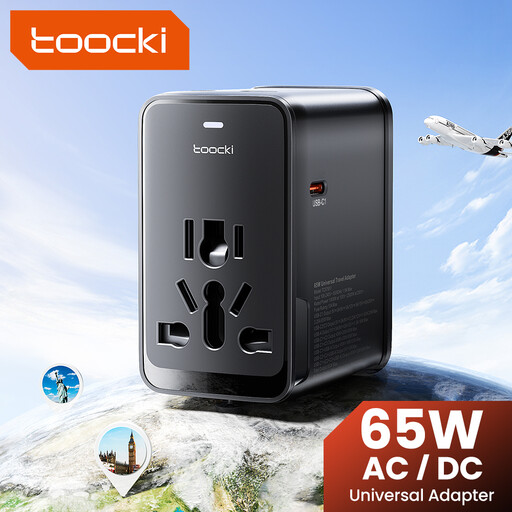
toocki Universal Travel Adapter 65W PD, 1 USB-A and 3 USB-C Ports
For charging several compatible USB devices from one adapter.
The product description specifies a 65 W USB-C PD port and simultaneous charging across four ports; check the output allocation for your devices.
Joybuy
 No image available
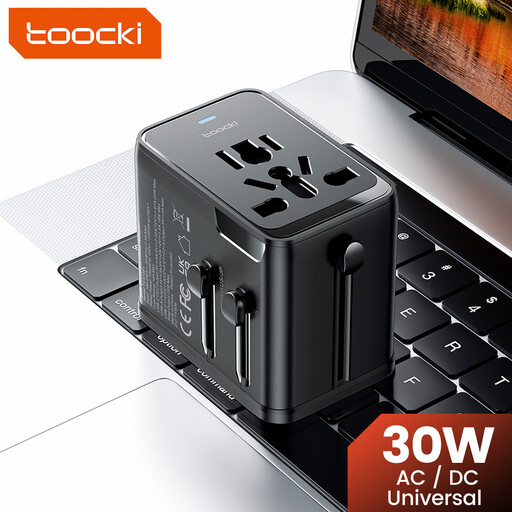
toocki Universal Travel Adapter 30W PD, 1 USB-A and 2 USB-C Ports
For a setup where several devices match the listed ports and charging requirements.
The product name lists 30 W PD, one USB-A port and two USB-C ports. Check compatibility with each device before connecting it.
Joybuy
 No image available
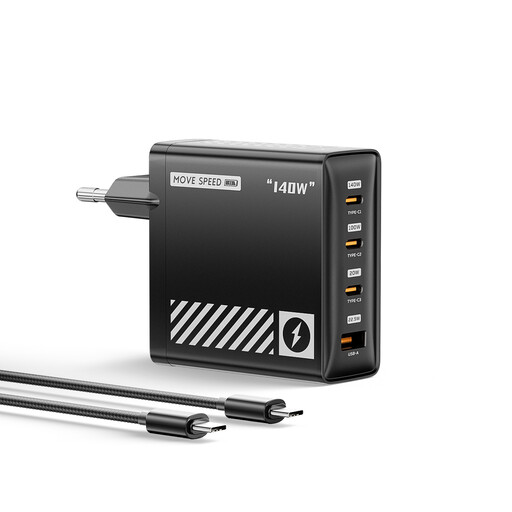
MOVESPEED 140W USB-C EU Charger, 4-Port, HC-TR271A-EU
For a multi-device setup where the connected devices suit the listed ports and charging requirements.
The product description lists three USB-C ports, one USB-A port and up to 140 W from one port. Check the output allocation for the combination you plan to use.
Joybuy
 No image available
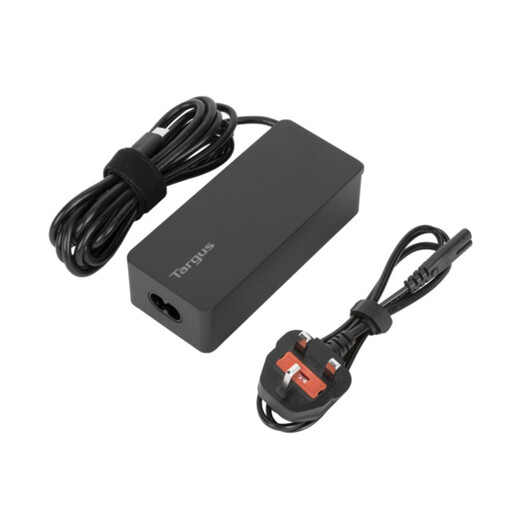
Targus 65W USB Type-C Charger
For replacing a charger for a compatible USB-C laptop, tablet or phone.
The product description states up to 65 W Power Delivery and includes EU and UK power cords. Check the intended device’s charging requirements.
Joybuy
 No image available
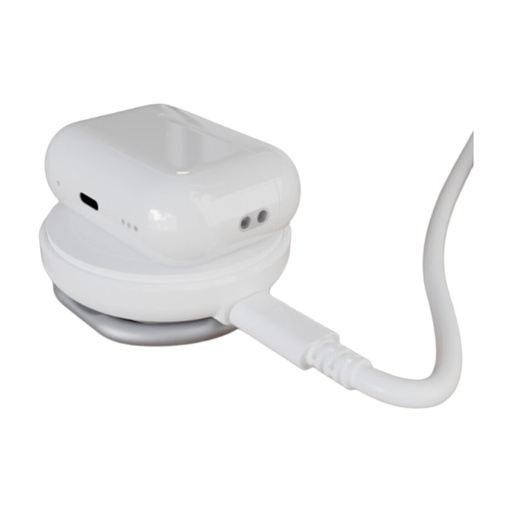
HYPER Hyperjuice Qi2 2-in-1 Magnetic Charging Stand, White
For a charging setup that suits a 2-in-1 magnetic stand.
The product name identifies it as a Qi2 magnetic charging stand. Check that the intended devices are compatible with this exact model and that it meets their charging needs.
Joybuy
Home charging FAQs
Does a 100 W multi-port charger provide 100 W to every connected device?
No: the headline rating does not establish the output available at every occupied port. Check the exact model’s allocation for the ports you will use and compare it with each device’s requirements. Belkin specifies 45 W plus 20 W when both ports are occupied on its cited 65 W WCH013myWH model.
Can I leave phones or laptops charging under bedding overnight?
London Fire Brigade advises against covering chargers or devices and against leaving items continuously on charge after charging is complete, giving overnight phone charging as an example to avoid. This is fire-service guidance, not a claim that every overnight charge causes a fire.
Does a surge-protected extension lead make any number of chargers safe to plug in?
No. Check the lead’s marked maximum current against the combined load, and do not connect extension leads in a chain. Surge protection and preventing overload address different issues.
What marking should an in-scope mains charger have in Great Britain or Northern Ireland?
For electrical equipment within the relevant regime and placed on the Great Britain market, UK Government guidance dated 25 March 2025 says UKCA or CE marking may be used. For in-scope equipment placed on the Northern Ireland market, the separate guidance specifies CE, or CE together with UKNI. These market-placement requirements do not make a printed mark independent proof that an individual charger is genuine or safe.
What should I do if a charger is identified in a safety recall?
Check the exact product and model against the Office for Product Safety and Standards alerts and recalls service, then follow the notice’s instructions and contact the seller or manufacturer about the remedy.


