Buying priorities
Start with the child’s game list and account route, then decide how communication and shared-device settings will be managed.
| Priority |
What to check |
Your needs |
| Game and platform fit |
Confirm the exact game, online mode and publisher account work on the chosen console, computer, browser or tablet app. Check whether online play runs through the device platform, a game account or both. |
I need a device that supports the games my child actually plays, including the way they sign in and join friends. |
| Communication controls |
Check platform and in-game voice, text, friends, party, matchmaking, reporting and block settings. Decide whether a microphone is permitted before choosing a headset. |
I want to decide who my child can communicate with and be able to review chat settings for each game. |
| Child accounts and shared use |
Create a child account within the relevant family group. Check whether age filters, activity tools and communication restrictions apply per account, per console or only on certain operating systems and browsers. |
Our household needs adult-managed settings that still make sense when siblings of different ages share a device. |
Joybuy product options
Joybuy console options for households considering an Xbox family-account route for a child’s online gaming setup.
 No image available
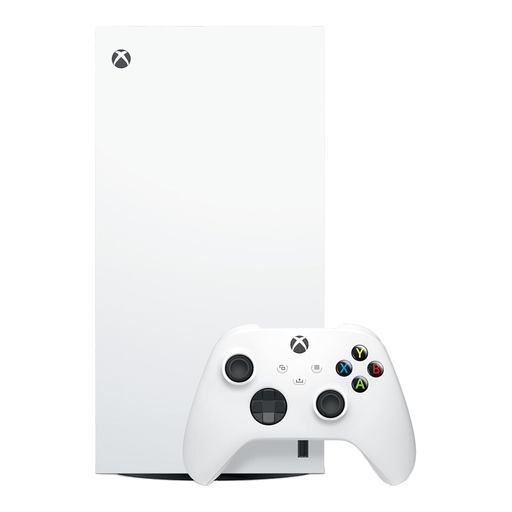
Xbox Series X 1TB Digital Edition Console – White
A console route for households planning to set up a child account within an Xbox family group before enabling online play.
1TB storage and an included controller. This all-digital model has no disc drive, so physical game discs cannot be used. Check each child-used game, publisher account, cross-network play and chat setting separately.
View on Joybuy
 No image available
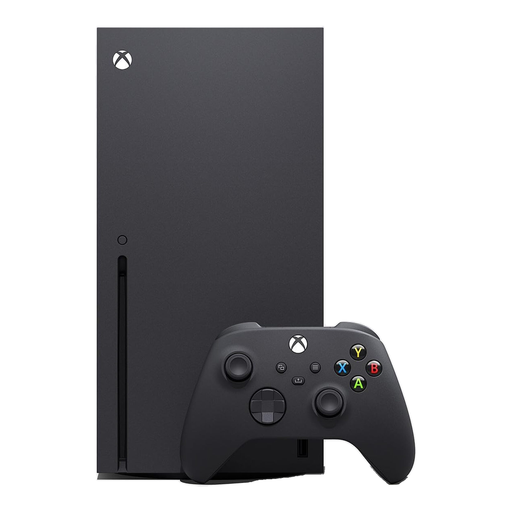
Xbox Series X Console 1TB – Black
A console route for a household that intends to use Xbox family privacy, communication and multiplayer settings alongside game-specific checks.
1TB storage, an included controller and a 4K UHD Blu-ray drive for compatible physical games. Check PEGI suitability, child-account settings and each game’s chat and cross-network features before online use.
View on Joybuy
Frequently asked questions
Are PEGI ratings legally relevant when buying a game for a child in the UK?
Yes. UK Government Kids Online Safety guidance states that games rated PEGI 12, 16 or 18 cannot be sold or hired to someone below the stated age. Check the exact game edition and platform, as the rating does not by itself describe every chat, user-generated-content or account-setting risk.
Should a child use a parent’s gaming account?
No, use a separate child account where the chosen service supports it. PlayStation states that each child needs a separate child account for its online services, and Apple advises a child’s own Apple Account in Family Sharing so family settings can be applied to that child.
Can a parent limit voice and text communication on a console?
Often, but the available controls are platform-specific and must be checked for the exact account and game. Xbox and PlayStation provide family-managed communication settings, while Nintendo states that some communication restrictions can be set through parental controls and Switch 2 GameChat has separate controls.
Does a gaming headset with a microphone make online play safer?
No. A headset is an audio accessory, not a privacy or supervision control. Decide first whether voice chat is allowed, then check platform and game communication settings, use the child account and show the child how to mute or block where those features are available.
Can an iPad suit a child who plays games online?
It can suit a household when the chosen games are available as iPad apps and Family Sharing and Screen Time are set up. Apple states that parents can manage app and website access, communication, content and privacy restrictions, but game-specific chat and account settings still need separate checking.


