Home workers who need their broadband connection
If cloud-based work must continue through a short power cut, identify the router, any separate ONT and the outputs that need battery backup before choosing equipment.


Choose backup power for every device your broadband connection needs, including a separate ONT where present: a compatible mains UPS can keep several adapters powered, while a DC mini-UPS requires an exact electrical and connector match. If the fixed broadband network itself fails, a local backup will not restore it; mobile data is a separate fallback when coverage and a suitable data plan are available. If you rely on a digital landline for emergency calls, ask your provider about its arrangements rather than treating a retail UPS as a substitute.
If cloud-based work must continue through a short power cut, identify the router, any separate ONT and the outputs that need battery backup before choosing equipment.
If the fixed broadband service itself may be unavailable, a mobile hotspot is a different fallback. Check indoor mobile coverage, the SIM and data plan, and whether work devices can connect to it.
If emergency calls depend on broadband-delivered voice, ask your phone provider which resilience arrangements apply to your service and equipment, particularly if you lack a reliable mobile alternative.
Consider it when: the router and a separate ONT or modem both need their original mains adapters powered.
Trade-off: it takes space, and some outlets may provide surge protection only rather than battery power.
Consider it when: the device's voltage, connector, polarity and power requirements match the backup.
Trade-off: a matching output for one device does not establish compatibility or runtime for a router-and-ONT setup.
Consider it when: you need another connection if fixed broadband fails, as well as a response to lost household power.
Trade-off: it depends on mobile coverage, a usable data service and a charged device; it does not power the fixed router or ONT.
Consider it when: emergency calling through a digital landline is a priority, especially without a reliable mobile alternative.
Trade-off: emergency-call support is not necessarily continuous broadband for work; ask your provider what its arrangement powers.
| Concern | What to check when buying | Who this matters to |
|---|---|---|
| Keeping the connection powered | List the router, any separate ONT or modem, and other essential equipment. Check which outputs provide battery power and how the backup switches over. | If I need cloud work to continue without manually reconnecting, I would prioritise keeping the existing connection powered; around 36% of consumers put continuity first. |
| Fit and runtime for all equipment | For DC, match voltage, connector, polarity and demand. For a mains UPS, check the combined load and runtime at a comparable load, as well as the battery-backed UK outlets. | If my router and separate ONT both need power, I would check that the complete setup fits and runs for the time I need; around 29% of consumers prioritise equipment fit and runtime. |
| Fallback if fixed broadband fails | Check indoor mobile coverage for the intended operator, SIM and data allowance, and whether your work devices can use the hotspot or tethered connection. | If losing the fixed network is my main concern, I would want a separate mobile-data route; around 21% of consumers put an independent connection first. |
| Emergency calling | Ask the voice provider what its resilience arrangement supports, including the exact hub and any separate ONT. Distinguish calling support from uninterrupted broadband. | If my household relies on a digital landline, particularly without a dependable mobile alternative, I would ask the provider about emergency-call support; around 14% of consumers prioritise this need. |
A router backup cannot keep a separate ONT running if that device loses power. BT's Full Fibre battery-backup instructions specify connecting the Openreach modem as well.
Map every powered part of your connection before choosing the number and type of battery-backed outputs.
On the CyberPower BR700ELCD-UK, three of its six UK outlets are battery-backed and three are surge-only. Its stated runtime at half load is not a runtime figure for every router setup.
Check the outlet markings and compare the maker's runtime information with the combined load you intend to connect.
A UPS can power equipment in the home, but it cannot restore a disrupted network beyond it. Ofcom notes that communications networks can also be affected during outages.
Decide whether you need to cover lost household power, lost fixed-network service, or both, then check the corresponding backup route.
A provider's emergency-calling arrangement does not necessarily keep home broadband running. BT says its Emergency Hybrid Home Phone does not power broadband equipment, and an active call drops during its changeover.
Ask separately what your provider supports for emergency calls and which equipment your broadband setup needs to stay powered.
Its cited UK range includes both mains-output UPS units and a DC network-backup option.
The BR700ELCD-UK is a UK-outlet mains UPS candidate for a router and other compatible mains-powered equipment.
The 3S Gen2 3S550B is a UK-output UPS configuration to consider when comparing the number of battery-backed sockets.
The M7350 V9 is a battery-powered 4G hotspot for a separate mobile-data connection.
BT documents provider-supplied resilience equipment for supported Digital Voice customers; this is service-dependent rather than a general-purpose retail UPS range.
These Joybuy products are portable mobile Wi-Fi hotspots for a separate data connection when mobile service is available; they do not provide backup power for an existing router or ONT.
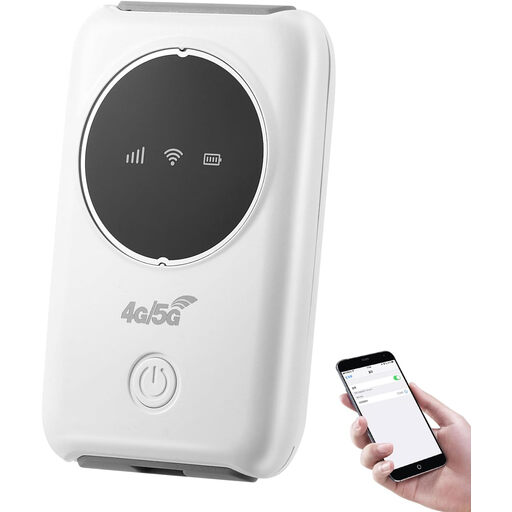 No image available
Provides a separate Wi-Fi fallback when mobile service and data are available; it does not power an existing router or ONT.
The product description specifies a 2000mAh battery and support for up to 10 devices. Check local mobile coverage and the data plan before relying on it for work.
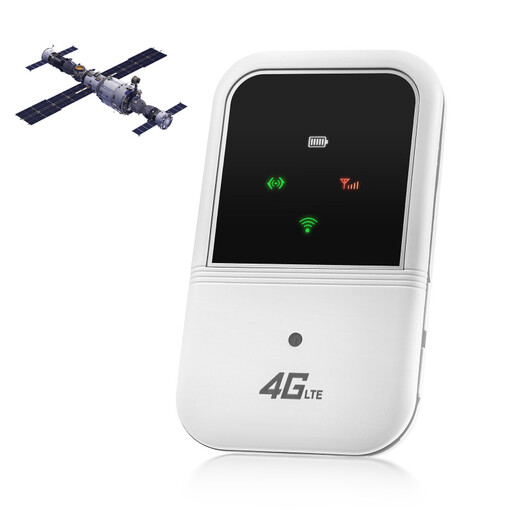 No image available
Provides a separate mobile-data connection rather than backup power for your fixed broadband equipment.
The product information states a 2400mAh battery, Micro-SIM use and support for up to 10 devices. Check that the SIM and data service suit your intended use.
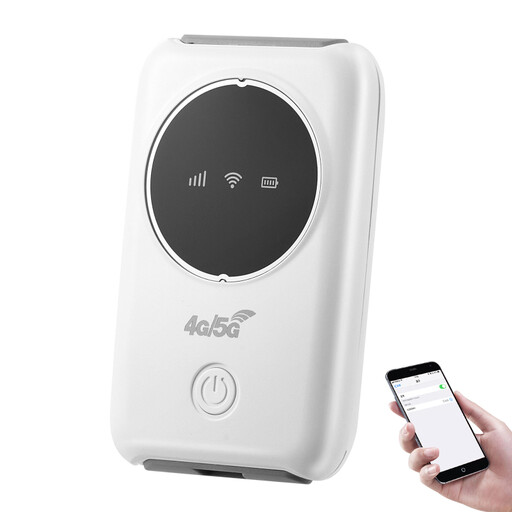 No image available
Offers a separate mobile Wi-Fi route when mobile service and data are available; it does not keep the existing router or ONT powered.
The product title specifies Type-C rechargeable charging and support for 10 devices. Confirm the mobile service and coverage available where you plan to work.
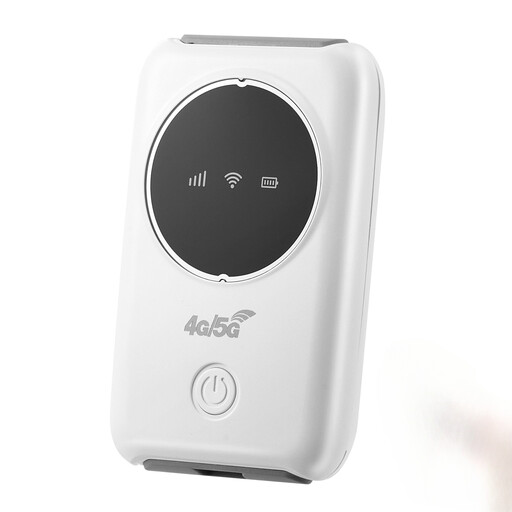 No image available
Creates a separate mobile-data connection when service is available, rather than powering fixed broadband equipment.
The product title states 150Mbps and a 2100mAh rechargeable battery, and specifies support for up to 10 users. Check local coverage and data availability for the intended location.
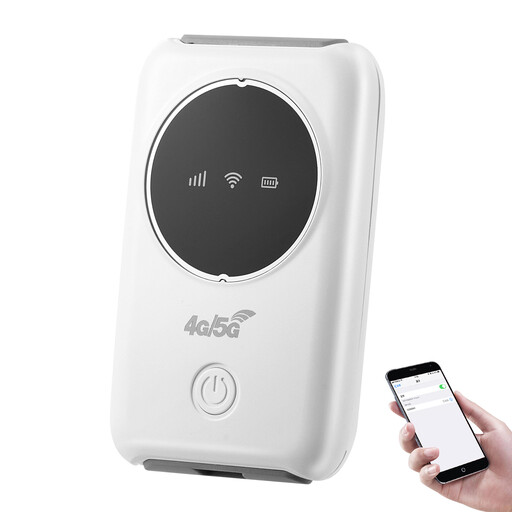 No image available
Provides a separate Wi-Fi fallback when mobile service and data are available; it does not supply power to an existing router or ONT.
The product title states a 3200mAh battery and support for up to 10 users. Check indoor coverage and the data plan before depending on it for work.
Only if every powered component the connection needs, including any separate ONT, stays powered and the provider's network continues operating. BT's instructions for its Full Fibre Battery Back Up say to connect the Openreach modem too; Ofcom notes that communications networks can also be affected.
For DC, match each device's voltage, connector, polarity and power demand to the backup's supported output. For a mains UPS, check compatible UK outlets, which outlets provide battery power, the combined load and runtime at that load. A runtime stated for one router should not be assumed to apply to a router-and-ONT setup.
Yes, if you rely on a broadband-delivered landline for emergency calls, particularly without a working mobile phone or reliable indoor signal. Ask your provider what arrangement applies to your service, which equipment it supports and how it works during an outage; a retail UPS is not a substitute for provider-specific arrangements.
Check the applicable product requirements for where the equipment is placed on the market: UK government guidance treats Great Britain and Northern Ireland separately for batteries and electrical equipment. For air travel, follow the Civil Aviation Authority's passenger rules effective from 27 March 2026 and check with the airline; those flight rules are not a general home-UPS purchasing limit.
Follow the instructions for the specific unit when charging, testing or replacing its battery, as requirements differ by model. Eaton lists a user-replaceable battery for the 3S550B, but that should not be assumed for other products. Take end-of-life batteries and electrical equipment to an appropriate collection point rather than household rubbish.