Monitors for a laptop desk setup
These Joybuy options are external monitors for adding screen space to a laptop-based desk setup. Check each model’s inputs, included cables and supported connection against your computer before buying.
 No image available
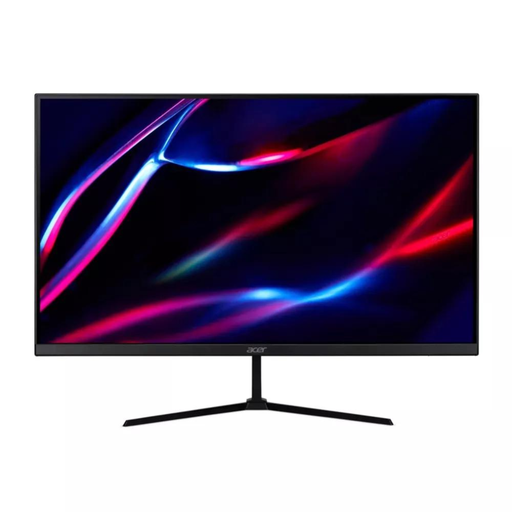
27-inch QHD IPS Monitor, 180Hz
A 27-inch external screen for a desk setup where the laptop supports a suitable video connection.
QHD IPS; 180Hz; two HDMI inputs and DisplayPort; HDMI and DisplayPort cables listed.
View on Joybuy
 No image available
HKC G27H2DPro 27-inch QHD Fast IPS Monitor
A 27-inch external display option for a laptop desk setup; confirm that your computer supports its connection requirements.
QHD, 2560 × 1440; 220Hz.
View on Joybuy
 No image available
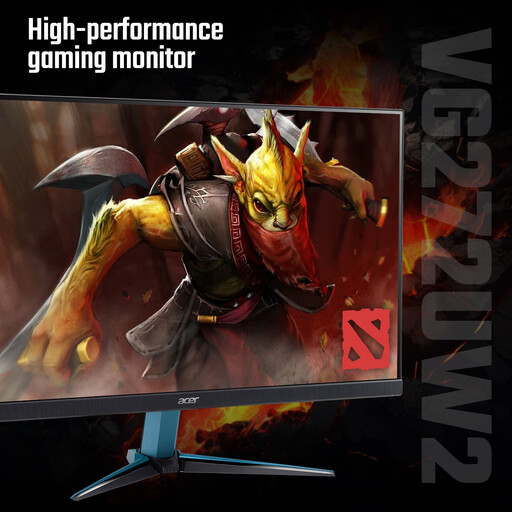
Acer Nitro VG272UW2bmiipx 27-inch QHD IPS Monitor
A 27-inch screen for adding an external display to a desk setup, subject to the laptop supporting a suitable video connection.
QHD IPS; 240Hz; two HDMI inputs and DisplayPort; HDMI and DisplayPort cables listed.
View on Joybuy
 No image available
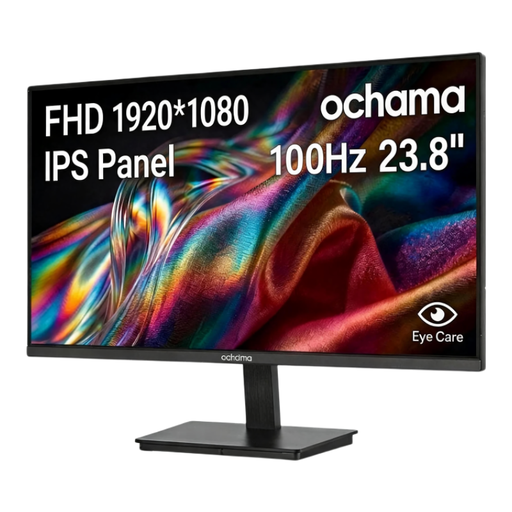
ochama 23.8-inch Office Monitor, 1080p, 100Hz
An office-labelled monitor option for a laptop desk setup; check its connections against your computer before choosing.
23.8-inch; 1080p; 100Hz.
View on Joybuy
 No image available
CRUA 49-inch Curved Ultrawide DQHD Monitor
A wide-screen option for a desk setup where the laptop supports a suitable video connection. Consider desk space and the listing’s handling advice for this large panel.
49-inch; 32:9; 5120 × 1440; 1500R; VESA 75 × 75; height-adjustable.
The listing advises using a desk with sufficient depth and load capacity and having two people move and unbox the panel.
View on Joybuy
Frequently asked questions
Can every USB-C laptop connect to a USB-C monitor or display hub?
No. Check your exact laptop’s documented video output and the connection device’s host requirements. Anker Support, for example, specifies DP Alt Mode for the Anker 565’s display outputs and Power Delivery for charging.
Can I use two external monitors with a MacBook?
Some configurations support two external displays, but the exact MacBook model and setup matter. Apple Support says its base-M3 MacBook Air and Pro arrangement requires the lid to be closed, external input devices and power; it also specifies macOS Sonoma 14.3 or later for Air and 14.6 or later for Pro.
How can I make text larger without unnecessarily reducing clarity?
In Windows, keep the screen at its recommended resolution and adjust Scale separately. Microsoft Support warns that using a resolution below the monitor’s native resolution can make text less sharp.
Will a monitor arm fit any screen and desk?
No. Match the monitor’s mounting pattern and weight to the arm, then check the desk attachment requirements. For example, the StarTech.com H1M1AG2-MONITOR-ARM specifies VESA 75 × 75mm and 100 × 100mm, a maximum weight of 10kg and a desk clamp range of 2–6cm.
What extra items might I need for a single-cable setup?
Check the exact package contents and power requirements. LG states that the USB-C cable for the 27U631A-B is sold separately; Anker specifies a separate 100W PD charger and cable for optimal 85W pass-through charging with the 565.


