What should you consider when choosing a backup?
External hard drives
Consider when: You need a local copy without dependable internet, or your chosen files and retained versions need more space than a small USB stick provides.
Trade-off: Connect the drive for backup sessions, then disconnect it and store it securely; a drive kept beside the computer shares some physical risks.
USB storage devices
Consider when: You want to carry a limited set of essential files and their size fits the device.
Trade-off: Small devices can be misplaced, and their capacity may limit how many versions you keep.
Cloud backup and storage
Consider when: You have reliable internet and want an online copy of your work files.
Trade-off: Recovery depends on what the service covers, its retention settings and your access to the account; synchronisation alone is not necessarily an independent backup.
A local and cloud combination
Consider when: Losing either the computer or one backup copy would seriously interrupt your work, and you can maintain both destinations.
Trade-off: You will have another destination and routine to manage; check the rules for any external drive included in a cloud backup.
NCSC guidance for small organisations identifies unreliable internet and independent copies as practical backup considerations. Choose a route around your files, computer and ability to restore them, rather than capacity alone.
| Concern |
What to check when buying |
Who this matters to |
| Recovering the right files |
Check that the backup includes your work folders and the versions you may need. Microsoft says File History can include folders added to a library; practise restoring a file. |
If a missing invoice or project file could interrupt my work, I want to know I can restore the right copy. Around 29% of consumers put recoverability first. |
| Keeping an independent copy |
Check where each copy is stored and whether the same device, account or location could affect both. The NCSC advises keeping an independent copy. |
If one incident could reach the original and its backup, I want a copy kept separately. Around 23% of consumers put independence first. |
| Working without reliable internet |
Check whether the backup can run locally and whether your computer has the required connection. The NCSC recommends external storage when internet access is unreliable. |
If my connection is unreliable, I need a backup I can create and access offline. Around 18% of consumers put offline operation first. |
| Capacity and compatibility |
Match capacity to the files and versions you intend to keep, then check the exact computer, connection and backup software. For Time Machine, Apple recommends a device with at least twice the Mac's storage capacity. |
If my files, computer and backup software must all fit the same setup, I want to check them together. Around 18% of consumers put capacity and compatibility first. |
| Maintaining the routine |
Check the backup schedule, retention settings and account tasks you will need to manage. |
If I need a routine I can keep up with, I want to understand the ongoing steps before choosing. Around 12% of consumers put a sustainable routine first. |
Joybuy product options for local file backups
These options are locally connected storage for work files: portable external drives for larger file sets and a USB stick for a more limited set. They do not represent cloud backup services.
 No image available
Samsung MU-PG4T0B 4 TB USB Type-C USB 3.2 Gen 2x2 Black
Consider it for a local copy of work files; confirm your backup routine covers the folders you need and that you can restore them.
4 TB capacity; USB Type-C; USB 3.2 Gen 2x2.
View on Joybuy
 No image available
Samsung MU-PE1T0S 1TB USB Type-C 3.2 Gen 2 (3.1 Gen 2) Black
Consider it for local computer storage; check that the backup software includes your work folders and that the connection suits your computer.
1TB capacity; USB Type-C; USB 3.2 Gen 2 (3.1 Gen 2).
View on Joybuy
 No image available
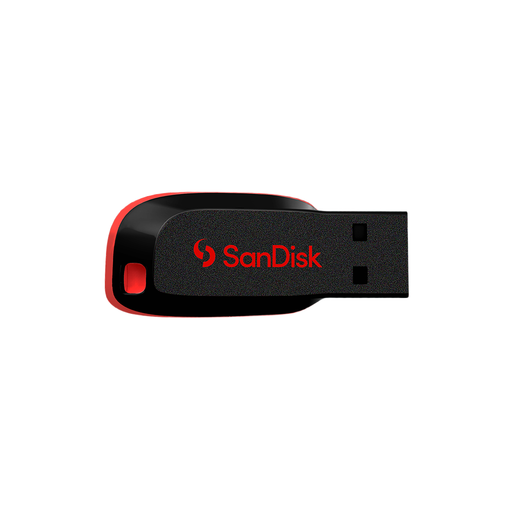
SanDisk USB Cruzer Blade 64GB
Consider it for a portable copy of a limited set of work files; check that the files and any versions you intend to keep fit the device.
64GB capacity; the listing identifies it as a USB flash drive.
View on Joybuy
 No image available
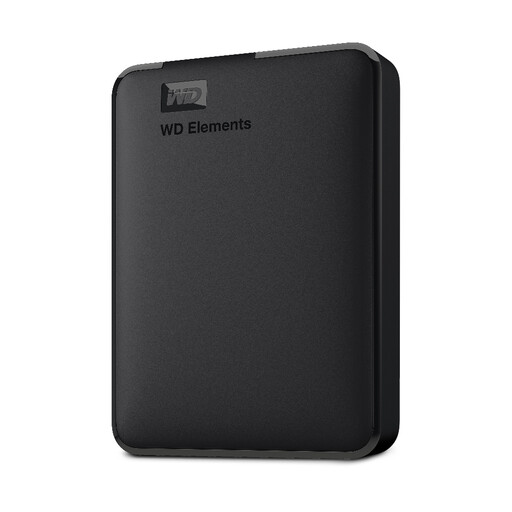
Western Digital Elements Portable 5TB Black USB 3.0
Consider it for a local copy of work documents; check that your backup software and computer support the intended setup.
5TB capacity; USB 3.0; the listing describes use with Windows computers.
View on Joybuy
 No image available
Western Digital Elements Portable 4TB Black USB 3.0
Consider it for local work-file backups; check compatibility with your operating system before setting it up.
4TB capacity; USB 3.0. The product description says reformatting may be required for Mac or other operating systems.
View on Joybuy
Frequently asked questions about backing up work files
Does saving files in a cloud folder count as a sufficient backup?
Not automatically. The NCSC advises checking that essential data is backed up, that you know how to restore it, and that you have an independent copy rather than relying only on a service’s own version or deleted-file recovery.
How much capacity should I choose?
Base capacity on the files you will include and the versions you intend to retain. For Time Machine specifically, Apple recommends a storage device with at least twice the Mac’s storage capacity; that recommendation is not a minimum for every document-only backup.
Can Windows File History include work files outside Documents?
Yes. Microsoft says folders elsewhere can be added to an existing or new library for backup. Check which folders are selected and restore a sample from each important work location. Microsoft’s support page covers Windows 11 and Windows 10; it states that free Windows 10 support ended on 14 October 2025.
Can I leave an external backup drive unplugged between sessions?
Yes, for a standalone local copy, keep it secure and reconnect it for your planned backup sessions. If Backblaze also backs up that external drive, the cloud copy depends on the selected history setting and the service’s disconnected-drive rules.
What should I check when backing up customer or contact records?
Where UK GDPR applies to your processing, the Information Commissioner’s Office (ICO) says security measures should support confidentiality, integrity, availability and timely restoration, with effectiveness testing. The ICO describes encryption as a measure to consider in light of the circumstances and risks, not as a blanket requirement to buy a particular encrypted product.


