People wanting quick snapshots
If you mainly want small photographs for an album, gift or gathering without placing an order, check the finished size and the matching paper-and-ink pack before choosing a compact printer.


For prompt postcard or pocket prints, a compact dedicated printer makes sense if its fixed format and matched supplies suit you; for repeated or larger home prints, a photo-capable inkjet offers more format choices, while pigment-ink models are a more specialised option for supported media and print control. If you print occasional batches and can wait, compare the full cost of a printer, ink and paper with ordering prints rather than assuming that owning a printer saves money.
If you mainly want small photographs for an album, gift or gathering without placing an order, check the finished size and the matching paper-and-ink pack before choosing a compact printer.
If you print often, compare the ongoing cost of compatible ink and paper as well as the sizes your printer accepts. A manufacturer's stated yield is not a guarantee of how many of your own photographs you will print.
If you want prints beyond snapshot size or plan to use particular display papers, check the printer's maximum format, paper support and feed requirements.
| Concern | What to check | Who this matters to |
|---|---|---|
| Getting a small print promptly | Check the finished image size, phone and app compatibility, and the exact paper-and-ink pack. Canon specifies a 41-second postcard print for the SELPHY CP1500; that timing is model-specific. | If I want a small print for an album or gift without waiting for an order, I care about the finished size and matching supplies. Around 29% of consumers prioritise getting small prints promptly. |
| Cost and supplies for repeat printing | Identify compatible ink and paper, then compare their total cost for the same print size and intended usage. Canon lists matched packs for the CP1500; the PIXMA G650 uses refillable dye inks. | When I print at home regularly, I want compatible ink and paper to be available and their ongoing cost to fit my routine. Around 29% of consumers put repeat-print supplies and cost first. |
| Finished size and paper handling | Choose your largest routine print size, then check borderless support, the paper type and which feed accepts it. The Canon PIXMA G650 and Epson ET-8500 specify A4 photo output; Canon specifies A3+ output for the PRO-310. | If I want A4, A3+ or specialist-paper photographs at home, the format and compatible feed matter more than a snapshot workflow. Around 21% of consumers prioritise larger prints or specific media. |
| Ink system and print control | Check the exact model's complete ink set, supported paper and replacement supplies. Epson describes the ET-8500's pigment black in connection with text on plain paper; that does not make it an all-pigment photo printer. | For photographs I prepare with a particular ink-and-paper workflow in mind, I would check the whole system rather than choose by ink label alone. Around 21% of consumers prioritise print control and ink choice. |
A printer may support several formats, but a particular paper type can depend on the feed. Canon lists feed-specific media for the imagePROGRAF PRO-310.
Decide the finished size and paper you expect to use, then check borderless support and the compatible feed for that combination.
Ink yield does not include the cost of suitable photographic paper, and a manufacturer's stated yield does not guarantee the result for your images.
Compare compatible ink and paper together for a consistent print size and realistic usage, and consider ordering prints if you only need occasional batches.
Epson describes the ET-8500's pigment black as intended for text on plain paper, while Canon specifies a pigment photographic ink system for the PRO-310.
Check the exact model's complete ink set and supported media before choosing an ink workflow.
Canon UK's model examples span compact postcard printing, refillable A4 photo printing and A3+ pigment printing. These are distinct workflows rather than interchangeable options.
Epson's ET-8500 represents refillable A4 photo printing, while the SureColor SC-P700 has a more specialised photo-paper workflow.
Fujifilm's instax smartphone printers, including the mini Link 3 and SQUARE Link, are designed around their respective instant-film formats.
Polaroid's Hi·Print 2x3 Generation 2 is a phone-connected pocket-printer option for small photographs.
These Joybuy choices cover refillable inkjet printers for home photo printing, including larger formats, alongside compact phone-connected printers for smaller photographs.
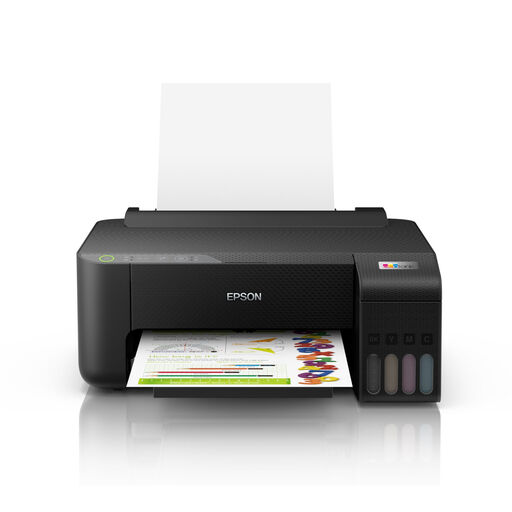 No image available
For refillable home printing of borderless photos up to 10 × 15 cm, with mobile printing.
The product title specifies A4 colour inkjet printing and wireless connectivity.
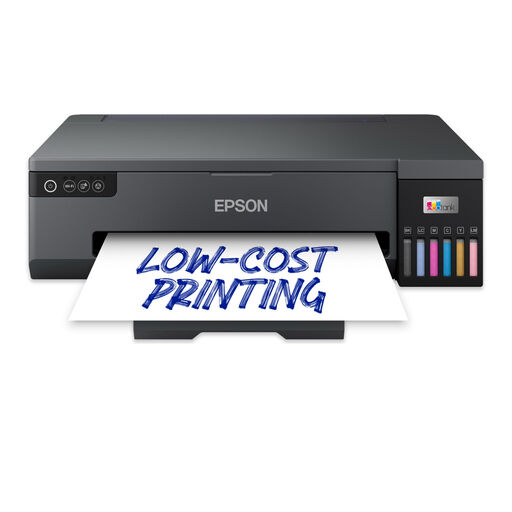 No image available
For larger home photographs and repeated printing; this model is described with refillable ink tanks and mobile printing.
The product title identifies A3+ photo printing and wireless connectivity.
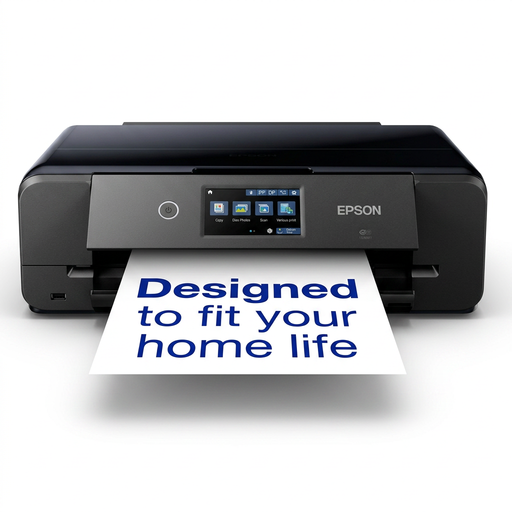 No image available
For larger home photo projects where A3 output and multifunction printing suit the intended use.
Check the supported paper and feed against the sheets you plan to use.
 No image available
For phone photographs intended for postcard-sized albums or frames; the product title specifies 4 × 6-inch prints.
This printer uses a dedicated Polaroid Hi-Print 4×6 paper cartridge.
 No image available
For pocket-sized smartphone photographs; the stated format is 2 × 3-inch adhesive-backed ZINK photo paper.
Check that this small print format suits the way you plan to use the photographs.
No; some photo-capable inkjet printers also support phone printing. Canon describes a phone-app workflow for the CP1500, and Epson describes mobile printing for the ET-8500. Check current app and device compatibility, as well as the paper size you need.
Do not assume that you can. Canon lists matched ink-and-paper sets for the CP1500, and Polaroid specifies a dedicated cartridge for the Hi·Print 2x3. Check supplies against the exact printer and finished format.
No; a yield figure alone does not give the cost per photograph. Canon and Epson publish model-specific photo-yield figures, but a like-for-like comparison also needs compatible ink and paper costs, the same print size and a realistic usage basis. A manufacturer's stated yield is not a guaranteed result for every image.
For qualifying faulty goods, the Consumer Rights Act 2015 provides a short-term right to reject, generally within 30 days. GOV.UK guidance says consumers generally have up to 14 days after delivery to cancel an online goods order without giving a reason. Cancellation conditions and remedies for faulty goods are distinct.
GOV.UK guidance says waste electrical products can be taken to a local household waste recycling centre and kept separate from other waste. Check the collection arrangements in your area.