If you need to scan or copy paperwork, start with a multifunction printer and look for an automatic document feeder if you regularly handle several pages at once. For mainly black-and-white document batches, consider a mono laser model; for lighter use that includes colour or photos, consider an inkjet. Refillable ink tanks are worth comparing when printing is recurring, but check the exact model’s supplies and scan features before choosing.
Who needs which configuration?
Households scanning paperwork
If you print documents and also digitise forms or copy letters, look for print, scan and copy functions. For frequent multi-page jobs, check whether the scanner has an automatic document feeder rather than only a flatbed.
Frequent text-document printers
If black-and-white work, study or household documents make up most of your printing, compare mono laser models for text output and document handling. Check scan and copy functions separately if you need them.
Mixed-use households
If you print documents alongside colour pages or occasional photos, consider the paper types you need as well as the printer’s supplies. Which? notes that inkjets can print on glossy photo paper and advises buyers to consider replacement cartridges.
What matters when choosing?
Decide whether scanning is essential before comparing print technologies. Then match the printer to your document volume, colour needs and preferred way of managing supplies.
| Concern |
What to check |
Who this matters to |
| Scanning and copying |
Confirm print, scan and copy functions. For multi-page paperwork, check for a document feeder and the scan workflow. |
If forms and letters arrive in batches, I want to scan or copy them without placing every sheet by hand; roughly 36% of consumers would put this workflow first. |
| Recurring text documents |
Check mono or colour output, automatic duplex printing, paper capacity and the replacement toner for the exact model. |
When I regularly print black-and-white documents, clear text and handling a batch without interruption matter most; around 29% of consumers would prioritise document output. |
| Colour and replacement supplies |
Check supported paper types, included supplies and the availability of the exact cartridges or refill bottles. |
I need colour pages or occasional photos but also want a supply system that suits how often I print; about 21% of consumers would make mixed-use flexibility their main concern. |
| Connectivity and services |
Confirm device and network compatibility. For an ink subscription, read eligibility, connection and cancellation terms. |
If several devices need to use the printer, I want setup and replenishment to fit our routine without an unwanted commitment; roughly 14% of consumers would put connected convenience first. |
Mistakes to avoid
-
Overlooking replacement supplies
The printer’s cartridge, toner or refill-bottle system affects how you will use it over time, particularly if document printing becomes frequent.
Check which supplies fit the exact model, what comes in the box and how often your expected printing might require replacement. Treat stated yields as model-specific figures, not guaranteed household output.
-
Assuming every all-in-one feeds multiple pages
An all-in-one can print, scan and copy, but that does not mean it has an automatic document feeder. A flatbed scanner requires you to place pages individually.
If you often handle batches of paperwork, confirm feeder inclusion and capacity. Check double-sided scanning separately if your documents need it.
-
Enrolling in an ink service without checking its conditions
A replenishment service is not automatically suitable for irregular printing. HP says Instant Ink requires an eligible printer, an internet connection, an account and a current billing method.
Read the applicable plan’s page allowances, additional-page, delivery and cancellation terms before enrolling, and consider whether buying supplies as needed better fits your routine.
-
Taking Wi-Fi support to mean every device will work
Wireless printing and scanning still depend on the printer’s supported connection methods, your network and compatible devices.
Check operating-system and mobile-app support, network requirements and the manufacturer’s security-support information for the exact model.
Brands to consider for these printer configurations
Brother
Brother offers laser and inkjet configurations relevant to households comparing document printing with scan and copy functions.
- Brother positions its laser range around text documents and larger printing batches.
- Check the chosen model’s colour capability, duplex printing and document feeder; those features vary by configuration.
Canon
Canon’s refillable MegaTank range includes household print, scan and copy models with different paperwork-handling features.
- Canon lists automatic duplex printing on the PIXMA G3590 and a 35-sheet document feeder on the MAXIFY GX4050.
- Those features belong to the named models; check the functions and supplies of any other Canon configuration separately.
Epson
Epson’s EcoTank range is relevant when a household wants a refillable ink system alongside document printing.
- Epson lists print, copy, scan, Wi-Fi and a document feeder for the EcoTank ET-5150.
- Check feeder functions and refill supplies by model; Epson’s stated ink yields depend on the conditions of its own claims.
HP
HP is relevant to households considering a compact all-in-one or an optional ink-replenishment service.
- HP offers Instant Ink for eligible printers as an alternative way to arrange replenishment.
- HP says the service requires an eligible connected printer, an account and a current billing method; review the applicable terms before enrolling.
Joybuy printer choices
These models offer starting points for comparing household document printers, including inkjet, mono laser and colour LED options. Check each exact model’s scanning workflow and supplies against the paperwork you handle.
 No image available
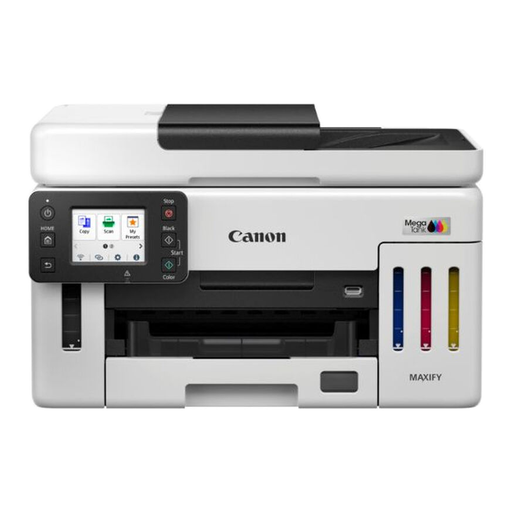
Canon MAXIFY GX6150
For recurring household documents and paperwork, check whether this configuration has the scanning and copying workflow you need.
Confirm document-feeder functions and compatible replacement supplies before choosing it for regular use.
View on Joybuy
 No image available
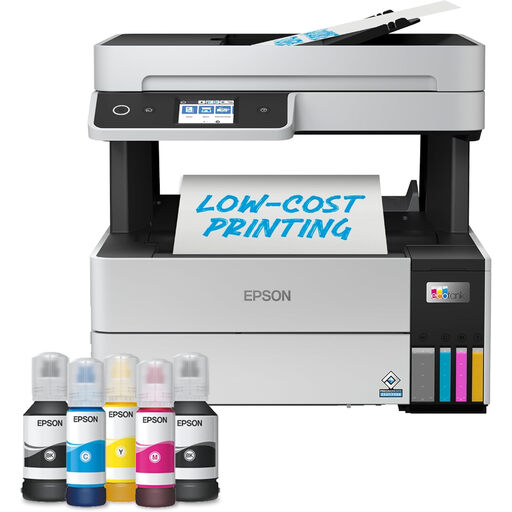
Epson EcoTank ET-5150 +Ink A4 Multifunction Printer
For households that repeatedly print documents and scan paperwork, Epson lists print, copy and scan functions, Wi-Fi and a document feeder for the ET-5150.
Check what the +Ink variant includes, which refill bottles it uses and whether its feeder supports the double-sided scanning you need.
View on Joybuy
 No image available
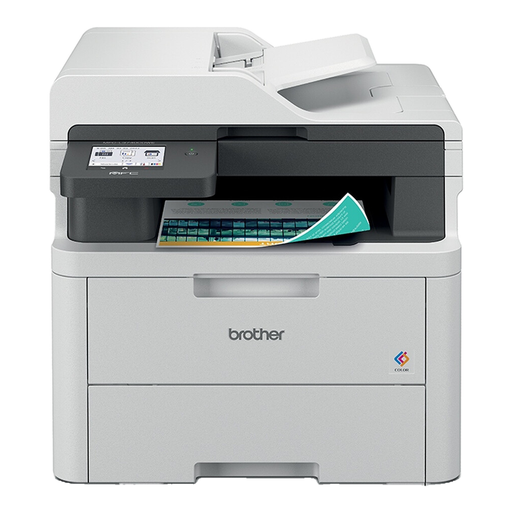
Brother MFC-L3740CDWE Colour Wireless LED All-in-One Printer
If colour documents and paperwork scanning both matter, compare this all-in-one’s scan workflow with the size of your usual jobs.
The product name identifies colour LED printing and wireless operation; check compatible devices, document-feeder functions and replacement toner for this model.
View on Joybuy
 No image available
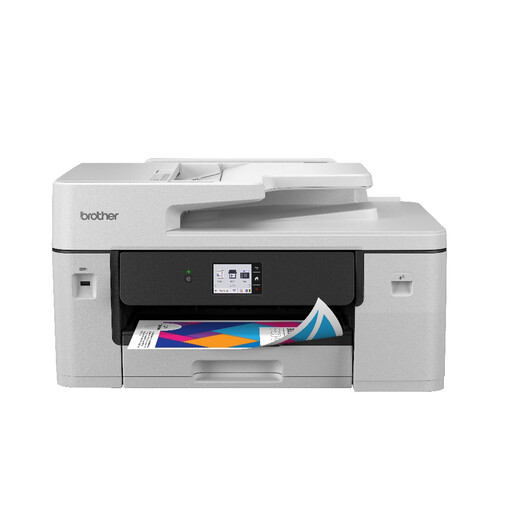
Brother MFC-J6760DW All-in-One Inkjet Printer
For mixed document printing with occasional scanning or copying, check how this inkjet handles the paper sizes and multi-page jobs you expect.
Confirm its feeder and double-sided functions, along with compatible replacement cartridges, for the exact configuration.
View on Joybuy
 No image available
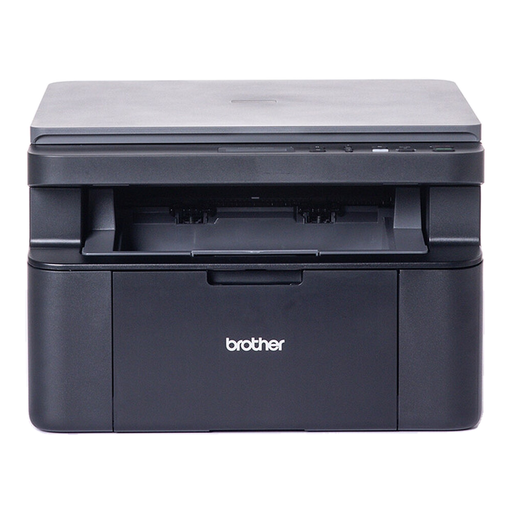
Brother DCP-L1640W Mono Laser Printer
For mainly black-and-white household documents, this mono laser model is a candidate to compare with inkjets when colour output is not a priority.
If you also need to scan or copy, confirm the scanner and page-feeding workflow. Check how double-sided printing works and which replacement toner fits.
View on Joybuy
Common questions
Do I need an all-in-one printer for occasional scans?
Choose an all-in-one if scanning or copying is part of what your household needs the printer to do. A flatbed may be enough for occasional single sheets; for regular multi-page paperwork, check for an automatic document feeder.
When should I consider mono laser rather than inkjet?
Consider mono laser when recurring black-and-white documents are your main task and colour photos are not. Which? describes laser printers as fast with sharp text, while noting that inkjets can print on glossy photo paper; check scan and copy functions on whichever model you choose.
Should I sign up for an ink subscription?
Consider a subscription only if its replenishment arrangement suits how regularly you print. HP says Instant Ink needs an eligible printer, an internet connection, an HP account and a current billing method; read the applicable allowance, additional-page and cancellation terms before enrolling.
What should I check before buying a Wi-Fi printer?
Confirm that the exact printer supports your devices, home network and preferred way of scanning or printing. Check the manufacturer’s security-support information for that model as well; a Wi-Fi label alone does not establish that every device or workflow will be compatible.


