For recurring home paperwork, a mono laser suits work that does not need colour, while colour inkjet and ink-tank models suit documents that do. Add an all-in-one if you regularly copy or scan, and an automatic document feeder (ADF) if you handle batches of loose pages; as Which? explains, automatic two-sided printing does not establish automatic two-sided scanning. Compare the printer and its compatible supplies over your own expected page mix and ownership period rather than relying on a universal volume threshold.
Who this guide is for
Regular document printers
If you print paperwork repeatedly, compare the cost of compatible ink or toner over the time you expect to keep the printer, not just its initial price. Which? also highlights ongoing ink costs as part of choosing a home printer.
People scanning multi-page paperwork
If you often copy or digitise loose document bundles, check whether a model has an ADF and whether its capacity and supported paper sizes suit your originals. Which? describes an ADF as feeding multiple pages for tasks such as copying and scanning.
Home workers who mainly print text
If most of your paperwork is black text, consider whether you need colour before comparing printer types. Which? distinguishes inkjet and laser options; the exact model’s functions and supply costs still matter.
What to prioritise when choosing
Decide what you print and scan first, then compare the exact model’s functions and the cost of its compatible supplies over the same period.
| Concern |
What to check when buying |
Who this matters to |
| Ongoing supply costs |
Compare the printer and compatible ink, toner and any applicable drum or maintenance supplies over the same period. Keep black and colour page estimates separate. |
If I print paperwork regularly, I want to know what replacement supplies may cost over the time I plan to keep the printer. Consumers putting recurring supply spending first account for around 33%. |
| Batch scanning and copying |
Check ADF capacity and supported original sizes. For two-sided originals, look for an explicit automatic duplex-scan specification. |
When I handle bundles of loose pages, I want to avoid feeding every sheet individually and need to know how the model handles two-sided originals. Consumers prioritising batch scanning and copying account for around 25%. |
| Black-text output |
Check whether colour is necessary, compare stated speeds on equivalent test bases, and include toner and any separate drum in the cost comparison. |
If most of my documents are black text, I want to compare the relevant print route without paying for colour I will not use. Consumers whose main priority is monochrome text account for around 25%. |
| Colour documents |
Confirm that the exact model prints colour and compare both black and colour supply information for the compatible consumables. |
When my paperwork needs colour as well as ordinary text, I want to check the cost of both kinds of output before choosing. Consumers prioritising colour documents account for around 17%. |
Buying pitfalls to avoid
-
Assuming a low printer price means low running costs
Repeated printing makes replacement supplies part of the decision, and published yields depend on their stated test conditions.
Compare the printer and its compatible supplies over the same ownership period, using your expected black and colour page mix.
-
Confusing duplex printing with duplex scanning
Automatic two-sided printing concerns printed output; it does not, by itself, confirm that a scanner handles both sides of an original automatically.
If you regularly scan two-sided documents, check for an explicit duplex-scan specification on the exact model. Otherwise, allow for manually turning originals.
Manual turning adds time when you process two-sided originals in batches.
-
Assuming every feeder accepts the same originals
ADF capacity and supported paper sizes vary by model, so a feeder may not suit every batch you need to copy or scan.
Check the stated capacity and supported sizes against the documents you actually handle.
Relevant printer brands
Brother
Brother’s model examples include both mono laser multifunction and refillable ink-tank routes for home paperwork.
- Brother lists a 50-sheet ADF and automatic two-sided printing for the MFC-L2800DW, and a 20-sheet ADF and automatic two-sided printing for the DCP-T780DW.
- The MFC-L2800DW uses a separate drum and toner. Feeder and duplex-print specifications do not establish automatic duplex scanning.
Canon
Canon’s PIXMA TR4755i and MAXIFY GX4050 illustrate cartridge and refillable colour all-in-one options.
- Canon lists a 20-sheet ADF for the PIXMA TR4755i and a 35-sheet ADF for the MAXIFY GX4050; it also specifies automatic two-sided printing for the TR4755i.
- Canon’s cost-saving language for the GX4050 is a manufacturer claim, not a guaranteed saving for a particular household. Compare compatible supplies against your own expected use.
Epson
Epson’s EcoTank range provides refillable ink-tank options for buyers comparing initial outlay with ongoing ink use.
- Epson describes the ET-4950 as having a double-sided ADF and publishes included-ink yields under stated conditions.
- Check how the exact model’s feeder, scan functions and stated yield conditions match your workflow; automatic two-sided printing alone does not confirm automatic two-sided scanning.
HP
HP’s listed examples include mono LaserJet and refillable Smart Tank multifunction models with ADFs.
- The HP LaserJet M234sdw and Smart Tank 7305 are described in HP’s UK listings as ADF-equipped models.
- An ADF listing does not establish a model’s running costs or whether it meets a particular batch-scanning workflow; check the exact specifications and compatible supplies.
Joybuy products for home paperwork
These Joybuy listings focus on Epson inkjet all-in-ones for home paperwork, including refillable ink-tank and ADF-equipped options. Duplex printing and duplex scanning are separate functions, so check the exact model if you regularly scan two-sided originals.
 No image available
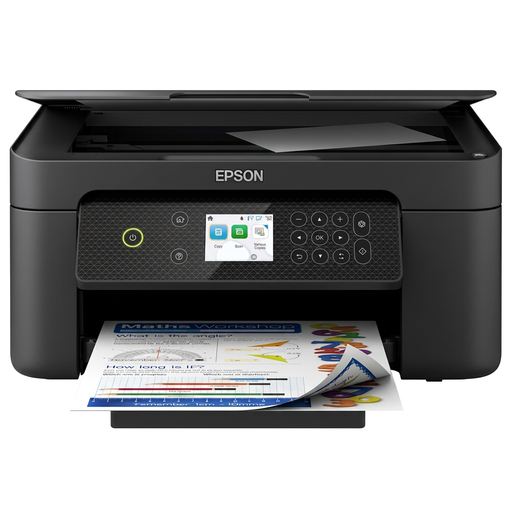
Epson Expression Home XP-4200 All-in-One Printer
Suitable for home paperwork that needs printing, copying and scanning, with automatic two-sided printing specified in the product details.
Wi-Fi; 5760 × 1440 dpi; individual ink cartridges; flatbed scanner; ReadyPrint compatible.
View on Joybuy
 No image available
Epson EcoTank ET-2951 A4 Wireless Colour All-in-One Ink Tank Printer, Black
Suitable for colour paperwork that also needs copying or scanning, with a refillable ink-tank system.
A4; wireless; automatic two-sided printing; print, scan and copy.
View on Joybuy
 No image available
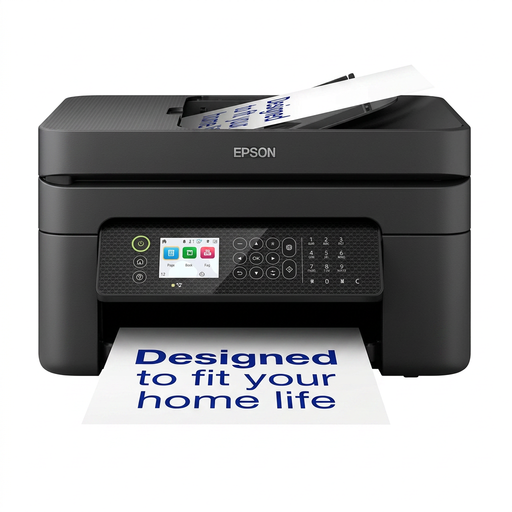
Epson WorkForce WF-2950DWF Multifunction Inkjet Printer
Suitable for paperwork involving multi-page scanning or copying, with an ADF listed for this model.
Wireless; duplex printing; print, scan, copy and fax; Apple AirPrint and Mopria Print and Scan.
Check for an explicit duplex-scan specification if you need to scan both sides of originals automatically.
View on Joybuy
 No image available
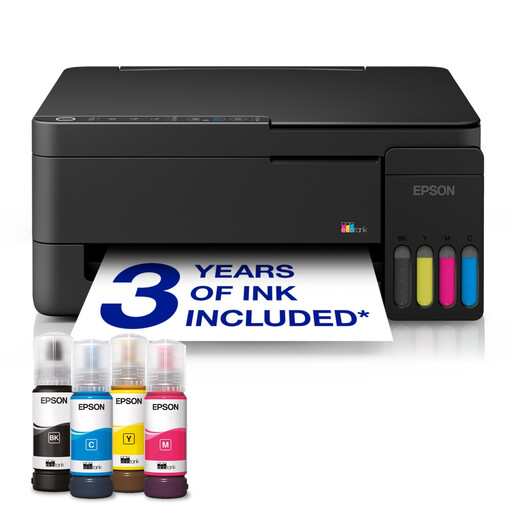
Epson EcoTank ET-2912 Multifunction Inkjet Printer
Suitable for home printing that also needs copying or scanning, with refillable ink tanks.
Wi-Fi; flatbed scanner; included high-yield ink bottles; AirPrint and Mopria.
View on Joybuy
 No image available
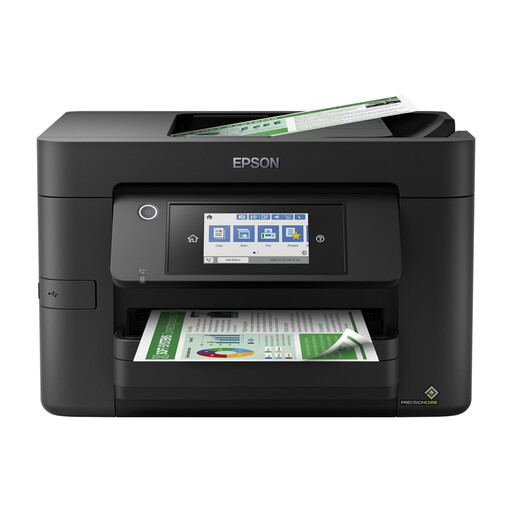
Epson WorkForce Pro WF-4820DWF Multifunction Inkjet Printer
Suitable for document workflows that need printing, scanning and copying, with an ADF specified for multi-page handling.
Duplex printing; Wi-Fi and Ethernet; print, scan, copy and fax; AirPrint.
Check the exact model’s scan features if your paperwork includes two-sided originals.
View on Joybuy
Frequently asked questions
Is there a monthly page count at which an ink-tank printer definitely becomes cheaper?
There is no universal page-count threshold: compare the exact printer and compatible supplies over the same ownership period. Estimate black and colour pages separately, account for any included supplies, and include replacement ink, toner and applicable maintenance parts. The result depends on your page mix and supply costs.
Does an ADF or automatic duplex printing mean two-sided originals are scanned automatically?
No. An ADF feeds originals, while duplex printing refers to printed output. If you regularly scan originals printed on both sides, check the exact model for an explicit automatic duplex-scan specification; Which? also distinguishes these document-handling features.
How should I handle confidential paperwork printed at home for work?
For organisational data, the Information Commissioner’s Office advises following your organisation’s guidance, storing printouts safely and disposing of them securely. This guidance applies to the relevant work-data situation; it is not a rule for every household printer user.
Can I arrange take-back of an old printer when replacing it?
UK government guidance describes retailer take-back obligations for waste equipment of the same type or function, including for purchases made online. Check the applicable collection arrangement and whether home collection involves a transport charge.


