What to consider before choosing
Decide whether you need printing at home at all, then match the printer’s output and maintenance requirements to the documents you expect to handle.
| Concern |
What to check when buying |
Who this matters to |
| Reliable black-text access |
Check whether monochrome output is enough and whether you need print-only or print, scan and copy functions. |
If I mainly need homework sheets, forms or tickets, I want dependable black-text access without paying for functions I will not use; around 33% of consumers would put this need first. |
| Colour, scanning or copying |
List essential colour jobs and check that the exact model includes any required scan or copy functions. |
If a document must be printed in colour or a paper original needs scanning or copying, I would verify those functions before choosing; around 25% of consumers would put this need first. |
| Whether to own a printer |
Check local service availability and whether it suits your timing and document-handling needs. |
If I print very rarely, I would consider avoiding the upkeep of a home device when a nearby service suits my needs; around 25% of consumers would prioritise avoiding ownership. |
| Refillable-colour upkeep |
Compare the exact model’s included and replacement supplies, and check its maintenance instructions for long idle periods. |
If I expect enough colour printing to consider refillable supplies, I would weigh that option against inkjet maintenance during quiet periods; around 17% of consumers would put refillable-colour running costs first. |
Joybuy printer options
These Joybuy options cover mono laser printing, colour laser printing and refillable colour inkjet printing for household documents. Check each model’s functions against the jobs you need.
 Image unavailable
Brother DCP-L1640W Mono Laser Printer
A mono laser option for black-text documents when you also need copying and scanning.
Listed functions include monochrome printing, copying and colour scanning.
View on Joybuy
 Image unavailable
Brother DCP-L3520CDWE Colour Laser Printer
Consider this colour laser multifunction model for documents that need colour output and for scanning or copying paper originals.
Listed functions include colour and monochrome printing, scanning and copying.
View on Joybuy
 Image unavailable
HP LaserJet M209dw Wireless Black & White Printer
A monochrome laser option for black-and-white documents when wireless and automatic two-sided printing are useful.
The product name specifies a 150-sheet input tray and Auto-On/Off technology. HP says to check cartridge compatibility for this printer because its dynamic security measures block cartridges using a non-HP chip.
View on Joybuy
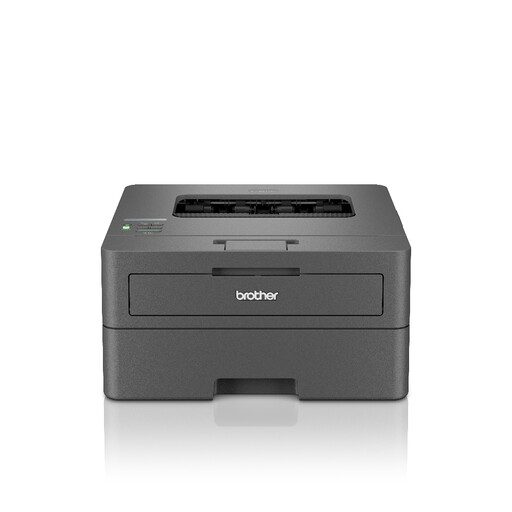 Image unavailable
Brother HL-L2400DW Mono Laser Printer
A single-function mono laser choice for black-text printing when you do not need scanning or copying on the printer.
The product name specifies A4 printing, automatic two-sided printing and a UK plug.
View on Joybuy
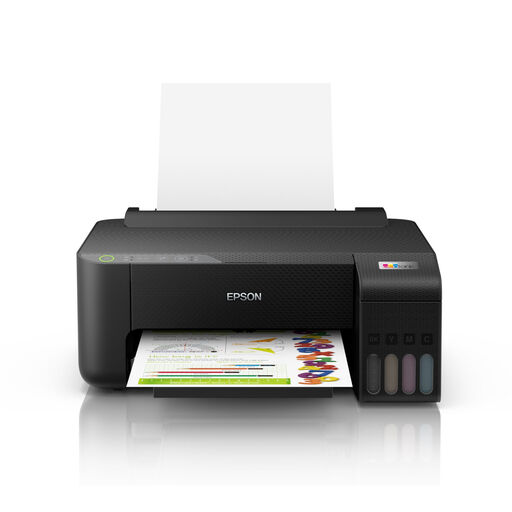 Image unavailable
Epson EcoTank ET-1810 A4 Colour Single Function Inkjet Printer
A refillable-ink colour printer to consider if you expect enough colour printing to make a tank relevant and do not need scanning or copying.
The product name lists USB, wireless, Wi-Fi Direct, manual double-sided printing and borderless printing. Epson advises a weekly colour test page for its inkjet printers; check the maintenance instructions for the exact model.
View on Joybuy
Frequently asked questions
Should I buy a scanner if I mainly print forms and homework?
Only if you need to scan or copy paper originals at home. Brother UK lists the HL-L2400DW as print-only, while the DCP-L2627DWE includes print, scan and copy functions.
What should I do if an inkjet has sat unused and prints with gaps?
Follow the instructions for your exact model. Epson advises checking the nozzles and cleaning the print head when needed; it also recommends a weekly colour test page to help prevent clogs and warns against running cleaning cycles when ink is below the lower limit.
Will I get the page yield stated for a toner cartridge?
Not necessarily: actual yield depends on what and how you print. HP explains that document content and printing style can substantially affect cartridge yield, so check the replacement consumable for your exact printer and compare like with like.
What UK rules matter if my printer is faulty or I need to dispose of it?
GOV.UK guidance says a seller must offer a full refund if an item is faulty, not as described or does not do what it is supposed to; the remedy depends on the circumstances. Separate UK government guidance says waste electrical products can be taken to a household waste recycling centre, where they should be separated from other waste.
Can I send personal forms to a public printer without precautions?
Check how the service handles documents containing personal information, and collect every page and original. The Information Commissioner’s Office advises not leaving paperwork behind at a shared printer.


