Black-and-white homework households
For text assignments, bills and forms, colour and scanning may be unnecessary. Brother’s HL-L2445DW is an example of a mono laser that prints but does not scan or copy.


If all the required pages can be printed in black and white, start by considering a mono laser; choose a colour inkjet or refillable-ink model when homework needs colour, and compare the exact supplies against your expected page volume. Choose an all-in-one only if you need to scan or copy paper originals at home, and bear in mind that inkjets may need nozzle checks and cleaning if print quality falters.
For text assignments, bills and forms, colour and scanning may be unnecessary. Brother’s HL-L2445DW is an example of a mono laser that prints but does not scan or copy.
If worksheets or diagrams need colour, compare a cartridge inkjet with a refillable-ink model using the pages you expect to print and the supplies for the exact model.
If you need to copy or digitise paper forms as well as print, look for scan and copy functions. Whether output also needs colour is a separate choice.
| Concern | What to check when buying | Who this matters to |
|---|---|---|
| Black-and-white documents | Check that monochrome output meets school requirements, and confirm paper size, connections and whether duplex printing is useful. | If my assignments and forms are text-based, I would prioritise straightforward black-and-white printing. Around 33% of consumers put monochrome documents first. |
| Colour for schoolwork | Confirm that colour is needed, then check the exact cartridge or refill-bottle arrangement for the model. | When a worksheet or diagram must be in colour, a mono-only printer will not meet that need. Around 27% of consumers prioritise colour-required schoolwork. |
| Supplies for occasional printing | Check compatible supply codes, stated yields and their test basis; account for separately replaced parts. | If our printing is intermittent, I want to choose supplies that suit the pages we actually expect to print. Around 20% of consumers put consumables for their print volume first. |
| Scanning and copying | Verify scan and copy functions on the exact model; check for an automatic document feeder if you handle several pages. | When I need to copy or digitise paper originals at home, those functions matter more than printing alone. Around 20% of consumers prioritise handling paper originals. |
A mono printer cannot produce colour pages, so it may not suit assignments that require coloured diagrams or worksheets.
Check the schoolwork you expect to print before choosing between mono and colour output.
Manufacturer-rated yields and household output are not interchangeable measures, particularly when your page mix and printing pattern differ from the stated test basis.
Compare the exact model’s supply codes, yield basis and separately replaced components, then consider the pages you expect to print.
Epson’s guidance notes that power cleaning uses more ink; follow the relevant model’s support steps if print quality needs attention.
“All-in-one” describes added functions, not the printing technology. A print-only model cannot scan or copy paper originals.
Check the exact model’s print, scan and copy functions, and whether its scanner suits the documents you handle.
HP says Instant Ink requires an eligible printer connected to the internet and works according to the selected page plan.
Check the exact model’s eligibility, connection requirement and ongoing plan terms before choosing a subscription arrangement.
Brother’s HL-L2445DW illustrates a print-only mono laser; Brother also lists multifunction mono-laser models for households that need scanning.
Canon’s PIXMA TS7650i is an example of a colour cartridge inkjet with print, copy and scan functions.
Epson’s EcoTank ET-2950 illustrates a refillable-colour-ink all-in-one.
HP’s Envy 6120 illustrates a cartridge-based colour all-in-one with an optional Instant Ink arrangement for eligible printers.
These Joybuy choices cover household colour printing, monochrome documents, and models with scanning or copying; check each model’s functions against the tasks you need to do.
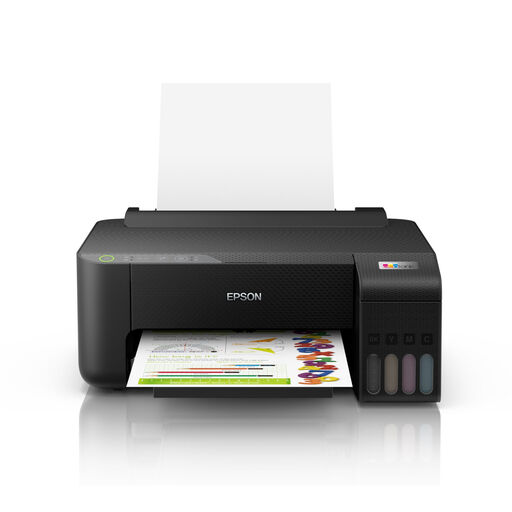 No image available
Consider this model if you need colour printing but not scanning or copying.
It is an A4 single-function inkjet with refillable ink tanks, USB, wireless and Wi-Fi Direct. Double-sided printing is manual.
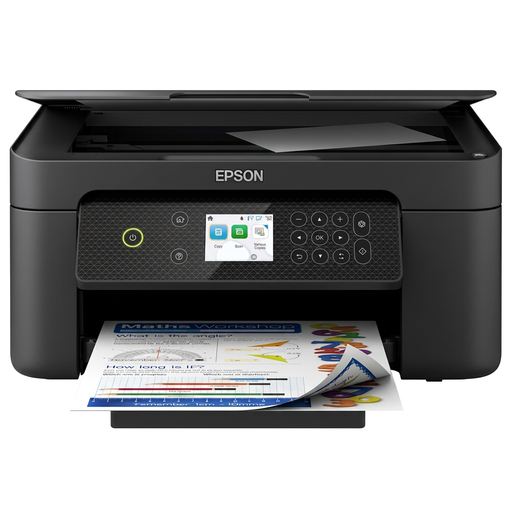 No image available
Consider this colour inkjet if you want printing alongside scanning and copying at home.
The description specifies Wi-Fi, a flatbed scanner and individual ink cartridges. Automatic duplex printing is listed for this model.
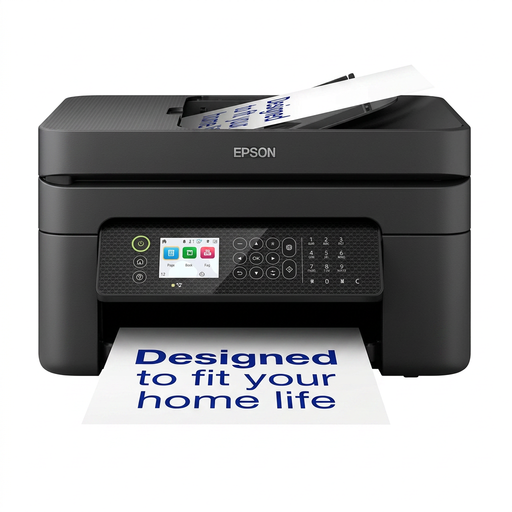 No image available
Consider this colour all-in-one if you need to print, scan and copy, including multi-page documents.
The description lists Wi-Fi, automatic duplex printing and an automatic document feeder. It also specifies fax, Apple AirPrint and Mopria.
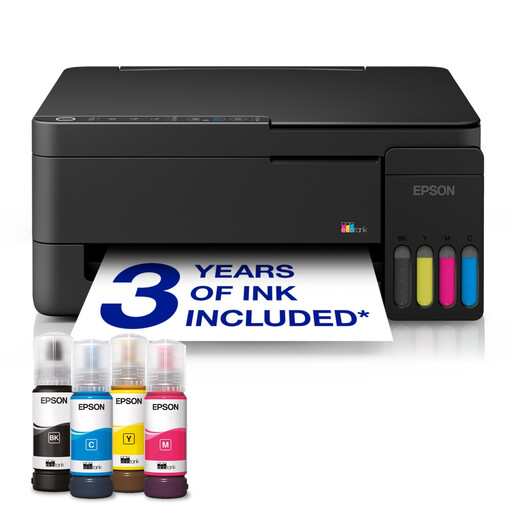 No image available
Consider this refillable-ink colour model if you also need to scan and copy at home.
The description lists ink tanks, print, scan and copy functions, Wi-Fi and Wi-Fi Direct. AirPrint and Mopria are also specified.
 No image available
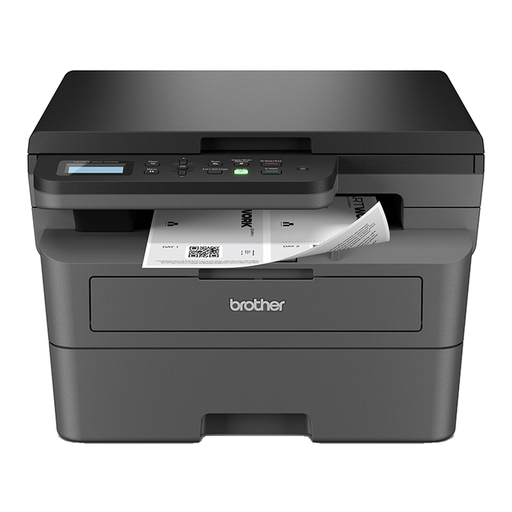
Consider this mono laser if your homework and household documents do not need colour and you also want scanning and copying.
The description specifies A4 printing, automatic duplex and a 50-sheet automatic document feeder. Connections listed are Wi-Fi, Ethernet and USB.
No, not if the homework is already a digital file. If you need to copy or digitise paper originals, check that the exact model has scan and copy functions; Brother’s HL-L2445DW is print-only, while Canon lists those functions for the PIXMA TS7650i.
Choose mono if the pages you need can all be printed in black and white; consider a colour inkjet when assignments require colour. Then check the exact model’s supplies and functions, since printer type and scanning capability are separate choices.
Treat it as a figure tied to the stated test basis, not a promise of your household’s output. Brother gives an ISO-rated toner yield for the HL-L2445DW, while Epson describes in-box yields on a manufacturer-stated basis for the ET-2950; compare like with like and account for separately replaced parts.
Follow the support instructions for the exact model. Epson advises a nozzle check followed by print-head cleaning when indicated for the inkjets covered by its guidance; its support also notes that power cleaning uses more ink.