Choose a video doorbell when visitor and entrance alerts are the main priority, an outdoor camera for a driveway, garden or other external area, and an indoor camera for a defined room. If the view may include neighbours’ property, shared spaces or public areas, limit the field of view and check privacy controls, audio settings, account access and footage retention before focusing on resolution or coverage.
Who this is for
Householders monitoring a front entrance
For people who need visitor alerts, doorstep visibility and remote checks of an entrance. Start with a tightly aimed video-doorbell route and consider whether its view reaches shared paths, neighbours’ property or public space. Information Commissioner’s Office and GOV.UK guidance applies where footage extends beyond the private domestic boundary.
Homeowners covering a driveway, garden or side access
For households monitoring a specific outdoor area that may need weather-suitable, wire-free, solar or local-recording options. Keep coverage focused on the intended area and assess the final view after mounting.
Households monitoring a defined room while away
For people checking a pet area, internal entry point or another contained room. Controllable recording, account security and storage choices matter more here than broad external coverage.
Buying priorities
Start with the area you actually need to monitor, then check how the chosen device limits its view and manages recordings.
| Priority |
What to check |
Your needs |
| Targeted coverage |
Check the intended viewing angle, mounting position and whether privacy zones, masks or blockers are available for the exact model. Reassess the image after installation. |
I want to see my entrance, driveway or garden without routinely recording neighbouring homes, shared areas or the street. |
| Camera type and location |
Match a doorbell to caller-facing monitoring, an outdoor camera to a weather-exposed external area, and an indoor camera to a contained room. Check the available power source and Wi-Fi reach. |
A tightly focused entrance alert may suit me better than a wide outdoor view, while a garden or side gate may need a separately positioned outdoor camera. |
| Storage and access |
Confirm local-card, hub, NVR or cloud options for the exact model. Check who can access clips, how accounts are protected, and whether recording retention can be set for the monitoring purpose. |
I need authorised household users to reach footage while keeping recordings protected and avoiding indefinite retention. |
| Power and connectivity |
Check whether the camera needs mains power, battery charging, solar exposure, Ethernet or 2.4 GHz Wi-Fi. For hub systems, verify the selected camera is compatible with the hub. |
I need a setup that works at the mounting point, including during a broadband outage where local recording is important. |
Common buying pitfalls
-
Assuming a wider view is always better
A wide-angle, pan-and-tilt or movable view can capture neighbouring property, communal spaces or public areas that are not needed for domestic monitoring. Information Commissioner’s Office and GOV.UK guidance state that data-protection obligations apply when domestic CCTV records beyond the private property boundary.
Define the exact area to monitor before purchase, inspect the final mounted view and use privacy zones or blockers where the selected model supports them.
-
Overlooking audio, storage and footage access
Video and voice recordings can be personal information, so households need practical control over recordings, storage and account access. Storage choices and security features vary by model.
Check whether the exact model records audio, whether audio can be limited or disabled, which storage options are supported, what is included, and whether account protection such as two-factor authentication is available.
Cloud recording may be a paid service on some systems, and microSD cards may be sold separately.
-
Assuming solar, battery or hub claims fit every installation
Solar charging depends on sunlight and use, while hub recording and multi-camera management depend on compatible models and the network setup.
Check the mounting location, light exposure, Wi-Fi or broadband reach and the relevant compatibility list before choosing the route.
Relevant brand references
TP-Link Tapo
A camera and doorbell range with model-dependent privacy zones, detection zones, local microSD recording and Tapo Care cloud-recording options.
- TP-Link UK states that supported privacy zones can define areas that cannot be viewed or monitored, while detection zones can focus alerts on selected areas.
- Storage and supported Wi-Fi, security and privacy features vary by exact Tapo camera or doorbell.
Reolink
A camera-system route for households considering local recording, a hub or NVR, multiple cameras, and wired, Wi-Fi or compatible battery-camera combinations.
- Reolink states that its Home Hub can manage compatible cameras, provide local encrypted recording and continue recording during broadband outages.
- Compatibility is not universal: Reolink’s published Home Hub information excludes 4G cameras and 2MP battery cameras from its stated compatible group.
eufy
A local-storage route that includes solar-powered outdoor models and HomeBase-compatible setups.
- eufy offers on-device, selected microSD, HomeBase and NVR storage routes across different products.
- For the SoloCam S340, eufy’s solar, installation and coverage statements are manufacturer specifications that depend on location, sunlight and final mounting position.
Joybuy product options
Joybuy product options for outdoor monitoring of a driveway, garden, porch, path or side access. Check the final viewing angle, privacy controls and audio settings for the exact model before installation.
 No image available
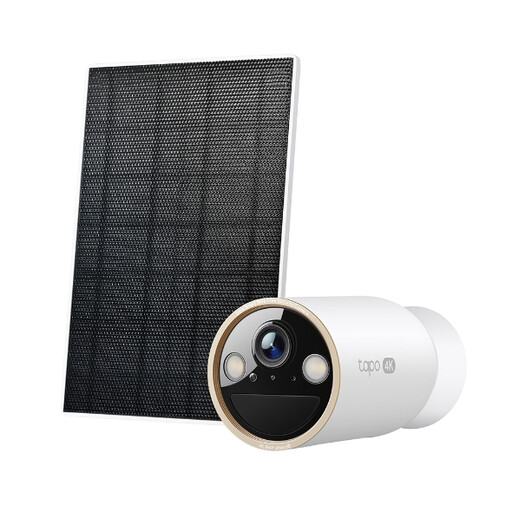
Tapo C460 KIT Solar-Powered Security Camera Kit
For driveway, garden or porch monitoring where cable routing is difficult and the mounting point receives suitable sunlight.
Listed features include IP66 protection, solar charging, dual-band Wi-Fi, person, vehicle and pet alerts, encrypted microSD support and two-way audio. The listing states activity zones, but confirm image-blocking privacy controls and audio settings before installation.
Joybuy
 No image available
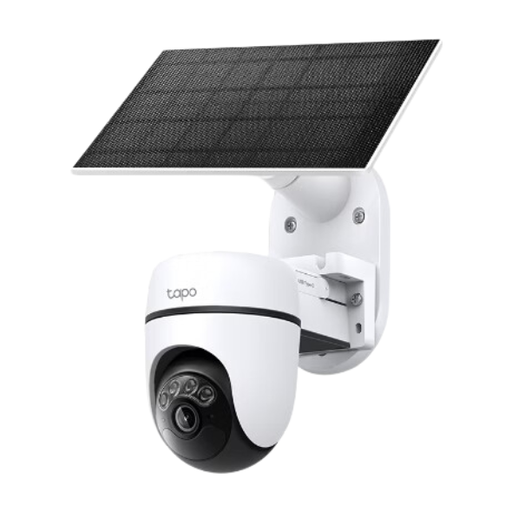
Tapo C610 KIT Solar-Powered Pan/Tilt Security Camera Kit
For an outdoor area without a convenient mains outlet, provided the mounting point has suitable solar exposure and 2.4 GHz Wi-Fi coverage.
The listing specifies 360° pan, 130° tilt, person detection, IP65 protection, microSD storage and two-way audio. Pan-and-tilt coverage needs careful final aiming; check for privacy masks before buying.
Joybuy
 No image available
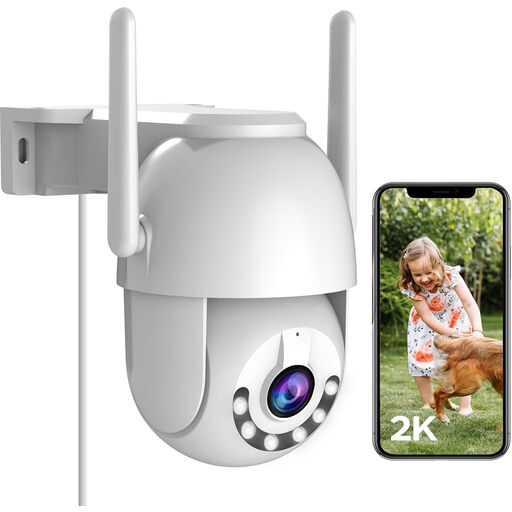
JOOAN 2K Outdoor Security Camera 360° PTZ
For a fixed outdoor location with protected plug-in power and stable 2.4 GHz Wi-Fi.
The listing states 2K video, IP66 protection, 360° pan, 90° tilt, colour and IR night vision, motion alerts, two-way audio and microSD support. Confirm privacy masking, audio controls, account security and retention settings for the chosen setup.
Joybuy
 No image available
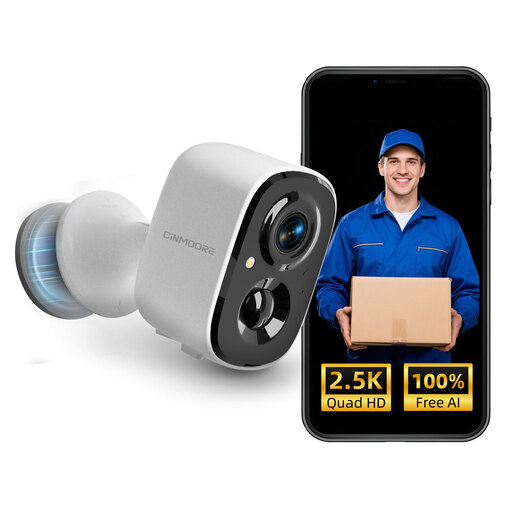
CINMOORE 2.5K Wireless Outdoor Security Camera
For flexible outdoor placement without mains cabling, where battery management and 2.4 GHz Wi-Fi are practical.
Listed features include IP66 protection, battery operation, person detection, colour night vision, two-way audio and encrypted microSD recording up to 256 GB. A microSD card is not included, and privacy-zone and audio-control details should be checked before purchase.
Joybuy
 No image available
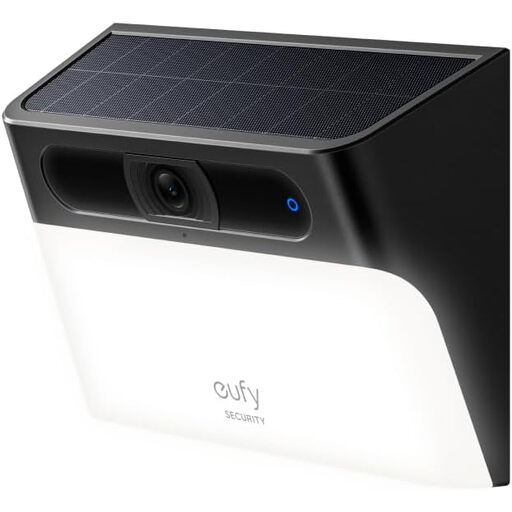
eufy Security Solar Wall Light Cam S120
For a porch, entrance or path where a wall-mounted camera and motion-activated light suit the monitoring position.
The listing states a 2K camera, solar and battery power, motion-activated light, person detection, two-way audio, local storage and IP65 protection. Check whether the view can be limited to the property and confirm account-access and retention controls.
Joybuy
Frequently asked questions
When does UK data-protection law apply to home CCTV or a smart doorbell?
Information Commissioner’s Office and GOV.UK guidance state that data-protection law applies when a system captures images outside the boundary of private domestic property, including neighbours’ homes or gardens, communal spaces and public areas. Position the camera or doorbell to capture only your property where possible.
Should I check whether a camera records sound as well as video?
Yes. The Information Commissioner’s Office notes that CCTV can capture images and voices as personal information. Confirm whether the exact model has a microphone, whether audio can be disabled or limited, and whether audio is necessary for your purpose.
What are privacy zones or privacy masks?
They are model-specific controls that can obscure or prevent monitoring of selected parts of an image. TP-Link UK says its supported Tapo privacy-zone feature can define an area that cannot be viewed or monitored, but responsible camera positioning is still necessary.
How long can I keep CCTV footage?
The Information Commissioner’s Office says UK GDPR and the Data Protection Act 2018 do not prescribe a specific minimum or maximum retention period for surveillance footage. Set a deletion or overwrite approach based on the purpose of monitoring and review it periodically.
Is local storage automatically more private than cloud recording?
No. Local storage can reduce reliance on a cloud plan and may continue recording during an internet outage on compatible systems, but footage still needs physical protection and restricted account access. Cloud recording can suit households that need remote access and backup if the subscription, retention and account-security terms are acceptable.


