What should you check before buying?
These routes can be combined: a wired desk connection does not prevent you from improving Wi-Fi elsewhere. Start by separating broadband problems from Wi-Fi problems, then assess cable routes, placement and compatibility with your existing equipment.
Ethernet for a fixed workstation
Consider it: When a practical cable route reaches the desk where calls need to stay connected.
Trade-off: It connects that workstation, not phones or distant wireless devices; a computer without an Ethernet port may need a compatible adapter.
Wired access point or wired-backhaul mesh
Consider it: When Ethernet already reaches a weak area or can be installed between rooms or floors.
Trade-off: Cable routes, ports and the selected system’s wiring rules need planning; TP-Link and ASUS document model-specific backhaul arrangements.
Wireless mesh
Consider it: When several rooms need Wi-Fi, new cable is impractical and each node can connect from a suitable intermediate position.
Trade-off: Walls, distance and interference can weaken the link between nodes; BT says disc range varies by environment.
Powerline with Wi-Fi or an access point
Consider it: When running Ethernet is impractical and the electrical installation meets the chosen kit’s requirements.
Trade-off: Results depend on the property. TP-Link specifies direct wall sockets and the same service panel for its cited Powerline Deco models; check other kits against their own instructions.
Replacement router
Consider it: When checks point towards the existing router rather than weak coverage in just one distant area.
Trade-off: A new router cannot overcome a limiting broadband service. Confirm the connection type and provider settings before changing equipment.
| Concern |
What to check |
Who this matters to |
| Calls at a fixed desk |
Check for a practical Ethernet connection and whether the computer needs an adapter; compare wired and Wi-Fi performance. |
When calls drop at my desk, I want to know whether the local wireless link is the issue before changing the whole network. Roughly 31% of consumers put fixed-desk reliability first. |
| Several rooms without new cable |
Check node positions between the router and weak rooms, plus the included units and compatible expansion options. |
I need Wi-Fi in several rooms but cannot readily run new cable, so each node must have a workable connection to the next. Around 31% of consumers make cable-free room coverage their primary concern. |
| Difficult walls or long layouts |
Look for an existing Ethernet route and confirm wired-backhaul support; assess the exact kit’s electrical requirements if considering powerline. |
Walls or floors make a wireless hop uncertain, and I need a realistic route to the distant area. Approximately 23% of consumers prioritise a connection through a difficult layout. |
| One distant fixed device |
Check Ethernet ports at the remote node or access point and compatibility with the main system. |
My stationary device needs a connection in a distant spot more than I need roaming Wi-Fi throughout the home. Roughly 15% of consumers put that fixed-device need first. |
Joybuy products for these routes
These mesh systems address Wi-Fi across several rooms; the powerline kit offers another way to reach a distant area when running Ethernet is difficult. Choose the route after checking your existing connection, layout and equipment compatibility.
 No image available
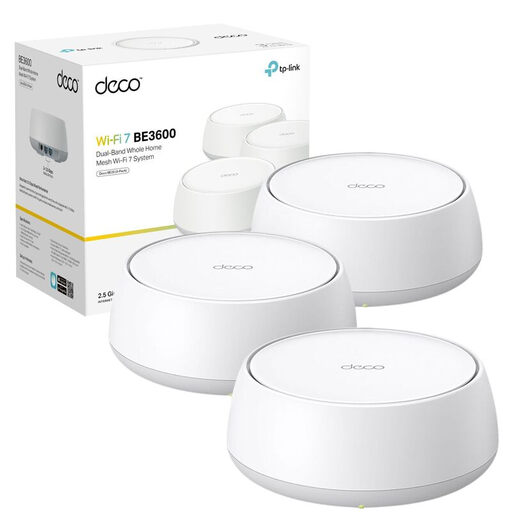
TP-Link Deco BE22 BE3600 Wi-Fi 7 Mesh System (3-Pack)
Consider this three-pack for Wi-Fi across several rooms where you can position the units with workable links between them.
Check the exact operating mode, connection to your provider equipment and Ethernet port arrangements before buying.
View on Joybuy
 No image available
NETGEAR Orbi 370 RBE373 WiFi 7 BE3600 (3-Pack, White)
This three-pack is an option when several rooms need Wi-Fi; assess where its units could maintain a connection in your home.
The title specifies dual-band WiFi 7 and 2.5Gbps Ethernet. Check how the system connects to your existing modem or gateway and whether its port arrangement suits any fixed devices.
View on Joybuy
 No image available
TP-Link Deco BE25 WiFi 7 Mesh System (3-Pack)
Consider this three-pack when the main need is Wi-Fi in multiple rooms and you have suitable positions for the units.
Confirm the included units, port allocation and required connection to your provider equipment if you also need a wired endpoint.
View on Joybuy
 No image available
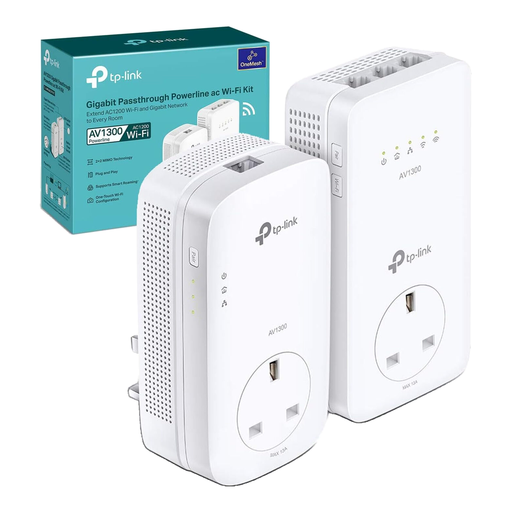
TP-Link TL-WPA8631P KIT AV1300 Gigabit Powerline Wi-Fi Extender
Consider a powerline kit when a cable is difficult to run to a weak-signal room, provided the property and socket positions suit the exact kit.
Check its wall-socket instructions and your router’s compatibility before relying on any mesh integration; the AV1300 designation is not a measured result in your home.
View on Joybuy
 No image available
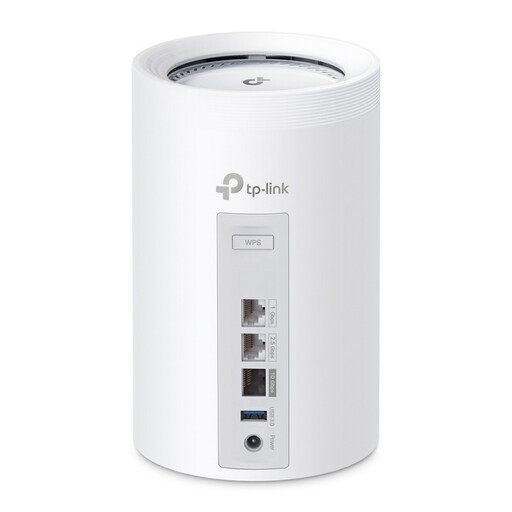
TP-Link Deco BE65 BE9300 Tri-Band Wi-Fi 7 Mesh (3-Pack)
This three-pack is relevant when you need Wi-Fi across several areas and can plan positions for each unit.
Check the exact port layout, backhaul options and setup requirements with your existing broadband equipment before choosing it.
View on Joybuy
Questions about home Wi-Fi
Do I need better Wi-Fi or a faster broadband connection?
Compare a computer connected directly to the router by Ethernet with Wi-Fi in the problem room, where a wired test is practical. If the wired connection is also poor, wider Wi-Fi coverage may not address the limiting issue; Ofcom notes that Wi-Fi cannot outperform the broadband service.
Can mesh work with my broadband provider’s router?
It can when the selected system supports the necessary connection and operating mode. TP-Link says the main Deco unit must connect physically to the modem, router or internet cable, and documents different wiring rules for router and access-point modes; check the exact model and your provider equipment before purchase.
Where should I put a mesh node or Wi-Fi disc?
Place it where it can still connect to the rest of the network, rather than only at the far end of a dead zone. Test an intermediate position: BT says walls, electrical equipment and interference can affect the range of its Whole Home Wi-Fi discs.
Will powerline work in every home?
No; suitability depends on the electrical installation and the exact kit. TP-Link specifies direct wall sockets and the same service panel for its cited Powerline Deco models, so check the instructions for the product you intend to use rather than applying those requirements to every powerline device.
Can I add any satellite to an existing Orbi system?
No; match the add-on satellite to the specific Orbi router or system series. NETGEAR says Orbi satellites require a compatible Orbi system and are not stand-alone Wi-Fi extenders.


