Keep an existing home-working laptop if it meets your employer’s requirements and runs your usual work reliably; a monitor or other desk equipment may address a workspace problem without replacing the computer. If you do need a new laptop, confirm approved software and security requirements before choosing Windows, macOS or ChromeOS, then match its memory, storage, screen and connections to your work.
Who needs to make this decision?
Employer-managed hybrid workers
Your work applications, approved operating system or device-management rules may decide which laptop you can use remotely. Microsoft and Apple both document organisational controls that can affect access, so check your employer’s requirements before choosing a device.
Document-heavy desk workers
If office applications, spreadsheets, downloads and many browser tabs are the sticking points, compare the performance and storage of your current laptop with a potential replacement. Which? identifies these everyday tasks as relevant to choosing a home-working laptop.
Existing-laptop owners with workspace limits
If your approved laptop still handles work reliably, limited screen space or an uncomfortable desk may call for a workstation change instead. The Health and Safety Executive says display screen equipment rules can apply to people who routinely split work between home and another workplace.
What should you check before buying?
Start with employer compatibility and whether the current laptop can handle a normal workday. Then decide whether the remaining problem lies with the computer or the home desk.
| Concern |
What to check |
Who this matters to |
| Workplace compatibility |
Confirm approved operating systems, required applications and device-management or security rules with your employer. |
If work access depends on an approved device, I need to settle that before choosing its specifications. Around 36% of consumers would put workplace compatibility first. |
| Office work and storage |
Compare the exact processor, installed memory and SSD capacity with your documents, downloads and multitasking needs. Which?’s 2022 home-working guidance suggests 8 GB of memory and a 256 GB SSD as a starting point for office tasks, not a requirement for every workload. |
When documents and browser tabs regularly slow me down, I want the replacement to address that friction. Roughly 29% of consumers would prioritise responsive office work. |
| Calls and desk connections |
Check the camera, microphone, screen and exact ports against your meetings, monitor and peripheral setup; confirm what a proposed dock can connect. |
If calls or a cramped display interrupt my day, I need a setup that works at my desk. About 21% of consumers would make meetings and workspace connections their primary concern. |
| Whether to replace |
Check whether the existing laptop remains approved and runs your usual tasks reliably. If it does, assess the monitor or other equipment needed for the desk instead. |
My laptop still does the work, but its screen or workstation is the limitation. Around 14% of consumers would focus first on improving the existing setup. |
Mistakes that can lead to the wrong purchase
-
Treating operating-system minimums as a work specification
Microsoft lists 4 GB of memory and 64 GB of storage among the Windows 11 minimum requirements. Those figures establish eligibility, not how comfortably a particular laptop will handle your documents and other open applications.
Compare the exact model’s processor, memory and SSD with your workload. Which?’s 2022 home-working advice gives higher memory and storage figures for routine office use.
-
Choosing a platform before checking employer rules
A laptop may run the software you recognise yet fail to meet your organisation’s access or device-management requirements. Microsoft notes, for example, that Intune app-protection policies are not supported on ChromeOS.
Ask your employer which operating systems, applications, authentication tools and enrolment methods are approved before buying a Windows laptop, Mac or Chromebook.
-
Replacing a working laptop to fix the desk
A different laptop will not necessarily resolve limited monitor space or an uncomfortable workstation. The Health and Safety Executive’s home-working guidance addresses workstation assessment for relevant display screen equipment users.
If the current device is approved and responsive, identify the desk limitation and assess suitable equipment before deciding to replace it.
-
Assuming a USB-C connection settles dock compatibility
Display and charging capabilities depend on the particular laptop and connection. Apple, for instance, specifies Thunderbolt and external-display capabilities for MacBook Air models rather than relying on a generic USB-C description.
Match the exact laptop, monitor and dock specifications, including display output, data connections and charging needs.
Relevant laptop brands and ranges
Lenovo
Lenovo positions ThinkPad as a business-laptop range relevant to workers considering a Windows-oriented setup.
- Lenovo describes model-dependent features including webcam privacy shutters and security options.
- Check the exact ThinkPad configuration’s operating system, ports, camera and employer-management compatibility; features vary across the range.
HP
HP positions ProBook for work at home or in the office.
- HP describes security, manageability and collaboration options within the ProBook range.
- Camera, audio, memory, storage and ports depend on the configuration, so assess the particular model rather than the range name.
Apple
MacBook Air is relevant when an employer approves macOS and the buyer wants a laptop that can also connect to a desk display.
- Apple lists Thunderbolt 4 ports and external-display support in its MacBook Air specifications.
- Confirm the chosen model’s display and connection requirements, plus employer approval for its applications, VPN and device management.
Home-working laptops on Joybuy
These laptops cover Windows, macOS and ChromeOS choices for home-working tasks. Check employer approval before selecting an operating system; if your current laptop remains suitable, assess the desk setup before buying a replacement.
 No image available
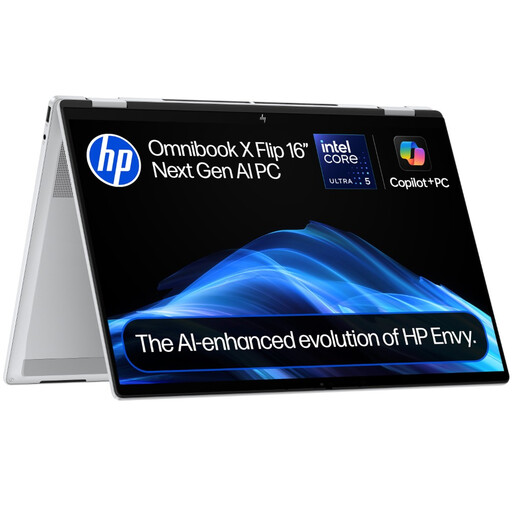
HP OmniBook X Flip 16-as0004na
Consider this Windows model if a larger touchscreen and convertible design fit your home desk. It has a 16-inch touchscreen, Intel Core Ultra 5 226V, 16 GB RAM, a 512 GB SSD and Windows 11 Home; confirm that your employer accepts this Windows edition and device.
Joybuy
 No image available
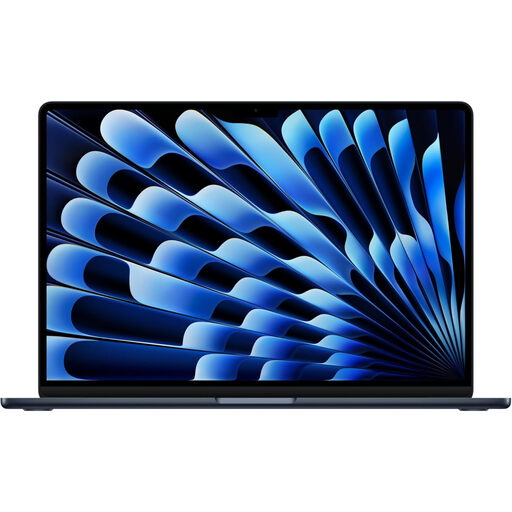
Apple 13-inch MacBook Air (2026), M5, 24 GB, 1 TB, Midnight
This is a macOS option for document work if your employer approves a Mac. The listed configuration has an M5 chip with 10-core CPU and 10-core GPU, 24 GB memory and a 1 TB SSD; check required work software and your monitor or dock setup before choosing it.
Joybuy
 No image available
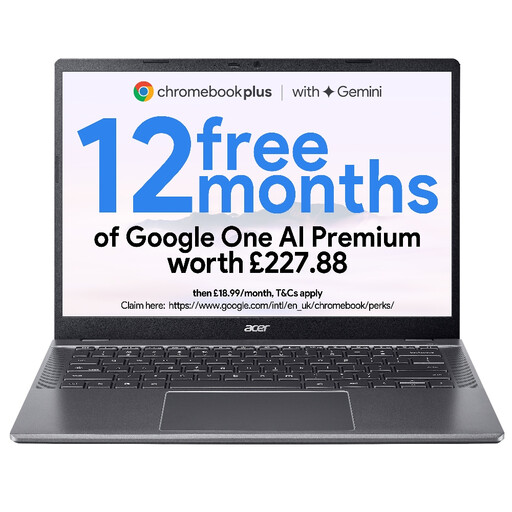
Acer Chromebook Plus 514 CB514-5H, Iron
Consider ChromeOS only if your employer approves every required application and access method. This configuration lists a 14-inch WUXGA (1920 × 1200) display, Intel Core 5 120U, 8 GB RAM and a 512 GB SSD; check any desktop-software requirement before buying.
Joybuy
 No image available
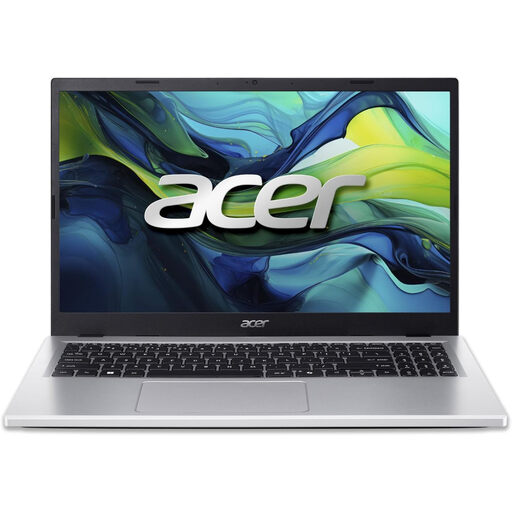
Acer Aspire Go 15 AG15-71P, Silver
This Windows option is worth comparing for desk-based document work once employer compatibility is confirmed. It lists an Intel Core i5-13420H, 8 GB DDR5 RAM, a 256 GB NVMe SSD, a 15.6-inch Full HD screen and Windows 11 Home; assess whether its storage suits your local files.
Joybuy
 No image available
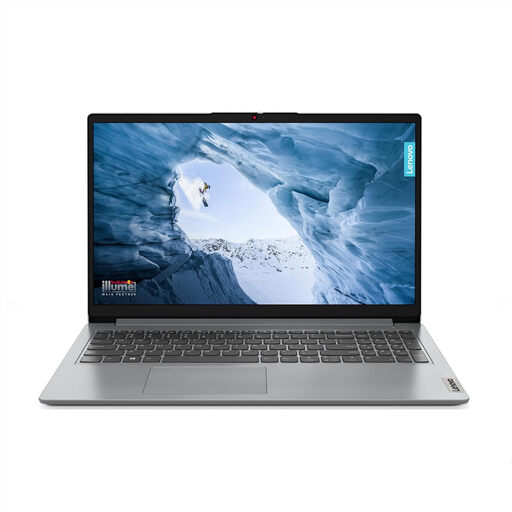
Lenovo IdeaPad 1 15-inch, Cloud Grey
Consider this for basic document and browser work only after checking your required applications. It lists an AMD Ryzen 3 7320U, 8 GB RAM, a 128 GB SSD and Windows 11 Home in S Mode; check both the S Mode workflow and whether 128 GB meets your storage needs.
Joybuy
Home-working laptop questions
Do I need Windows to work from home?
Not necessarily: choose Windows when your employer’s applications, peripherals or device rules require it. Microsoft says Intune supports Windows, macOS and ChromeOS devices, but its app-protection policies are not supported on ChromeOS; your organisation’s requirements determine which route you can use.
Should I buy a laptop limited to Windows 10?
For an ordinary new home-working purchase, choose a supported Windows path rather than a device limited to Windows 10 Home or Pro. Microsoft states that Windows 10 reached end of support on 14 October 2025; employer-managed LTSC devices have separate lifecycles that your employer should specify.
When should I add a monitor or dock instead of replacing my laptop?
Consider accessories when your current laptop is approved for work and handles your usual applications and calls reliably, but screen space or connections are the problem. Check the laptop’s display and dock capabilities; for applicable long-term or routine hybrid work, ask your employer about a display screen equipment assessment.
Can a Chromebook handle Microsoft 365 and Teams?
Browser access may cover some tasks: Microsoft says Teams meetings are fully supported on current Edge and Chrome browsers. Confirm that your employer’s files, authentication, VPN, desktop applications and management requirements also work on ChromeOS before buying.


