What to prioritise when buying
Identify the main constraint before comparing models: whether your work allows a personal device, whether its apps will run, or whether the difficulty is mainly meetings, commuting or a fixed desk setup.
| Concern |
What to check when buying |
Who this matters to |
| Work-app compatibility |
Confirm required operating system and app support; compare the exact memory and storage configuration. |
When my work depends on particular apps, I want to confirm compatibility before comparing capacity; around 31% of consumers put application fit first. |
| Approved access and data handling |
Ask IT whether personal devices are allowed and which operating system or management controls are required. |
If work files are involved, I need IT to confirm whether my own device may access them; about 25% of consumers prioritise approved-device access and secure handling. |
| Online meetings |
Check the camera option, audio connections and compatibility with the approved meeting app. |
For frequent calls, I want a camera and audio setup that works with my organisation’s approved meeting service; roughly 19% of consumers put meeting suitability first. |
| Portability |
Compare the specific model’s screen size, dimensions, weight and charging arrangement with your routine. |
When I commute with the same laptop, carrying it comfortably matters alongside having a usable screen; around 13% of consumers prioritise portability between work locations. |
| Fixed-desk connections |
Match the laptop’s display outputs and charging requirements to the monitor or dock. |
At a fixed desk, I want my laptop, monitor and dock to work together for longer sessions; roughly 12% of consumers put desk setup first. |
Relevant laptop brands
These examples describe specific product lines and configurations, not employer approval or a recommendation that applies to every model from each brand.
Lenovo
The ThinkPad T-series is a business-laptop option to assess against your organisation’s requirements.
- Lenovo UK lists the ThinkPad T14 Gen 6 configuration 21QC002KUK with Windows 11 Pro, 16 GB memory and a 14-inch display.
- Check the exact model’s management, camera and dock requirements with IT; those specifications do not establish employer approval.
Dell
The Dell Pro 14 PC14250 is a business-laptop line with multiple configurations.
- The cited configuration lists Windows 11 Pro, 16 GB memory and 512 GB storage.
- Dell UK says the cited configuration does not include a charger, so check the charging arrangement for the exact model.
HP
The EliteBook 6 G2a is a business-laptop option with configurations to check individually.
- HP Store UK lists configuration DM4A3EA#ABU with Windows 11 Pro and a 5MP camera.
- HP’s descriptions of conferencing and security features are manufacturer claims, not independent effectiveness tests. The cited product page says the charger is not included.
Apple
The MacBook Air is a portable macOS route when your employer and work applications support it.
- Apple specifies a 13-inch M5 model with a 12MP Center Stage camera, two Thunderbolt 4 ports and external-display support.
- Check app approval and whether your monitor or other desk equipment needs an adapter or dock. Apple’s stated battery figures are test-condition maxima.
ASUS
The ExpertBook B5 is a business-laptop route; verify the exact variant and its contents.
- ASUS UK lists the ExpertBook B5 B5605CC-MBU715X with a 16-inch screen and Windows Pro; the cited listing says a charger is included.
- ASUS’s stated meeting and security benefits are manufacturer claims, not independent effectiveness findings.
Joybuy laptop options
These Joybuy listings are portable-laptop options to compare against your work applications, meeting needs and home-desk setup. Confirm employer approval and software compatibility for the exact model before choosing.
 No image available
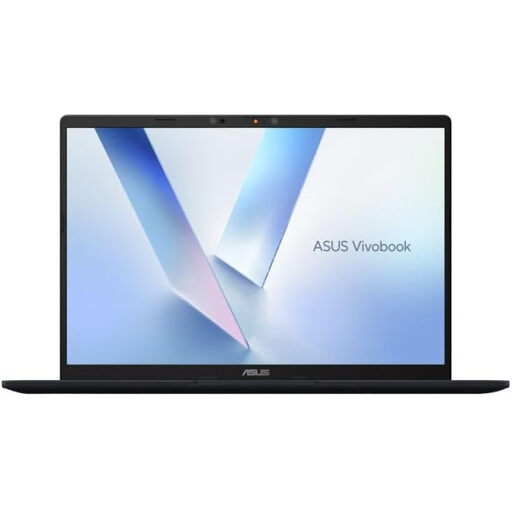
ASUS Vivobook 14 X1407QA-LY003W Copilot+ PC, Quiet Blue
Consider this configuration if its listed platform, memory and storage meet your work-app requirements; check the exact model’s connections against your desk setup.
- Snapdragon X
- 16GB RAM
- 512GB SSD
View on Joybuy
 No image available
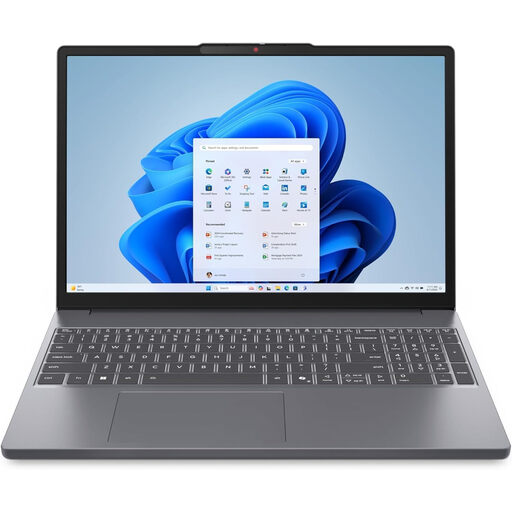
Lenovo IdeaPad Slim 3 15.3-inch WUXGA, 83K7009MUK
Check whether this Windows 11 Home configuration and its listed components suit your work apps before choosing it for a home desk or regular travel.
- AMD Ryzen 5 7535HS
- 24GB DDR5 RAM
- 512GB PCIe SSD
- Windows 11 Home
View on Joybuy
 No image available
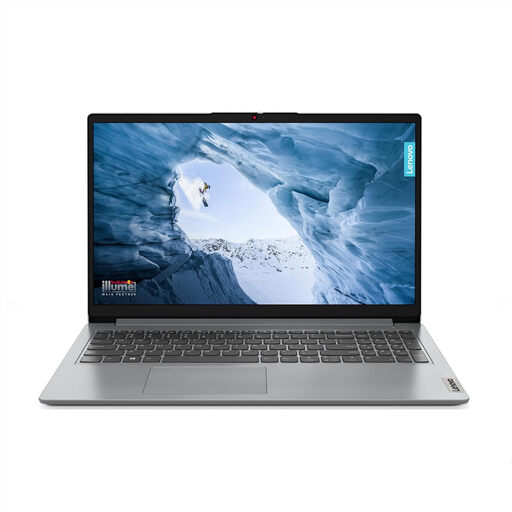
Lenovo IdeaPad 1 15-inch Full HD, Cloud Grey
Check whether your required work apps are compatible with this Windows 11 Home in S Mode configuration before selecting it for meetings or mobile work.
- AMD Ryzen 3 7320U
- 8GB RAM
- 128GB SSD
- Windows 11 Home in S Mode
View on Joybuy
 No image available
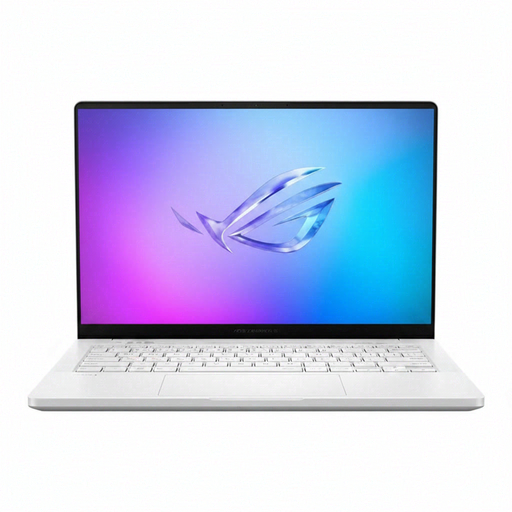
ASUS ROG Zephyrus G14 GA403WR-QS088W, German Grey
Check whether your work apps and employer permit this exact Windows 11 Home configuration; compare its listed components with your actual requirements rather than assuming they are needed.
- AMD Ryzen AI 9 HX 370
- 32GB LPDDR5x-SDRAM
- 2TB SSD
- NVIDIA GeForce RTX 5070 Ti
- Wi-Fi 7 (802.11be)
View on Joybuy
 No image available
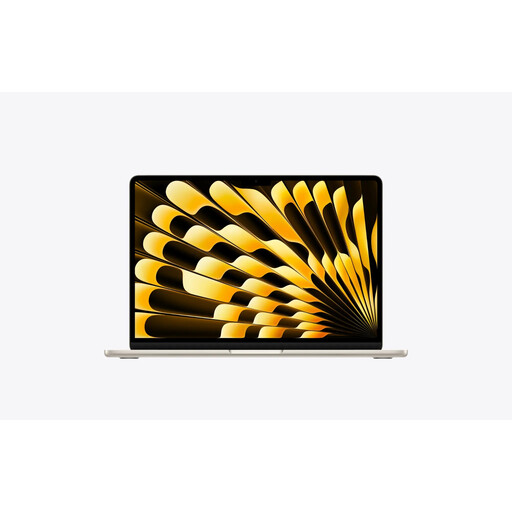
Apple MacBook Air 13.6-inch M5, Starlight
Consider this macOS configuration only if your employer and required work applications permit that platform; check its connections against your intended desk equipment.
View on Joybuy
Frequently asked questions
Can I use a laptop I bought myself for employer work?
Not automatically. If your employer provides approved hardware, follow its instructions; if it allows personally owned devices, confirm the permitted tasks, software and management arrangements with IT before buying. The ICO and NCSC guidance does not establish one device policy for every organisation.
Does Windows 11 Home provide manual BitLocker Drive Encryption?
No. Microsoft says manual BitLocker Drive Encryption is available on Windows Pro, Enterprise and Education, not Windows Home. Check whether your organisation requires that particular control; it is not a requirement established for every home worker.
Will a better webcam make an online meeting secure?
No. Camera suitability and meeting security are separate checks. The NCSC’s guidance for small and medium-sized organisations covers account verification, participant access, updates and recording or transcription controls; follow the meeting service approved by your organisation.
Should I buy a dock and monitor before changing laptops?
If your approved laptop already runs your work apps, check whether compatible connections and a more suitable workstation address the problem before replacing it. Display-screen assessment guidance differs by location: the HSE covers Great Britain, while HSENI provides guidance for Northern Ireland.
What UK data-protection rule determines which laptop I must buy?
The ICO guidance does not prescribe a universal laptop model or specification. For organisations processing personal data, the UK GDPR security principle calls for appropriate technical and organisational measures based on the circumstances and risk. Follow current organisational instructions rather than treating a particular hardware specification as a universal requirement.


