What to prioritise when choosing
Check your laptop’s video output and any charging needs first, then choose a screen size and stand that fit the desk. Add a dock only if it meets a connection need that the monitor cannot handle directly.
| Concern |
What to check when buying |
Who this matters to |
| Space for documents and windows |
Compare screen size with native resolution; measure the available surface before choosing a larger display. |
If I need documents and reference windows visible together, I prioritise usable screen space; about 31% of consumers put sustained multi-window work first. |
| Fit and positioning |
Check the monitor’s dimensions and stand, including the adjustments you need. |
On a compact or shared desk, I need the screen and stand to fit without taking over the work surface; about 23% of consumers prioritise workspace fit and positioning. |
| Laptop connection |
Check the exact laptop’s video output and match it to the monitor input, cable or adaptor. For charging, compare the monitor’s stated power delivery with the laptop’s requirements. |
If I want reliable video or simpler reconnection, I check every part of the connection before choosing; about 31% of consumers put laptop-to-monitor connection first. |
| Creative detail and colour |
Identify the applications and colour requirements, then check the exact model’s specifications and supported laptop output. |
For creative work, I need display detail or documented colour specifications that suit the task; about 15% of consumers prioritise creative detail and colour. |
Joybuy monitor choices
These Joybuy choices cover fixed desk monitors and portable screens for home-working laptop setups; check each model’s stated inputs and your laptop’s capabilities before choosing a connection.
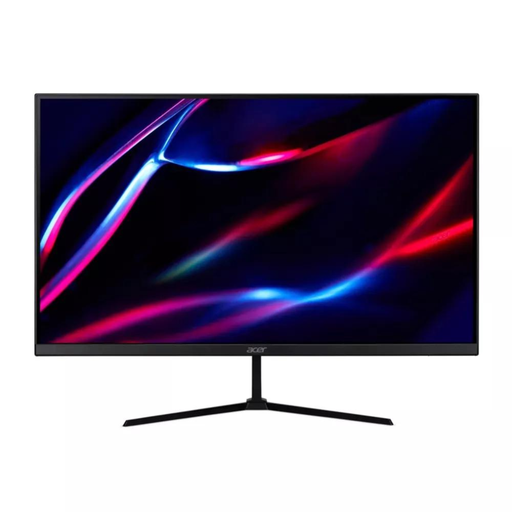 Image unavailable
27-inch QHD IPS 180Hz Monitor
A fixed desk-screen option for a laptop setup using a wired monitor connection.
Specifications stated in the product name include a 27-inch QHD IPS display, 180Hz refresh rate, 2 × HDMI and DisplayPort. One HDMI cable and one DisplayPort cable are listed as included.
View on Joybuy
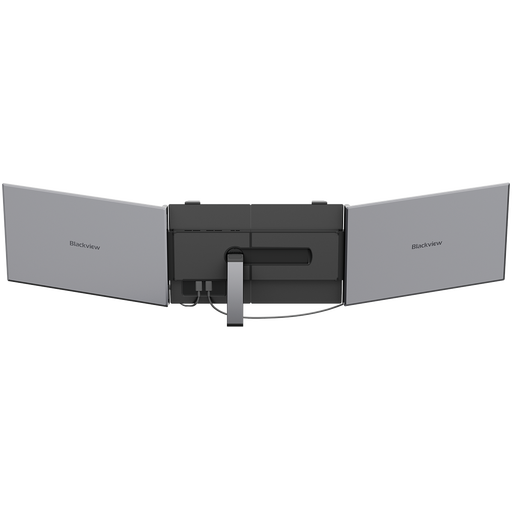 Image unavailable
Blackview DCM8 15.3-inch Portable Monitor
A portable-screen option if you need a display that can be moved or put away between work sessions.
The product name specifies a 15.3-inch IPS display, 1920 × 1200 resolution, 60Hz refresh rate, 1.2 kg weight and 100W reverse charging.
View on Joybuy
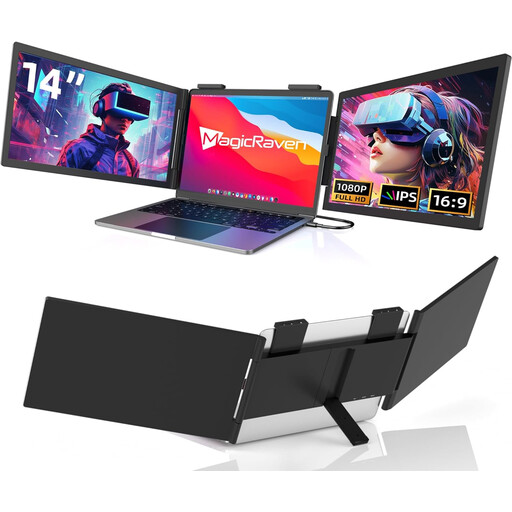 Image unavailable
14-inch Dual-Screen Laptop Extender
A laptop-attached display option for a setup that needs to travel; check the listed laptop-size compatibility before buying.
The product name specifies FHD 1080p displays, 60Hz and USB-C connectivity, and lists compatibility with 14–16-inch laptops, including Mac, Windows, Chrome, Mobile and Switch.
View on Joybuy
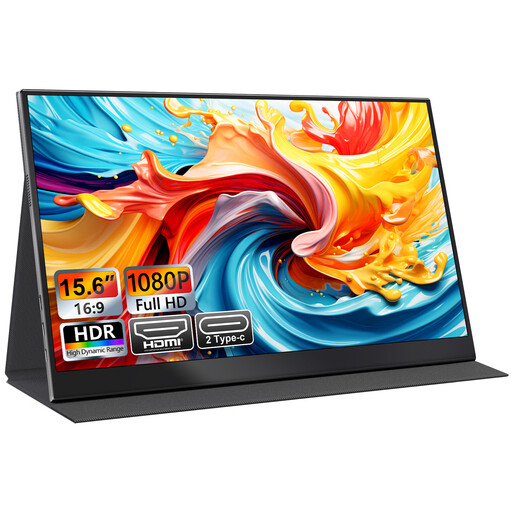 Image unavailable
UFYQL M156F04 15.6-inch Portable Monitor
A portable external-screen option if you want a monitor that can be moved or stored between uses.
The product name specifies a 15.6-inch FHD 1080p IPS display, USB-C and HDMI connections, a smart-cover stand and VESA mounting.
View on Joybuy
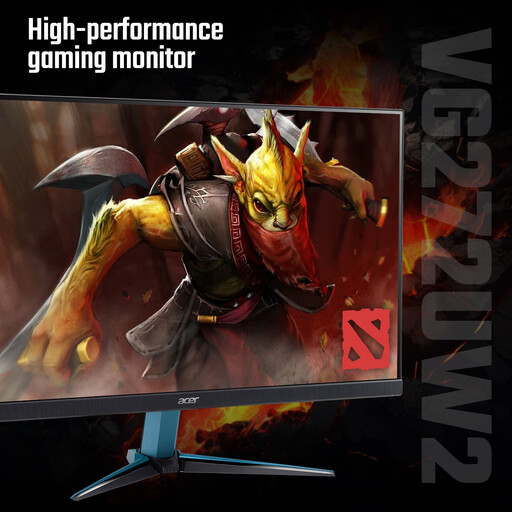 Image unavailable
Acer Nitro VG272UW2bmiipx 27-inch QHD Monitor
A fixed desk-monitor option; check its dimensions and inputs against your workspace and laptop before choosing it.
The product name specifies a 27-inch QHD IPS display, 240Hz refresh rate, 2 × HDMI and DisplayPort. One HDMI cable and one DisplayPort cable are listed as included.
View on Joybuy
Home-working monitor FAQs
Does a USB-C-shaped socket guarantee that my laptop can send video to a monitor?
No. Check the exact laptop’s manual for video-output support on that port. Dell documents some of its laptops with USB-C ports that do not provide the proposed video output or charging functions; port capabilities vary by model.
Can I use a dock or daisy-chain connection for a second display?
Only if the laptop, dock and monitor support the proposed setup. BenQ describes MST daisy-chaining for its BL2486TC and a different Thunderbolt-based arrangement for Mac devices; that model-specific example does not establish compatibility for other equipment.
What should a UK employee check before paying for a home-work monitor?
Ask whether an applicable display-screen-equipment assessment has been carried out and whether the employer will provide or approve the equipment. The HSE says employers must assess workstations where employees use display-screen equipment daily as part of their normal work for an hour or more continuously; where home and office are both used, the assessment should consider both. If an assessment indicates that the employer needs to provide equipment as a control measure, the worker cannot be charged for it, but this does not automatically entitle every employee to a personally chosen monitor or reimbursement for an unapproved purchase.
Are employer-provided or reimbursed home-working monitors automatically taxable?
The tax treatment depends on the circumstances. HMRC guidance describes an exemption for equipment provided or reimbursed for a home-working employee when it is for business use or private use is insignificant. The separate COVID-19 equipment-reimbursement provision described by HMRC ended on 5 April 2022, so check the current arrangement with your employer rather than treating it as a purchase allowance.
What if an online-purchased monitor is faulty or does not suit my space?
Faulty or misdescribed goods have different rights from a change-of-mind cancellation. GOV.UK says that, for most online purchases, a customer has 14 days after receiving an item to notify the seller of cancellation and a further 14 days to return it; check the retailer’s instructions for the relevant process.


