What to consider before buying
Decide whether you need to change screen position, keep more work visible at once or simplify reconnection; then check desk fit and the capabilities of your exact computer.
Raised laptop with separate controls
Choose when: your laptop screen is sufficient, but you need to position it separately from the built-in keyboard. The Health and Safety Executive describes a raised laptop with separate keyboard and mouse as one possible arrangement.
Trade-off: this changes screen position, not the amount of display space, and the stand and controls need room on the desk.
External monitor with a direct connection
Choose when: a separately positioned screen or more visible work area would help, and your computer has a compatible video output.
Trade-off: a direct video connection does not by itself provide laptop charging or extra peripheral connections; check whether an adapter is needed.
USB-C hub monitor
Choose when: you regularly reconnect a laptop and would use video, charging and peripheral connections through the monitor.
Trade-off: your laptop’s port must support the intended video connection, and the monitor’s power delivery must suit the laptop’s charging requirements.
Dock or display adapter
Choose when: you need a particular missing connector, or want several displays and peripherals to reconnect together on a computer that supports the arrangement.
Trade-off: check the laptop’s display limit, operating-system support, drivers and charging requirements; extra dock outputs alone do not establish that more independent displays will work.
| Concern |
What to check when buying |
Who this matters to |
| Screen position and separate controls |
Check the stand’s height and stability, and whether the keyboard and mouse can be used separately from the raised laptop. The Health and Safety Executive describes this arrangement for prolonged laptop use. |
If I can work with my laptop’s screen but need to place it separately from my hands, I would compare a stand and separate controls before adding a display. Around 33% of consumers put screen position and separate controls first. |
| Space for simultaneous tasks |
Consider which windows need to stay visible together, then compare screen size, resolution and full stand dimensions. Check the computer’s supported external-display arrangement; Microsoft Support and Apple Support note that this depends on the exact computer. |
If I need a document or meeting visible beside my main task, I would check whether a larger or additional screen fits my desk and computer. Around 27% of consumers put a simultaneous workspace first. |
| Video, charging and peripheral connections |
Match the laptop’s video-capable port, display support and charging requirement to the exact monitor or dock’s connections, power delivery and operating-system requirements. |
If I reconnect a laptop and its peripherals at one desk, I would check that the proposed connections work together rather than relying on the product name alone. Around 20% of consumers put connection compatibility first. |
| Fit on the available desk |
Measure usable desk width and depth, then compare them with the complete with-stand dimensions and the room needed for your laptop, keyboard, mouse and cables. |
If my desk has limited usable space, I would compare the complete footprint before choosing a larger screen or stand. Around 20% of consumers put desk fit first. |
Joybuy products
These product choices cover external screens for a home-working desk and a laptop riser for changing screen position. Check each computer’s connections and the available desk space before choosing.
 No image available
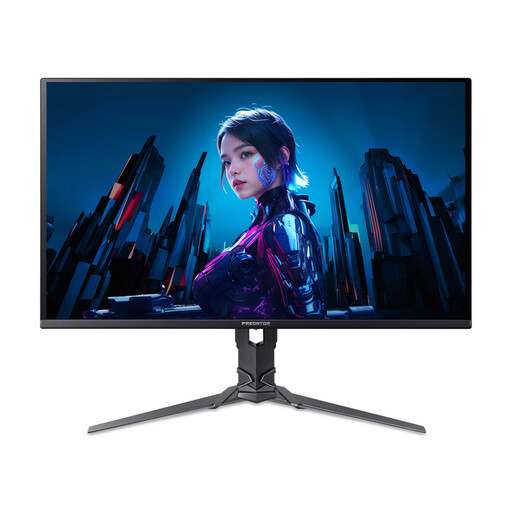
Acer X Predator X27U W3 26.5-inch Monitor
A separate external screen option; check that your computer supports the intended resolution and connection.
Quad HD (2560 × 1440) QD-OLED display; 240 Hz; HDMI and DisplayPort connections.
View on Joybuy
 No image available
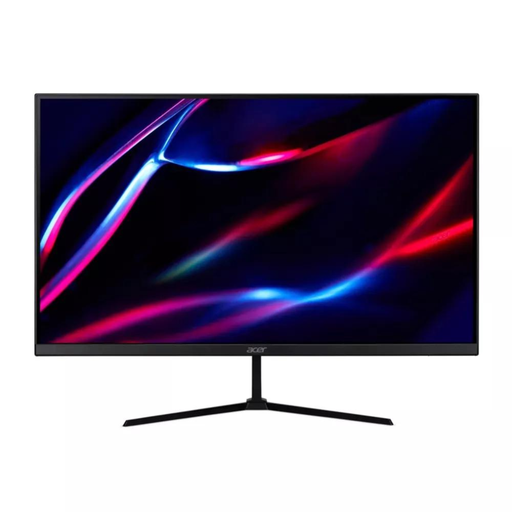
27-inch QHD IPS 180 Hz Monitor
A monitor option if an external screen suits your desk; check your computer’s support for the intended display settings.
QHD IPS display; 180 Hz; two HDMI connections and DisplayPort. VESA mounting support is stated in the product description.
View on Joybuy
 No image available
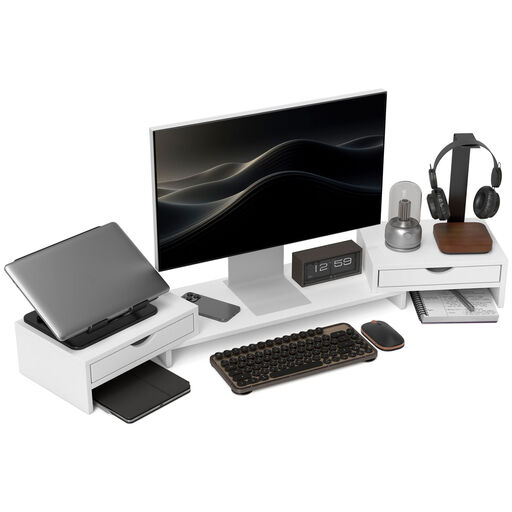
HOMCOM Dual Monitor Stand Riser, Adjustable Length and Angle, 116 cm, White
A laptop riser option if you want to change the screen position without adding another display.
The title specifies adjustable length and angle, a 116 cm size and two drawers.
View on Joybuy
 No image available
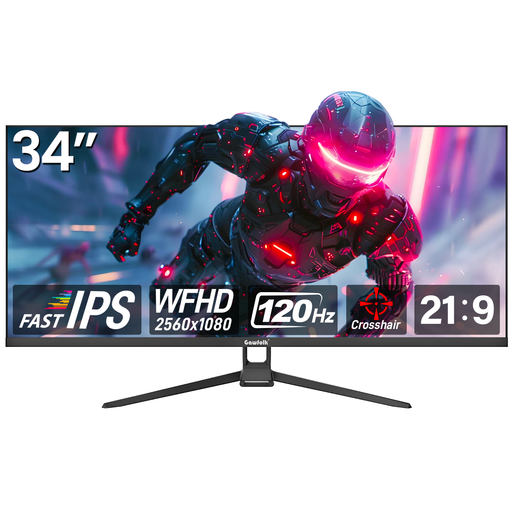
Gawfolk 34-inch Flat 2560 × 1080 Monitor
The product description presents this monitor for office use and side-by-side windows; check that its size fits your desk.
34-inch display; 2560 × 1080 resolution; 120 Hz; HDMI and DisplayPort connections.
View on Joybuy
 No image available
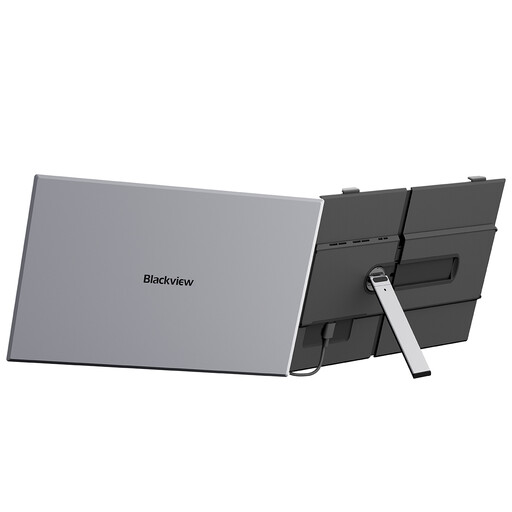
Blackview SCM8 15.3-inch FHD IPS Laptop Screen Extender
A portable external-display option described for use with laptops; confirm the connection and compatibility for your exact device.
The product description lists a 15.3-inch FHD IPS display and support for Windows, Mac and Linux laptops.
View on Joybuy
FAQs
Do I have to buy an external monitor for prolonged laptop work?
No particular monitor purchase follows from the guidance. The Health and Safety Executive describes separating the keyboard and mouse from a laptop so its screen can be raised, or using a separate display; choose according to your task and the screen position you can use.
How do I arrange a second screen after connecting it?
On Windows 11, use Settings > System > Display to identify and arrange detected displays. Check the cable and computer or dock connection first; display settings cannot add an external display the computer does not support.
Will any USB-C dock give my laptop two external screens and charge it?
No. Check the laptop’s supported display count and video-capable port, then compare the dock’s operating-system requirements, display modes, drivers and power-delivery output with the laptop’s charging requirement.
If my employer provides work equipment, who assesses my home setup?
For covered display-screen-equipment users in Great Britain, the Health and Safety Executive says employers should assess home workstations and cannot charge workers for equipment an assessment identifies as necessary. Northern Ireland has separately administered rules: the Health and Safety Executive for Northern Ireland says employers of covered users must assess risks at home and identify additional equipment needs. Applicability depends on the worker’s pattern of use; this does not mean every home worker needs a monitor.
What if an online monitor is unsuitable or faulty?
For a covered online consumer purchase, GOV.UK guidance describes a right to cancel within 14 days after delivery without giving a reason. Faulty or misdescribed goods have separate rights; check the applicable statutory conditions and the seller’s return instructions.


