Start with the part of a home video call that needs attention: choose an external webcam for camera placement, a headset or microphone-equipped earbuds for private listening, or a USB microphone if speech pickup is the issue and your listening setup already works. A speakerphone suits hands-free or shared calls in a relatively quiet room, but not calls that need privacy. Whichever route you choose, check the exact device's connection, operating-system requirements and calling-app support against your computer or phone.
Who needs a different setup?
Ofcom's 2025 UK consumer research describes calls, increasingly including video, as a way to keep in touch and arrange appointments. The equipment decision depends on what gets in the way of your particular calls.
Callers who need another camera position
If a built-in laptop camera sits at an awkward angle for appointments, family calls or remote collaboration, an external webcam may offer a more useful position. Check where its clip can sit before choosing a monitor-mounted model.
People calling from a shared home
A headset or microphone-equipped earbuds keep incoming call audio personal. If speech pickup is also a concern, compare the microphone arrangement and check that it works with the device and calling app you use.
Desk-based callers focused on audio
A separate USB microphone is worth considering when voice input is the main issue and there is room to position it at a fixed desk. A speakerphone serves a different need: hands-free or shared audio in a suitable, non-confidential room.
What should you check first?
Identify whether the camera, speech input or listening arrangement needs to change, then check that the proposed device fits your host device and calling software.
| Priority | What to check | Your needs |
|---|
| Speech pickup |
Decide whether a headset microphone or a separate USB microphone fits your desk and listening setup. For a desktop microphone, check its connection, placement and any controls you intend to use. |
People struggle to hear me, but I can already hear them. At a fixed desk, I can position a separate microphone; otherwise, I would rather keep the setup compact. |
| Camera placement |
Check where an external webcam can sit, whether its mount fits the screen, and its exact USB and operating-system requirements. Check model-specific operating modes rather than relying on the connector shape. |
My laptop camera sits at an awkward angle for appointments or collaborative calls. I want to know where an external camera will go before choosing one. |
| Private or shared audio |
Choose personal listening for calls others should not hear. For a speakerphone, consider who else is in the room and check its stated USB or Bluetooth connection. |
In a shared home, I do not want call audio playing into the room. For an occasional group call in a quiet space, hands-free shared audio may matter more. |
| Device compatibility |
Match the exact USB-A, USB-C, Bluetooth or 3.5 mm arrangement to your computer, dock or phone. Check the operating-system version, included adapter and any model-specific calling-app support. |
I need the device to connect to the equipment I actually use, including a dock or phone if that is where I take calls. Call controls matter only if they work in my calling app. |
What can go wrong with the choice?
-
Assuming a matching USB plug guarantees every camera mode
A webcam may connect without offering every expected operating mode. Elgato states that its Facecam MK.2 supports MJPEG video only over USB 2.0 and lists separate Windows and macOS requirements.
Compare the exact camera's USB and operating-system requirements with your computer or dock, not just the shape of its port.
-
Using a speakerphone for a private call
A speakerphone plays the other person's voice into the room, which makes it a poor choice for a confidential appointment or a call around people who need quiet.
Use personal listening for those calls. Consider a speakerphone for hands-free or shared calls in a suitable room, after checking how it connects.
-
Assuming a wireless headset has the right adapter and call controls
Connectivity and software support can vary by version. Jabra lists USB-A and USB-C Bluetooth-adapter options for its Evolve2 65, while HP Poly distinguishes full, limited and other levels of calling-software support.
Check the exact headset version, supplied adapter and support for the calling apps you use.
A different adapter may be needed if the supplied connector does not fit your computer.
-
Choosing microphone features you will not set up
A desktop microphone needs space and suitable positioning. Its controls do not, by themselves, resolve call audio playing from nearby speakers.
Choose a separate microphone when speech input is the weak point and you can place it consistently; use headphones if nearby speaker audio is a concern.
Some voice-processing features on Logitech's Yeti may require G HUB software.
Which brands offer relevant options?
These brand examples illustrate different device and compatibility checks; their specifications apply to the named models, not every product in a range.
Logitech
Logitech offers USB webcams and microphones relevant to computer-based calls.
- Logitech describes its Brio 505 as a 1080p plug-and-play webcam with certification for major video platforms.
- Check the particular webcam's system requirements and platform support; a statement about one model does not cover the whole range.
Jabra
Jabra's Evolve2 65 headset and Speak 750 speakerphone represent personal and shared-audio routes.
- Jabra lists Bluetooth and USB-A or USB-C adapter arrangements for Evolve2 65 versions, and USB 2.0 and Bluetooth connectivity for Speak 750.
- Confirm the exact version and supplied connector rather than assuming that every bundle connects the same way.
Elgato
The Facecam MK.2 is an example of a webcam for which the computer's connection affects the available video mode.
- Elgato publishes system requirements for the Facecam MK.2.
- Elgato states that this model supports MJPEG video only when connected over USB 2.0; check its other requirements against your setup.
HP Poly
HP Poly's compatibility guidance is relevant when calling-software features matter alongside a physical connection.
- Its support documentation distinguishes fully supported, compatible, limited-support and incompatible arrangements.
- A headset connecting by USB or Bluetooth does not establish that every call-control feature works in a particular app.
Joybuy options by call setup
These options cover a desk speakerphone, an external webcam, a desktop microphone and two personal-listening formats. Choose the route that addresses your calls before comparing the individual devices.
 No image available
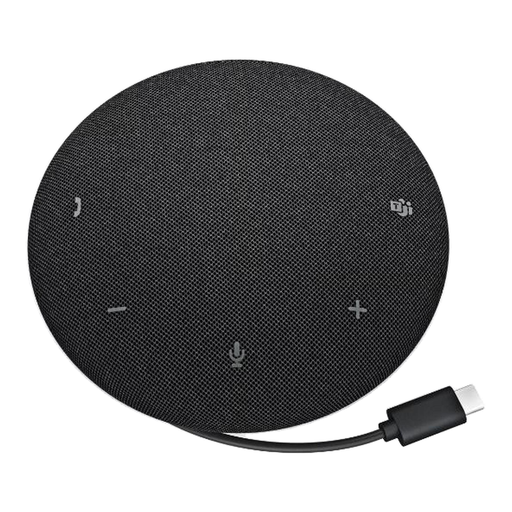
DELL Pro Wired Speakerphone SP325
A wired speakerphone is an option for hands-free desk calls or listening with someone else in the room. It is not a private-listening device; check that its USB-C connection suits the computer and calling setup you intend to use.
View on Joybuy
 No image available
Targus 2K Webcam with Auto Focus
An external webcam is worth considering when camera position is the problem. The product title says 2K, while the listed technical information says Full HD 1080p: confirm the offered unit's resolution, connection and computer compatibility before choosing it.
View on Joybuy
 No image available
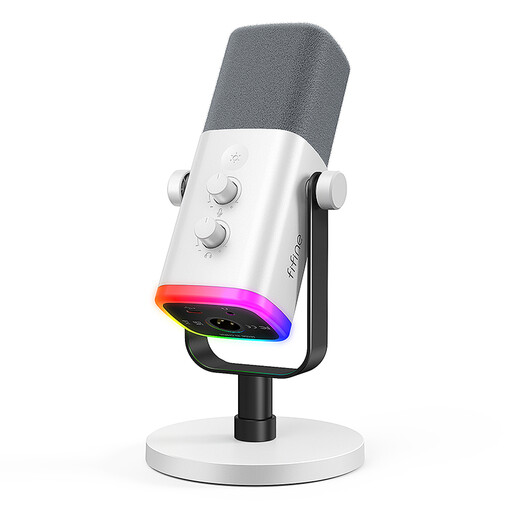
FIFINE AM8W XLR/USB Dynamic Microphone, White
This separate microphone suits consideration when speech input is the main issue at a fixed desk and you already have a way to listen. Its title identifies XLR and USB connections, a gain knob, mute button and monitoring jack. Check the connection and mounting arrangement you plan to use, along with operating-system and calling-app compatibility.
View on Joybuy
 No image available
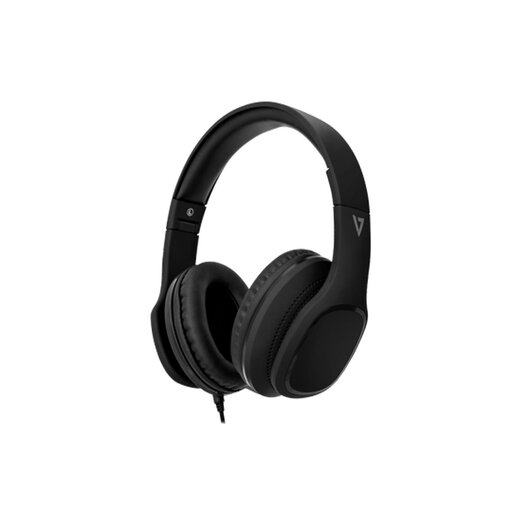
V7 HA701-3EP Wired Over-Ear Headphones with Mic
These over-ear headphones offer personal listening and an inline MEMS microphone for individual calls. The title specifies 40 mm drivers; check that your device's 3.5 mm connection accepts microphone input as well as headphone audio.
View on Joybuy
 No image available
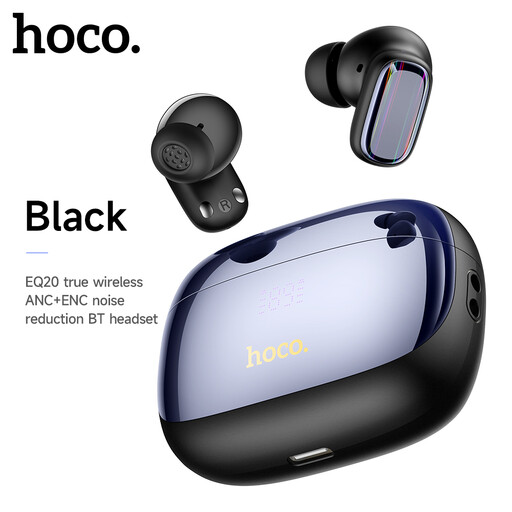
HOCO EQ20 Rhyme Wireless Earphones, Black
Compact wireless earphones are a personal-listening alternative to an over-ear headset. Before relying on this pair for calls, check microphone and call-control compatibility with your device and calling apps.
View on Joybuy
Common questions
Will a USB webcam work with any laptop?
No. Match the exact webcam's connector and operating-system requirements to the laptop or dock. Also check any requirements for the video mode you want: Elgato states that Facecam MK.2 supports MJPEG video only over USB 2.0.
Should I use a headset or a speakerphone at home?
Use a headset when you need personal listening, particularly around other people. A speakerphone makes more sense for hands-free or occasional shared calls in a relatively quiet, non-confidential room; check how the exact model connects.
Will a USB microphone stop echo on a video call?
Not necessarily. A separate microphone changes your speech-input setup, but audio playing from nearby speakers can still be a concern. Consider headphones or a headset for personal listening, and position a desktop microphone appropriately if you choose one.
What should I check before ordering call equipment online?
Check the exact model, connector, included cable or adapter, operating-system support and compatibility with the calling apps you use. Review the seller's delivery, cancellation and returns information as well, especially if you may need to change the setup after checking its fit.


