What to check before buying
Start with the employer’s assessment where it applies, then identify whether the desk mainly needs more screen space, easier reconnection or separate input devices. A monitor, dock and keyboard solve different parts of a laptop setup; buying them together is not automatically necessary.
| Concern | What to check | Who this matters to |
|---|
| Employer assessment |
For regular display screen work, ask how home and office workstations are assessed and how identified equipment is provided. |
Before paying for a work monitor or accessories, I need to know what my assessment calls for. Around 31% of consumers put that assessment question first. |
| Repeated desk connections |
Check the laptop’s video-capable port, the dock’s charging provision and the peripheral connections needed at the desk. |
Moving between work locations makes reconnecting a display and input devices a recurring task; for around 31% of consumers, a simpler reconnection is the primary need. |
| External displays |
Match the laptop and dock’s supported display count and resolution to the monitors’ inputs; do not rely on video-port count alone. |
If I need two external screens, I want to know whether my exact laptop and dock can drive them in the intended configuration. That compatibility question comes first for around 25% of consumers. |
| Screen position and input |
Check whether the screen can be positioned suitably at the desk and whether a separate keyboard and mouse are needed when the laptop is raised. |
With my laptop screen positioned away from my hands, I need usable input devices for sustained work; around 13% of consumers make this their primary concern. |
Joybuy product choices
These choices cover a desk monitor, a portable second screen, laptop connection devices and separate input devices. Match the type of equipment to the part of your hybrid workstation that needs changing.
 No image available
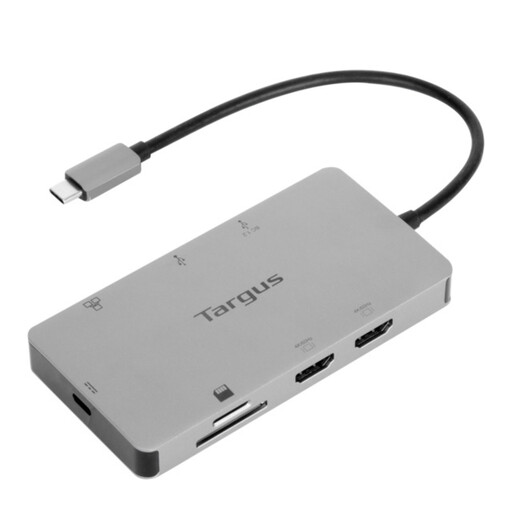
Targus USB-C Universal Dual HDMI 4K Docking Station, 100W Power Delivery Pass-Thru
Consider this dock when reconnecting a laptop to desk displays is the main task. Its name specifies dual HDMI and 100W power-delivery pass-through; confirm the exact laptop’s video and charging compatibility and whether the required external power adapter is included.
View on Joybuy
 No image available
ASUS ProArt PA278CV IPS WQHD Monitor
Consider an external monitor when more screen space at a fixed desk is the priority. Check which video connection your laptop can use with this PA278CV variant and, if you intend to charge over USB-C, confirm its power-delivery rating against the laptop’s requirement.
View on Joybuy
 No image available
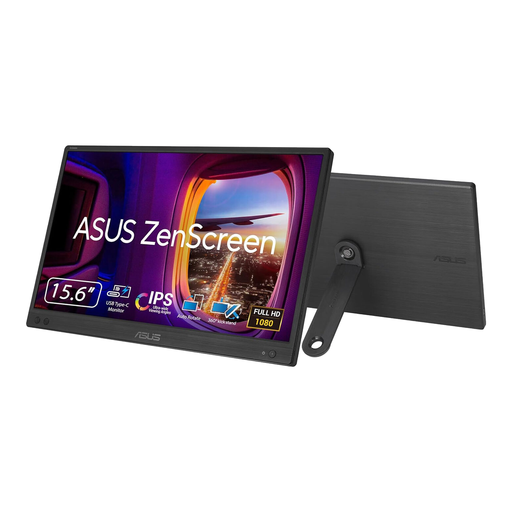
ASUS ZenScreen MB166CR FHD Monitor
Consider this additional screen if your hybrid setup needs a display you can take between desks. Check that the laptop’s USB-C port supports the video connection required by the MB166CR; a USB-C connector by itself is not enough.
View on Joybuy
 No image available
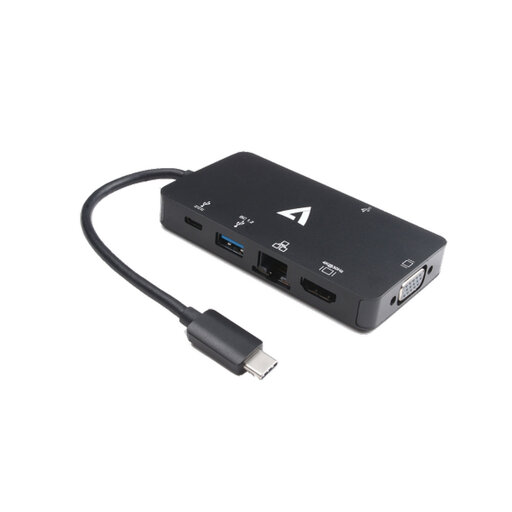
V7 V7UC-U3CRJ45HDVG-BLK USB-C Adapter
Consider this adapter for a desk needing a display connection alongside wired networking and USB peripherals. The product name specifies 4K HDMI, VGA, Gigabit Ethernet, 100W Power Delivery and dual USB 3.0 ports; do not assume the two video outputs can run independent displays simultaneously. Confirm the intended display configuration and laptop compatibility before ordering.
View on Joybuy
 No image available
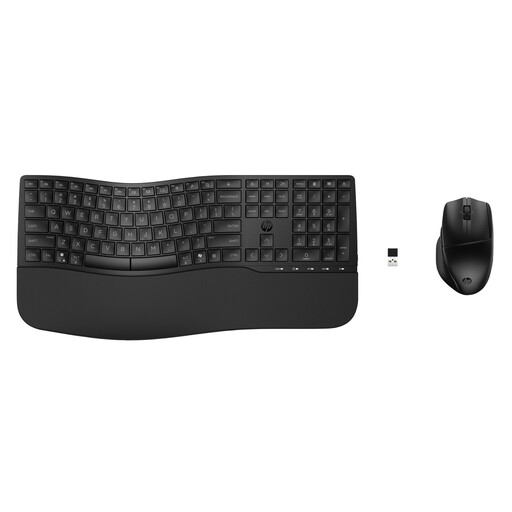
HP 680 CFT Dual-Mode Keyboard and Mouse Combo
Separate input devices may suit a desk where the laptop screen is raised or positioned away from your hands. This keyboard-and-mouse set does not replace a display connection; check the keyboard layout and connection options for your devices before buying.
View on Joybuy
Frequently asked questions
Should I ask my employer before buying a monitor for hybrid work?
Yes, if you are a relevant display screen equipment user in Great Britain, ask about the employer’s assessment process before buying work equipment yourself. The Health and Safety Executive says workers cannot be charged for action, such as equipment provision, identified as necessary by their workstation assessment; it does not prescribe a particular monitor for every home worker.
What should home workers in Northern Ireland check?
Ask your employer how it assesses your display screen workstation and provides any resulting equipment. The Health and Safety Executive for Northern Ireland says home workers can be covered by display screen equipment requirements; for questions about paying for assessed equipment, use the applicable Northern Ireland guidance and your employer’s provision process rather than assuming Great Britain guidance states the rule for Northern Ireland.
Will any USB-C laptop port run a monitor through a dock?
No: the port must support the video connection required by the dock. Microsoft describes USB-C display detection as dependent on hardware support for the relevant alternate mode, and Lenovo conditions compatibility for its cited docks on USB-C Alt Mode or Thunderbolt support. Check the exact laptop port and dock requirements.
How do I check whether a dock can charge my laptop?
Compare the laptop manufacturer’s charging requirement with the dock’s stated power delivery to the laptop, including any adapter conditions. A wattage printed on a dock does not, by itself, establish the power your particular laptop will receive while connected.


