What matters when buying?
Start with the area your pet uses, then decide which alerts, recording controls and check-in features matter most. A moving camera still needs careful placement; resolution alone will not bring a pet outside the frame into view.
| Concern | What to check | Who this matters to |
|---|
| Room coverage |
Check the pan-and-tilt range, mounting position and whether pet or motion tracking is offered. |
If my pet moves between its bed, bowl and doorway, I need to see more than one fixed spot. Roughly 30% of consumers put whole-room visibility first. |
| Alerts and remote access |
Check which events trigger alerts, app compatibility and the exact model’s Wi-Fi requirements. |
When I am away, I want a useful prompt to open the feed rather than watch it continuously. For around 30% of consumers, alerts and remote access are the primary need. |
| Privacy and recording |
Check how video and audio capture can be stopped, where clips are stored and what the proposed view includes. |
If other people use the room, I want control over when monitoring happens and who can see recordings. Privacy and recording control come first for roughly 20% of consumers. |
| Audio and low-light checks |
Confirm two-way audio and the night-vision specification for the exact model. |
For an evening check-in, I want to see what my pet is doing and have the option to speak through the camera. Around 20% of consumers prioritise this kind of check-in. |
Joybuy cameras for pet check-ins
These indoor cameras offer pan-and-tilt or movable room views for checking on pets. Compare each model’s stated features with the area you need to watch, and confirm recording, alerts and privacy controls before choosing.
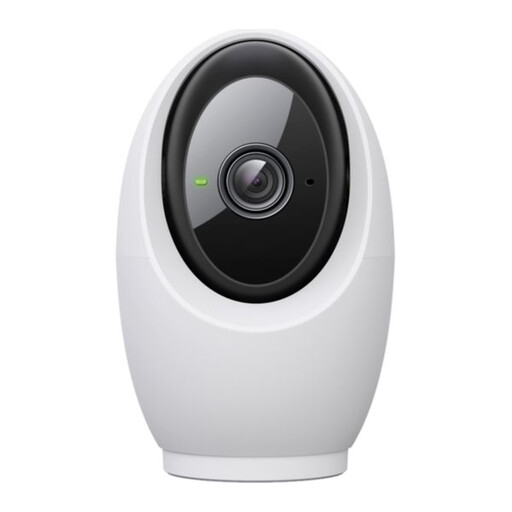 Image unavailable
Tapo C260 Pan/Tilt AI Home Security Wi-Fi Camera
Consider this indoor pan-and-tilt model if your pet uses several parts of one room. Check its tracking and alert settings, recording options and privacy control against your needs before buying.
View on Joybuy
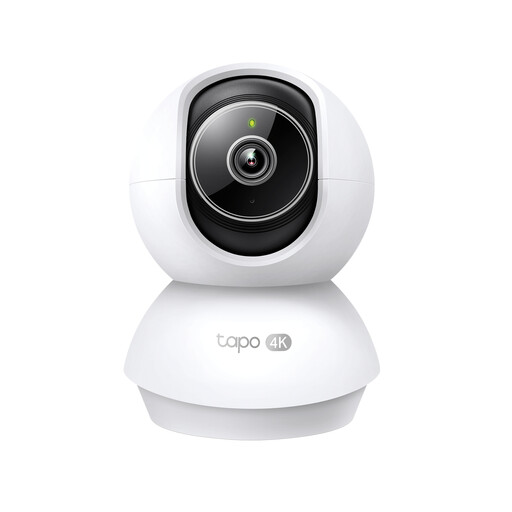 Image unavailable
Tapo TC71 Pan/Tilt Home Security Wi-Fi Camera
This pan-and-tilt camera is a choice to examine for room-based pet check-ins. Confirm that its alerts meet your needs and check card inclusion, privacy controls and compatibility with your home Wi-Fi before ordering.
View on Joybuy
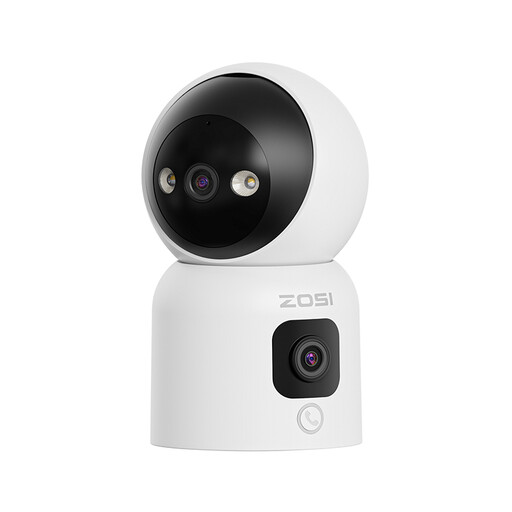 Image unavailable
ZOSI C528D4 2-in-1 dual-lens indoor camera, 2MP+2MP, 1 PCS - UK
The stated dual-lens, 360° pan-and-tilt view makes this a model to consider if your pet moves around the room. Its name also specifies two-way audio and colour night vision; confirm recording arrangements and privacy controls for your intended setup.
View on Joybuy
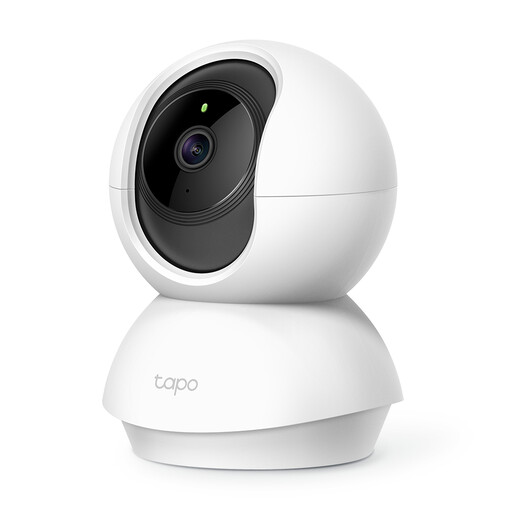 Image unavailable
Tapo C200 Pan/Tilt Home Security Wi-Fi Camera
Consider the C200 if a movable view is more important to you than relying on a fixed angle. If pet-specific alerts or local recording matter, confirm the available alert types, card inclusion and Wi-Fi requirements before buying.
View on Joybuy
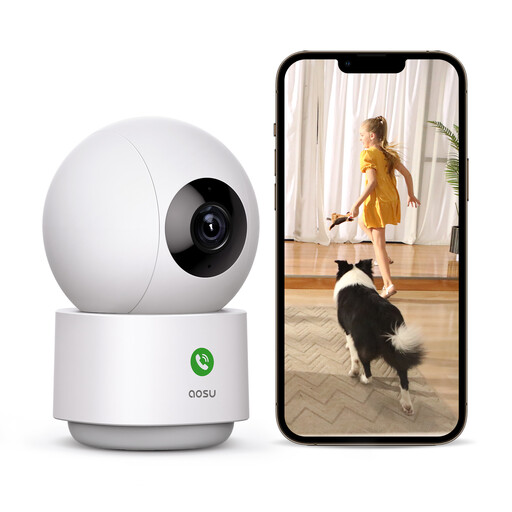 Image unavailable
aosu 2K plug-in indoor camera with 360° view
The stated 360° view and motion tracking make this plug-in model worth examining for a pet that moves around one room. Its name also specifies app control and two-way audio; confirm its notification types, recording options and privacy controls before choosing it.
View on Joybuy
Frequently asked questions
Can an indoor pet camera raise privacy concerns in the UK?
Yes, particularly if its view extends beyond your property. The Information Commissioner’s Office says data-protection law applies when home CCTV captures someone else’s property, a public area or a communal space; position the camera to capture only your own property where possible, and check the view through windows and doorways.
Do I need a subscription to record my pet?
Not necessarily: TP-Link describes microSD recording as an alternative to Tapo Care cloud storage, and Reolink advertises local microSD recording for the E1. For the model you choose, confirm card inclusion, supported capacity and which recording or event-history features need a plan.
Will a pet camera record if my internet connection drops?
A configured Tapo camera can continue recording to its SD card if it loses its router connection, according to TP-Link, although initial setup needs internet access. Do not assume remote viewing or alerts will work during an outage; check the behaviour of your exact camera and storage setup.
How can I stop an indoor camera monitoring when I get home?
Choose a model with a privacy control you will use when people are home. TP-Link says Tapo Privacy Mode stops video and audio streaming and recording, and identifies the Tapo C225 as having a physical privacy button; check how the control works on any other model you are considering.
How should I secure access to my pet camera?
Protect the account used to view its feed and recordings. TP-Link recommends two-factor authentication for its camera accounts; use a unique password, turn on available multi-factor authentication and remove access when someone no longer needs it.


