What matters when choosing?
Decide what the camera is allowed to see, then whether a fixed view covers the part of the office you need to check. After that, match remote access and recording options to what you will actually use.
| Concern |
What to check |
Who this matters to |
| Privacy and audio |
Check the final field of view, how the exact model stops filming, and whether its microphone can be disabled separately. |
If other people use the office, I want to stop unnecessary video and sound capture when they are there; around 31% of consumers would put privacy and positioning first. |
| Remote check-ins |
Check for an available socket, usable Wi-Fi at the camera position, the required network band and adequate home upload speed. |
When I am away, I need to open a live view of one defined area without depending on stored clips. Around 25% of consumers would make straightforward remote checking their primary concern. |
| Room coverage |
Decide whether one fixed view is sufficient or pan-and-tilt is needed; check where the camera can point and what it might capture. |
If the desk and entrance cannot both be seen from one fixed angle, I may need to scan the room; roughly 25% of consumers would prioritise coverage and detail. |
| Recording |
Decide whether you need live viewing or saved clips, then check card inclusion and capacity or the cloud plan needed for playback. |
When I need to revisit an event, I want to know how recordings are kept and what I must arrange to access them; about 19% of consumers would put recording arrangements first. |
Joybuy product choices for remote office checks
These indoor cameras offer different ways to check a defined area or cover more of a room. Compare each model’s stated viewing and recording features with the privacy controls, connection and placement your office requires.
 No image available
JOOAN 5G WiFi Indoor Camera with Screen, 2K 360° PTZ
Consider this model if you need to check several angles of the office rather than one fixed spot.
Its product name lists a screen, 2K video and 360° PTZ viewing. Check the supported Wi-Fi bands rather than relying on the “5G WiFi” wording, and confirm whether its privacy setting also disables the microphone if you need audio off.
Joybuy
 No image available
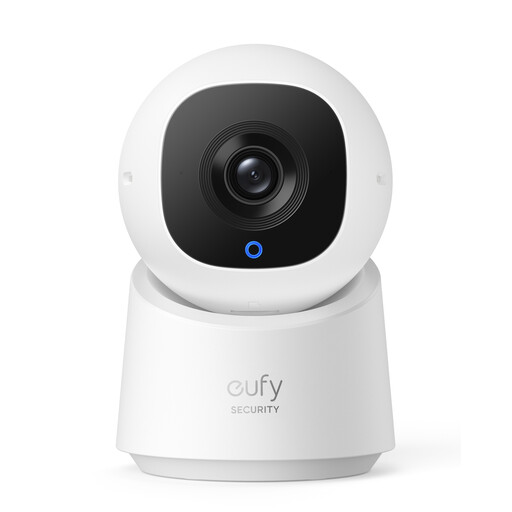
eufy Indoor Cam C220 2K
Consider the C220 if you want to look across a room and keep recordings on a local card.
eufy lists 2K video, 360° pan-and-tilt coverage and microSD support up to 128 GB for this model. Its privacy mode turns the camera away and stops recording; the card is not included. Check its Wi-Fi requirements and microphone controls for your setup.
Joybuy
 No image available
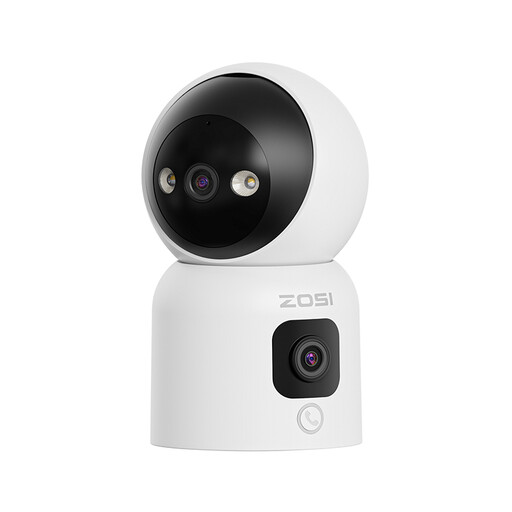
ZOSI C528D4 2-in-1 Dual-Lens Indoor Camera, 1 PCS – UK
Consider this dual-lens model if you are comparing ways to view more than one part of the office.
The product name specifies 2MP+2MP dual lenses, 360° pan-and-tilt viewing and two-way audio. Before choosing it for checks while away, confirm how remote live viewing works and whether you can stop video and audio capture when others use the room.
Joybuy
 No image available
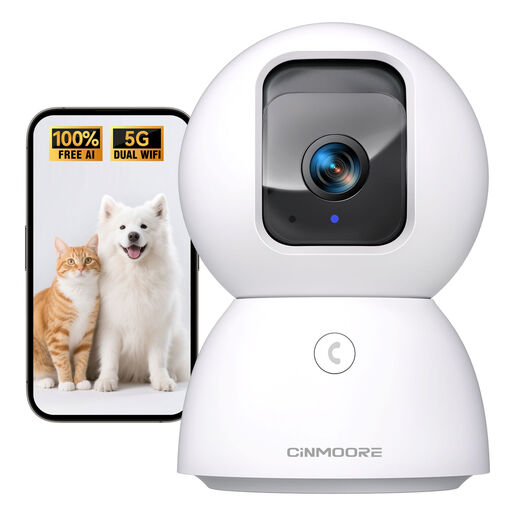
CINMOORE 3K Indoor Pan-Tilt Camera, 2.4GHz Wi-Fi
Consider this model if pan-and-tilt viewing and a 2.4 GHz network match your planned office setup.
Its product name also lists a phone app and two-way audio. Confirm remote live-view operation, power requirements and the controls for video and microphone capture before relying on it for checks while away.
Joybuy
 No image available
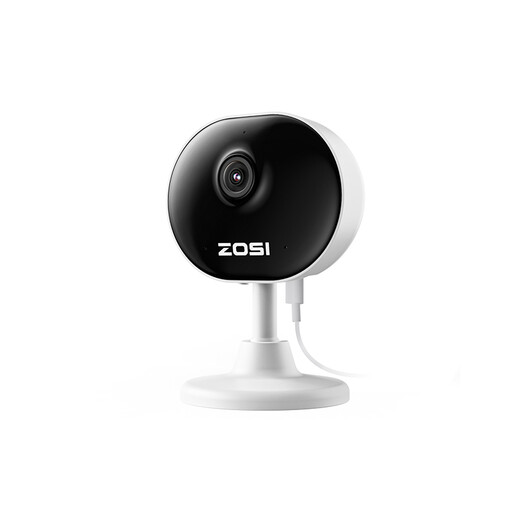
ZOSI C688 1080P Indoor Wi-Fi Camera, 1 PCS – UK
Consider the C688 for remote checks of one defined indoor area rather than assuming you need a moving camera.
Its product name specifies 1080P video, an app and two-way audio. Check its supported Wi-Fi band, privacy and microphone controls, and recording options against what you need.
Joybuy
Common questions
Can I check my home office with an indoor camera while staying in a holiday let?
You can use remote viewing for that purpose, but position the camera with other people’s privacy in mind. The Information Commissioner’s Office advises keeping domestic CCTV directed at your own property where possible; GOV.UK says data-protection law applies when domestic CCTV captures beyond the private domestic property boundary. If you instead intend to install the camera inside the holiday let, check the host’s permission and booking terms before placing or leaving it there.
Do I need a subscription just to watch a live view?
Not for the Ring indoor models described here: Ring says Live View and notifications are available without a subscription, while reviewing, saving and sharing its cloud recordings requires a Ring Subscription. If you need saved clips, the Tapo C225 and eufy Indoor Cam C220 provide local microSD options, with cards purchased separately; remote viewing still needs a suitable connection.
Does a camera’s privacy cover turn off its microphone?
Not necessarily. Ring says the Indoor Camera Plus microphone remains on with its manual lens cover closed unless you disable it in the app. Check video and audio controls separately on the exact camera you choose, particularly if other people use the office.
How should I secure a camera that I can view remotely?
Replace any default password with a secure one and keep the camera’s software updated, as advised by the National Cyber Security Centre. Check its remote-access settings and turn access off when you no longer need to view the office from elsewhere.
How long should I keep office-camera recordings?
Where UK data-protection duties apply, keep footage only for as long as it is needed for the stated purpose and store it securely. The Information Commissioner’s Office guidance does not prescribe a single minimum or maximum retention period for surveillance footage.


