For regular pet checks and a footage history, start by comparing plug-in cameras with the alerts, night view and recording method you need; check whether local storage needs a separate card or cloud history needs a subscription. Pan-and-track coverage is worth considering when a pet moves beyond one fixed view, while a battery-powered camera may be a poor fit if you need continuous footage. Place the camera to capture only your own property where possible: the Information Commissioner’s Office says UK data-protection law applies if domestic CCTV captures someone else’s property, a public area or communal space, and notes that its household guidance is under review.
Who is this for?
Pet owners watching one main room
If your pet stays near a bed, crate or feeding area, a fixed view may cover what matters. For a pet that roams around a larger room, consider whether pan-and-track coverage is useful. Check the night view, relevant alerts and how you would review activity missed while the app was closed.
Households checking unexpected activity
Decide whether an alert and event clip are enough or whether you need a longer recording history. Which? notes that indoor cameras differ in the sophistication and customisation of their motion alerts, so compare alert settings as well as storage and account controls.
Residents with privacy-sensitive placement
In a flat or shared property, test the camera’s actual view so it does not unnecessarily include a corridor or neighbouring space. The Information Commissioner’s Office says UK data-protection law applies if domestic CCTV captures someone else’s property, a public area or communal space; its household guidance is under review.
What should you check before buying?
Decide what footage you need to retrieve, then check whether the camera’s view, alerts and privacy controls suit the room.
| Priority |
What to check |
Your needs |
| Alerts |
Check which motion, pet or sound events the exact model distinguishes; look for adjustable activity zones and notification settings. Which? says alert sophistication and customisation vary between indoor cameras. |
I want a notification that tells me when to open the app, rather than one for every routine movement. |
| Footage history |
Confirm event-only or continuous recording, where clips are kept, and how much history is available. Check whether compatible local media is included and what a cloud plan adds. Eufy UK says continuous recording is more common with plug-in or wired cameras than battery-powered models. |
If an alert misses something, I want to be able to review what happened before or between notifications. |
| Room view |
Check the fixed viewing angle or pan-and-track behaviour against the area you need to see. Compare the exact model’s night-view mode with the room’s lighting; resolution alone does not describe the whole view. |
My pet may leave a fixed frame, or I may need to check a particular spot after dark. |
| Privacy and security |
Check for a privacy cover, mode or masks, plus account and update settings. The UK National Cyber Security Centre advises regular smart-camera updates. Aim the camera at your own property where possible; the Information Commissioner’s Office says capturing another person’s property, a public area or communal space brings UK data-protection law into scope. |
I want household members to know when the camera is in use, and I do not want its view or account access to expose more than necessary. |
| Installation |
For a plug-in model, plan the socket and cable route. For a battery-powered model, confirm its recording behaviour and recharging needs rather than assuming it provides a continuous timeline. |
A power cable is workable in my room—or avoiding one matters enough that event-led recording would meet my needs. |
What mistakes are easy to make?
-
Assuming wire-free means continuous recording
Eufy UK says many battery-powered cameras mainly record when motion is detected to conserve power and storage. Event clips may not show activity before or between triggers.
If you need a continuous timeline, check that the exact camera and storage setup support it. Otherwise, confirm that its trigger behaviour and recharge routine suit alert-led checks.
-
Assuming local storage includes a memory card
A local-storage option does not, by itself, mean you will have recorded history straight out of the box.
Check the exact model’s compatible media, capacity, card inclusion and recording modes before choosing between local storage and a cloud plan.
Tapo says the C120’s microSD card is not included, and eufy says the Indoor Cam E30’s card is sold separately.
-
Choosing the widest view without checking its boundaries
A camera that captures someone else’s property, a public area or communal space brings UK data-protection law into scope, according to the Information Commissioner’s Office. Its household CCTV guidance is under review following changes made by the Data (Use and Access) Act.
Use the narrowest useful angle, inspect the live view after mounting and consider available privacy masks or blockers. Recheck the ICO’s current guidance if the view extends beyond your home.
-
Overlooking camera and account settings
The UK National Cyber Security Centre warns that unauthorised access to smart-camera feeds can occur in rare cases.
Use a secure, unique password, install software updates or enable automatic updates where offered, and switch off remote viewing if you do not need it.
Which brand examples help explain the options?
These manufacturer examples illustrate features to compare on exact models, rather than capabilities shared by every camera from each brand.
Tapo
Tapo’s UK C120 is an example of a fixed, plug-in camera with pet-related alerts and a choice of local or subscription cloud storage.
- Tapo specifies 2K QHD video, pet, bark and meow detection, two-way audio and microSD support up to 512 GB for the C120.
- The C120’s card is not included; Tapo Care cloud storage requires a subscription. These are manufacturer specifications, not a measure of alert accuracy.
eufy
Eufy’s Indoor Cam E30 illustrates a pan-and-track option for a pet moving around a room.
- Eufy specifies a 360-degree panoramic view, pet detection, automatic tracking and local SD-card recording for the E30.
- The card is sold separately. Eufy states that HomeKit use on this model is limited to 1080p, so its stated 4K recording specification should not be assumed to apply through HomeKit.
Ring
Ring’s Indoor Cam (2nd Gen) illustrates a fixed-room camera with a built-in physical privacy cover and configurable motion zones.
- Ring specifies 1080p video, two-way talk, customisable motion zones and a privacy cover for this model.
- The cited model uses 2.4 GHz Wi-Fi. Ring states that a device bought new from its website receives software security updates until at least four years after purchase; that statement does not establish the support period for every Ring camera.
Indoor camera options on Joybuy
These options cover indoor home and pet checks, mainly with powered pan-and-tilt cameras and local-storage choices. Compare each listing’s recording and privacy settings with the room you intend to monitor.
 No image available
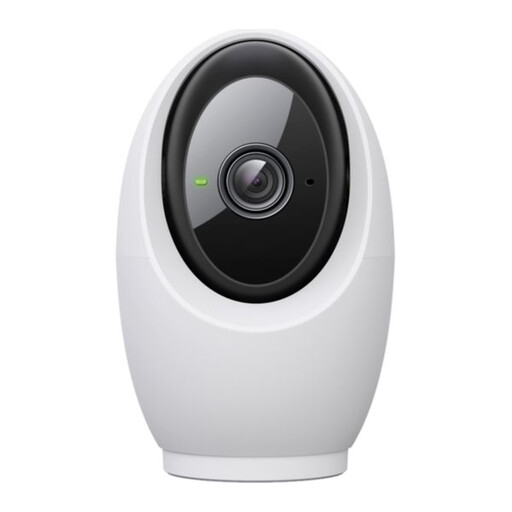
Tapo C260 Pan/Tilt AI Home Security Wi-Fi Camera
Consider this powered camera if a pet moves around the room and you want pet-related alerts. Its listing describes 4K 8MP video, pan-and-tilt AI tracking, night vision, two-way audio, a physical privacy mode and microSD support up to 512 GB. The card is sold separately and cloud storage requires a subscription; confirm the recording mode and available history if you need more than event clips.
View on Joybuy
 No image available
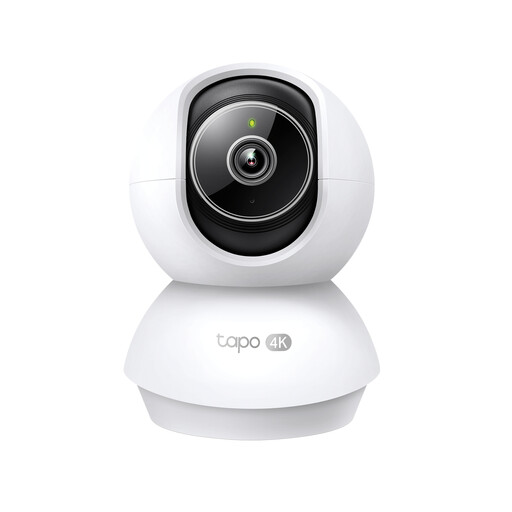
Tapo TC71 Pan/Tilt Home Security Wi-Fi Camera
For activity beyond one fixed view, this listing describes motion tracking and pet-related detection. It specifies 2K 3MP video, 360° horizontal and 114° vertical coverage, night vision, two-way audio, privacy zones and microSD support up to 512 GB. It specifies 2.4 GHz Wi-Fi; check your network, card inclusion and recording mode. Tapo Care cloud storage requires a subscription.
View on Joybuy
 No image available
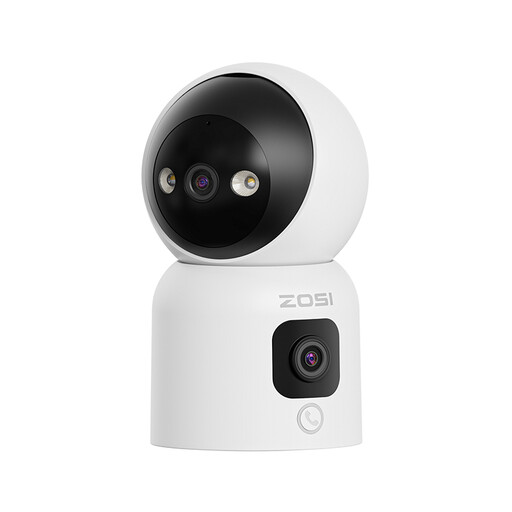
ZOSI C528D4 2-in-1 Dual-Lens Indoor Camera, 1 PCS – UK
This wired option is relevant when pet detection and tracking across its dual-lens views matter. The listing states two 2MP lenses, two-way audio, three night-vision modes and microSD support up to 256 GB. The card is not included, and the described cloud-storage offer is a 30-day trial; check the ongoing terms and any privacy controls you require.
View on Joybuy
 No image available
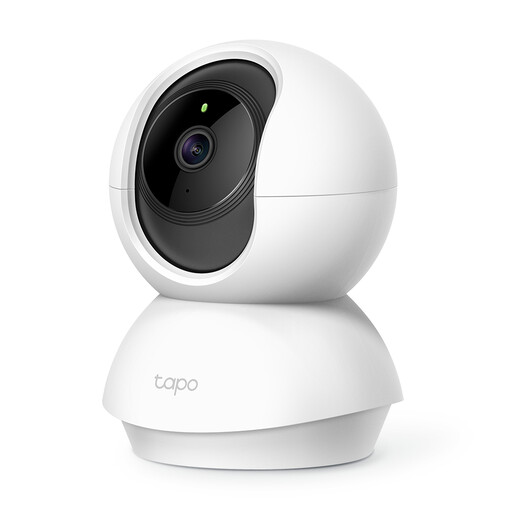
Tapo C200 Pan/Tilt Home Security Wi-Fi Camera
This corded camera offers a way to check activity across a room rather than at one fixed point. Its listing specifies 1080p video, 360° horizontal and 114° vertical pan-and-tilt coverage, motion alerts, night vision, two-way audio, a privacy mode and microSD support up to 512 GB. If pet-specific alerts or continuous footage matter, confirm those functions, the recording mode and card inclusion before buying.
View on Joybuy
 No image available
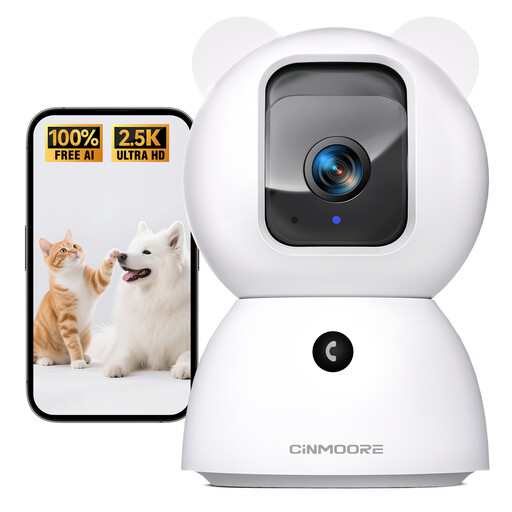
CINMOORE Indoor Pan/Tilt Pet Camera, 2.4GHz Wi-Fi
This listing describes pet and person detection, night vision, two-way audio and 24/7 recording to a microSD card supporting up to 256 GB. Check the power source and whether a card is included for your planned setup. The listing uses both 2.5K and 4MP resolution wording, so confirm the exact video specification before relying on either figure.
View on Joybuy
Common questions
Do I need continuous recording to check on a pet?
Not if an alert and short event clip answer your question. Choose continuous recording if you need to review activity before an alert or between triggers, and confirm that the camera and storage setup support it. Eufy UK says continuous recording is more common with plug-in or wired cameras than battery-powered ones.
What if an indoor camera can see a shared corridor?
Aim it to capture only your own property where possible. The Information Commissioner’s Office says UK data-protection law applies if domestic CCTV captures someone else’s property, a public area or communal space. Test the mounted view and consider available masks or blockers; the ICO says its household guidance is under review following changes made by the Data (Use and Access) Act, so recheck it before installing a view that extends beyond your home.
Does local storage mean there is nothing else to buy?
Not necessarily: confirm whether the exact camera includes compatible storage media. Tapo says the C120 accepts a microSD card up to 512 GB but does not include one, while eufy says the Indoor Cam E30’s SD card is sold separately. Also check the recording mode and capacity you need.
How should I secure an indoor camera account?
Use a secure, unique password, keep the camera updated, enable automatic updates if offered and disable remote viewing if you do not need it. The UK National Cyber Security Centre warns that unauthorised access to smart-camera feeds can occur in rare cases.


