What to check before buying
Mark the area that genuinely needs monitoring, decide whether alerts must leave a reviewable recording, then assess the camera's alert controls and field of view.
| Concern |
What to check |
Who this matters to |
| Workplace privacy |
Define the security purpose and camera view; plan signs, footage access and retention around that purpose. |
I need to watch an entrance without routinely filming desks or repurposing footage to assess staff. Around 36% of consumers put proportionate workplace monitoring first. |
| Useful motion alerts |
Check the exact model's motion-zone controls and test alerts at the intended position during normal activity. |
If people regularly pass through part of the frame, I want alerts from the area that needs attention, not every movement. Roughly 29% of consumers prioritise alert relevance. |
| Footage for later review |
Confirm how events are recorded and played back, and whether compatible storage hardware or a subscription is required. |
When an alert arrives outside office hours, I need to review what happened afterwards. For about 21% of consumers, retaining accessible footage is the primary need. |
| Coverage and detail |
Map the required view before choosing between a fixed position and pan-and-tilt coverage. |
A distant entrance or awkward room layout may leave a blind spot that one fixed view cannot resolve. Around 14% of consumers put coverage and viewing detail first. |
Indoor cameras on Joybuy
These indoor cameras offer different ways to approach small-office motion alerts, from a compact position to pan-and-tilt coverage. Match the view and alert controls to your security area, and check recording arrangements separately if you need footage later.
 No image available
JOOAN 5G WiFi indoor camera with screen, 2K 360° PTZ
Consider its motion detection if you need alerts from an indoor security area. The product name also identifies auto-tracking and SD-card or cloud storage; check how recordings are played back, whether storage media are supplied and whether the moving view suits your office privacy plan.
View on Joybuy
 No image available
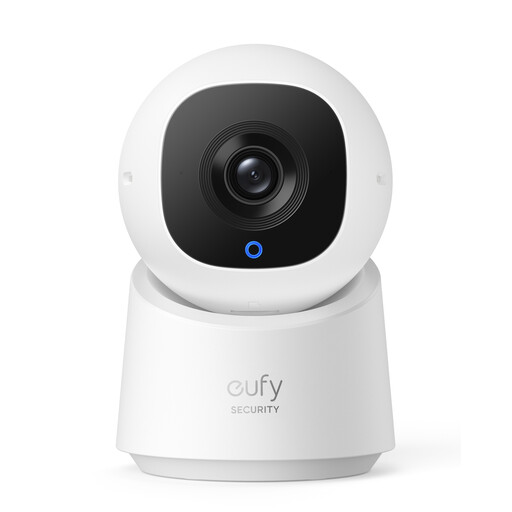
eufy C220 2K wired indoor camera with human detection
Consider the stated human detection if alerts about people matter at the monitored point. Its product name identifies a rotating, tilting view; confirm the recording setup, network compatibility and whether that view can remain limited to the security area.
View on Joybuy
 No image available
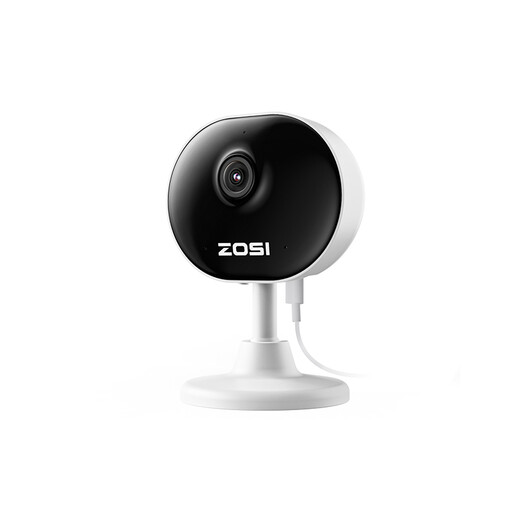
ZOSI C688 1080P indoor Wi-Fi camera, 1 PCS – UK
Consider this compact camera if you can position it towards a defined part of the office. The product name specifies human and motion detection and two-way audio; confirm its motion-zone controls, recording and playback arrangements, and whether audio is appropriate for your workplace.
View on Joybuy
 No image available
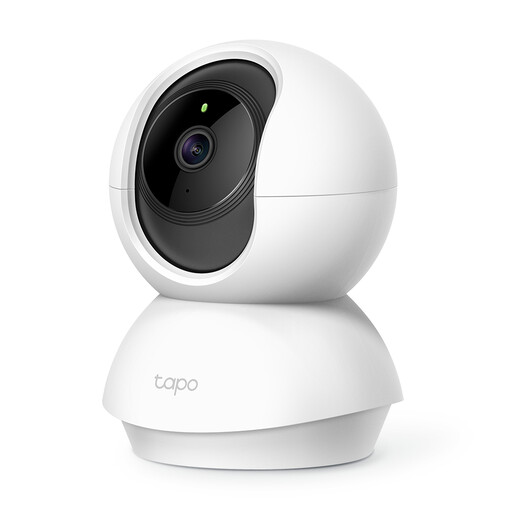
Tapo C200 pan-and-tilt indoor Wi-Fi camera
Consider its pan-and-tilt format where one fixed position would miss part of the necessary security area. Check the C200's alert controls and exact storage requirements before relying on it for footage review; keep its operating view within the area you need to monitor.
View on Joybuy
 No image available
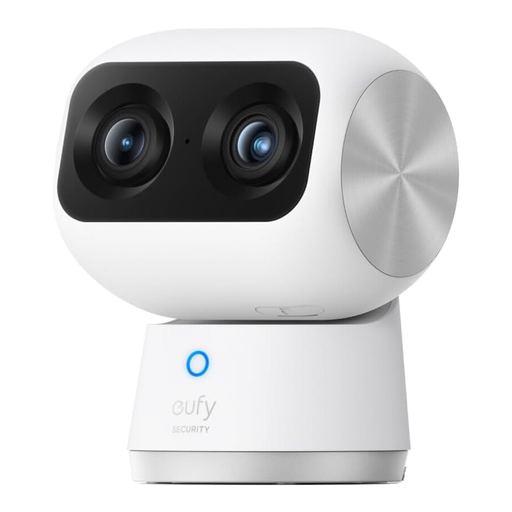
eufy Security Indoor Cam S350, dual 4K/2K cameras
Consider the S350 if a distant point or blind spot makes a narrower camera view inadequate. eufy describes a 4K wide camera, 2K telephoto camera and 8× hybrid zoom; its broad movable view warrants careful placement. Check the recording, alert-zone and privacy-control arrangements for your intended setup.
View on Joybuy
Questions about office cameras
Can a small UK office use an indoor camera for motion alerts?
Yes, provided the business has a defined, lawful security purpose and uses the camera proportionately. The Information Commissioner's Office advises documenting a lawful basis for surveillance, limiting coverage to what is necessary and controlling access to footage that identifies people.
Do staff and visitors need to know about the camera?
Yes. GOV.UK says people must be told they may be recorded, usually through clearly visible and readable signs. The Information Commissioner's Office checklist also calls for contact details on signs where responsibility for the camera is not obvious.
Can security footage be used to check how much work staff do?
A system installed to detect crime must not be repurposed to monitor how much work staff do, according to GOV.UK. Keep the stated security purpose distinct from staff-performance monitoring and explain the camera's use before installation.
Does a small office have to register with the ICO?
Registration and payment of the data-protection fee are required for business CCTV unless the organisation is exempt, according to GOV.UK. Check the exemption position for the particular business rather than assuming that a small office qualifies.
Will a motion alert leave video to review later?
Not necessarily. Ring says its cameras need a subscription for recorded-video review; without one, users can respond to alerts and watch live video, but events are not recorded. Tapo says compatible cameras can record locally with a suitable microSD card or hub, while detection-only schedules leave gaps between events.


