Start with the apps and accounts your household uses: an iPad suits eligible Apple Family Sharing, a conventional Android tablet suits Google Play purchases, and a Fire tablet makes sense only if your essential apps are in the Amazon Appstore. Then compare the exact models for independently tested battery life, screen quality and speed, and check your calling app, storage needs and Wi-Fi where you plan to use the tablet.
Who is this tablet for?
The right starting point depends on whether calls, shared purchases or straightforward entertainment matter most at home.
Home streamers who make video calls
For films, browsing and calls away from a desk, consider screen comfort alongside battery endurance, calling-app compatibility and Wi-Fi in the rooms where you will use the tablet. Which? includes screen quality, battery life and ease of making video calls in its tablet assessments.
Households using Apple or Google accounts
Check whether existing purchases can be shared before choosing an operating system. Apple Family Sharing and Google Play Family Library each cover eligible content, not every purchase or subscription.
Entertainment buyers considering a Fire tablet
If streaming, browsing and lighter games are the main uses, check every essential app in the Amazon Appstore first. Amazon says Fire tablets do not support Google Play.
What should you check before choosing?
Choose the app and account route first, then assess the exact tablet for viewing, calls, storage and time away from a charger.
iPad
Choose it when: Your household uses Apple Accounts and wants to share eligible purchases or services through Apple Family Sharing.
Consider: Pick enough internal storage for the apps and downloads you expect; the 11-inch iPad (A16) starts at 128GB, according to Apple.
Conventional Android tablet
Choose it when: Google Play purchases and eligible Google Play Family Library sharing fit your household.
Consider: Storage expansion and display specifications vary by model; confirm them on the particular tablet rather than assuming every Android tablet has them.
Fire tablet
Choose it when: Your required entertainment and calling apps are available through the Amazon Appstore.
Consider: Amazon says Fire tablets do not support Google Play, so Google Play-only apps and previous purchases cannot simply be assumed to carry over.
| Priority |
What to check |
Your needs |
| Screen |
Compare the exact model’s size and resolution, then look for independent assessments of brightness, colour and viewing angles. A refresh-rate figure alone does not establish overall screen quality. |
I want a screen that is comfortable for films on the sofa and still practical to carry between rooms. |
| Battery |
Compare independently tested endurance on a similar basis. Check the conditions behind any manufacturer’s battery-hour claim rather than treating it as guaranteed time for streaming, games and calls. |
I need the tablet to last through the way I actually use it, not just one quoted playback test. |
| Speed and storage |
Check independent speed results for the exact model and allow internal space for apps, updates and downloads. Confirm microSD support on the selected variant if local media storage matters. |
Games and browser tabs should feel responsive, with room for the films and programmes I save to watch offline. |
| Video calls |
Confirm the calling app supports the tablet’s operating-system version, and check the front-camera arrangement and Wi-Fi in your usual calling spot. Zoom lists iPadOS 15 or later and Android 9.0 or later for its mobile app. |
I want to join calls away from my desk without finding that the app or the connection is the obstacle. |
| Apps and accounts |
Check each essential app and the eligibility of purchases you hope to share. Apple and Google describe sharing for eligible content; Amazon says Fire tablets use its Appstore rather than Google Play. |
Our existing subscriptions and paid apps should guide the choice before we settle on a tablet. |
Common buying mistakes
-
Assuming every Android-based tablet has Google Play
Amazon says Fire tablets do not support Google Play and use the Amazon Appstore. An app or purchase tied to Google Play may therefore not be available through the same route.
Search the Amazon Appstore for each streaming, game, calling and smart-home app you rely on before choosing a Fire tablet.
-
Reading quoted battery hours as mixed-use time
A manufacturer’s playback figure does not establish how long the tablet will run when calls, games, screen brightness and Wi-Fi use are mixed together.
Use comparable independent battery tests for shortlisted models. Which? includes battery endurance in its tablet assessments.
-
Choosing storage without thinking about downloads
Apps, game updates and offline programmes all use internal space. Apple says the 11-inch iPad (A16) starts at 128GB; expansion options on Android tablets depend on the model.
Estimate what you plan to keep on the tablet, choose the appropriate internal capacity and confirm microSD support if you intend to use a card.
-
Expecting a new tablet to fix weak Wi-Fi
A tablet’s camera and software cannot compensate for a connection that struggles in the room where calls take place.
Check your calling app’s requirements and test the home connection in that room before making tablet specifications the deciding factor.
Brand and tablet-line references
These examples show how app ecosystems and model-specific features can change the decision; a brand name alone does not establish screen, battery or call performance.
Apple
The iPad route is relevant to households already using Apple Accounts. Apple says its 11-inch iPad (A16) starts at 128GB and has a 12MP Centre Stage front camera.
- Apple Support says Family Sharing can cover eligible purchases and services for up to five other family members.
- Check which purchases qualify and choose a storage capacity that accommodates your intended apps and downloads.
Samsung
The Galaxy Tab S10 FE is a conventional Android option. Samsung specifies a 90Hz display for this model.
- A Galaxy Tab S10 FE configuration in the product selection below is listed with 256GB storage; check the exact variant when comparing models.
- A refresh-rate specification does not replace independent checks of screen quality, battery endurance and speed.
Amazon
Fire tablets follow an Amazon Appstore route for household entertainment and general use.
- Amazon provides its Appstore for Fire tablets.
- Amazon says Google Play is not supported on Fire tablets; confirm your essential apps individually.
Lenovo
The Tab Plus is an entertainment-oriented Android alternative for buyers considering viewing in one place. Lenovo lists an 11.5-inch, 2000 × 1200 IPS display for the referenced configuration.
- The Tab Plus design includes a built-in stand, which may matter if you usually watch with the tablet set down.
- Confirm the particular configuration and its availability with the retailer before making it part of a shortlist.
Android tablets for portable home use
These Joybuy Android tablet options cover smaller screens for moving around the home and larger screens for viewing in one place. Compare their stated features with your app, call and battery requirements; this selection is not a comparison of every tablet route discussed above.
 No image available
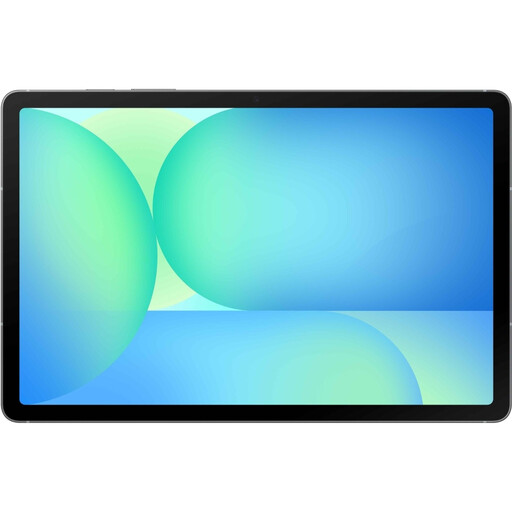
Samsung Galaxy Tab S10 FE 256GB Wi-Fi, Grey
The 10.9-inch format is worth considering if you will carry your viewing and calling screen between rooms. This Wi-Fi variant is listed with 256GB storage; Samsung specifies a 90Hz display for the Galaxy Tab S10 FE. Check independent battery results and the front-camera arrangement for your usual call position.
View on Joybuy
 No image available
TABWEE W90 11-inch 256GB tablet
Its stated 11-inch screen and 256GB storage may suit viewing and keeping downloaded media on one device. The product information gives conflicting Android versions and battery capacities, so confirm the supplied version, update support and battery specification before relying on them for calls or time away from a charger.
View on Joybuy
 No image available
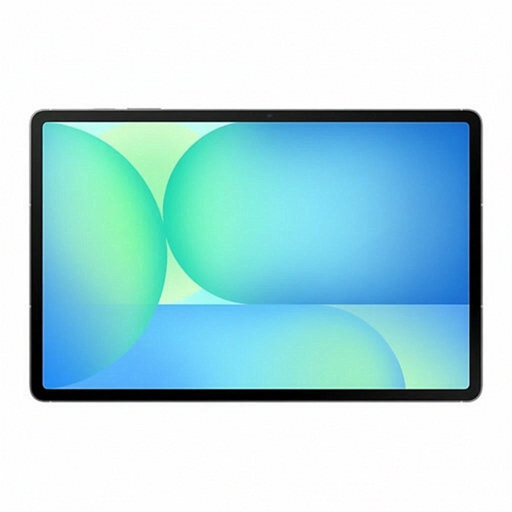
Samsung Galaxy Tab S10 FE+ 13.1-inch Wi-Fi 128GB, Silver
Consider the 13.1-inch screen if viewing with the tablet set down matters more than carrying a smaller device around the home. This variant is listed with 128GB storage. Confirm its supported Android version against your calling app and compare independent battery results before choosing it for frequent unplugged use.
View on Joybuy
 No image available
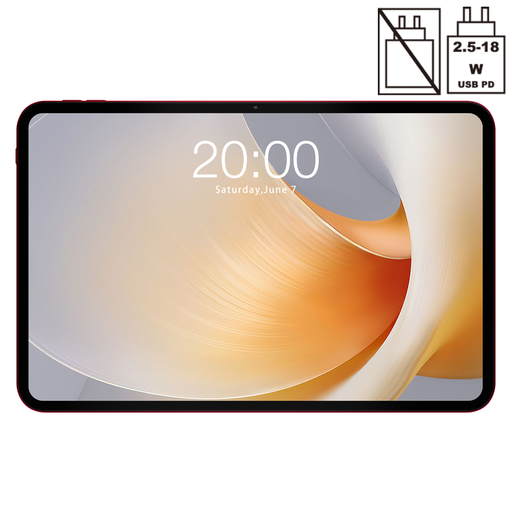
Teclast T65 Plus 13.4-inch 128GB Android 15 tablet
The stated 13.4-inch, 120Hz display gives this model a larger viewing format, though its size may be less convenient for frequent carrying. The title specifies 128GB storage and 8GB RAM plus 12GB virtual RAM; virtual RAM should not be read as additional physical memory. Check independent screen, speed and battery results for the uses that matter to you.
View on Joybuy
 No image available
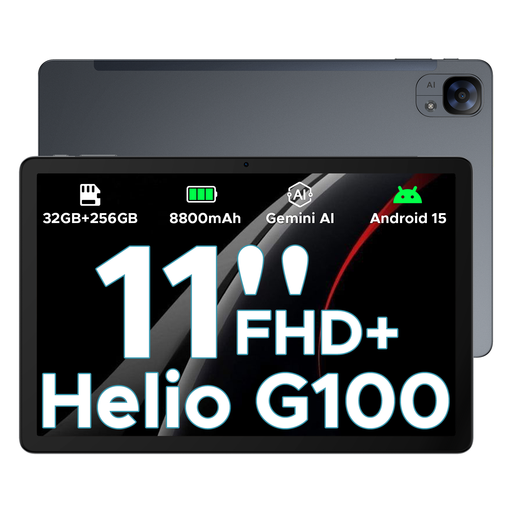
DOOGEE Tab E3 11-inch 256GB Android 15 tablet, Grey
The listed 11-inch FHD+ 90Hz display and 256GB internal storage make this a format to examine for portable viewing and downloads. The title also states expansion up to 2TB, which is not the included internal capacity. Confirm the front-camera details for calls and use runtime results, rather than the stated 8800mAh capacity alone, to judge battery endurance.
View on Joybuy
Questions about home tablets
Should a shared household tablet be an iPad or an Android tablet?
Choose according to the accounts and eligible content your household already uses. Apple Support says Family Sharing can share eligible purchases and services with up to five other family members; Google Play Help describes Family Library sharing for eligible purchased content with up to five family members. Check the particular items and family-group conditions before counting on either service.
Can a Fire tablet stand in for a Google Play Android tablet?
Only if the apps you need are available through the Amazon Appstore. Amazon says Fire tablets do not support Google Play, so check each essential streaming, game and calling app rather than assuming your Google Play purchases will transfer.
What should I check for video calls away from my desk?
Check the calling app’s operating-system requirements and the connection in the room where you will call, as well as the tablet’s front-camera arrangement. For its mobile app, Zoom lists iPadOS 15 or later and Android 9.0 or later; confirm the exact device’s version and supported updates before buying.
Is a quoted battery-life figure enough to choose a tablet?
No single quoted figure establishes endurance across streaming, games and video calls. Compare independent tests of the exact models on a similar basis, and check what activity a manufacturer’s stated hours describe. Which? includes battery endurance among its tablet assessment areas.


