
24/7 Customer Support

Free returns

Same-day & Next-day Delivery

Quality Guaranteed

Unlock Your Welcome Offers: FREE Delivery | Up to 80% OFF | Free 30-day JoyPlus trial
Download the APP
An iPad is a powerful tool for creativity, productivity and learning, but to truly unlock its potential, you need the right accessory. Choosing an iPad pencil can feel overwhelming with so many options available. Whether you're a student annotating lecture slides, a digital artist sketching your next masterpiece, or a professional marking up documents, the right stylus for iPad makes all the difference.
This guide is designed to help you navigate the choices. We will break down the essential features to look for and present a selection of styluses suited to different needs and budgets, from official Apple Pencils to capable alternatives.
Before diving into specific models, let's cover the key factors to consider. Focusing on these points will help you find a stylus that works seamlessly with your device and your workflow.
This is the most crucial step. Not every iPad pencil works with every iPad model. Apple has different generations of Pencils that are compatible with specific iPads. Likewise, third-party styluses are typically designed for iPads released after a certain year (usually 2018). Before you buy, double-check the product specifications against your iPad model, whether it's an iPad Air, iPad Pro or a standard iPad. This simple check prevents the frustration of an incompatible purchase.
What will you be using your stylus for most often? Your answer determines which features are essential.
iPad pencil with palm rejection is a non-negotiable feature for anyone who plans to write or draw for extended periods. It allows you to rest your hand on the screen naturally, just as you would with pen and paper, without making stray marks.iPad drawing pen experience, these features are key. Tilt sensitivity allows you to shade by angling the stylus, while pressure sensitivity varies the line thickness based on how hard you press. While most quality styluses offer tilt, true pressure sensitivity is a feature primarily found in Apple's own Pencil lineup.magnetic stylus for iPad that snaps onto the side of your device is less likely to get lost and is often charged wirelessly this way. Other models may require a USB-C cable for charging, which can be a suitable and often more affordable option.Here we've gathered a selection of styluses that cater to a range of users, from students on a budget to creative professionals.
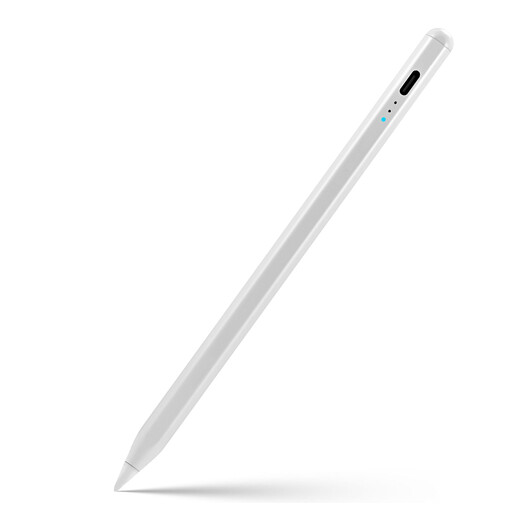
Why It Stands Out: The Rexsun ID715A is a compelling Apple Pencil alternative that delivers core functionality without the premium price tag. It provides a smooth and responsive experience for everyday tasks, making it a practical choice for a wide audience.
This stylus supports the essential features needed for a great user experience, including palm rejection and tilt sensitivity. It attaches magnetically to the side of compatible iPads for easy storage. A standout feature is the clear LED power display, which shows the exact battery percentage, so you're never caught without power unexpectedly.
Pros:
Who is it for? Students, professionals and casual users looking for a reliable and affordable digital pen for iPad. It's ideal for note-taking, annotating documents and light sketching.
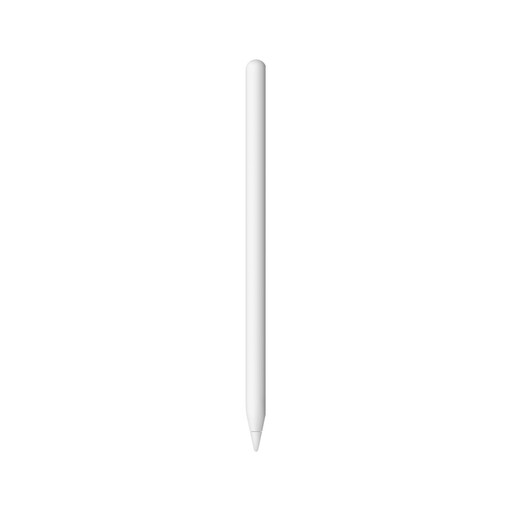
Why It Stands Out: The Apple Pencil 2nd generation is known for its seamless integration with the Apple ecosystem. It pairs, charges and stores magnetically on the side of compatible iPads, making it feel like a natural extension of the device itself.
Its performance is characterised by extremely low latency and precision. It supports both pressure and tilt sensitivity, making it a powerful tool for artists. The intuitive double-tap feature, which allows you to switch between tools without interrupting your flow, is a significant workflow enhancement for many users.
Pros:
Who is it for? Creative professionals, artists and dedicated note-takers with a compatible stylus for iPad Pro or iPad Air. It is for those who value the effortless integration and full feature set of an official Apple accessory.
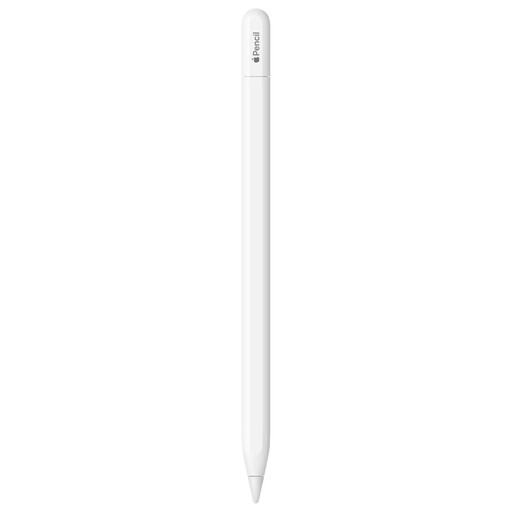
Why It Stands Out: The Apple Pencil (USB-C) provides an entry point into Apple's ecosystem at a more accessible price. It delivers the core precision and low latency expected from an Apple product, making it a solid tool for writing and drawing.
While it attaches magnetically for storage, it pairs and charges via a USB-C cable. It supports tilt sensitivity for shading but does not include pressure sensitivity, which is an important distinction for digital artists. For many, this is a worthwhile trade-off for a lower cost.
Pros:
Who is it for? Users with USB-C iPads who primarily need a stylus for note-taking, journaling and marking up documents. It's a great option for students and general users who want an official Apple product without the need for advanced artistic features.
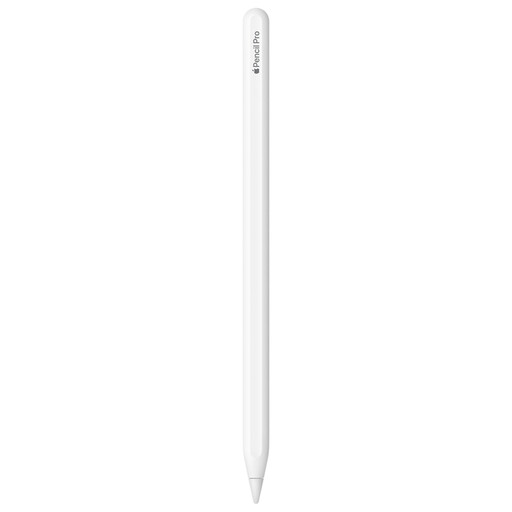
Why It Stands Out: The Apple Pencil Pro is designed for creative professionals who demand the highest level of control and interaction. It introduces several new features that are not available on other models, fundamentally changing the creative workflow.
New interactions like the squeeze gesture bring up tool palettes, while barrel roll uses a gyroscope to change the orientation of shaped pen and brush tools. Haptic feedback provides a subtle pulse to confirm actions and Find My integration helps you locate the stylus if it's misplaced.
Pros:
Who is it for? Professional digital artists, illustrators and designers using the latest M-series iPad Pro and iPad Air models. This is the tool for those who need the most advanced features available to push their creative boundaries.
If you haven't found the perfect fit here or want to explore a wider variety of styluses, there are many other models available. From simple capacitive styluses to other advanced active pens, you can find a tool for any need and budget.
Explore Our Full Range of Digital Tablet Pens
Not for advanced tasks. There are two main types: passive (or capacitive) styluses and active styluses. A passive stylus mimics a finger and will work on any touchscreen, but it lacks precision and features like palm rejection. An active stylus for iPad, such as an Apple Pencil or a dedicated alternative, contains electronic components that communicate with the iPad, enabling features like palm rejection, tilt and pressure sensitivity. Always check for compatibility.
For many users, yes. An Apple Pencil alternative like the Rexsun stylus can be an excellent choice. It provides the most important features for general use—such as palm rejection, tilt support and magnetic attachment—at a significantly lower price. The main feature they typically lack is pressure sensitivity, which is primarily a concern for professional artists who require nuanced control over line weight. For students and general productivity, an alternative is often more than sufficient.
The Apple Pencil Pro is built for an enhanced creative workflow. While the Apple Pencil 2nd generation offers a professional-grade experience with pressure sensitivity, tilt and a double-tap shortcut, the Apple Pencil Pro adds new layers of interaction. These include the squeeze gesture for quick tool access, barrel roll for rotating digital brushes and haptic feedback for tactile confirmation. The Pro is aimed at creative professionals using the latest iPad models who can take full advantage of these advanced features.