What should you check before choosing?
Identify the games and play group first; then check access requirements and the controls the child will actually use.
| Priority |
What to check |
Your needs |
| Playing together |
Check each game and edition on the devices in the group. Confirm cross-play, friend invites and any account requirements for that title; a platform name alone does not establish compatibility. |
I want my child to join particular friends or relatives, so I need to know that their versions of the game can connect. |
| Online access |
Check the game’s multiplayer membership rules and which child or family accounts are covered. PlayStation says most PS4 and PS5 games need PlayStation Plus; Nintendo says Switch Online is needed for many compatible games, with some free-to-play exceptions. Microsoft says Minecraft online play on an Xbox console needs at least Game Pass Essential. |
Before choosing a device, I need to know what is required for the specific game my child will play online. |
| Contact controls |
Create a child account or supervised profile and review both platform and in-game chat, messaging and friend settings. Test the settings using the account the child will use. |
I want play with known people without opening communication more widely than intended. Ofcom’s May 2026 report on UK children aged 8–17 says 55% interacted at least sometimes with people they had only met online; that describes interaction, not parents’ buying preferences. |
| Family settings |
Check where playtime, content and spending settings apply. PlayStation ties parental controls to accounts, Xbox uses organiser-managed family settings, and Nintendo describes parental controls for the console. |
In a shared household, I need the rules we set to work when my child signs in or uses the console, rather than relying on an adult’s account. |
| Where play happens |
Decide whether TV-based play, portable play or an existing device fits the household. Then confirm that the intended games are available on that particular device. |
Portable play matters in our home, or we may already have a device suitable for the games my child wants. |
| Game suitability |
Review the PEGI rating and content information for each game. Check its online communication and user-generated-content features separately; a game rating does not describe every online interaction. |
I want to assess the game itself as well as the people my child might encounter while playing it. |
How do the platform families differ?
These platform rules help narrow the device choice; they do not establish that a particular game will work with your child’s play group.
PlayStation
Consider the PS4 or PS5 route when the intended games and known play group use PlayStation and the household wants a home console with child-account settings.
- PlayStation says family managers can configure child-account restrictions for communication, content, playtime and spending.
- PlayStation says most PS4 and PS5 games require PlayStation Plus for online multiplayer. Sharing selected benefits on a configured home console does not extend them to a friend’s separate console.
Xbox
Consider Xbox when the intended games and play group use it, particularly if organiser-managed family profiles and app-accessible settings suit the household.
- Xbox Support says organisers can manage family members’ privacy, communication, content, screen-time and multiplayer settings.
- Check each game’s online requirements. Microsoft says Minecraft online play with others on an Xbox console needs at least Game Pass Essential.
Nintendo
Switch and Switch 2 offer a handheld and home-play route where the intended games are available on the chosen model.
- Nintendo describes parental controls for restricting content and features and setting playtime limits.
- Nintendo says Switch Online is required for online play in many compatible games, though some free-to-play titles are exceptions. Its parental controls are set for the console, so families sharing one should check how those restrictions suit each user.
Joybuy device options
These options cover Nintendo portable-and-home play and PlayStation and Xbox home consoles. Check the intended games and play group before using the device format or model to narrow your choice.
 No image available
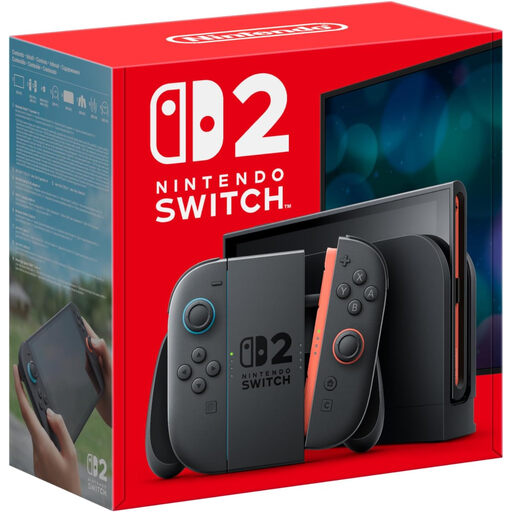
Nintendo Switch 2 Console (UK Version)
Consider this Switch 2 if portable and home play matter and the child’s intended games are available on this model. Check play with friends on their devices, the game’s online membership rules and whether Nintendo’s console-level parental controls suit a shared setup.
View on Joybuy
 No image available
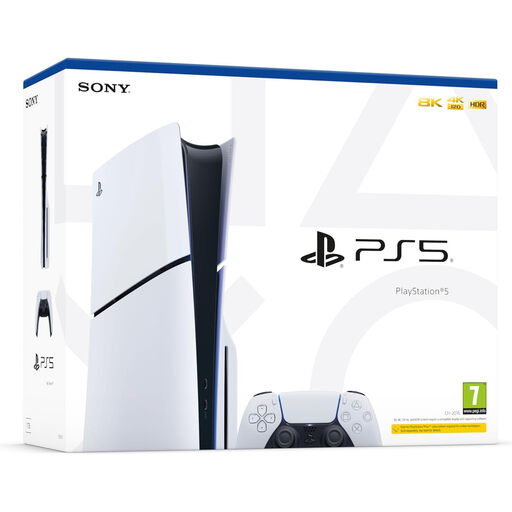
Sony PlayStation 5 Disc Edition Slim
This PS5 Disc Edition is a home-console option if the intended games and play group use PlayStation. Confirm the game edition, cross-play and any PlayStation Plus requirement; set up a separate child account for the family controls described by PlayStation.
View on Joybuy
 No image available
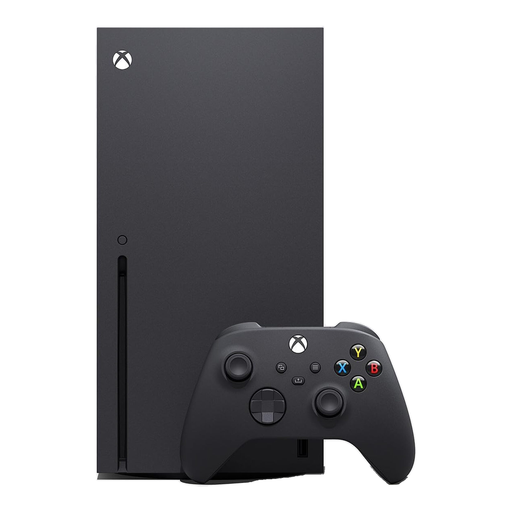
Xbox Series X 1TB Console – Black
Consider this 1TB Xbox Series X for home play when the intended games and known group use Xbox. Check the exact title’s multiplayer and subscription rules, then configure the child’s family profile through Xbox’s organiser settings.
View on Joybuy
 No image available
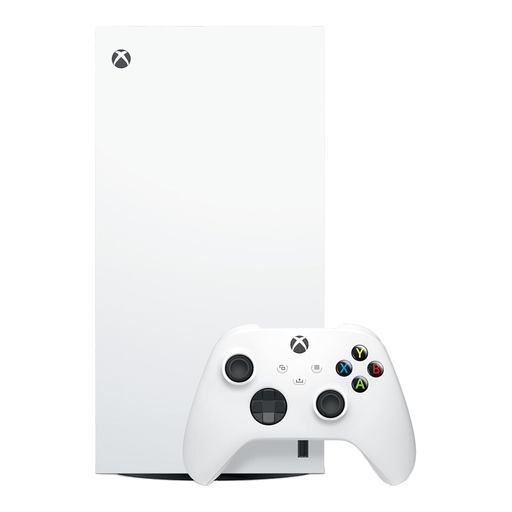
Xbox Series X 1TB Digital Edition – White
This 1TB Digital Edition is an Xbox home-console option for a household choosing digital game access. Confirm that the intended titles, the play group’s devices and each game’s online requirements fit before choosing it; use a separate child profile for family settings.
View on Joybuy
 No image available
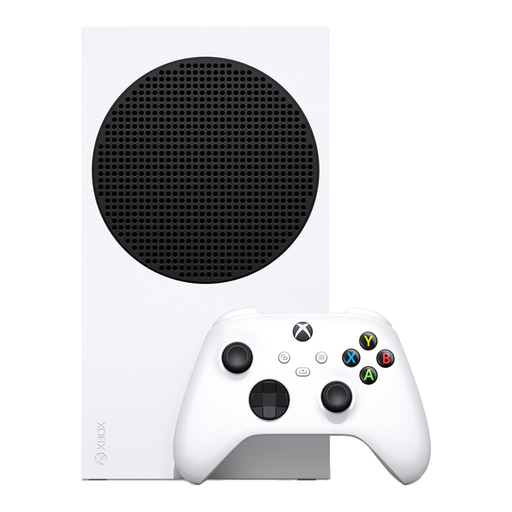
Xbox Series S 512GB Console – White
This 512GB Xbox Series S is another home-console option if the intended games and known play group use Xbox. Check whether its storage suits the planned games, confirm multiplayer requirements for each title and configure a child profile before online play.
View on Joybuy
Questions about online play
Does every online game need a subscription?
No; check the exact game and console. Nintendo says Switch Online is needed for online features in many compatible games but not some free-to-play titles. PlayStation says most PS4 and PS5 online multiplayer games need PlayStation Plus, while Microsoft says Minecraft online play with others on an Xbox console needs at least Game Pass Essential.
Can my child play with friends on a different device?
Only if the exact game and editions support the required cross-play and account arrangements. PlayStation’s pages describe cross-platform play for Asphalt Legends but say the cited Call of Duty: Black Ops title does not support multiplayer with non-PlayStation platforms. Check every player’s game version and device before buying.
What should I set up before my child plays online?
Set up the relevant child account or supervised profile, then review content, communication, playtime and spending settings using that account. PlayStation describes family-manager controls, Xbox uses organiser-managed family settings, and Nintendo provides parental controls for its consoles. Check the game’s own communication settings as well.
Does a headset replace chat controls?
No. Decide whether voice chat is needed, then check who the child can communicate with through both the game and platform settings. PlayStation describes voice-chat restrictions for child accounts, Xbox provides family communication settings, and Nintendo describes additional GameChat controls for under-16s and supervised Switch 2 users.
Is a game’s PEGI rating enough to assess online play?
No. Use the PEGI rating and content information to assess the game, then look separately at its online features, including chat and interaction with other players. Configure the relevant child-account or console controls for those features.


