What to check before buying
Identify your laptop and its charging requirements first, then compare the complete replacement and check the specific product’s safety information.
| Concern |
What to check when buying |
Who this matters to |
| Exact model and connector |
Find the full laptop model or product number and compare it with the manufacturer’s adapter listing, charging method and connector. |
I want an adapter documented for my exact laptop, not just one with a plug that appears to fit. Around 33% of consumers prioritise an exact model and connector match. |
| Product and seller safety |
Check the product’s identifiers against current UK alerts; review the seller, manufacturer details and marking appropriate to its destination. |
I want to avoid an unsafe, counterfeit or alerted product, so I check who is selling it and the details on the actual charger. Around 27% of consumers put product and seller safety first. |
| USB-C charging and output |
Confirm that the laptop accepts charging through the intended USB-C port and check the required protocol, adapter output and available power from that port. |
I am considering USB-C Power Delivery but need to know that my laptop supports charging through that port and that the supply meets its requirements. Around 20% of consumers prioritise checking USB-C charging and output. |
| Cable and power arrangement |
Check whether the wall cord and charging cable are included, and whether any separate cable’s connector and power rating suit the laptop. |
I may only need a replacement cable or a missing part of the set, so I check what the package contains and what the cable is rated for. Around 20% of consumers focus on completing the cable and power arrangement. |
Joybuy product options
These Joybuy listings cover USB-C cables and adapters. Consider an item only if the laptop supports its charging arrangement and its requirements match; check the package contents and the product’s UK safety information before purchase.
 No image available
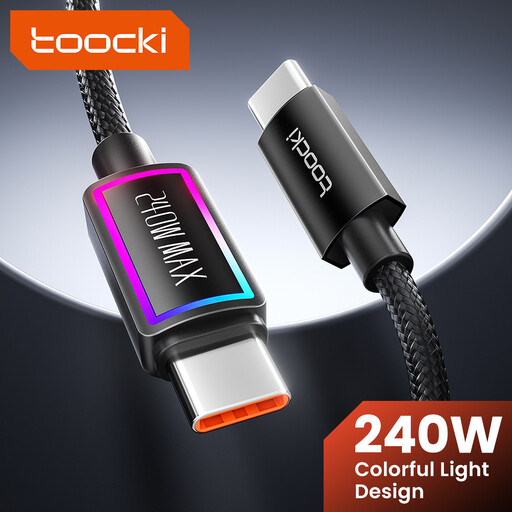
Toocki USB-C to USB-C Cable, 6.6 ft, 240W
Consider this cable only when your laptop’s compatible charging setup uses a separate USB-C cable.
The product information specifies a 2-metre cable rated for up to 240W. This is a cable, not a power adapter; check that the adapter and laptop are compatible too.
Joybuy
 No image available
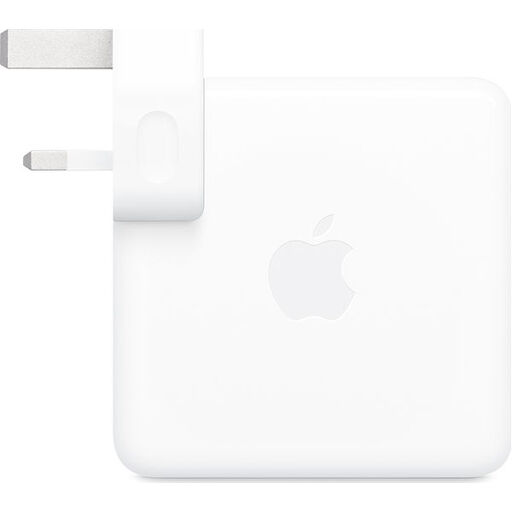
Apple 96W USB-C Power Adapter
Consider it for a Mac or other laptop only if the manufacturer’s guidance confirms the charging method and required power are suitable.
The product name specifies a 96W USB-C adapter. A USB-C charging cable is sold separately; check the model-specific requirements before choosing it.
Joybuy
 No image available
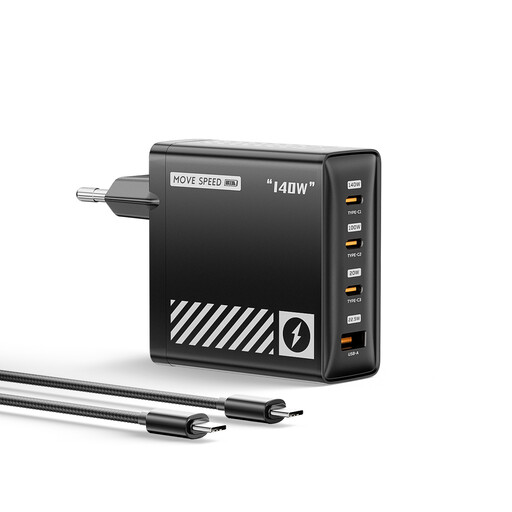
MOVESPEED HC-TR271A-EU 140W USB-C EU Charger, Black
Consider this multi-port charger only if the laptop supports the selected USB-C charging port and its output meets the laptop’s requirements.
The product information specifies USB PD 3.1, four ports and up to 140W from one USB-C port. The title identifies an EU charger; check the mains connection and product details for your intended UK use.
Joybuy
 No image available
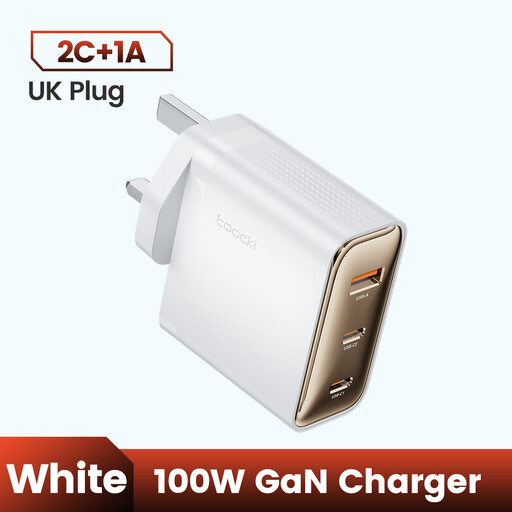
Toocki 100W USB-C Charger Block, 3-Port, PD3.0/QC3.0, Foldable Plug
Consider it only if your laptop supports USB-C charging and the output from the intended port meets its requirements.
The product information specifies a three-port design and a USB-C Power Delivery port rated up to 100W. Check the available output for your intended setup and confirm the product’s UK safety details.
Joybuy
 No image available
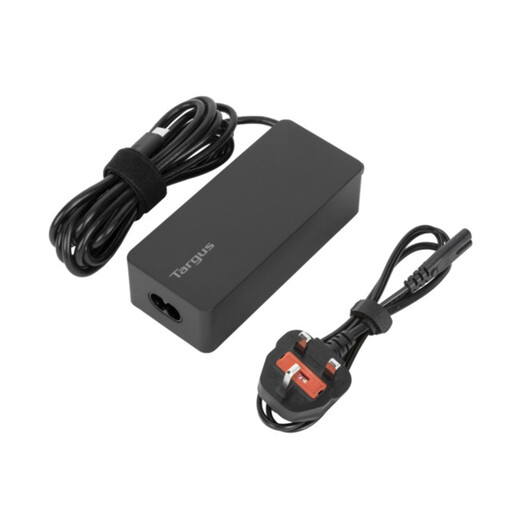
Targus 65W USB Type-C Charger
Consider it for a USB-C laptop only after checking the model’s charging requirements and the output needed from the charger.
The product information specifies USB Power Delivery up to 65W, a 1.8-metre cable, and included EU and UK power cords. Confirm that the supplied arrangement suits your laptop.
Joybuy
Laptop charger questions
What should I identify before ordering if the original charger is missing?
Find the laptop’s exact model or product number and consult the manufacturer’s parts or charging information. HP Support describes using the product number to find compatible adapters and, for applicable notebooks, checking the recommended adapter type and wattage.
Can I use a third-party USB-C charger instead of the laptop maker’s adapter?
Only if your particular laptop supports the proposed charging route and the complete supply meets its requirements. Apple Support permits a USB-C Power Delivery adapter for a Mac that charges over USB-C, subject to applicable safety standards; that Mac-specific guidance does not establish compatibility with other laptops.
How do I check UK safety information and alerts before buying?
Search the UK Product Safety Alerts, Reports and Recalls for the charger’s identifiers, and check the seller, manufacturer details and marking appropriate to its destination. GOV.UK guidance distinguishes product marking for Great Britain and Northern Ireland, so check the guidance for where the charger will be used.
Will a replacement adapter include the wall cord or USB-C cable?
Not necessarily; check the precise product listing and package contents. HP says its replacement AC adapters do not include a wall power cord unless the description says so, while Dell’s listing for part 450-BFFP includes a UK power cord. Check separately whether a USB-C cable is included and suitable.
What should I do if my charger matches a UK safety report?
Follow the corrective action in the specific report. For the counterfeit Type C Laptop Charger identified by eBay listing ID 186468601056, the Office for Product Safety and Standards’ 20 November 2025 report recommends ceasing use immediately and contacting the place of purchase; it does not identify every charger with a similar generic description.


