What should you check before buying?
Identify the laptop’s charging requirements first, then decide whether you need a complete adapter or only a supported replacement cable. Manufacturer guidance from HP, Lenovo and Apple emphasises checking the particular laptop; the Office for Product Safety and Standards’ report of 15 September 2026 also illustrates why laptop compatibility alone is not enough to assess a UK charger.
| Concern |
What to check when buying |
Who this matters to |
| Exact laptop compatibility |
Find your full laptop model and check the manufacturer’s connector and power requirements; compare the old adapter label if available. |
If I have lost the whole adapter, I want the connector and output checked against my exact laptop model; around 36% of consumers put model-specific compatibility first. |
| UK mains and electrical safety |
Check the actual plug or supplied mains lead, product identification, instructions and destination-relevant conformity information. |
I want to know that the mains connection and product information suit where I will use the charger; around 29% of consumers make UK electrical safety their primary concern. |
| USB-C charging power |
Confirm USB-C charging support at the intended laptop port, then check adapter output, cable capability and any output split when multiple ports are used. |
If my laptop charges by USB-C, I need the adapter and cable to meet its requirements, including when another port is occupied; around 21% of consumers prioritise USB-C power suitability. |
| Replacing only a cable |
Check whether the damaged lead detaches and whether a compatible replacement has the required connectors and power capability. |
If the adapter still works, I want to replace just a detachable damaged lead rather than the whole unit; around 14% of consumers put cable-only replacement first. |
Joybuy product choices
These listings cover USB-C laptop adapters, including one listing with USB-C-to-DC connector tips. Consider them only if your laptop supports the relevant charging route and its connector and power requirements match; check the supplied mains arrangement and cable requirements as well.
 No image available
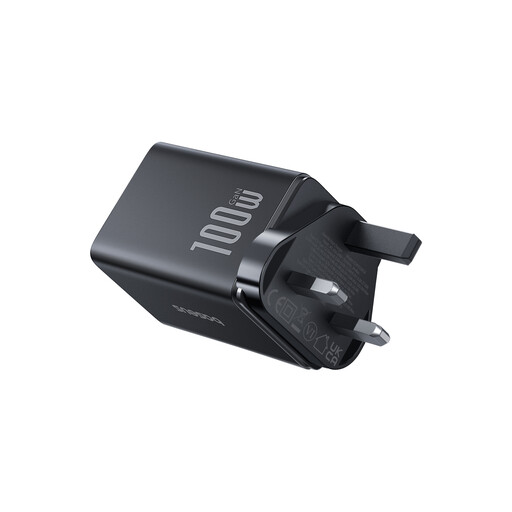
OS-Baseus EnerFill FE11 100W UK Charger (2C+U)
Consider it only if your laptop supports USB-C charging and its requirements match the adapter. The listing states a UK plug and up to 100W output for a single laptop.
Two USB-C ports and one USB-A port.
View on Joybuy
 No image available
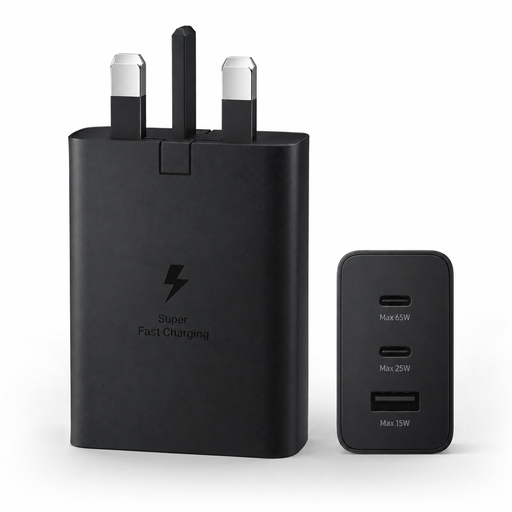
65W PD UK Plug Charger
Consider it if your laptop supports USB-C charging and its power requirements match the adapter. The listing states a UK plug and up to 65W from the main USB-C port.
Two USB-C ports and one USB-A port; a charging cable is not included.
View on Joybuy
 No image available
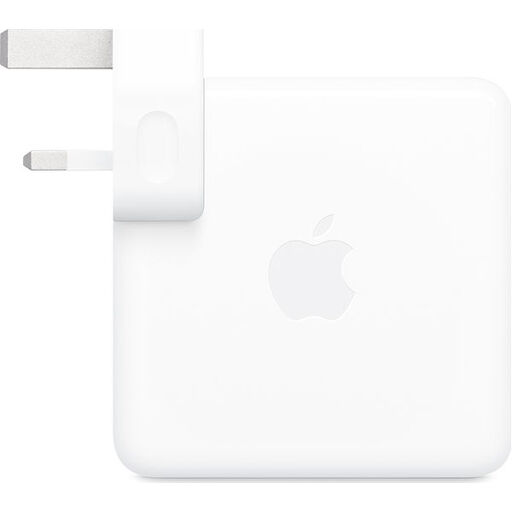
Apple 96W USB-C Power Adapter
The listing identifies this adapter for MacBook Pro use; check your exact laptop model’s charging requirements before choosing it.
96W USB-C adapter; the USB-C cable is sold separately.
View on Joybuy
 No image available
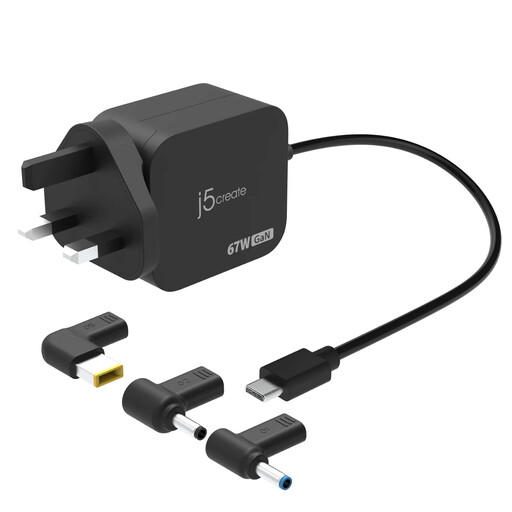
j5create JUP1565DCF3A 67W GaN PD USB-C Mini Charger, UK, Black
Consider it only if your laptop’s requirements match its USB-C Power Delivery output or one of the supplied connector tips.
Up to 67W output; three USB-C-to-DC connectors are included.
View on Joybuy
 No image available
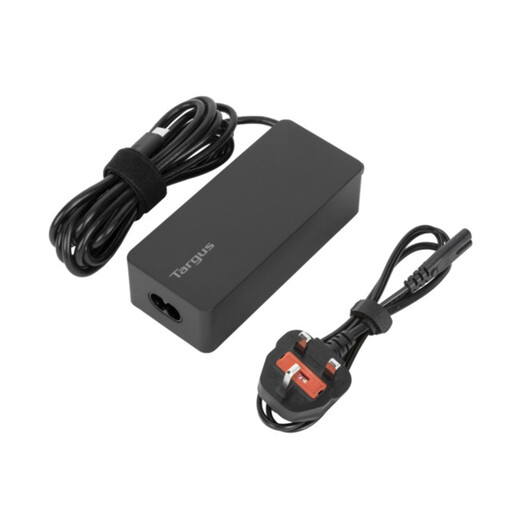
Targus 65W USB Type-C Charger
Consider it for a USB-C laptop only if the laptop’s charging requirements match the adapter’s stated output.
USB-C Power Delivery up to 65W; UK and EU power cords are included.
View on Joybuy
Laptop charger replacement FAQs
What should I record if the old adapter is lost?
Find the laptop’s full model and consult its manufacturer specifications for the supported charging connector, adapter type and power requirement. Do not choose solely by laptop brand or a connector that looks similar.
Does a USB-C port mean I can charge my laptop through it?
No. Check the exact laptop documentation for charging support at that port, then compare the USB Power Delivery adapter and cable with the laptop’s requirements.
What if the existing charger or lead has visible damage?
Stop using a damaged adapter, connector or cord. HP Support identifies cracks, burn marks, fraying and exposed wires as signs to look for.
Can I buy just the charging cable?
Only if the affected cable detaches and a compatible replacement is supported. Check what is included: Apple’s UK listing for its 70W USB-C adapter, for example, says the charging cable is sold separately.
Does a CE or UKCA mark prove that a charger was independently tested?
No. Darlington Borough Council Trading Standards explains that conformity marking can reflect the manufacturer’s own declaration rather than independent testing. Marking arrangements depend on destination; UK Government guidance says products sold in Northern Ireland may display CE, or UKNI together with CE.


