What to consider when choosing
Confirm laptop compatibility first, then weigh socket access, the equipment you will carry and whether other devices will share the supply.
| Concern |
What to check when buying |
Who this matters to |
| Charging compatibility |
Check the laptop’s accepted charging protocol and power profile, then compare them with the supply and cable. Microsoft Support and Apple Support provide model-specific guidance. |
If I need the laptop to charge while I work, I would match the supply to its exact requirements rather than rely on the USB-C connector shape alone. Around 36% of consumers put compatibility first. |
| Backup without a socket |
Consider when you will be away from mains power and the laptop’s workload; stored capacity does not guarantee a set runtime. |
When I cannot plug in, I want enough stored energy for the situation without assuming it will provide a full recharge. Around 29% of consumers prioritise socket-free backup. |
| Carrying the setup |
Consider the weight and size of a power bank, or the cable length and mains equipment needed for a charger. |
If I carry my laptop regularly between locations, I want the complete setup to fit comfortably in my bag. Around 21% of consumers put carrying comfort first. |
| Charging several devices |
Check the laptop’s available output with the intended ports occupied; total charger output is not necessarily available to one device. |
When I charge a laptop and other devices together, I want to know what power remains available to the computer. Around 14% of consumers prioritise shared charging. |
Joybuy product options
These options cover mains-powered laptop charging and USB-C cables for a compatible supply, for use where a socket is available or a suitable power source is already in place.
 No image available
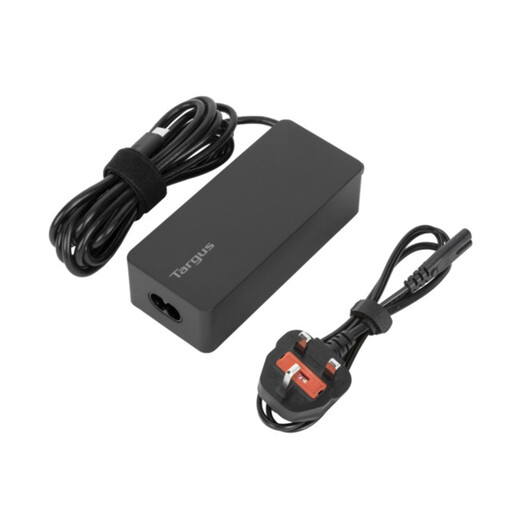
Targus 65W USB Type-C Charger
A socket-based spare to consider if your laptop accepts a compatible 65W USB Type-C supply. Check the exact charging requirements for your laptop before choosing.
View on Joybuy
 No image available
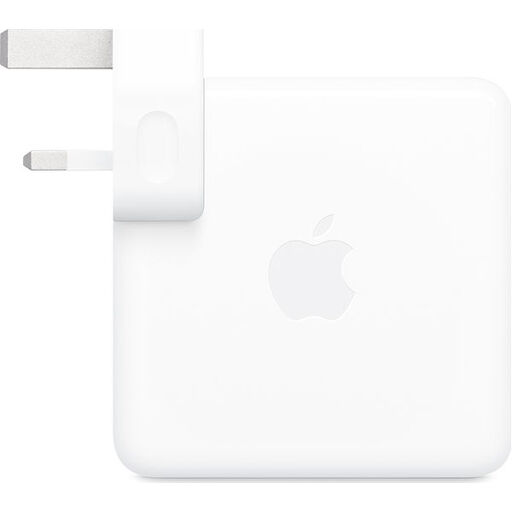
Apple 96W USB-C Power Adapter
A mains-powered option for a compatible laptop when a socket is available. The product information says a USB-C cable is sold separately; check the requirements for your exact laptop and account for the cable in your setup.
View on Joybuy
 No image available
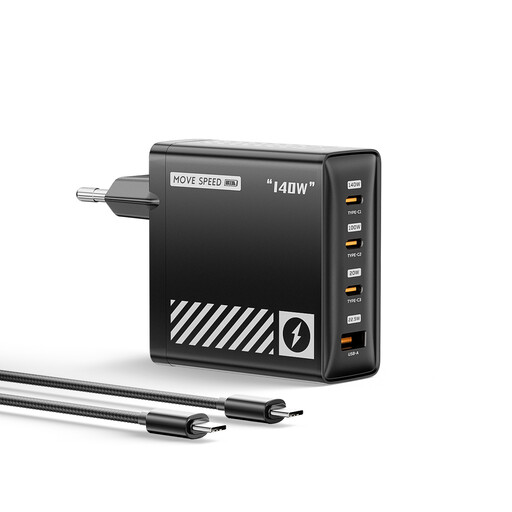
MOVESPEED HC-TR271A-EU 140W PD 3.1 4-Port GaN Charger, Black
A multi-device mains charger to consider only if its EU plug is suitable for your intended use and its port output meets your laptop’s needs. Check the individual port allocation for the devices you plan to connect.
View on Joybuy
 No image available
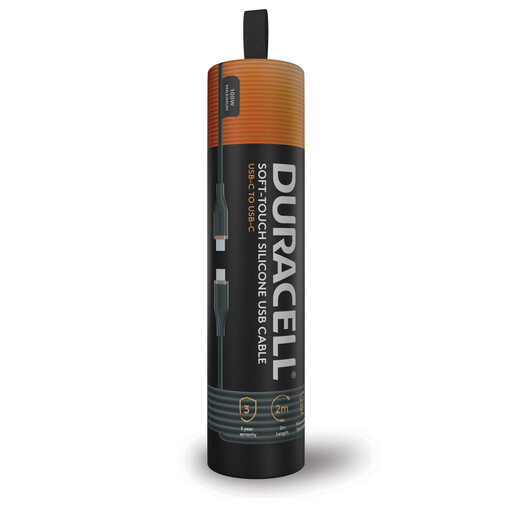
Duracell USB-C to USB-C Charging Cable, 2m, 100W
A spare cable for a compatible USB-C power source and laptop. The product name specifies a 2m cable rated for up to 100W; the cable itself does not provide power.
View on Joybuy
 No image available
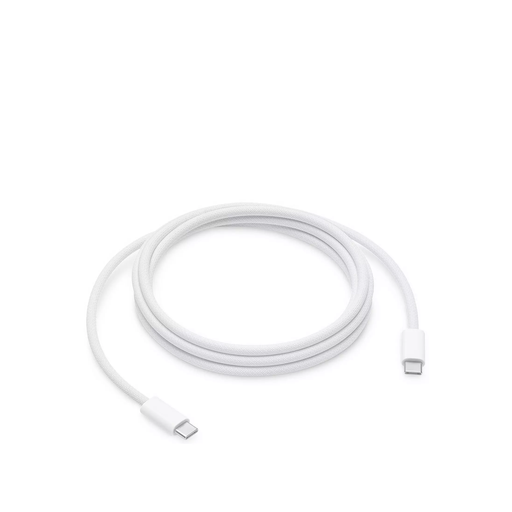
Apple 240W USB-C Charge Cable (2m)
A cable option for an already suitable USB-C power source and compatible laptop. Apple specifies charging up to 240W and USB 2 data rates, so check both charging and data needs separately.
View on Joybuy
Frequently asked questions
How do I check what charging power my laptop needs?
Look up the requirements for your exact laptop model and check its supported charging port, protocol and power profile. Microsoft Support notes that some computers require a proprietary charger; Apple documents USB Power Delivery for Macs that charge through USB-C. An original adapter is a useful reference, but do not assume its rating is the laptop’s minimum accepted input.
Can a laptop lose charge while connected to a power bank?
Yes. Apple Support explains that a demanding workload can use more power than the connected source supplies. Microsoft Support also identifies insufficient power, an unsuitable cable or the wrong port as possible causes of slow charging or discharge. Check the laptop during the work you intend to do.
Does a 240W USB-C cable guarantee fast data transfer?
No. Apple specifies that its 240W USB-C Charge Cable (2m) transfers data at USB 2 rates. If you need data transfer as well as charging, check both capabilities rather than choosing by the charging rating alone.
What UK marking should I check on an electrical charger?
For products classified as electrical equipment, the UK Government’s table dated 31 March 2026 lists UKCA or CE for Great Britain, and CE or UKNI together with CE for Northern Ireland, subject to the applicable conformity-assessment rules. The table distinguishes product categories, so do not apply its electrical-equipment entry indiscriminately to every battery or accessory. A marking does not establish that a charger suits your laptop.
What if an online charger purchase is unsuitable or faulty?
For most online purchases covered by distance-selling rules, GOV.UK says you can notify the seller of cancellation within 14 days of receiving the item and have another 14 days to return it. Exceptions and deductions may apply. Faulty or misdescribed goods have separate remedies; a manufacturer’s warranty is not the entirety of your rights.


