Shared-file timetable organisers
If your club exchanges spreadsheets, calendars or documents, establish which apps and file formats everyone uses before choosing between Windows and ChromeOS.


Choose a conventional Windows laptop if the club may need installed desktop software or an offline file workflow. A Chromebook makes sense when its required tools are confirmed to work in the browser; choose a Windows 2-in-1 only if you will use its touch or tablet modes. In a student room, balance a readable timetable grid against desk space and how often you carry the laptop.
If your club exchanges spreadsheets, calendars or documents, establish which apps and file formats everyone uses before choosing between Windows and ChromeOS.
If club administration takes place in web calendars and cloud documents, a Chromebook is worth considering once you have checked the required tools. Compare weight and dimensions if you also take the laptop to meetings or the library.
A Windows convertible is relevant if you will use touch, tablet or stand modes for planning notes, annotations or showing a schedule, rather than only typing timetable entries.
Choose it when: The club needs installed Windows software, or its desktop and offline requirements are still uncertain.
Trade-off: A larger screen can be useful at a desk but takes up more room and bag space; check the particular laptop's dimensions.
Choose it when: The club's calendars, spreadsheets and shared files are confirmed to work in the browser.
Trade-off: Browser access does not establish support for every desktop feature or offline task; check the exact model's update schedule too.
Choose it when: You will use touch, tablet or stand mode for notes or informal presentations alongside timetable work.
Trade-off: A convertible hinge is not needed for entering a timetable; compare the exact configuration with a conventional Windows laptop.
| Concern | What to check | Who this matters to |
|---|---|---|
| Software and files | Confirm the club's required apps and file formats, including any installed software or offline work. | If I must edit the club's existing files, I need a laptop that can run the required workflow rather than just open a web page. Around 40% of consumers put software and file compatibility first. |
| Screen and space | Compare the exact screen dimensions and resolution with the laptop's footprint and listed weight. | When I work on a wide timetable at a small desk, I want readable columns without choosing a laptop that is awkward to carry. For around 30% of consumers, that screen-and-space balance is the primary concern. |
| Browser workflow and updates | Check that required tools work in the browser and, for a Chromebook, check the exact model's update schedule. | If all our planning happens in cloud tools, I want those tools to remain usable throughout my intended time with the laptop. Browser workflow and update support come first for around 30% of consumers. |
Microsoft Support says Microsoft 365 is designed to work with current Chrome browsers. That does not establish whether a club's desktop-only features, macros, add-ins or offline tasks will work on ChromeOS.
Ask which calendar, spreadsheet and storage tools the club requires, then confirm the specific workflow before choosing a Chromebook.
Memory, storage and displays can differ between configurations within a laptop family. Acer and Dell, for example, describe multiple configurations of their respective Chromebook 314 and Inspiron 14 2-in-1 lines.
Check the exact model or part number, operating system, memory, storage, display, charger and warranty terms on the product page.
Google Chromebook Help explains that a Chromebook's final update ends further ChromeOS and browser updates, including security updates.
Check the update schedule for the exact model before deciding whether its remaining support suits your intended use.
GOV.UK advises against putting unwanted electrical products in household rubbish and warns that discarded lithium-ion batteries can pose a fire risk.
If you are replacing a laptop, use an appropriate electrical-waste collection route and ask the retailer about any applicable take-back option.
Lenovo's UK IdeaPad line includes conventional Windows notebooks relevant to spreadsheet-based timetable work.
Acer's Chromebook 314 C925/C925T illustrates the browser-first route.
Dell's Inspiron 14 2-in-1 7440 illustrates a Windows convertible for people who will use touch or alternative viewing modes.
These conventional Windows laptop choices are relevant if you are preparing a club timetable on a laptop rather than seeking Chromebook or convertible hardware. Check the exact applications you need: Windows versions, processors and any operating-system restrictions still matter.
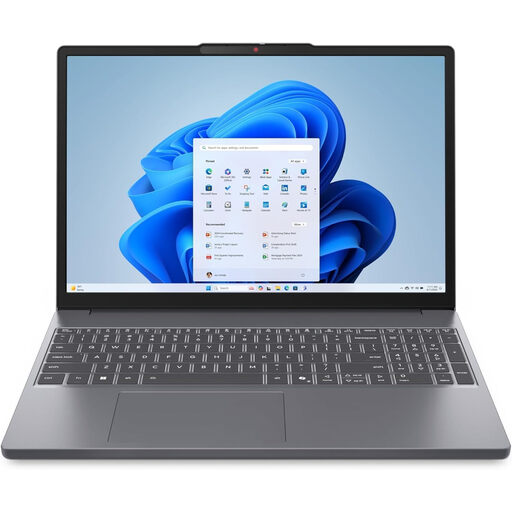 No image available
Consider this configuration if you want a larger screen for a timetable grid and have room for it on your desk.
Its name specifies a 15.3-inch WUXGA display, AMD Ryzen 5 7535HS, 24 GB DDR5 RAM, a 512 GB PCIe SSD and Windows 11 Home. Compare its footprint with your desk and bag space.
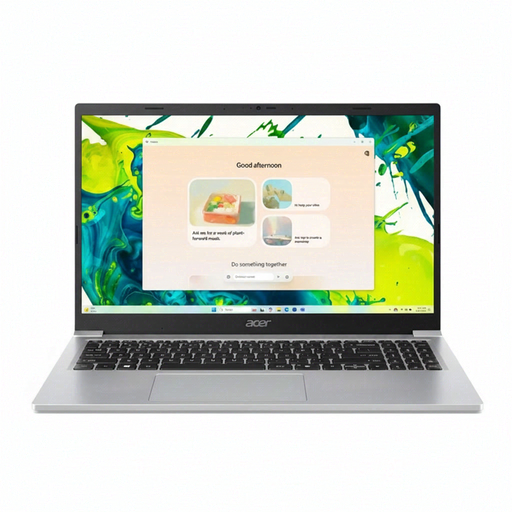 No image available
Consider it if a 15.6-inch screen suits your timetable work and you have checked the club's required applications.
Its name specifies a Full HD display, Intel N150, 8 GB DDR4 RAM, a 128 GB SSD and Windows 11 Home. Check the exact listing for any operating-system mode restrictions before buying.
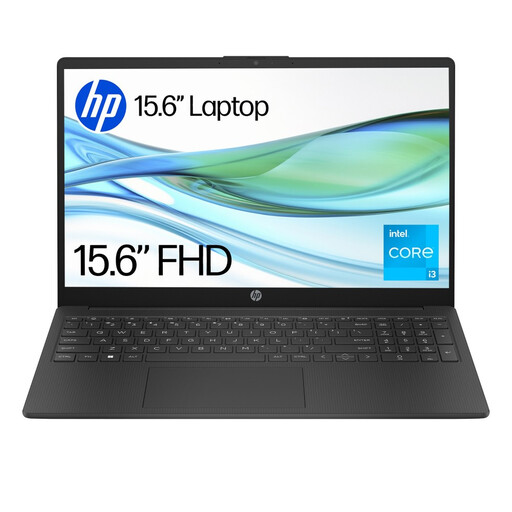 No image available
Consider this model only after checking that the club's applications can run in its stated Windows mode.
Its name specifies 4 GB RAM, 128 GB UFS storage and Windows 11 Home S. Think about how many applications and browser tabs you need open together.
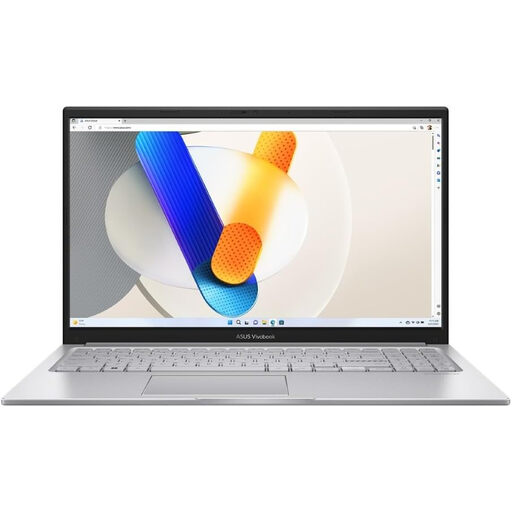 No image available
Consider it if you want a larger screen and the stated local storage capacity suits files you keep on the laptop.
Its name specifies an Intel Core 5 120U, 24 GB RAM and a 1 TB SSD. The listed 1.70 kg weight and 15.6-inch size are worth comparing with your carrying and desk-space needs; confirm the operating system and required software on the exact listing.
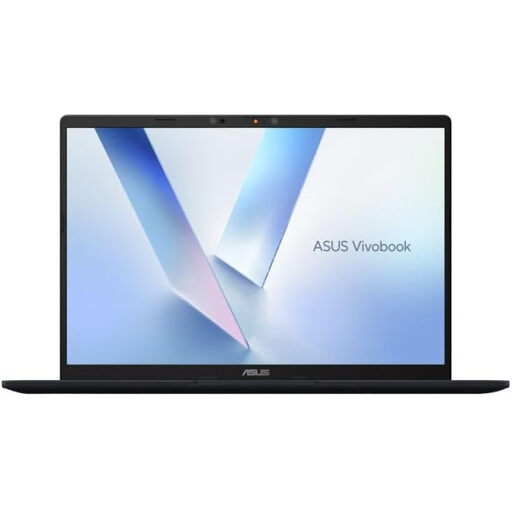 No image available
Consider this 14-inch option if you value a smaller laptop, but confirm that every required desktop application supports its Snapdragon processor.
Its name specifies Snapdragon X, 16 GB RAM and a 512 GB SSD. Do not assume that a required Windows application will work solely because the laptop runs Windows.
Yes, if the club uses browser-compatible calendars, cloud files and web productivity tools. Microsoft Support says Microsoft 365 is designed to work with current Chrome browsers, but check any desktop-only features, macros, add-ins, offline tasks or specialist software before choosing ChromeOS.
Not for timetable administration alone. Which? advises that routine student work involving spreadsheets, documents, email and browsing generally calls for an all-rounder rather than an ultra-high-spec machine; assess more demanding hardware separately if your course or club requires specialist software.
Check the update schedule for the exact Chromebook model before buying. Google Chromebook Help also describes where to find the schedule on the device: Settings, About ChromeOS, then Additional details.
Keep it out of household rubbish and use an appropriate electrical-waste collection route. GOV.UK advises recycling unwanted electrical products; you can also ask the retailer about a like-for-like take-back option when buying a replacement.