Off-grid event coordinators
If schedules, contacts and documents must remain accessible throughout setup and the event, compare battery claims by their stated activities and arrange a compatible way to recharge without a wall socket.


Plan how the laptop will stay powered before choosing a model: check the battery claim’s test conditions and, if you need portable backup power, confirm the exact laptop’s charging requirements. A MacBook Air with M5 may suit a team whose tools work on macOS; a Windows laptop may suit established Windows workflows. In either case, choose the display configuration for the places you expect to work, and do not treat a published battery figure as guaranteed event-day runtime.
If schedules, contacts and documents must remain accessible throughout setup and the event, compare battery claims by their stated activities and arrange a compatible way to recharge without a wall socket.
Working at a field, venue entrance or temporary operations point makes the exact screen configuration and carrying weight worth checking alongside the power plan.
If your planning tools and peripherals depend on Windows, check software compatibility and the support arrangements for the exact machine rather than choosing on portability alone.
Consider it when: Your planning apps, files and collaborators work with macOS and you want the USB-C Power Delivery charging option specified by Apple.
Allow for: Apple’s battery figures describe video streaming and wireless web use, not a full day of event work.
Consider it when: Your event tools require Windows or you need to choose a particular anti-glare display configuration.
Allow for: Screen, charger and support specifications vary by model and configuration; confirm each on the laptop you intend to buy.
For an event away from mains power, settle the charging plan, working location and software requirements together: a laptop that meets only one of those needs can still leave the team unable to work on site.
| Concern | What to check | Who this matters to |
|---|---|---|
| Power and recharging | Compare battery claims by test activity; confirm USB-C Power Delivery input and the wattage required by the exact model if using portable power. | If I need schedules and contacts throughout an event without a socket, losing power is my main concern. Around 42% of consumers put dependable unplugged use and a compatible recharge route first. |
| Mobile screen use | Check the chosen panel’s brightness in nits and anti-glare treatment, as well as the laptop’s size and weight. | When I move between a venue entrance and a temporary work point, I need to read documents in changing light and carry the laptop comfortably. Readable, portable use comes first for around 33% of consumers. |
| Workflow continuity | Check required apps and peripherals against the operating system; review warranty, support and repair options for the exact model. | If our team reuses Windows documents, systems and equipment across events, I need those workflows to keep working. For around 25% of consumers, compatibility and continuity are the primary concern. |
Apple gives different MacBook Air figures for video streaming and wireless web use. Neither describes every combination of event software, connectivity and screen brightness.
List the tasks you expect to run, plan conservatively for their power demands and check a compatible recharge method before relying on the laptop at the venue.
A portable power source and suitable cable may be needed if the laptop cannot cover the working period on its own.
Dell lists both 250-nit and 400-nit anti-glare configurations for the Latitude 7450. The family name alone does not identify the panel you will receive.
Check the exact configuration for brightness, resolution and screen finish before choosing it for a brighter work location.
The Health and Safety Executive identifies generators, earthing, cable routes, weather conditions and access control as considerations for event electrical arrangements.
Plan any temporary supply with the venue and organiser, involving appropriately competent electrical support where needed. Keep public-facing cabling out of an improvised laptop-charging plan.
Temporary power may require additional planning, protective equipment or infrastructure agreed with the venue.
Lenovo documents procedures for components including the SSD, memory and built-in battery on specified ThinkPad T14 Gen 5 machine types. That does not establish that every repair suits an untrained volunteer or falls within warranty cover.
Check the machine type, warranty terms, parts route and available support before treating repair documentation as part of a continuity plan.
The MacBook Air with M5 is relevant when the team’s tools work on macOS and portable USB-C charging is part of the event plan.
Latitude 7450 configurations offer a Windows business-laptop reference for organisers comparing screens for mobile work.
The ThinkPad T14 Gen 5 is a reference for repeat organisers assessing Windows configurations and a documented maintenance route.
These MacBook Air and Windows laptop choices cover different planning workflows. For any model you would use away from mains power, check its charging requirements, battery-test conditions and compatibility with your event tools before settling on a portable-power plan.
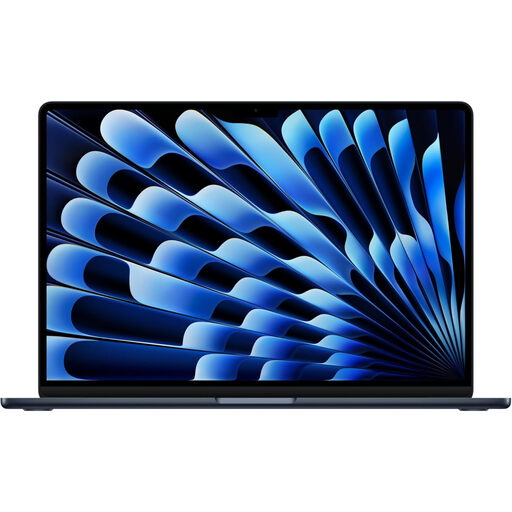 No image available
Consider this for event planning if your apps and shared files work with macOS. The listed configuration has an M5 chip with a 10-core CPU and 10-core GPU, 24GB memory and a 1TB SSD. Apple specifies USB Power Delivery charging for the MacBook Air with M5, subject to a 30W minimum; its published battery figures are not a guarantee for your event workload.
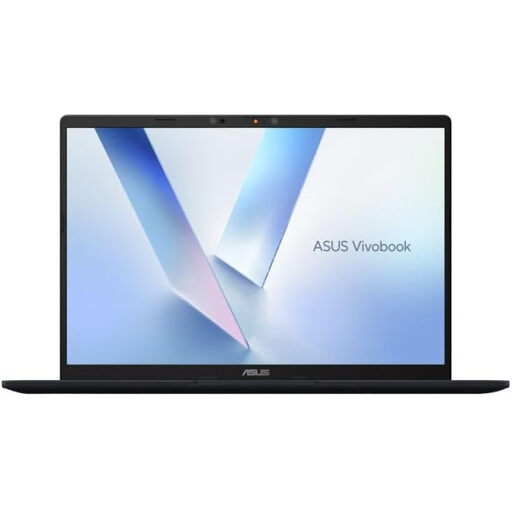 No image available
This 14-inch Snapdragon X laptop is an option to assess for a mobile planning setup. Its title specifies 16GB memory and a 512GB SSD. Confirm that your event software works on this configuration, and check battery runtime and the exact portable-charging requirements before depending on it away from mains power.
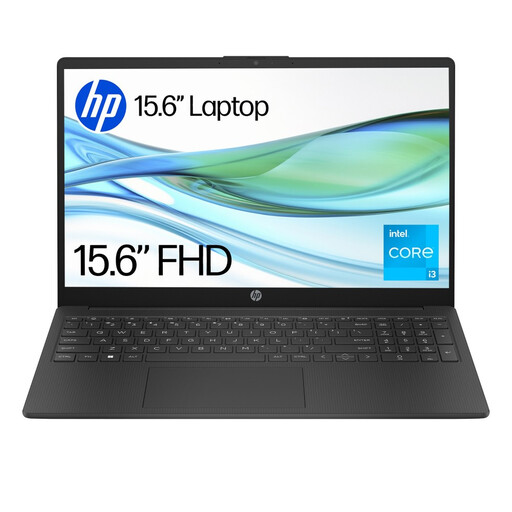 No image available
Check this Windows laptop against the planning apps and files your team must use. Its title specifies a Core i3-N305 processor, 4GB memory and 128GB UFS storage. Confirm any app-installation restrictions and whether the laptop accepts the portable charging source you intend to use.
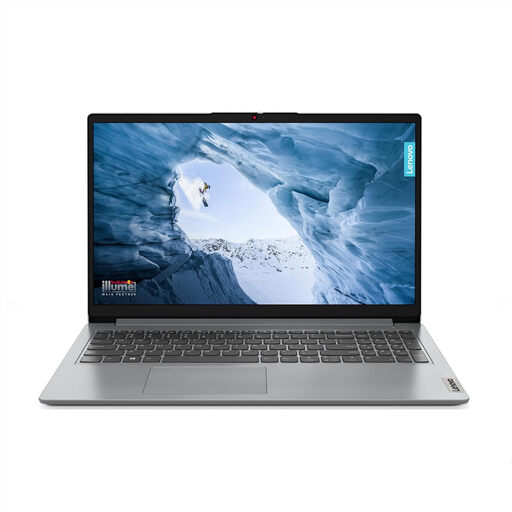 No image available
Consider this configuration if a larger screen fits your mobile planning routine. The title specifies a Full HD display and Windows 11 Home in S Mode. Check whether required apps can be used in S Mode, and confirm screen brightness, battery-test conditions and charging options for work away from mains power.
 No image available
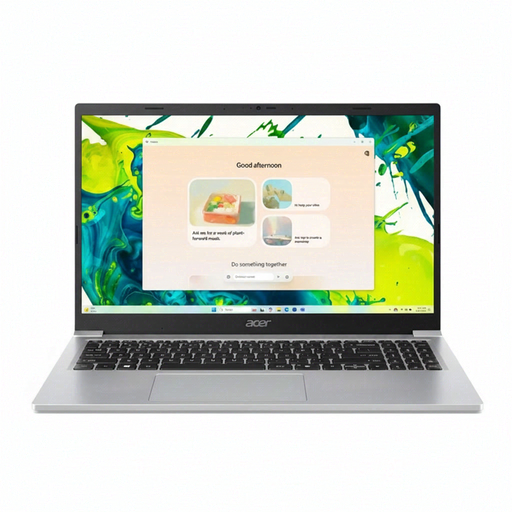
This Windows 11 Home laptop is another option to assess for event documents and other everyday planning tasks. Its title specifies a 15.6-inch Full HD display, 8GB DDR4 memory and a 128GB SSD. Check display brightness, battery-test conditions and laptop charging support before using it at a site without mains power.
Not necessarily: it describes a particular test activity, not guaranteed event-day use. Apple, for example, specifies up to 18 hours of video streaming or up to 15 hours of wireless web use for the MacBook Air with M5; plan for your actual apps, connectivity, screen brightness and connected devices.
No; check that the exact laptop accepts USB-C Power Delivery input and that the power source meets its required charging profile. Apple specifies charging from a USB-C adapter or another USB Power Delivery source for the MacBook Air with M5, with a 30W minimum, but that does not establish compatibility for other models.
Include laptop charging in the wider event electrical plan rather than treating it as a separate extension-lead task. The Health and Safety Executive’s event guidance calls for equipment and installations to be properly selected, installed and maintained, with factors such as generators, earthing, cable routes, weather and access considered; agree site-specific arrangements with the venue and appropriately competent support.
No. GOV.UK guidance says battery-powered products can still be electrical and electronic equipment even when they are not connected to mains power. That guidance chiefly addresses producers and placing equipment on the market; for an individual purchase, check the retailer’s or manufacturer’s available take-back and recycling route.