Joybuy options for the setup
These options cover desk connections, separate keyboard-and-mouse input and a monitor for a fixed desk. Choose the combination around where you work and the connections your laptop supports.
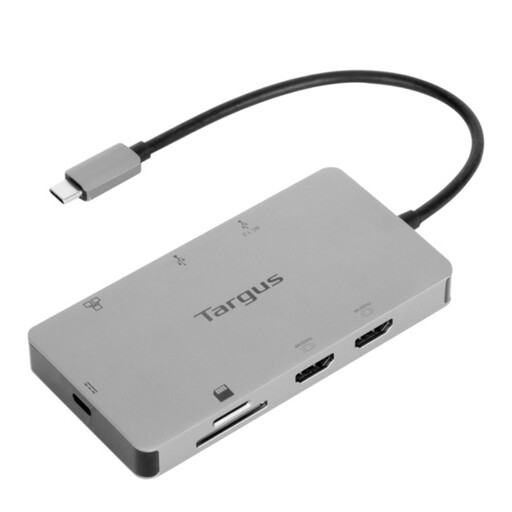 Image unavailable
Targus USB-C Universal Dual HDMI 4K Docking Station, 100W PD Pass-Through
For a desk with displays and several peripherals, the listing specifies two HDMI outputs, USB ports and Gigabit Ethernet. It lists dual 4K at 60Hz output and up to 100W power delivery pass-through; check your laptop’s display and charging support, and confirm whether the specified external 100W+ adapter is included.
View on Joybuy
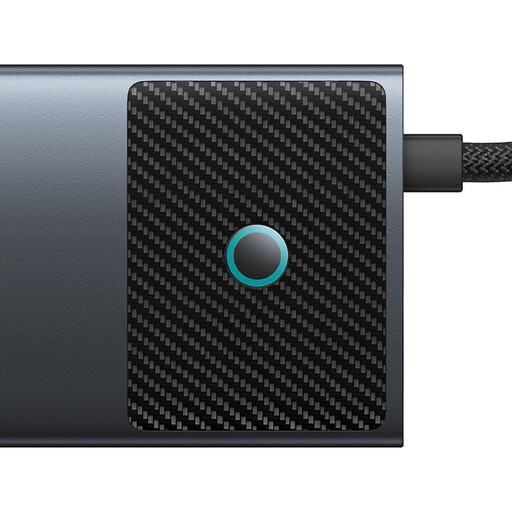 Image unavailable
Baseus Metal Gleam Series II 10-in-1 USB-C Hub, Cosmic Black
For a desk needing display and peripheral connections, this hub lists two HDMI outputs with different stated maximums—4K at 120Hz and 4K at 60Hz—plus USB ports and Gigabit Ethernet. Its 100W figure is a PD input maximum, not a confirmed laptop charging rate; check USB-C DisplayPort Alt Mode and external-display support on your laptop.
View on Joybuy
 Image unavailable
V7 V7UC-U3CRJ45HDVG-BLK USB-C Adapter
For one external display plus desk connections, this adapter lists HDMI up to 4K at 30Hz, VGA up to 1920 × 1200 at 60Hz, Gigabit Ethernet and two USB 3.0 ports. The listing specifies single-display operation and requires USB-C Alt Mode for video; do not assume its HDMI and VGA outputs can run two displays at once.
View on Joybuy
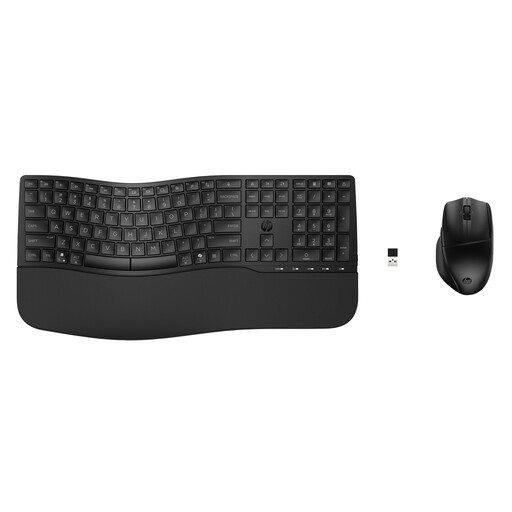 Image unavailable
HP 680 CFT Dual-Mode Keyboard and Mouse Set
This set provides separate typing and pointing devices for a raised laptop or external-display desk. The listing describes Bluetooth or USB-receiver connections and support for up to three devices; confirm that the keyboard’s physical layout suits you. A stand or separate display addresses the screen-positioning part of the setup.
View on Joybuy
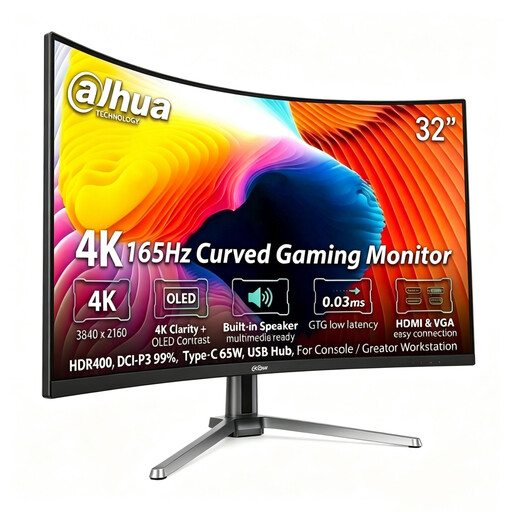 Image unavailable
Dahua Curved 4K OLED Monitor, 165Hz, Type-C 65W
For a fixed desk with a separate screen, the listing specifies 3840 × 2160 resolution, height adjustment, HDMI 2.1 and DisplayPort 1.4 inputs, and a USB hub. Its title says 32 inches while its technical details say 31.5 inches, so check the exact size and desk fit. Also confirm Type-C video functionality and compatibility with your laptop before planning a Type-C connection.
View on Joybuy
Frequently asked questions
Is a laptop stand enough, or do I need a monitor?
A stand can form part of the setup if you also use a separate keyboard and mouse, as the Health and Safety Executive advises for an elevated laptop screen. A separate monitor is another option when you have a fixed desk and want a display that stays there; neither choice is required for every hybrid worker.
What should I check before buying a USB-C dock?
Check your exact laptop model’s USB-C video, USB4 or Thunderbolt capability, supported display count and charging requirement against the dock and cable specifications. Confirm operating-system conditions and the resolution and refresh rate you intend to use; a USB-C connector alone does not establish those functions.
Can every Mac run two external displays through a dock?
No. Apple says external-display support depends on the Mac model and each display’s resolution and refresh rate. For Kensington’s SD5760T specifically, Kensington states that M1/M2 base-chipset MacBooks support one external display, so check both the exact Mac and dock before buying for two screens.
Should I discuss my home workstation with my employer?
Yes, if you are an employee using display screen equipment regularly at home and at work, raise workstation concerns through your employer’s process. The Health and Safety Executive says assessments for people using such equipment in both places should cover both situations; separate Health and Safety Executive for Northern Ireland guidance addresses workers who routinely split their time between home and workplace.
When should I consider a separate webcam?
Consider one when regular work calls call for camera placement independent of the laptop screen or a physical privacy shutter. Check your organisation’s meeting platform and any software or operating-system requirements before relying on additional webcam features.


