What should you check before buying?
Decide how you will position the screen and input devices, then check the space available and the exact laptop connections before choosing a display or dock.
| Priority | What to check | Your needs |
|---|
| Screen and input position |
Check the screen height and where your arms rest while typing. HSE advises a separate keyboard and mouse if you raise a laptop on a riser; a separate display is also an option. |
I use the laptop for long stretches and want to position the screen without having to type on a raised laptop keyboard. |
| Laptop compatibility |
Check the exact model’s video output and supported external-display count, then match the cable or adapter. For a dock, also check host compatibility, charging requirements and employer IT restrictions; connector shape alone does not establish these functions. |
A monitor or dock needs to work with my actual work laptop, not just have a connector that looks right. |
| DSE assessment |
For employees covered by the DSE rules, establish what the individual assessment requires for home and office use before personally buying equipment described as necessary for work. HSE says workers cannot be charged for action or equipment required by that assessment. |
Before paying for work equipment myself, I want to know whether an applicable employer assessment identifies what is needed. |
| Desk space and portability |
Measure the usable desk area and decide what must move between locations. A riser and separate peripherals can be stored away; a monitor and dock call for space for the equipment and connections. |
My home desk may be shared, so I need to decide whether to pack the setup away or leave a display in place. |
Relevant brand and technology guidance
These references help with model-specific connection checks; they do not establish that every product from a brand will suit your laptop.
Apple
Apple’s Mac guidance is relevant when connecting a compatible Mac laptop to an external display.
- Apple explains how to identify a Mac’s video ports and the cables or adapters needed for a display.
- Apple says supported display count depends on the specific Mac model; check that model before selecting a monitor or dock.
Microsoft Surface
Microsoft’s Surface documentation helps users check a particular Surface model against an external display or compatible dock.
- Microsoft documents display connections and, for the Surface USB4 Dock, host power acceptance.
- Display connection depends on the Surface model and cables or adapters; the host may also limit the power it accepts from a dock.
DisplayLink
DisplayLink’s support guidance is relevant when considering a DisplayLink-enabled dock or adapter.
- DisplayLink explains connection options for its enabled products, including USB-C docks.
- DisplayLink says USB-A docking stations are not designed to charge laptops. Check charging and display behaviour for the particular dock and host.
Joybuy workspace options
These options cover separate input devices, portable and desk-based displays, and USB-C connection accessories for a hybrid laptop workspace. Check the exact work laptop and, where applicable, the employer’s DSE assessment before choosing equipment.
 No image available
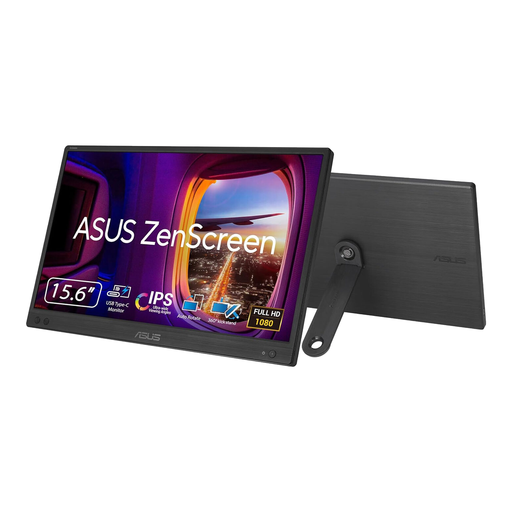
ASUS ZenScreen MB166CR FHD
Consider this external-display option if you need a screen that can move between work locations. Its name specifies FHD; confirm the connection required by this model and whether your work laptop supports it.
 No image available
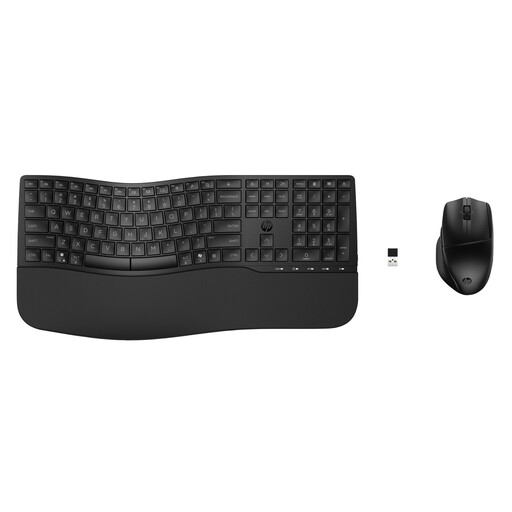
HP 680 CFT Dual-Mode Keyboard and Mouse Combo
A separate keyboard and mouse let you use a laptop riser without relying on the raised laptop’s built-in controls. Check the supplied keyboard layout, connection method and your employer’s device policy.
 No image available
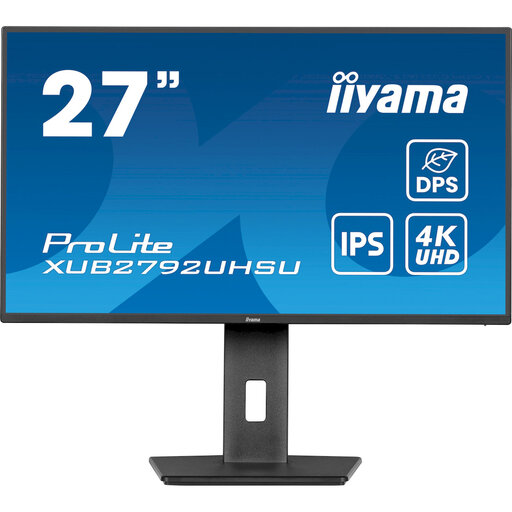
iiyama ProLite XUB2792UHSU-B6 27-inch 4K UHD Monitor
This 27-inch, 4K UHD display is an option for a home desk where you can leave a monitor in place. Check the available desk space, the monitor’s intended connection and the laptop’s supported display output.
 No image available
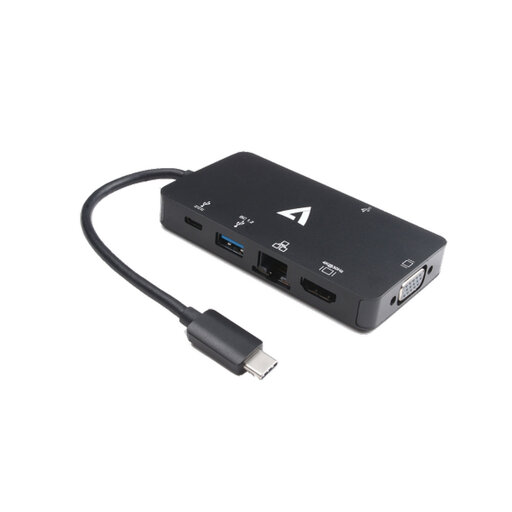
V7 V7UC-U3CRJ45HDVG-BLK USB-C Adapter
For a desk that needs display, network and USB connections, the product name specifies 4K HDMI, VGA, Gigabit Ethernet, two USB 3.0 ports and 100W Power Delivery. Check the laptop’s video mode and charging requirements before relying on those connections.
 No image available
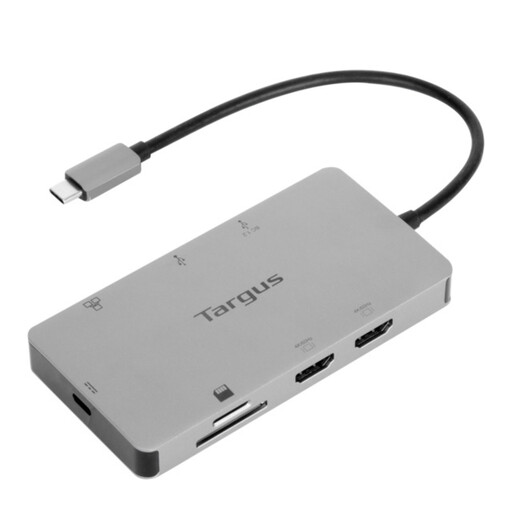
Targus USB-C Universal Dual HDMI 4K Docking Station, 100W PD Pass-Thru (Retail Packaging)
Consider this dock for a desk where two HDMI display connections are useful. Its name specifies 4K and 100W Power Delivery pass-through; check the exact laptop’s external-display support, accepted charging power and IT restrictions, plus the power supply needed for your setup.
Frequently asked questions
Does every hybrid worker need an employer-provided monitor?
No. HSE says home workers may not need office-style equipment to achieve a suitable workstation arrangement. For employees covered by the DSE rules, an individual assessment should determine what is needed in their circumstances.
When should a hybrid worker’s laptop workstation be assessed?
According to HSE, employers must carry out a DSE workstation assessment for workers who use display screen equipment daily as part of normal work for continuous periods of an hour or more. Where a worker uses it at home and in the office, the assessment should cover both situations.
Can a worker be charged for equipment required by a DSE assessment?
No. HSE says that where an applicable DSE workstation assessment identifies action that is needed, including equipment provision, the worker cannot be charged for it. An individual assessment establishes what action is required.
Will any USB-C dock work with a work laptop?
Not necessarily. Check the exact laptop model’s video and display support, the dock’s host and cable requirements, accepted charging power and any employer IT restrictions. A USB-C connector by itself does not confirm those functions.
What should go with a laptop riser for prolonged work?
Use a separate keyboard and mouse so you can raise the laptop screen without using its elevated keyboard and trackpad, as HSE advises. If you need more screen space at a regular desk, a compatible separate display is another option.


