For formatting two texts beside a bright window, start with the exact screen configuration: check both its brightness rating and whether the panel has an anti-glare or anti-reflective finish. Then choose enough working space for two readable panes. A smaller laptop is easier to carry, while a larger screen or a compatible external monitor may suit long sessions at one desk; document-software compatibility matters more than graphics hardware for ordinary formatting work.
Who this is for
Window-side document formatters
If you regularly compare or align two text versions near a bright window, check the screen finish and brightness separately rather than choosing on resolution alone. Lenovo UK and Dell UK list configurations with both brightness and surface-treatment details.
Long-session parallel-text workers
If two documents stay open throughout a desk session, usable space for both panes may matter more than a compact laptop. Consider the built-in screen alongside an external-display setup; Microsoft Support documents how Windows Snap positions and resizes windows.
Portable cross-platform editors
If you move between work locations, balance carrying size against the space needed for two texts. Before choosing an operating system, confirm that your documents, fonts, keyboard layout and peripherals work with your intended setup.
What matters when buying
Check the screen and your two-pane layout first, then confirm that the laptop runs the formatting tools you need. Treat portability and support terms as checks on the exact configuration, not the product family.
| Concern | What to check | Who this matters to |
|---|
| Window-side legibility |
Check the selected panel’s brightness in nits and its stated anti-glare or anti-reflective treatment. Neither specification alone guarantees readability in direct sunlight. |
If reflections obscure the page while I compare texts, I need glare control to be a priority. Roughly 34% of consumers put window-side legibility first. |
| Two-text workspace |
Try your usual font size in two panes; compare screen sizes and confirm external-display support if you work mainly at a desk. |
I need both texts visible through a long editing session without constantly switching windows; around 33% of consumers prioritise working space. |
| Workflow compatibility |
Check the editor, required fonts and any macros or add-ins on the intended operating system. Open a representative document there if possible. |
My documents must retain the formatting and tools my work requires; roughly 20% of consumers place workflow compatibility first. |
| Portability and support |
Compare the configured laptop’s weight and ports, then read the warranty and return terms for the exact listing. |
If I move between desks, carrying the laptop and knowing its support terms shape my choice; around 13% of consumers put these ownership needs first. |
Buying pitfalls
-
Choosing by resolution alone
A high-resolution panel can still show distracting reflections beside a window; resolution does not describe its surface finish.
Check the brightness rating and anti-glare or anti-reflective description for the precise screen configuration you plan to buy.
-
Assuming a compact screen suits all-day two-pane work
Arranging two windows does not give each document more physical screen width. Microsoft Support says Windows Snap can position and resize windows, but the available display area still sets a limit.
Try your normal text size in a two-pane layout. If you mainly work at one desk, consider whether a compatible external monitor would serve you better than a larger laptop.
A monitor-based setup also means accommodating a separate display and any compatible cable or dock it requires.
-
Comparing peak HDR brightness with ordinary text use
Apple describes the MacBook Pro’s 1,600-nit figure as peak HDR brightness. It is not a like-for-like measure of full-screen document brightness or glare control.
Compare display figures on their stated measurement basis and, where possible, view the exact panel in lighting similar to your workspace.
-
Assuming every configuration has the same warranty
Joybuy MacBook Air listings for different configurations state different manufacturer-warranty durations, so a product-family name does not establish the cover for your chosen laptop.
Read the warranty and return terms on the exact product page before checkout, including who provides the stated cover.
Brands to consider for this setup
Lenovo
A ThinkPad configuration is worth examining when a portable Windows laptop with clearly specified screen treatment is the priority. Lenovo UK lists a ThinkPad X1 Carbon Gen 13 configuration with a 14-inch 2.8K OLED display, anti-glare and anti-reflective treatments, and 500-nit brightness.
- The stated panel details let you assess brightness and reflections separately for that configuration.
- Do not apply those display specifications to every ThinkPad or X1 Carbon variant; check the exact model you select.
Apple
MacBook Air is an option if your formatting tools work on macOS and you want to assess a built-in screen alongside external-display support. Apple UK lists 500-nit Liquid Retina specifications for MacBook Air.
- Apple UK provides display and connectivity specifications to check against the chosen MacBook configuration.
- A brightness figure does not establish anti-glare treatment. Apple’s 1,600-nit MacBook Pro figure refers to peak HDR brightness, not ordinary full-screen text use.
HP
HP’s ZBook range is more relevant if parallel-text formatting sits alongside demanding professional work. HP United Kingdom lists 14-inch and 16-inch mobile-workstation options.
- The range offers different screen sizes to examine when the same laptop must also handle heavier workloads.
- Workstation capability alone does not answer the bright-window question; compare the selected panel’s finish, brightness and working area separately.
Joybuy laptop choices for window-side text work
These laptops offer different built-in screen sizes and configurations for formatting two texts. Check the exact display, software fit and workspace arrangement against your own documents before choosing.
 No image available
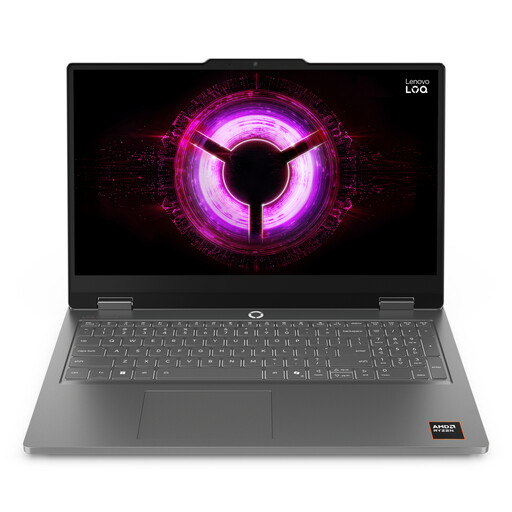
Lenovo LOQ Essential 15ARP11, Ryzen 7 170, RTX 5050
Consider this configuration if you want a 15.6-inch built-in screen for two text panes; assess its window-side visibility in your usual lighting.
The product name specifies a 144Hz FHD display, 16GB RAM and a 1TB SSD. Its gaming hardware should not be mistaken for a requirement of ordinary document formatting.
View on Joybuy
 No image available
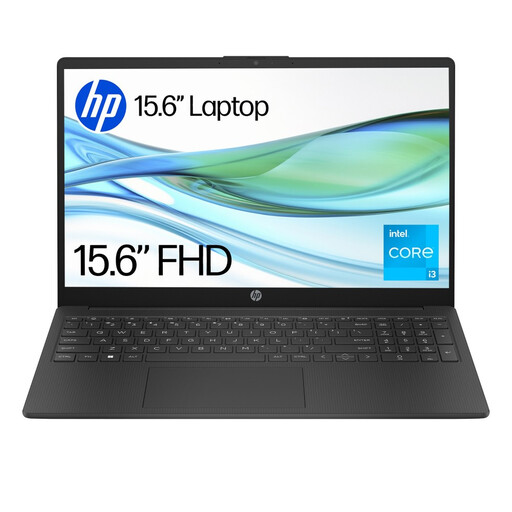
HP 15-fd0060na, Core i3-N305, 4GB
Consider this laptop for a larger built-in two-text workspace, provided your intended editor and other applications suit its configuration.
The product name specifies 128GB UFS storage and Windows 11 Home S. Check application installation and compatibility for the stated S Mode setup; the listed 4GB RAM also warrants a check against your multitasking needs.
View on Joybuy
 No image available
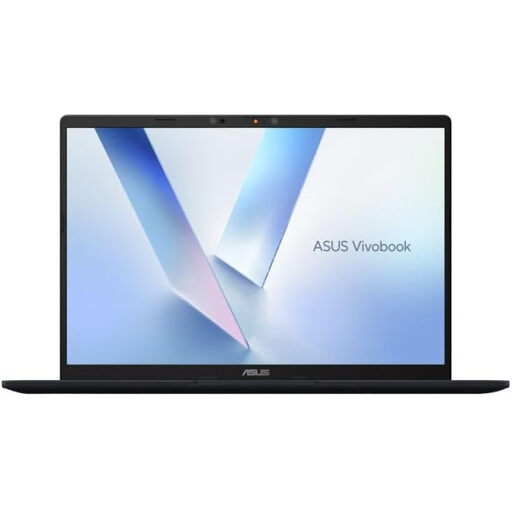
ASUS Vivobook 14 X1407QA-LY003W Copilot+ PC
Consider this 14-inch route if carrying the laptop matters and you can check whether its built-in screen gives both texts enough room, or plan to use a compatible external display.
The product name specifies Snapdragon X, 16GB RAM and a 512GB SSD. Confirm that your formatting software, fonts and add-ins work on the selected Windows configuration.
View on Joybuy
 No image available
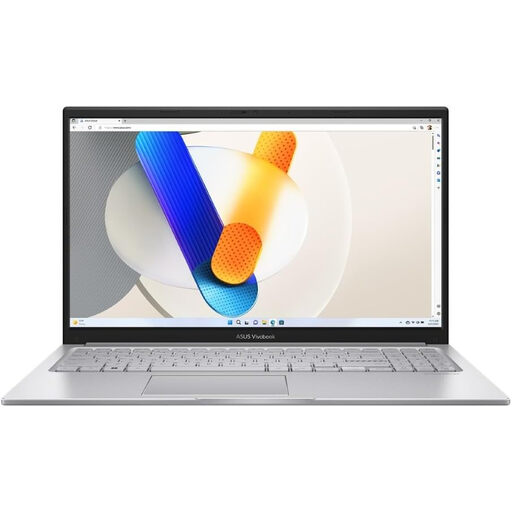
ASUS Vivobook 15 X1504VA, Core 5 120U, 24GB
Consider its 15.6-inch built-in screen if you want both documents on the laptop rather than a separate monitor.
The product name specifies a 1TB SSD. For work beside a bright window, confirm the selected panel’s brightness rating as well as its surface finish before buying.
View on Joybuy
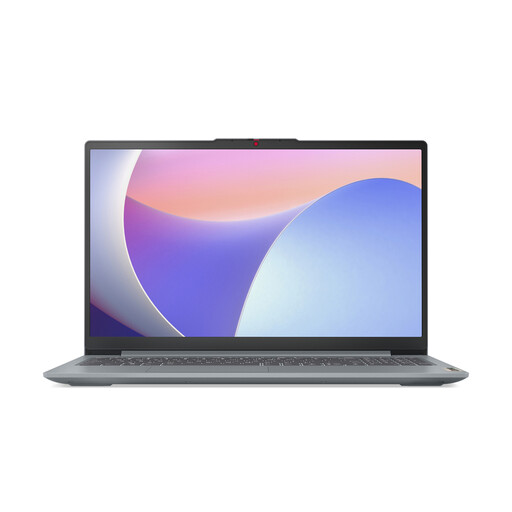 No image available
Lenovo IdeaPad Slim 3 15IAH8, 83ER00G4UK
Consider this 15.6-inch variant for a larger built-in two-document layout, while checking whether its screen suits the light at your desk.
The product name specifies an Intel Core i5, 8GB RAM and a 512GB SSD. Check the selected panel’s brightness and your applications’ memory requirements before buying.
View on Joybuy
Frequently asked questions
What should I check on a laptop screen beside a bright window?
Check both the exact panel’s brightness rating and whether it has an anti-glare or anti-reflective finish. Lenovo UK and Dell UK list configurations that state these details, but a brightness figure alone cannot establish readability in direct sunlight.
Can Windows put two text documents side by side without extra software?
Yes. Microsoft Support says Snap in Windows 10 and Windows 11 can position and resize windows, including side-by-side layouts. You still need to check whether both documents remain readable on the screen size you choose.
Should I choose a 14-inch laptop or a 15- or 16-inch model?
Choose the larger built-in screen if two readable panes must stay visible through long desk sessions. A 14-inch laptop may suit frequent carrying, particularly if a compatible external display is available at your main desk; confirm the chosen laptop’s display-output support first.
Will every configuration of a laptop have the same warranty?
No; check the terms for the exact configuration you buy. Joybuy MacBook Air listings for different configurations state manufacturer-warranty durations of one year and three years respectively, so read the selected product page’s warranty and return terms before checkout.


