What matters when choosing?
Confirm that your report and annotation software works with the operating system you choose. Then compare the exact panel’s surface treatment and brightness, and consider how often you will carry the laptop.
| Concern |
What to check |
Who this matters to |
| Screen readability |
Check the configured panel’s surface finish and whether its brightness figure refers to SDR use or HDR peak output. |
If the window reflects in my draft, I need to read and annotate without continually moving the screen or my chair. Around 50% of consumers put screen readability first. |
| Portable document work |
Check whether the screen size works for your draft and reference material, and whether the laptop is comfortable to carry. |
When I review reports in different rooms, I need a laptop I can move easily while still checking its screen in bright light. Roughly 30% of consumers prioritise portable document work. |
| Software compatibility |
Confirm the operating system and support for required report, annotation and organisation-managed apps. |
If my work depends on particular applications, I need them to run on the laptop I choose. About 20% of consumers make workflow compatibility their primary concern. |
Laptop choices on Joybuy
These laptop configurations offer starting points for document work. Compare each exact panel’s finish and brightness for your window-side position, and check that its software setup fits your workflow.
 No image available
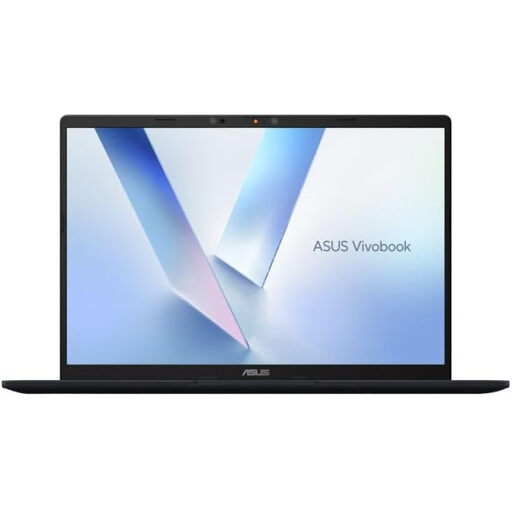
ASUS Vivobook 14 X1407QA-LY003W Copilot+ PC, Quiet Blue
For report review beside a window, check whether this variant’s panel finish and brightness work from your usual seat.
Snapdragon X; 16GB RAM; 512GB SSD. Confirm that your required applications support this configuration.
Joybuy
 No image available
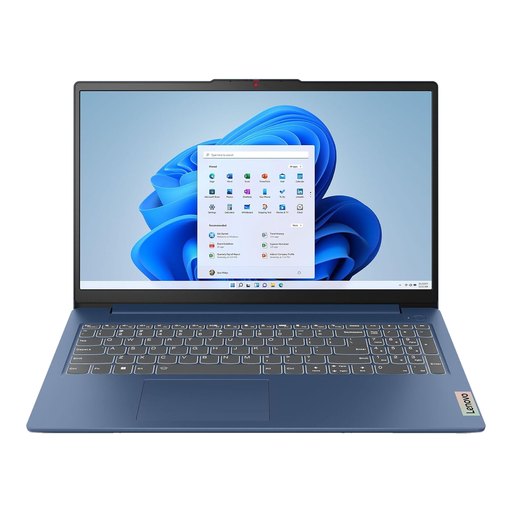
Lenovo IdeaPad 3 15IAU7, 82RK0177UK, Blue
If you want a 15.6-inch screen for a draft and reference material, check the exact panel’s brightness and finish before choosing a window-side position.
Intel Core i7; 16GB RAM; 512GB SSD.
Joybuy
 No image available
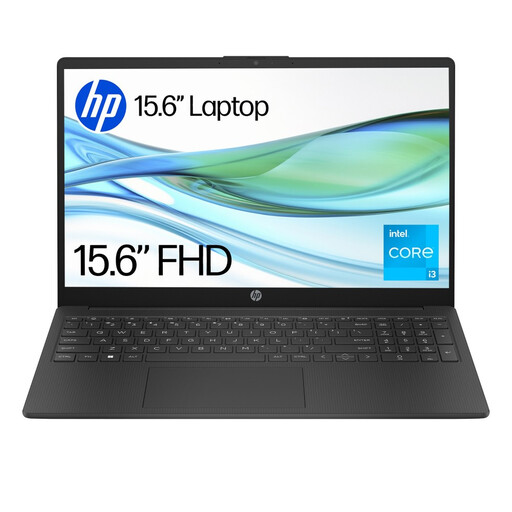
HP 15-fd0060na, Core i3-N305, 4GB RAM, 128GB UFS
Before using this laptop for report annotation, check the screen in your window-side position and confirm that your required apps can be installed.
The product information identifies Windows 11 Home in S mode, which restricts app installation while that mode is active.
Joybuy
 No image available
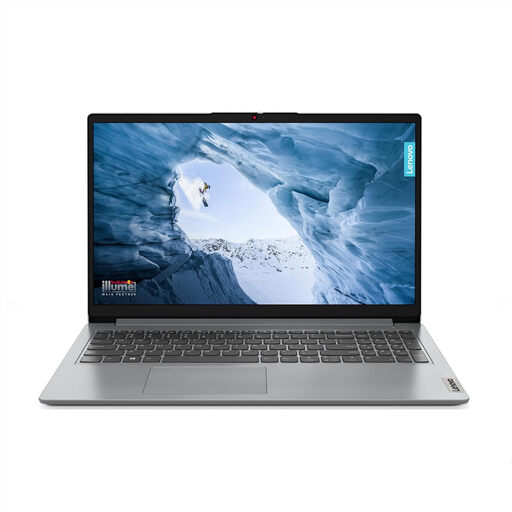
Lenovo IdeaPad 1 15-inch, Ryzen 3 7320U, Cloud Grey
For document work beside a bright window, confirm the selected Full HD panel’s brightness and assess it from your normal working position.
8GB RAM; 128GB SSD; Windows 11 Home in S mode. Check whether your report and annotation apps work in that mode.
Joybuy
 No image available
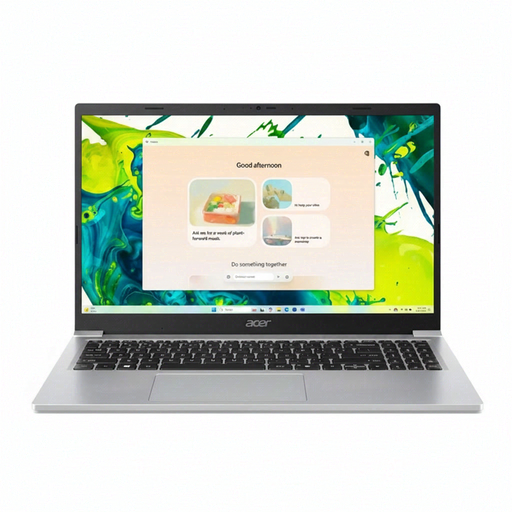
Acer Aspire Lite AL15-36P-C29Z, Intel N150, Silver
If you need a 15.6-inch screen for everyday report work, confirm the exact panel’s brightness for your desk beside the window.
Full HD; 8GB DDR4 RAM; 128GB SSD. Check whether the supplied Windows 11 Home installation is in S mode before relying on particular apps.
Joybuy
Frequently asked questions
Is a higher brightness rating enough beside a bright window?
No. Compare the exact panel’s brightness and surface finish together, then assess reflections from your working position. Dell, Lenovo and ASUS list anti-glare or low-reflection options on relevant configurations, but a brightness number alone does not identify the screen treatment.
How should I try a new laptop at my desk?
Open a text-heavy draft from your usual chair during the retailer’s applicable return period and check readability at a comfortable brightness. GOV.UK says customers buying online in the UK can generally cancel up to 14 days after delivery; check applicable exceptions and the seller’s procedures before ordering, and handle the laptop with care while trying it.
MacBook Air or MacBook Pro for a bright room?
If your workflow requires macOS, compare the actual room and screen finish before deciding. Apple lists 500 nits for MacBook Air and states up to 1,000 nits SDR brightness in bright light for current MacBook Pro models; a nano-texture finish is available on relevant MacBook Pro configurations, so check the exact model you would order.
What should I do with an old laptop in the UK?
Erase your personal data before passing the laptop on for reuse or recycling. GOV.UK says waste electrical products can be taken to a local household waste recycling centre rather than put in household rubbish.


